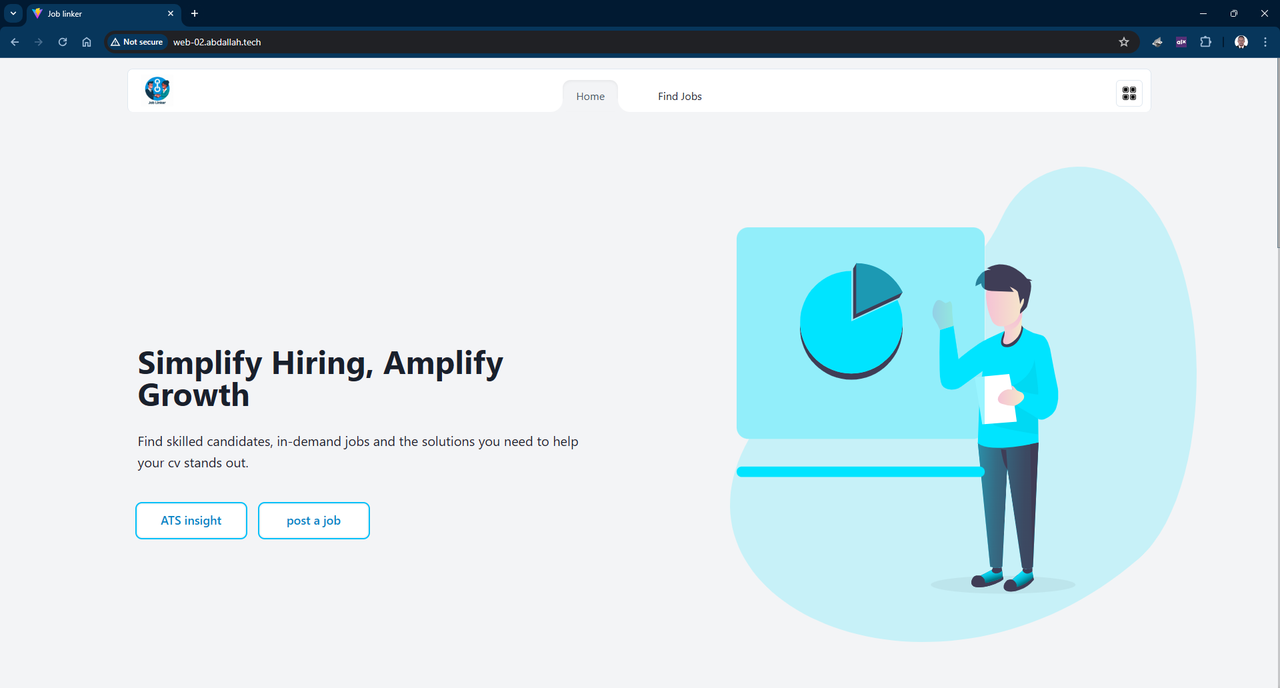
Welcome to JobLinker, a revolutionary platform that leverages the power of Artificial Intelligence to bridge the gap between recruiters and job seekers. Our application streamlines the recruitment process, providing advanced Applicant Tracking System (ATS) insights, facilitating the discovery of in-demand job opportunities, and simplifying the task of identifying qualified candidates.

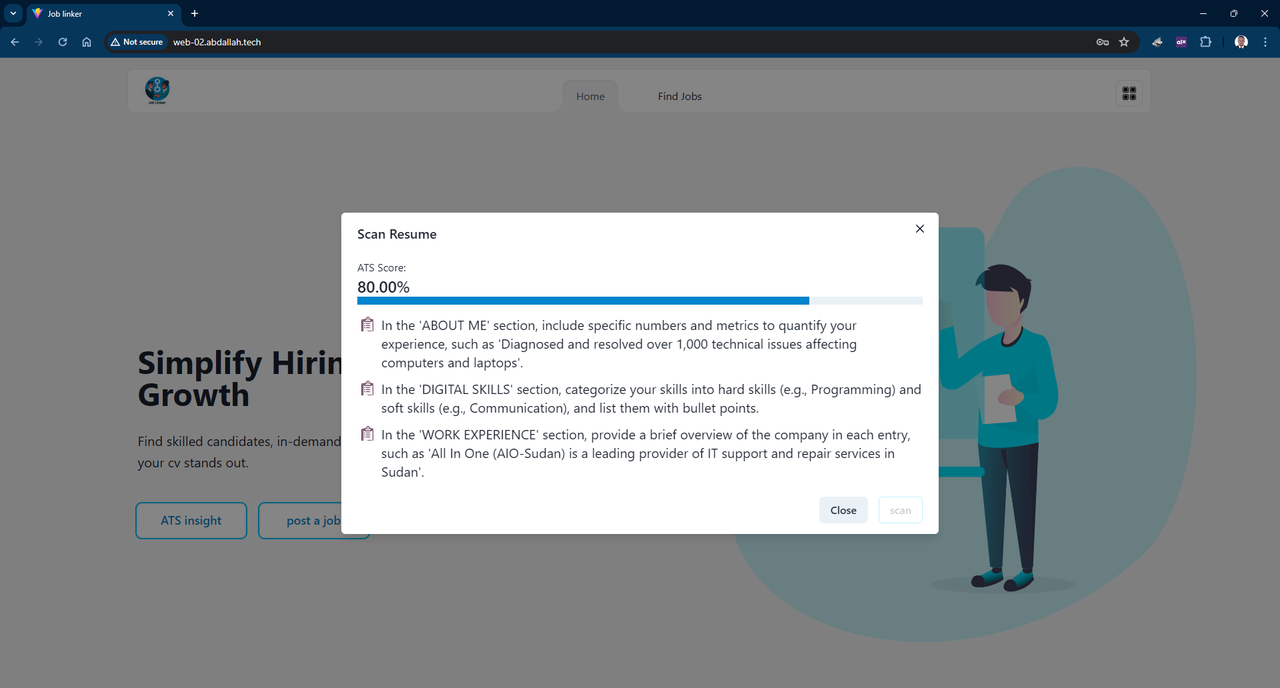
- ATS Insights: Provides candidates with valuable feedback on their resumes, enhancing their visibility to potential employers.
- Job Discovery: Connects job seekers with the most relevant job openings in the market, tailored to their skills and preferences.
- AI Recruitment: Empowers recruiters with AI tools to efficiently identify the best-suited candidates for their vacancies.
- React: A JavaScript library for building dynamic and responsive user interfaces. React
- Chakra UI: A simple, modular and accessible component library that gives you all the building blocks you need to build your React applications. Chakra UI
- React Router DOM: Declarative routing for React. React Router DOM
- Vite: A next-generation frontend build tool that significantly improves the frontend development experience. Vite
- Flask: A lightweight WSGI web application framework for crafting elegant API services. Flask
- SQLAlchemy: A SQL toolkit and Object-Relational Mapping (ORM) system for Python, providing a full suite of well known enterprise-level persistence patterns. SQLAlchemy
Visit: Job linker
git clone https://github.com/Abdallah-Abdelrahman/Job-linker.git
cd Job-linker- Ensure the
makeutility is installed on your machine. - Execute
make setupto install all project libraries and dependencies for both frontend and backend. - Upon successful installation, run
make runto start both backend and frontend services. - If any dependency fails to install, attempt manual installation.
- Access the application by navigating to
localhost:5173in your web browser.
- Install frontend dependencies using
yarnornpm installif you prefer npm. - Navigate to the
serverdirectory. - Set up a virtual environment with Python 3.10+:
python3 -m venv venv
source venv/bin/activate
pip install -r requirements.txt- From the project root directory, start the backend API service with
yarn api. - Launch the frontend development server with
yarn dev.
To leverage the full potential of AI within JobLinker:
- Obtain a Google API key by visiting Google Cloud Platform.
- Store the API key in your environment variables as
GOOGLE_API_KEY.
Explore the platform, and if it meets your expectations, consider starring our repository!
The inspiration for JobLinker came from observing the challenges faced by both job seekers and recruiters in the Middle East. The traditional job hiring process can often be time-consuming, inefficient, and sometimes unprofessional, leading to frustration on both ends.
For job seekers, finding a good job that matches their skills and career aspirations can be like finding a needle in a haystack. The process of searching for suitable jobs, tailoring resumes for each application, and waiting for responses can be daunting and exhausting.
On the other hand, recruiters are inundated with a multitude of applications for each job posting, making it difficult to identify qualified candidates. The process of reviewing each application, shortlisting candidates, and coordinating interviews is labor-intensive and time-consuming.
JobLinker was born out of the desire to make this process more efficient and professional. By leveraging AI technology, JobLinker streamlines the recruitment process, making it easier for job seekers to find suitable jobs and for recruiters to find qualified candidates. Our goal is to revolutionize the job market in the Middle East, making job hunting and recruitment a seamless and enjoyable experience.
This project is licensed under the terms of the MIT License. This means you are free to use, copy, modify, merge, publish, distribute, sublicense, and/or sell copies of the software, under the condition that you include the original copyright notice and a copy of the MIT License in all copies or substantial portions of the software.
For more details, see the LICENSE file in the repository.
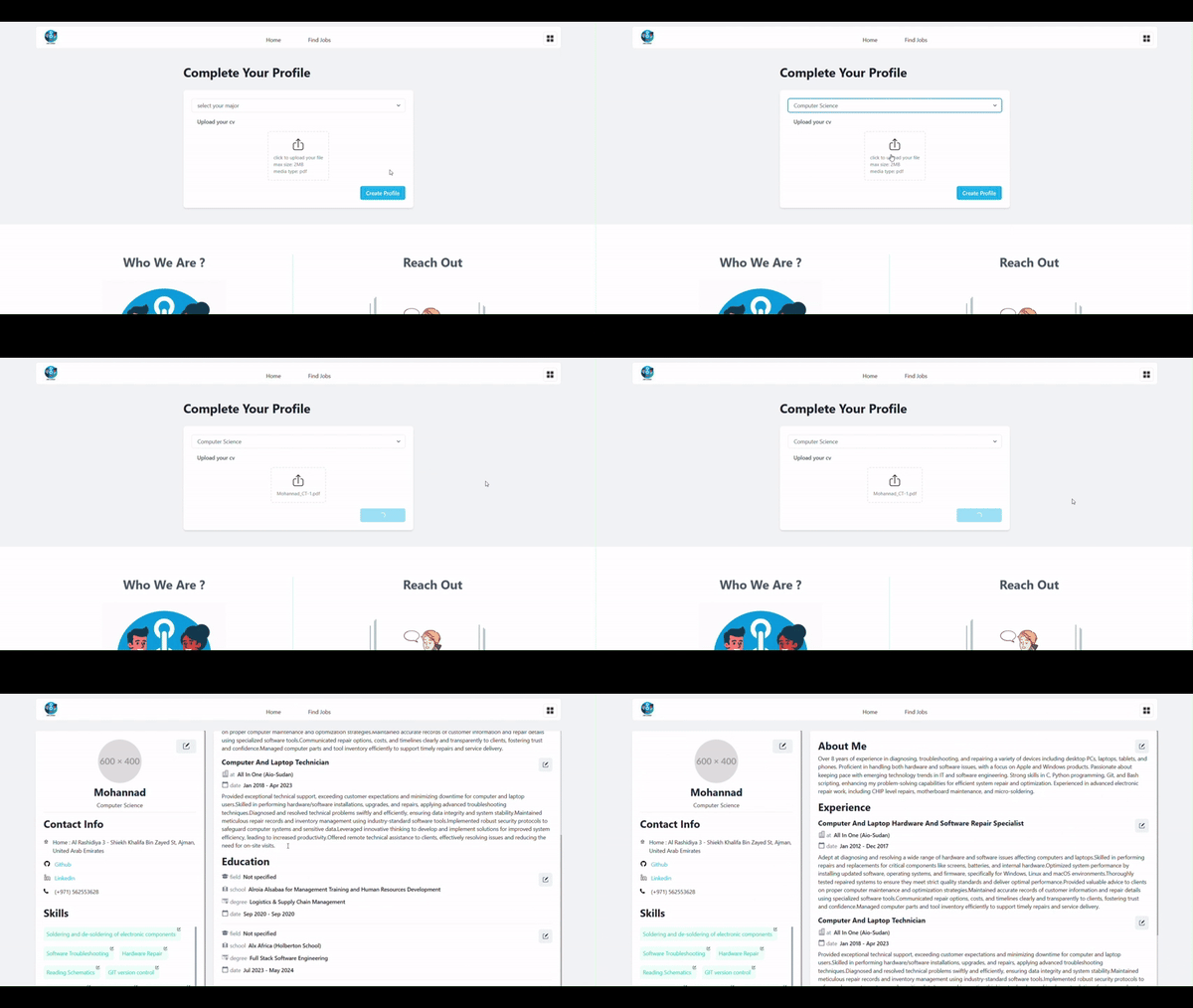
- Registration and Login: Upon first registration and login, an email is sent to the user to verify their email. After verification, the user is redirected to the home page to build their profile.
- Profile Building: The next step is for the user to choose a major and upload their CV file. The app extracts the text from the file and concatenates it with a professional prompt to instruct the Gemini API on how to extract the data correctly. After the response comes from the AI, the data is parsed, filtered, corrected, and then the profile is automatically populated with the candidate's data.
- Registration and Login: The process is the same as for the candidate. For the first login, the recruiter needs to enter their company name, email, and address.
- Job Posting: The recruiter can easily upload a job description file, which is processed by the AI, and then the job is published instantly.
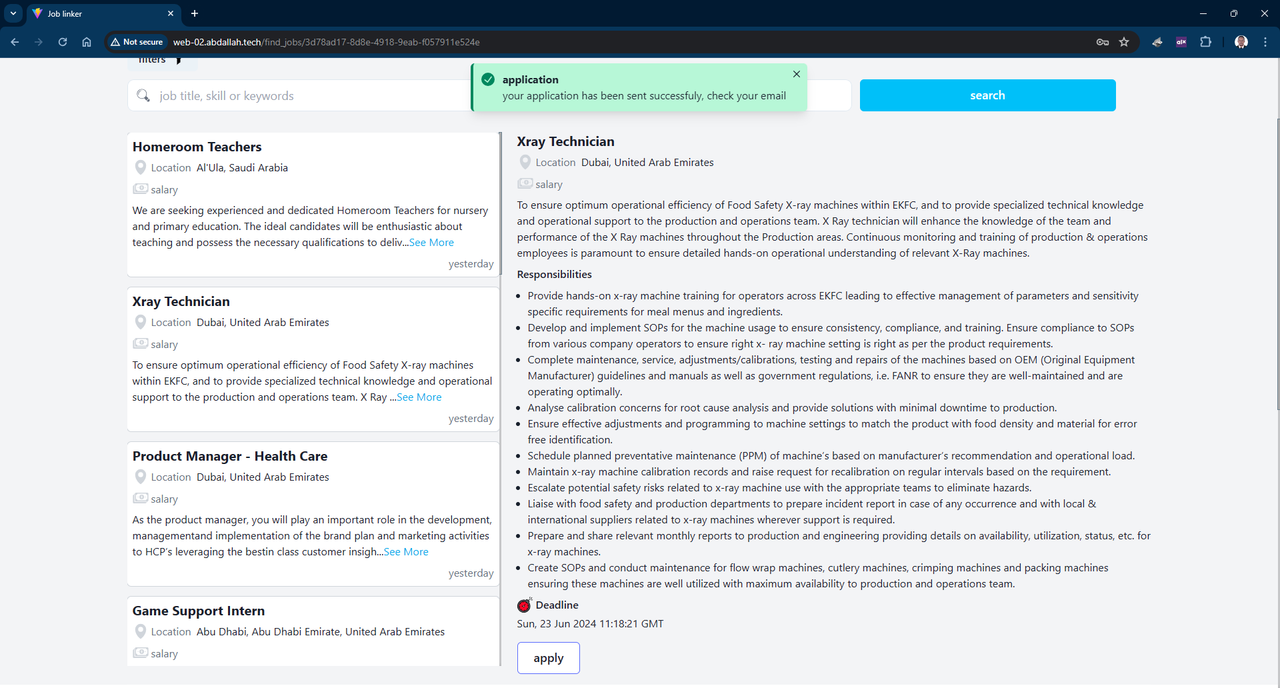
When a candidate applies for a job, the application process involves gathering the candidate's education, work experiences, and skills and concatenating them together as candidate data. Then, the job description and responsibilities are concatenated together as job details. The job and candidate details are sent to the AI to calculate a matching score to be added to the application. Then, the candidate receives a notification email.
When a recruiter decides to close a job, the app gathers all applications for the job, matching the match_score with a predefined value. For the candidates with a higher score, it sends a congratulations email and tells them to prepare for the interview. If the score is lower, a rejection email is sent to the candidate. Finally, the recruiter receives an email containing a list of the shortlisted candidates to begin scheduling the interviews.