🛩️
Aircraft Phase Management System manages and track military aircraft while they undergo maintenance inspections.
- Clone the GitHub repository to your computer.
- Make sure that you have meteor installed, a guide can be found here.
- Next, cd into the app/ directory of your local copy of the repo, and install third party libraries with:
meteor npm install - Run the system with:
meteor npm run start - Go to http://localhost:3000 to see the app.
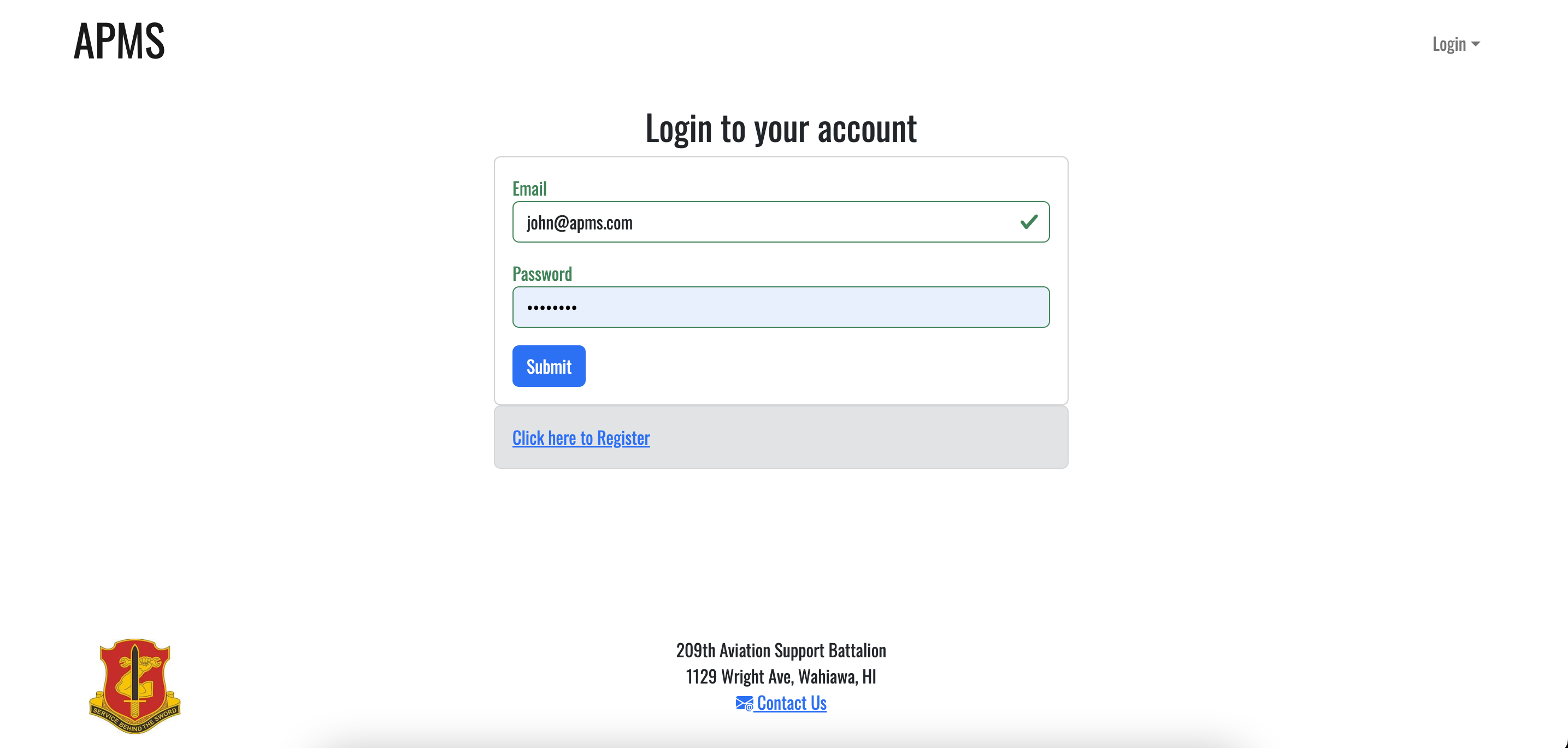
- email: john@apms.com, password: changeme
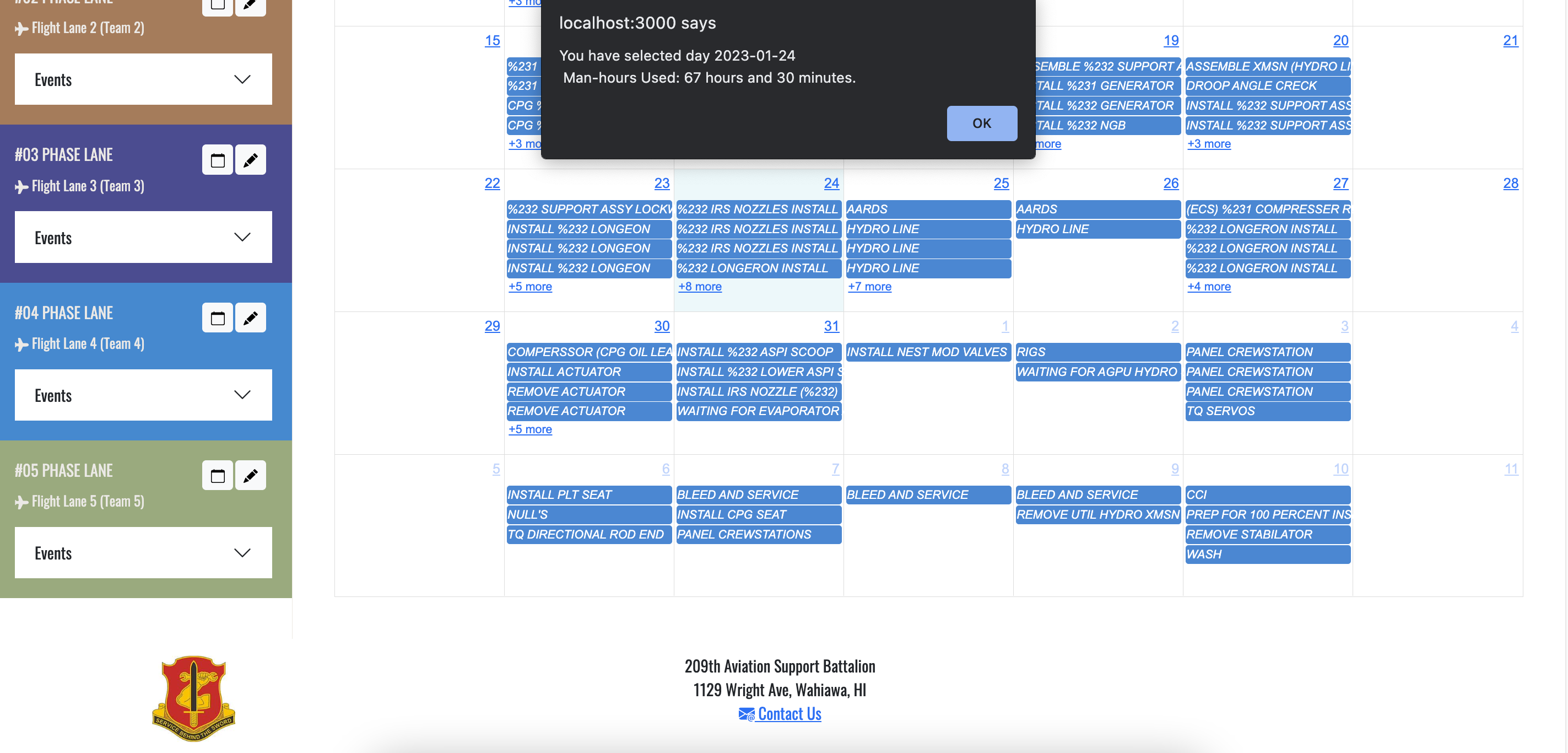
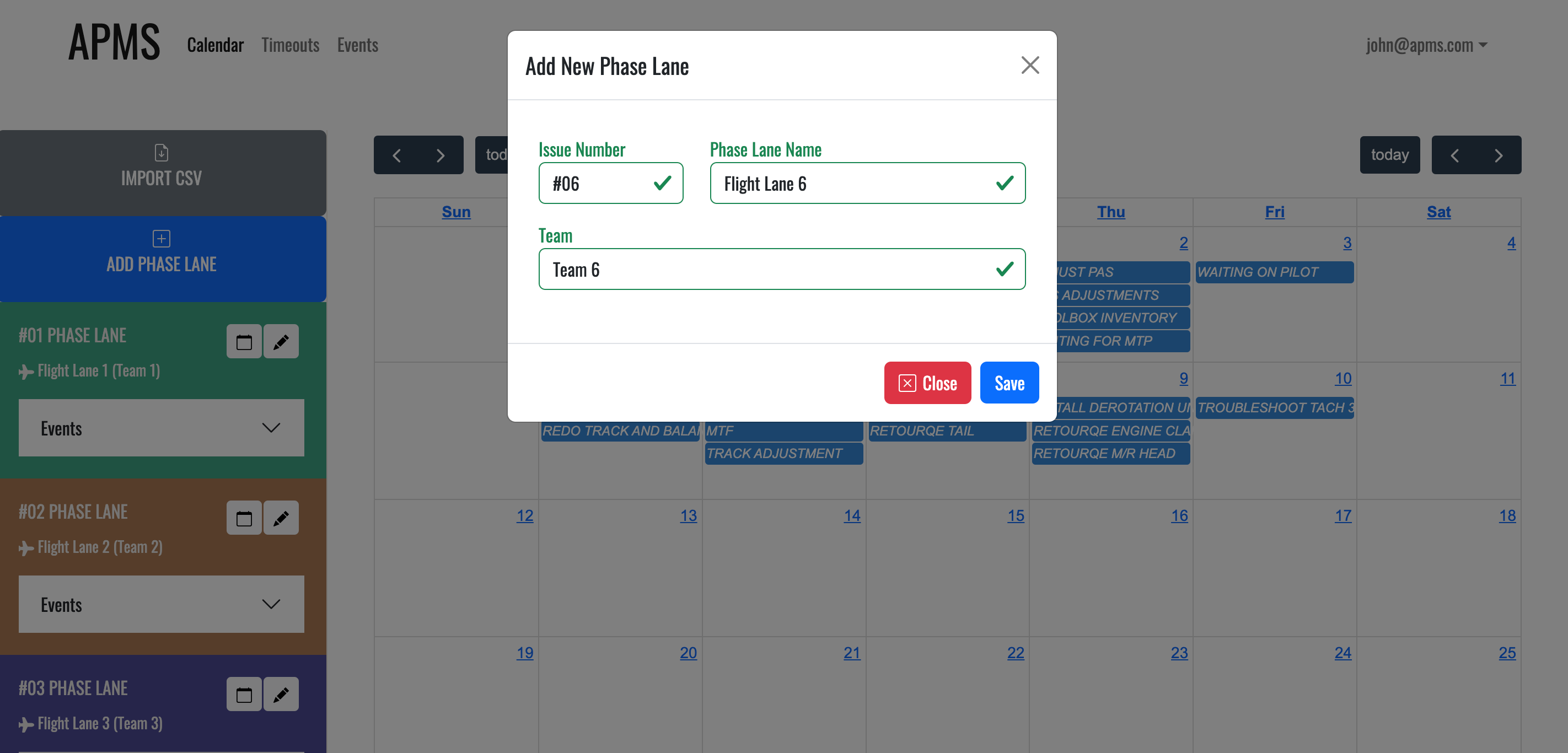
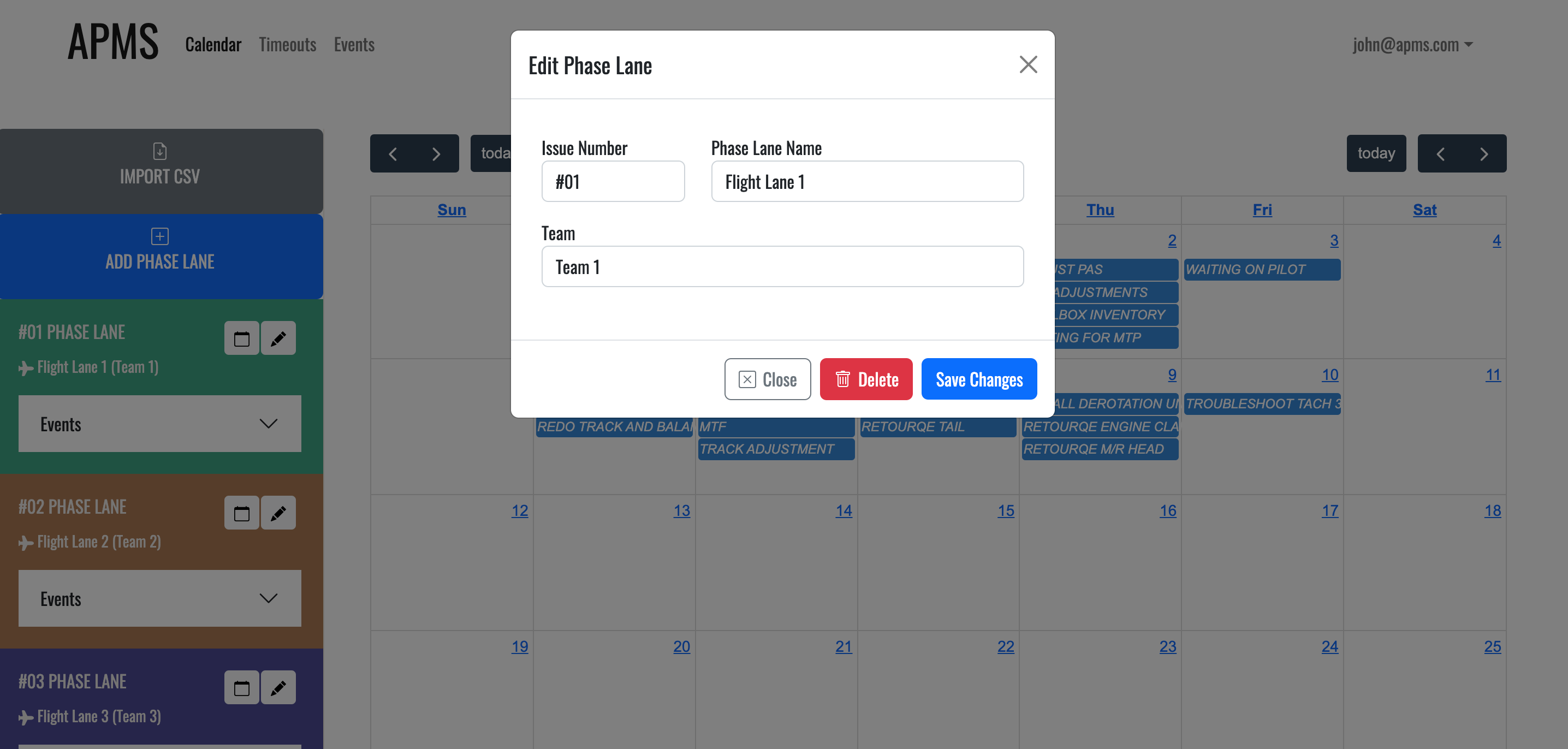
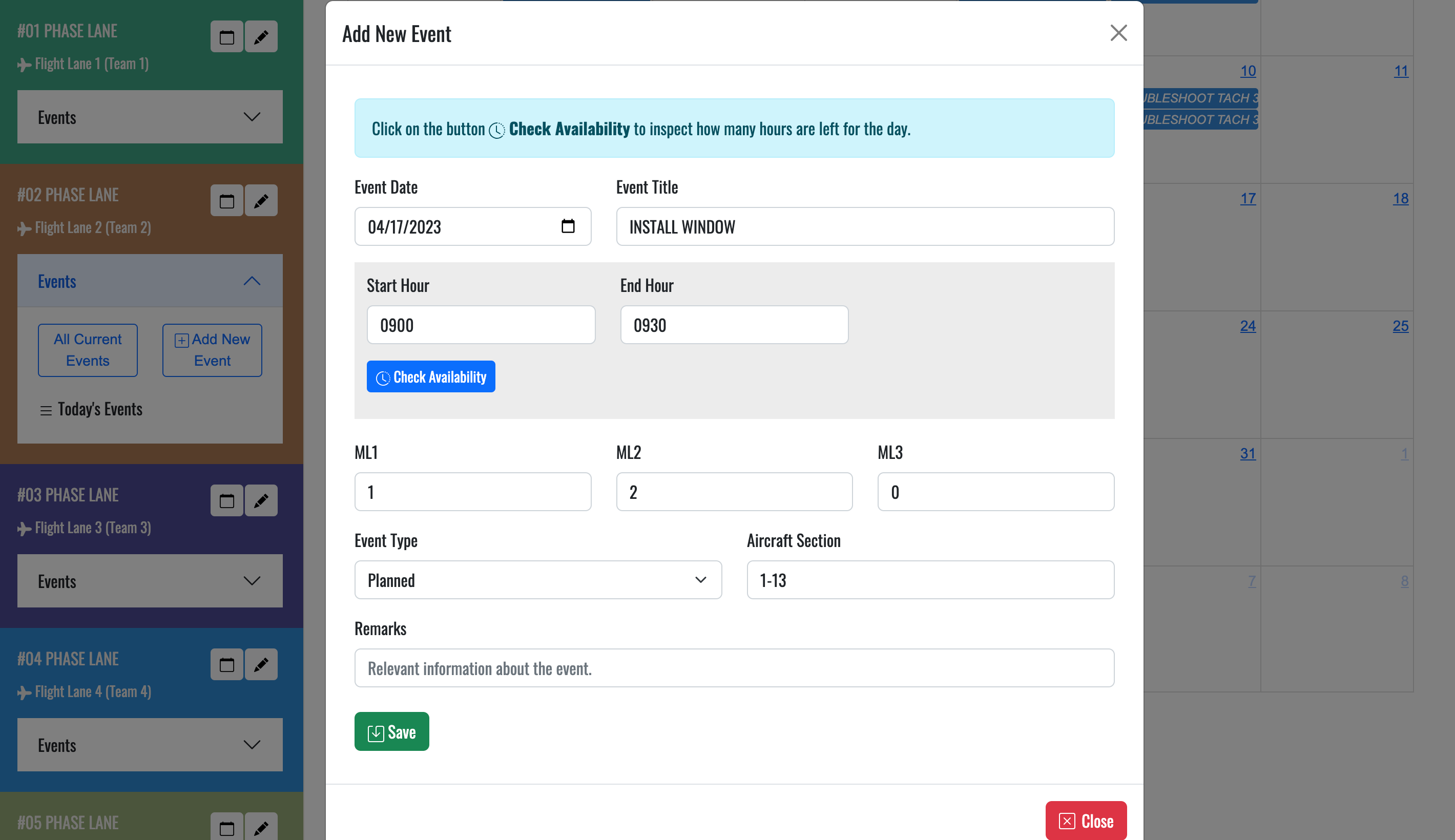
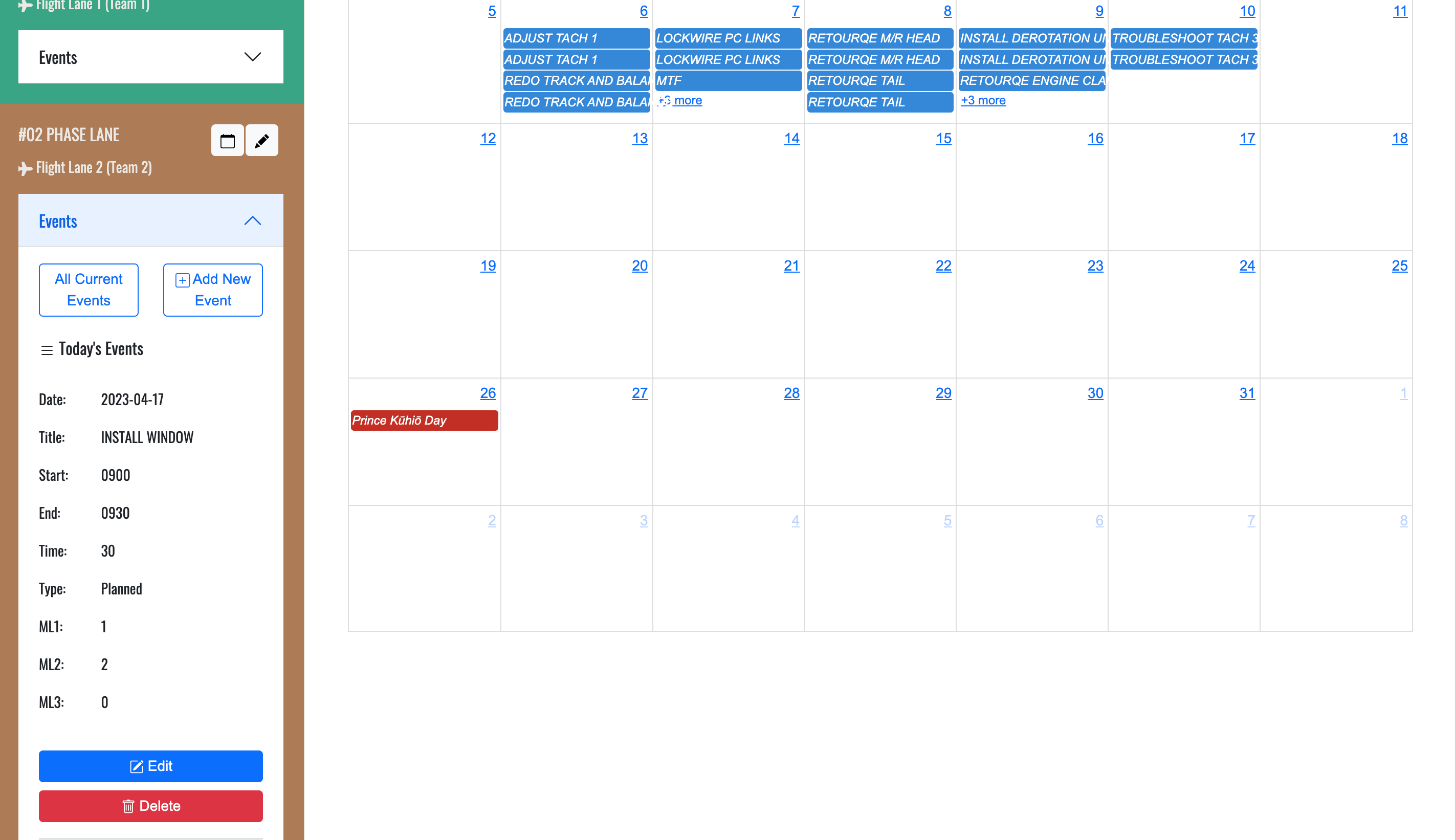
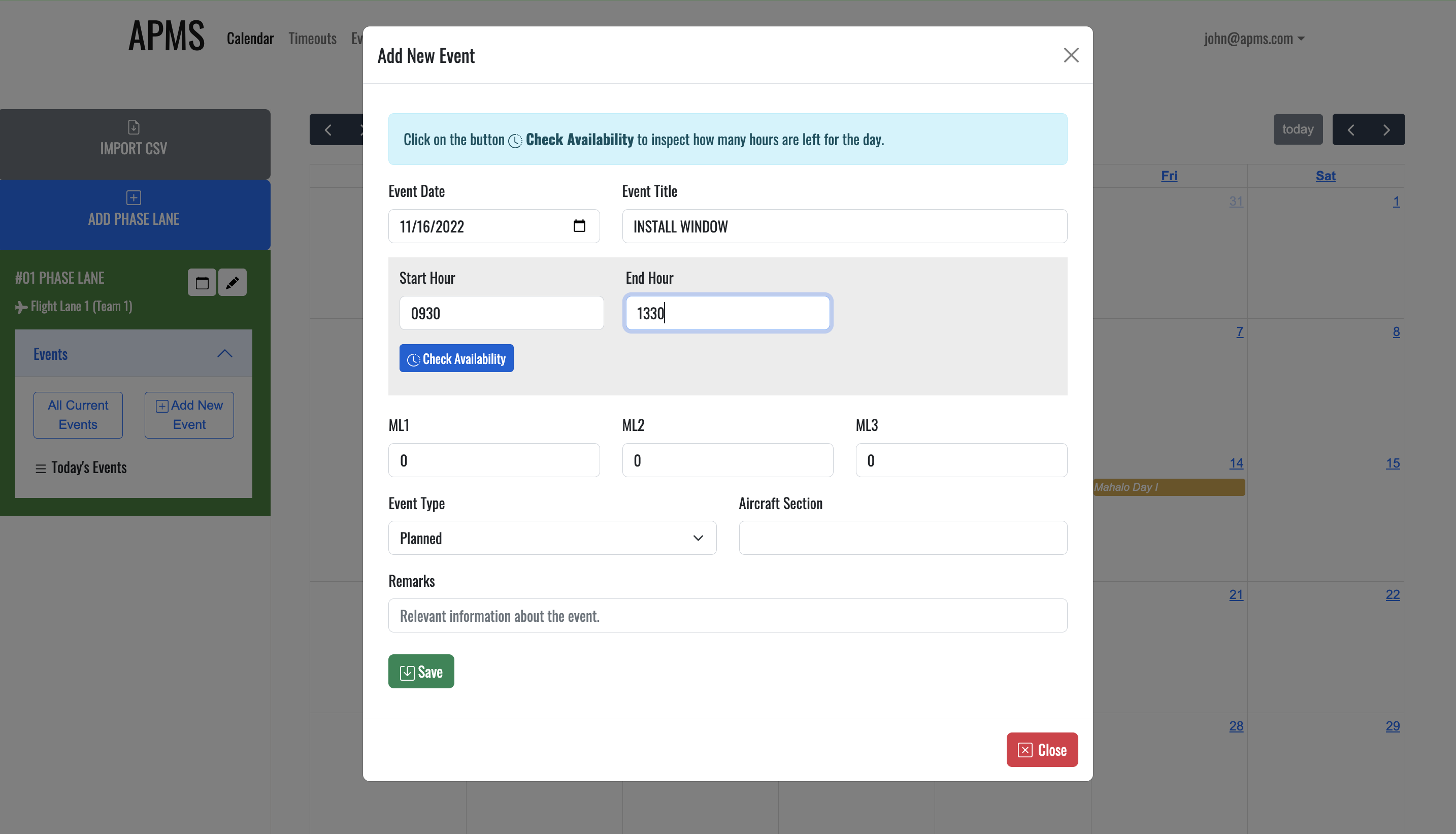
Formula for manhours used in the day: (sum of all 'time spent' of the day) x (sum of all MLs of the day)
A typical phase team is 12 people assigned a 10.5 hr day = 126 available manhours a day.
Of that, 1.5 hours per person is dedicated to physical fitness and 1 hour for lunch = 2.5 x 12= 30.
30 - 126 = 96 maintenance manhours per typical day. (Minus any lost time .
I.e 2 hours for each person for mahalo days = 2 x 12- 96 or 72 MMH, and such for any half days or trn days etc).
Each phase has a list of task (aprox 300) and each task has a corresponding manhours associated with it.
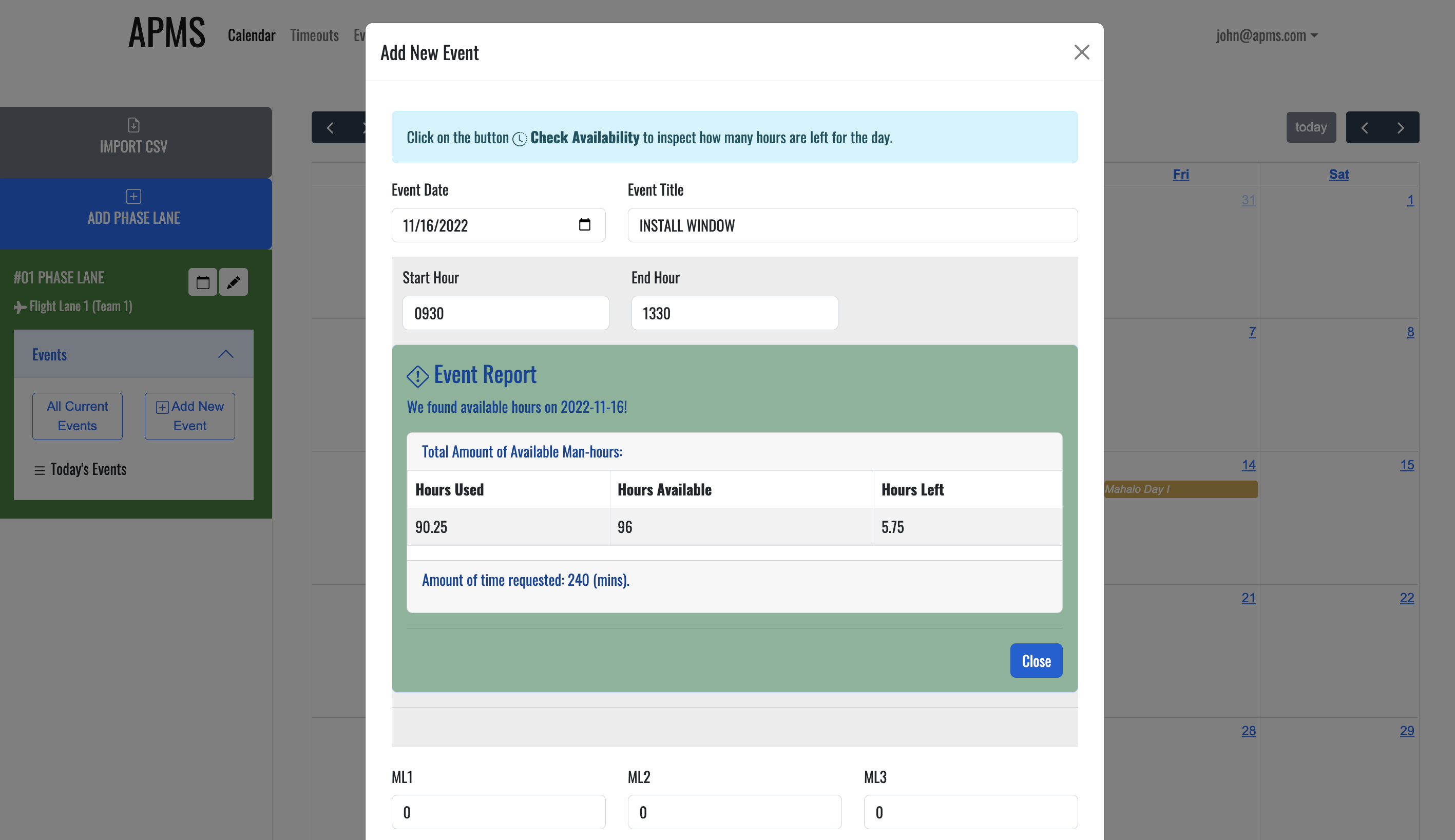
Note: If the event is added in a Mahalo Friday, the number of manhours available will be less. However, if there is a need to modify the amount of off hours for Mahalo friday, e.g modify from 2 hours to 1. This change will show on the report - in this case, the number of manhours available will increase.
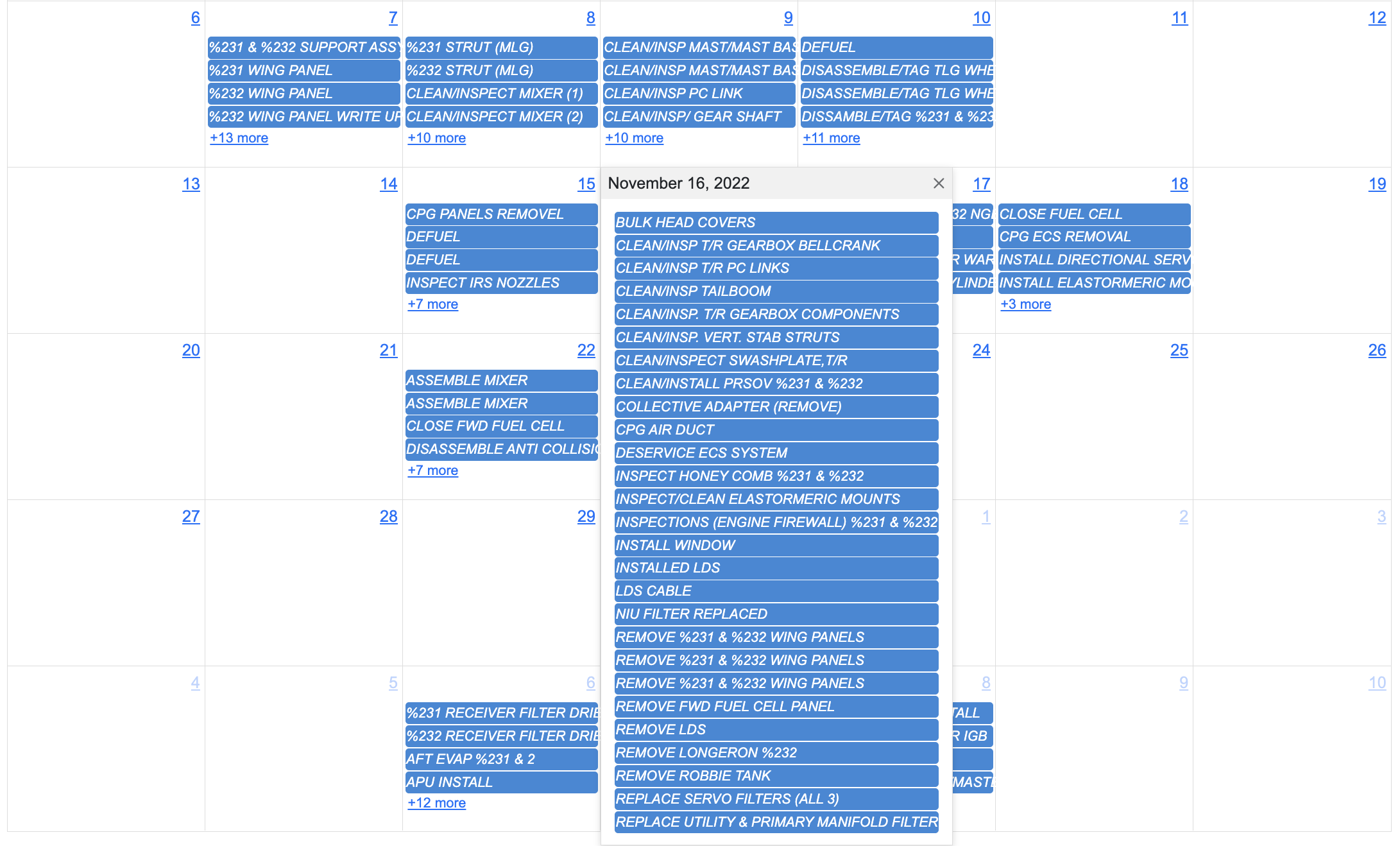
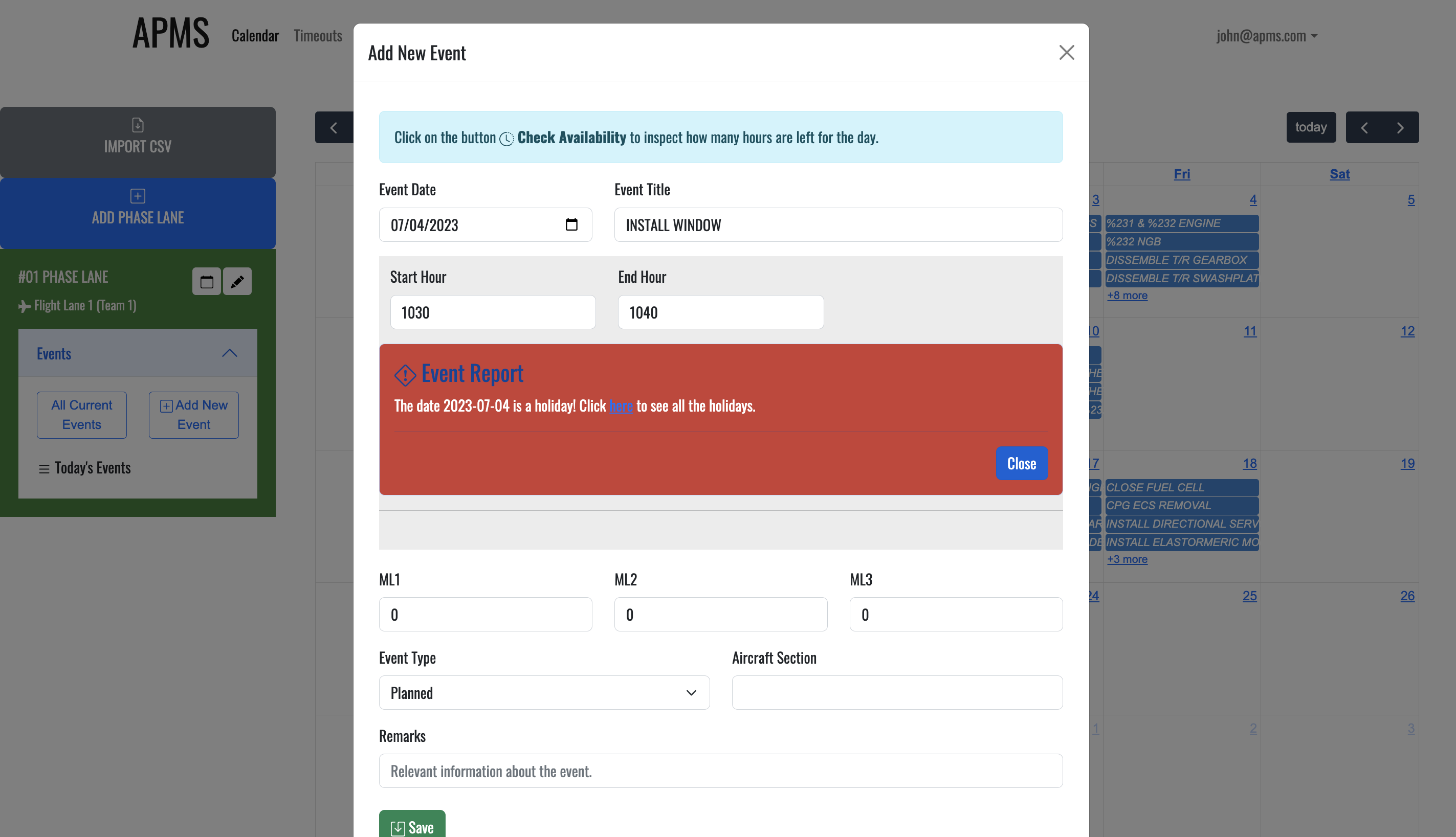
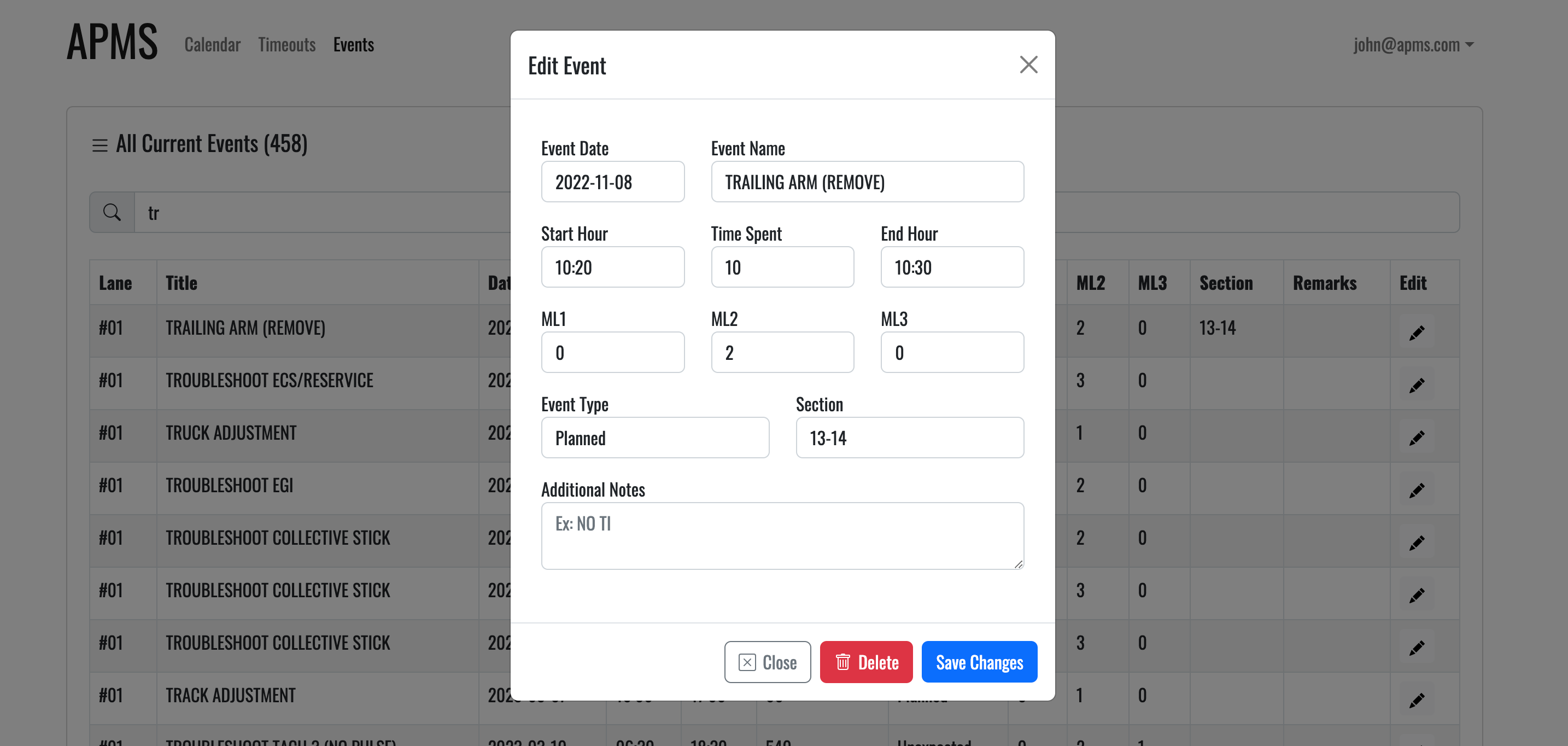
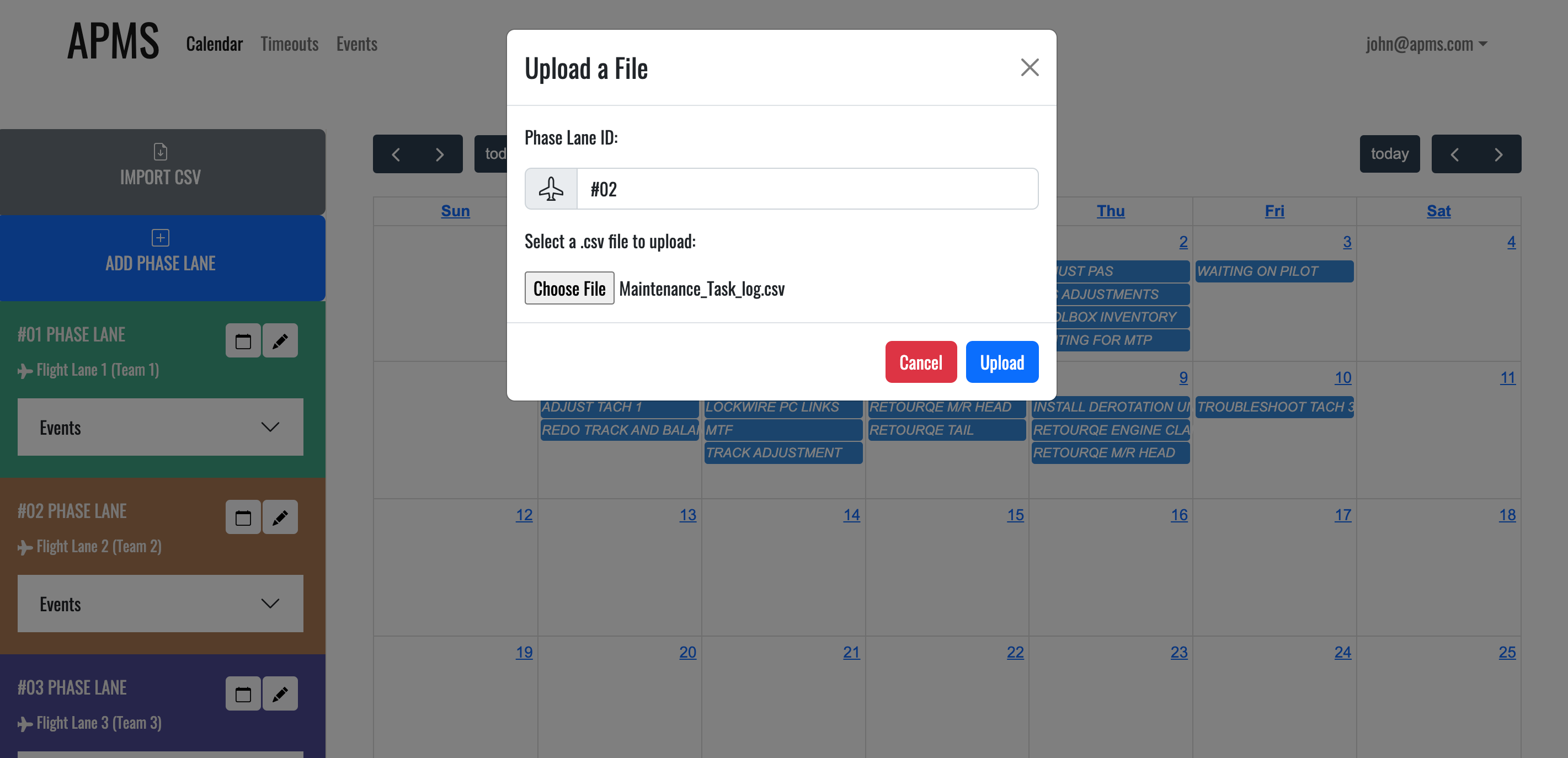
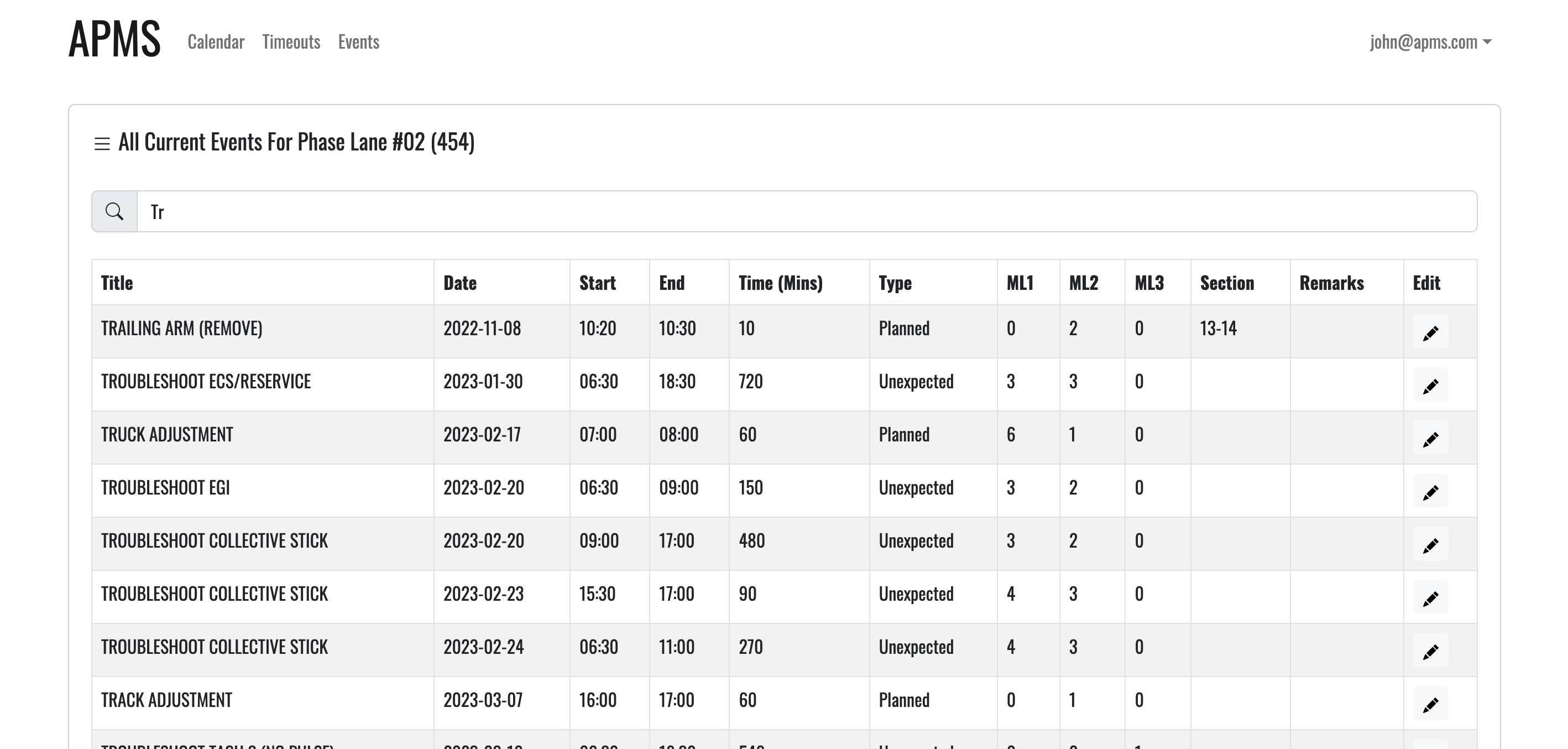
ImportButton.jsx includes logic to change the event's date if the file contains dates that fall on weekends or holidays.
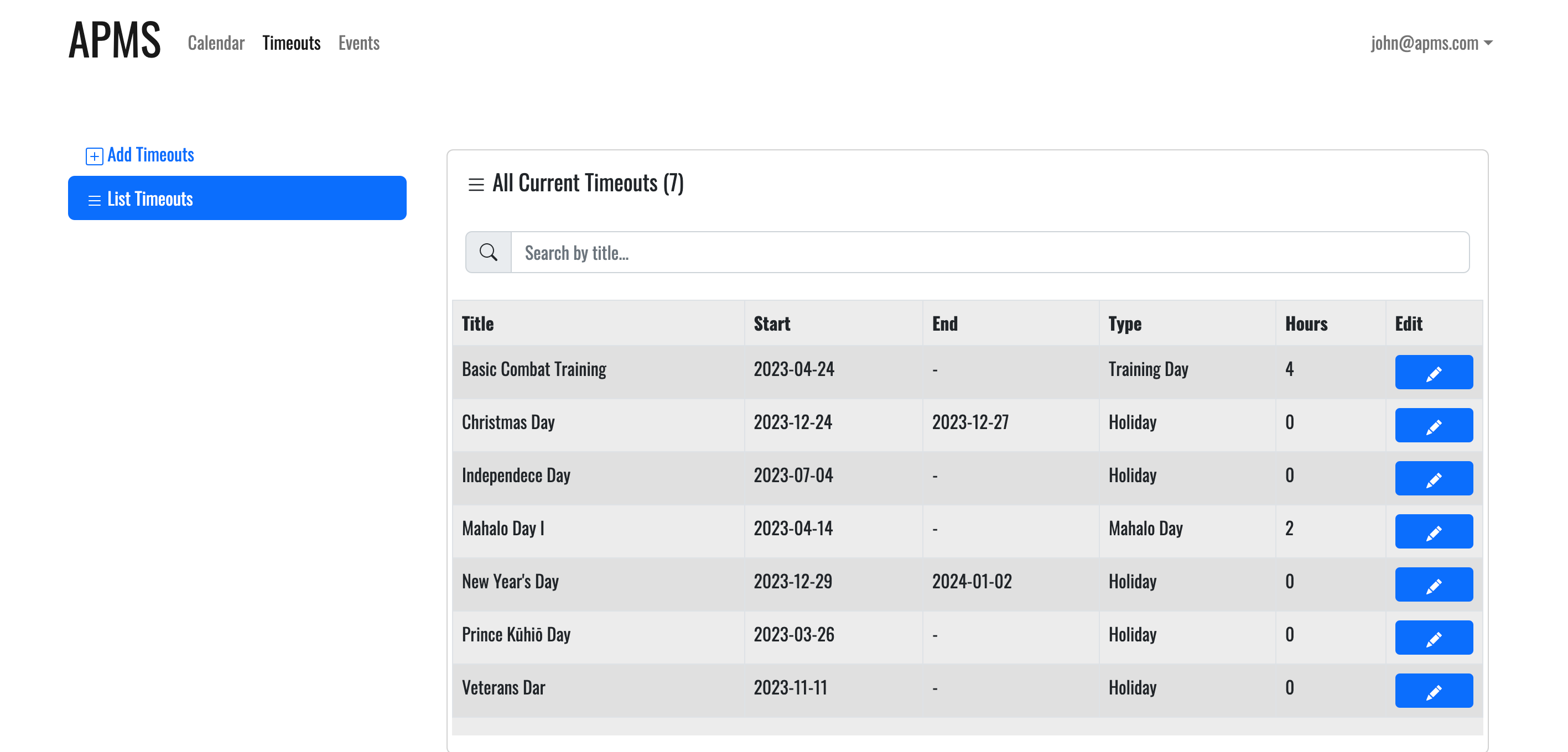
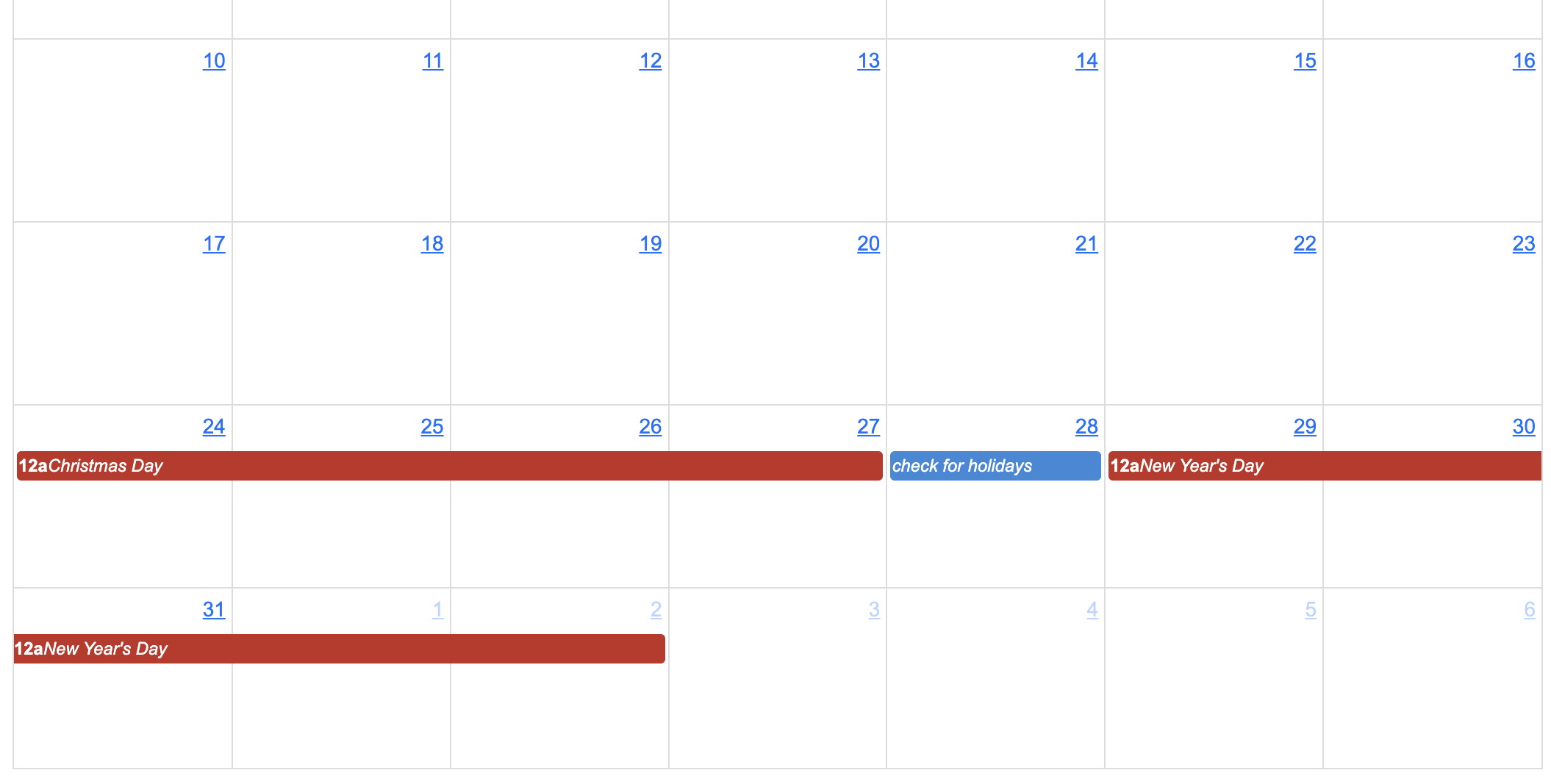
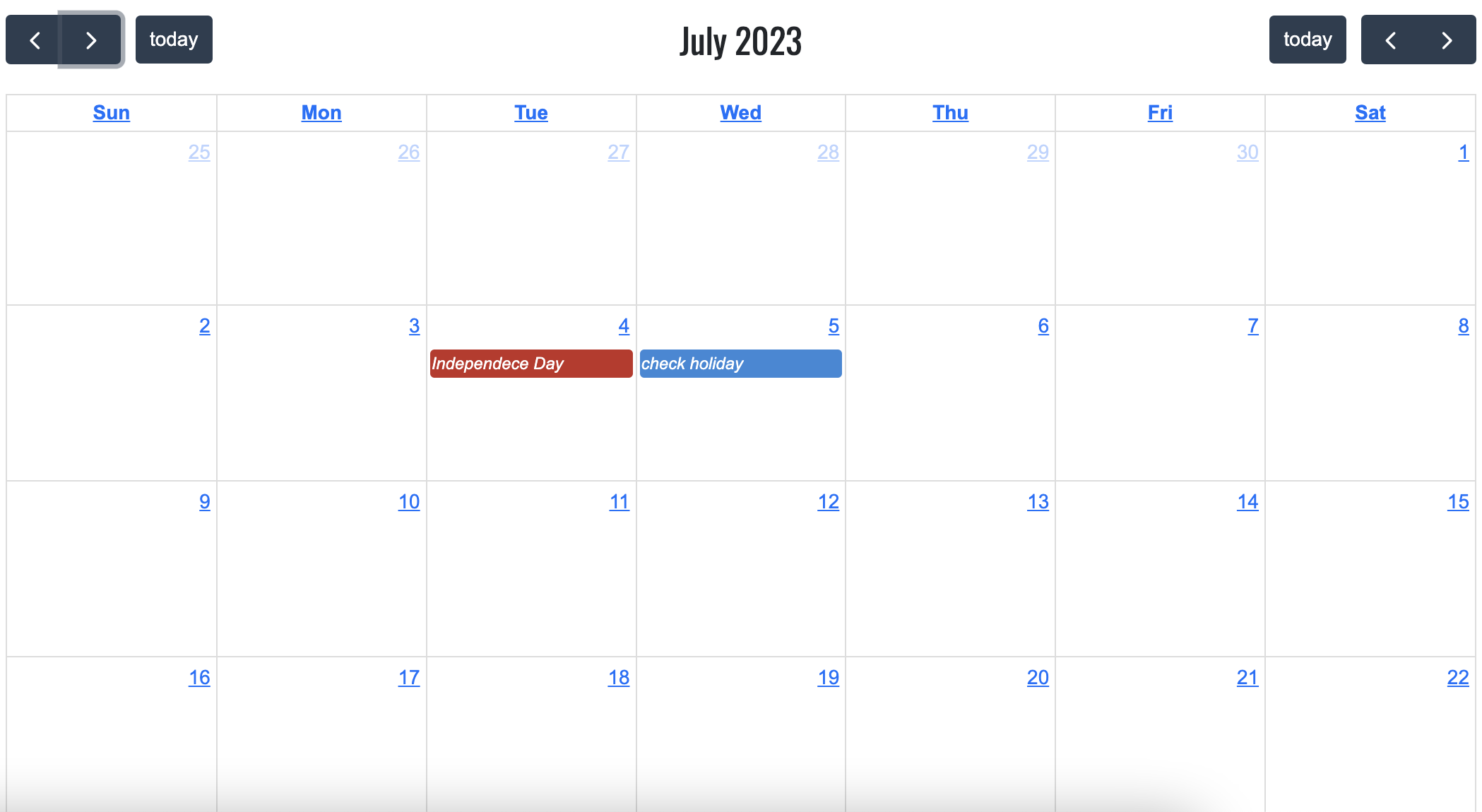
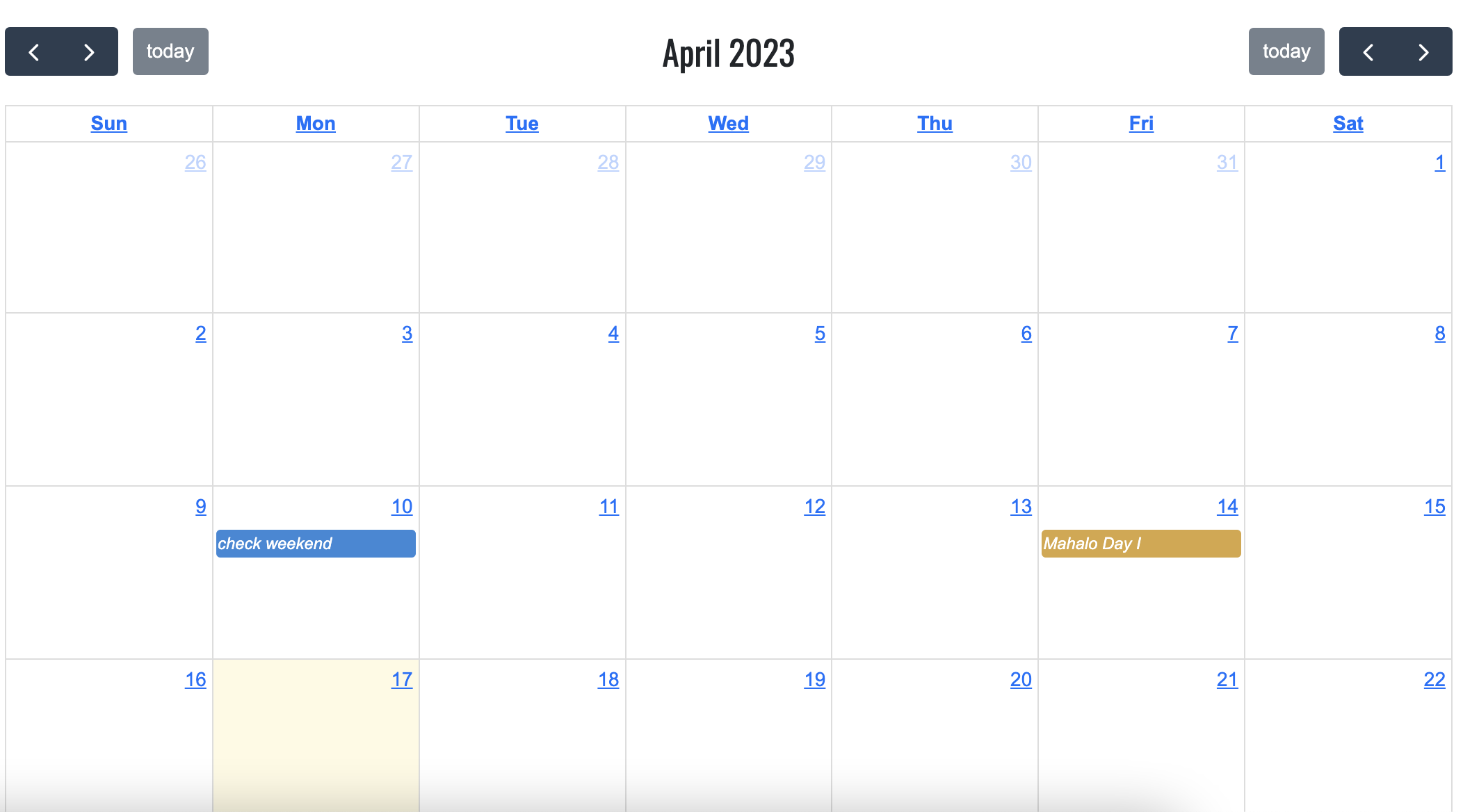
Three more rows are shown in the images below for testing. The top row looks for holidays with several days, the second
row looks for holidays with just one day, and the last row looks for weekends.
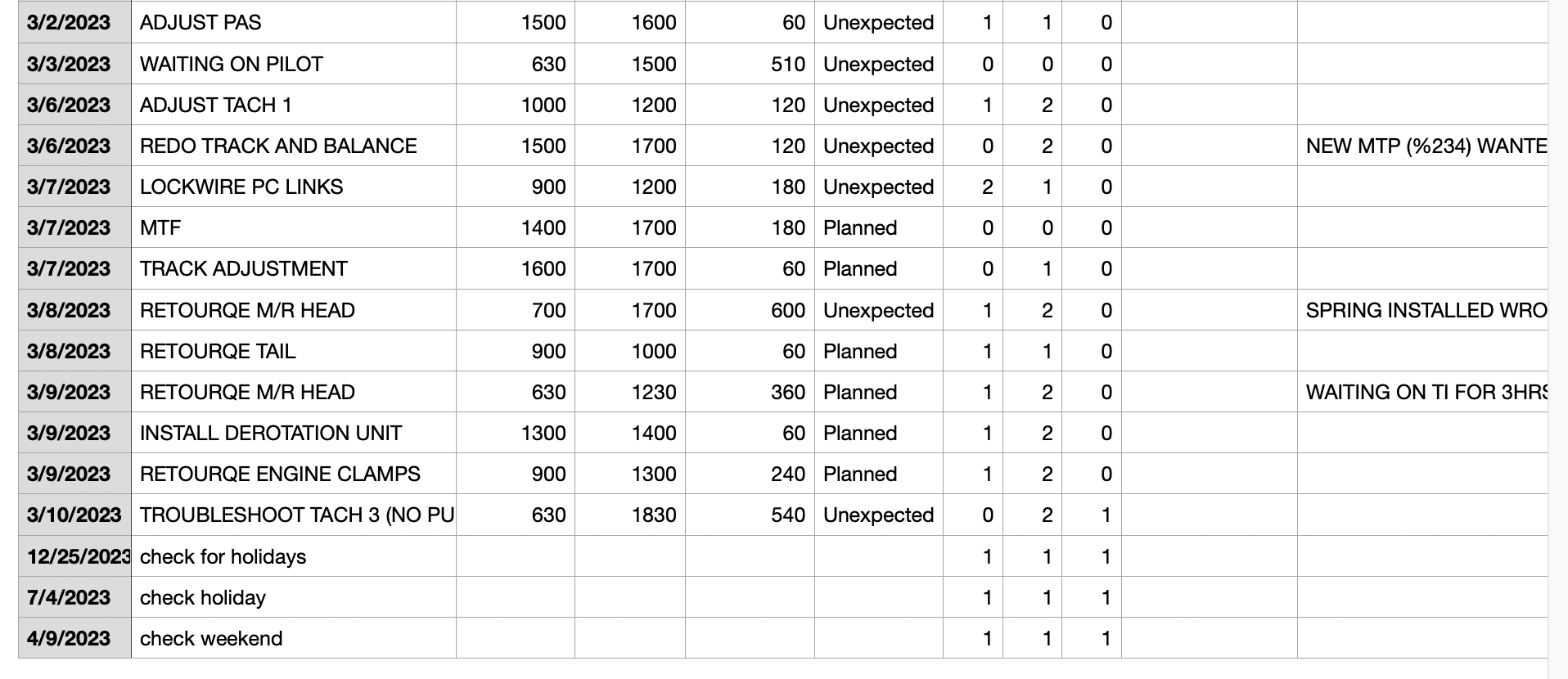
- Holiday:
Christmas Day (2023-12-24 to 2023-12-27)
- Event Initial Date:
2023-12-25 - Event Final Date:
2023-12-28(after corrected)
- Holiday:
Independece Day (2023-07-04)
- Initial Event Date:
2023-07-04 - Final Event Date:
2023-07-05(after corrected)
- Weekend:
2023-04-09 (Sunday)
- Initial Event Date:
2023-04-09 - Final Event Date:
2023-04-10(after corrected)
AddEventDay.jsx: Create new events to a phase lane.
- setTimeSpent: Save value for number of hours from
startandend. - calcManWorkHrsAvailability: Calculate how many manwork hours are available within the day.
- calcManWorkHrsUsed: Calculate how many manwork hours were are used in the day.
- isDateHol: Find if there is a holiday within that day.
- offHrs: Find how many hours will not be used, e.g 2 hours for Mahalo Friday.
AddPhaseLane.jsx: Create a new phase lane to the calendar.
setBg: Set random colour to the background.
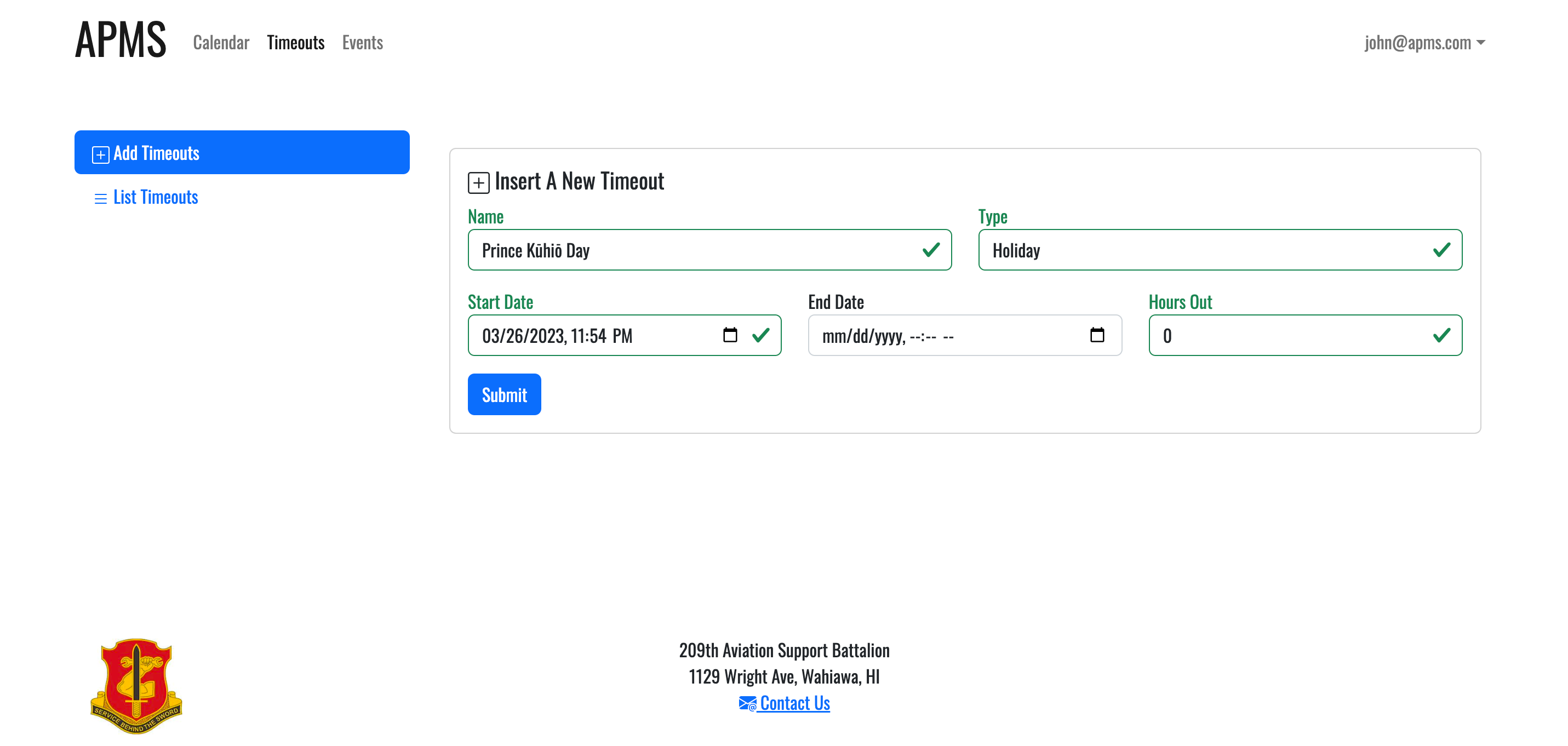
AddTimeout.jsx: Create new holiday, mahalo friday or tranning day.
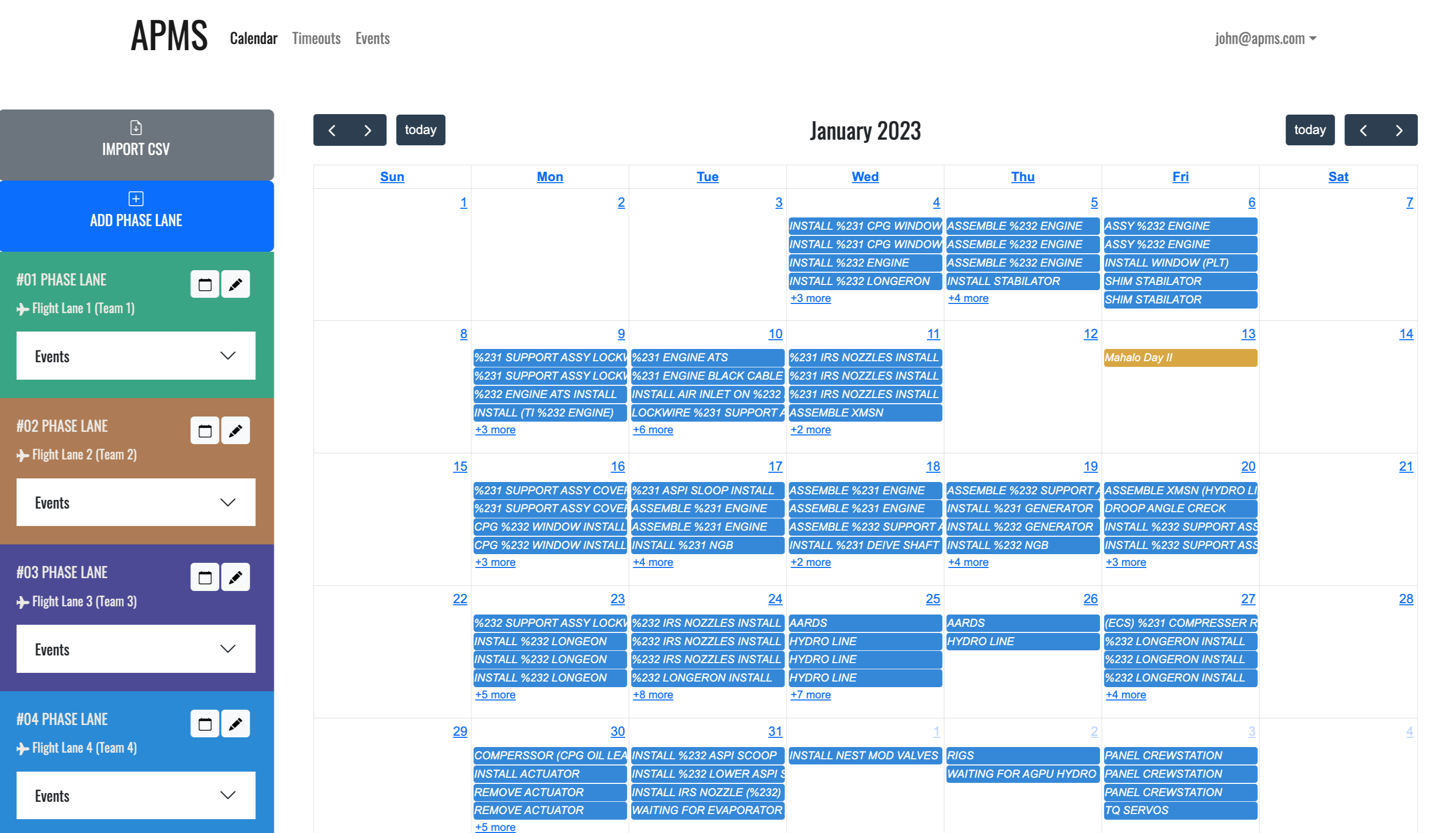
Calendar.jsx: Show all the events, holidays, etc in the calendar.
Contact.jsx: Page with information about the sponsor.
EditEventDay.jsx: Edit events from the phase lane.
EditPhaseLane.jsx: Edit a phase lane - the color, which is assigned randomly, can't be edited.
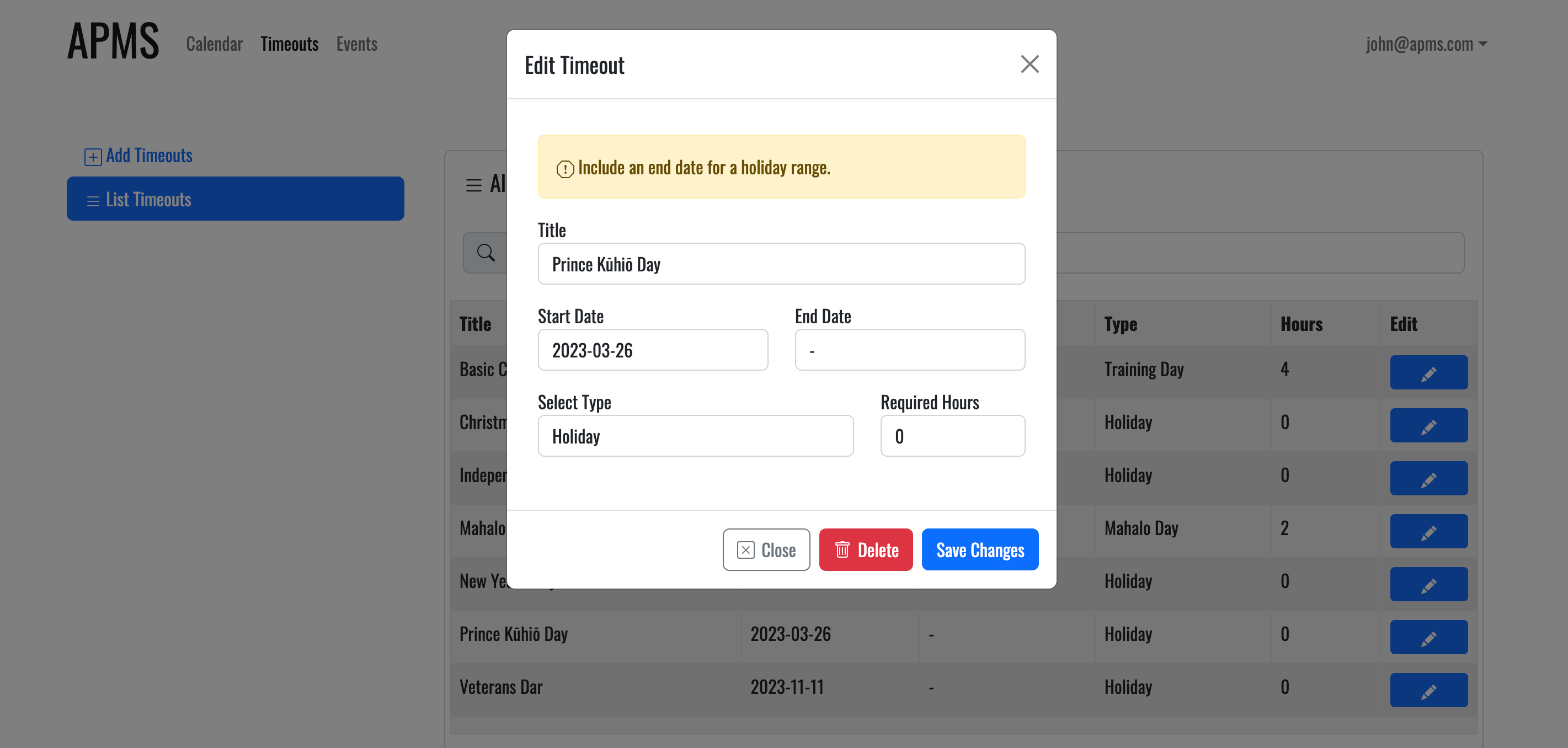
EditTimeout.jsx: Edit holidays, mahalo fridays, and training days.
ImportButton.jsx: Import events from a CSV file to a phase lane.
- Modify the event data to fit the calendar format.
- Find the number of conflicting days from holidays.
- Check if day falls in a weekend, if it does, keep looping until day is not a weekend anymore.
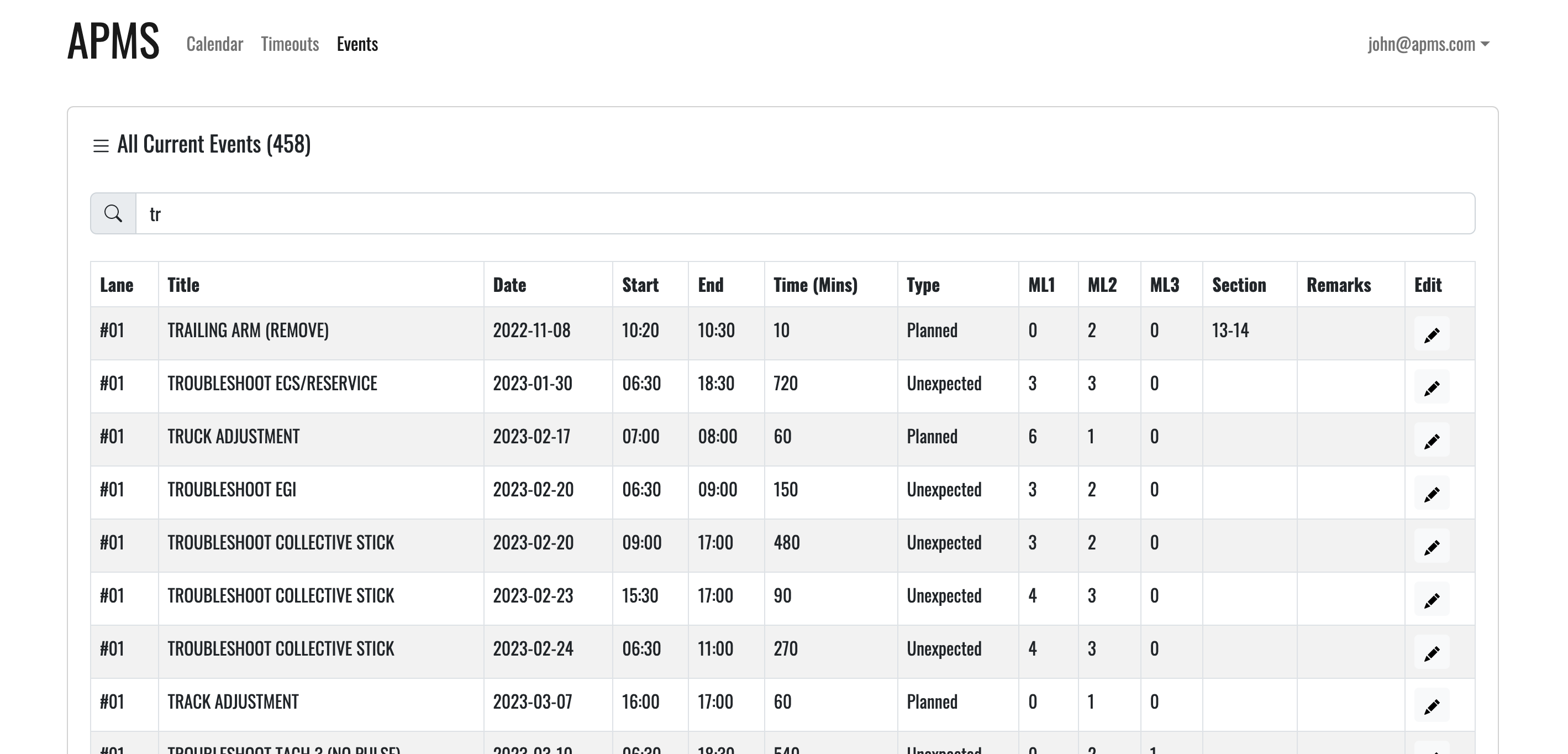
ListAllEvents.jsx: List all the events of the system.
- filteredData: Filter events by title based on the input of the user.
ListEventAccordion.jsx: According that shows events from lane, event from that day, and add event.
ListEventDay.jsx: List only the events from the phase lane.
ListTimeout.jsx: List all holidays, mahalo fridays and tranning days.
TimeoutTabs.jsx: Tabs that include the add and list timeout functions.
To add default database for collections, modify imports/startup/server/Mongo.js to insert the items from the settings.development.json.
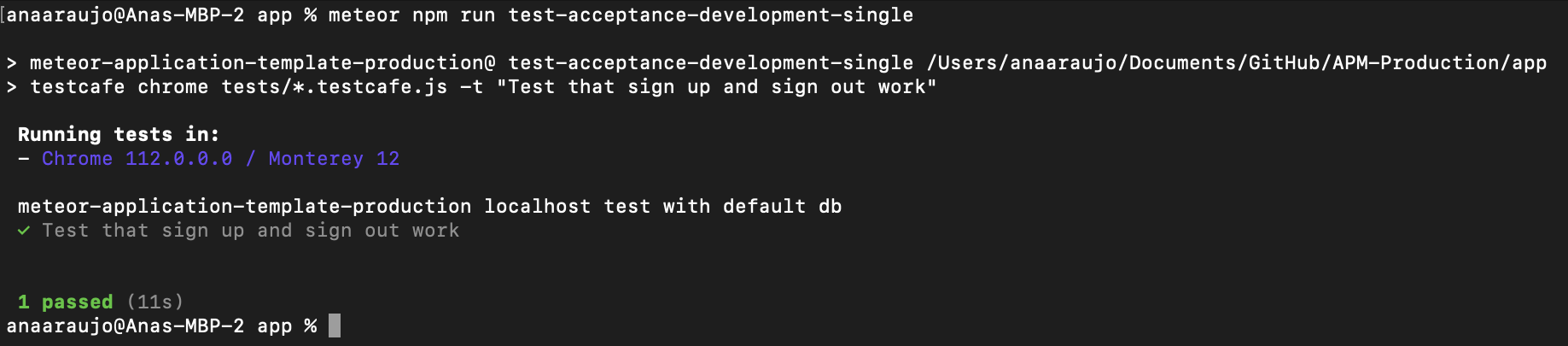
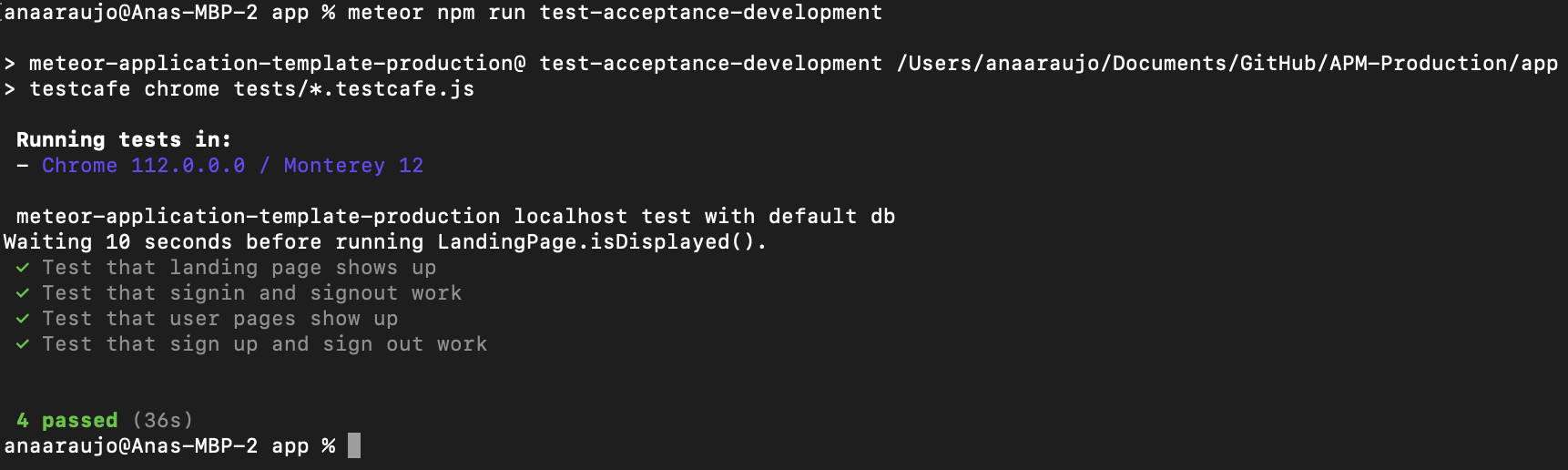

This project used the Meteor Application Template Production, please see http://ics-software-engineering.github.io/meteor-application-template-production/ for details.