



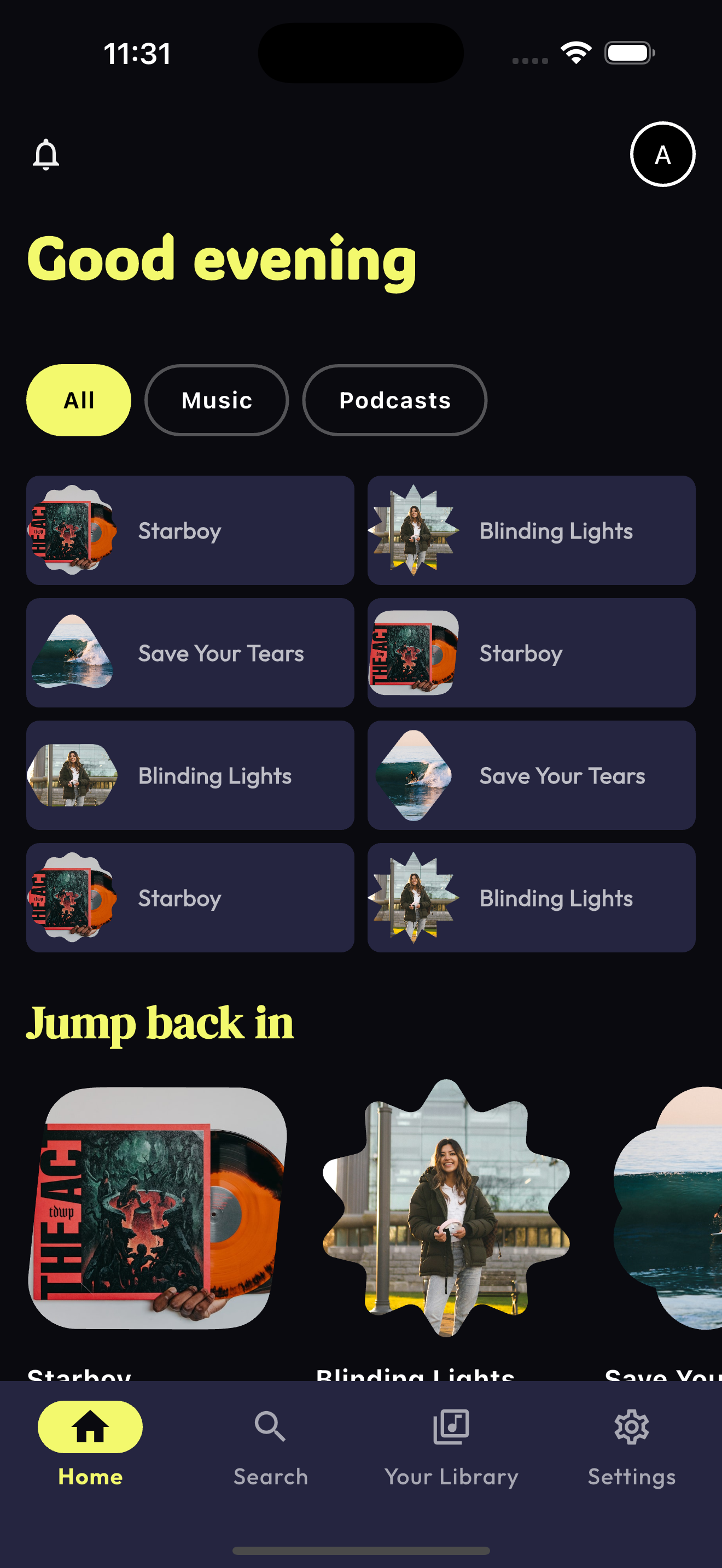
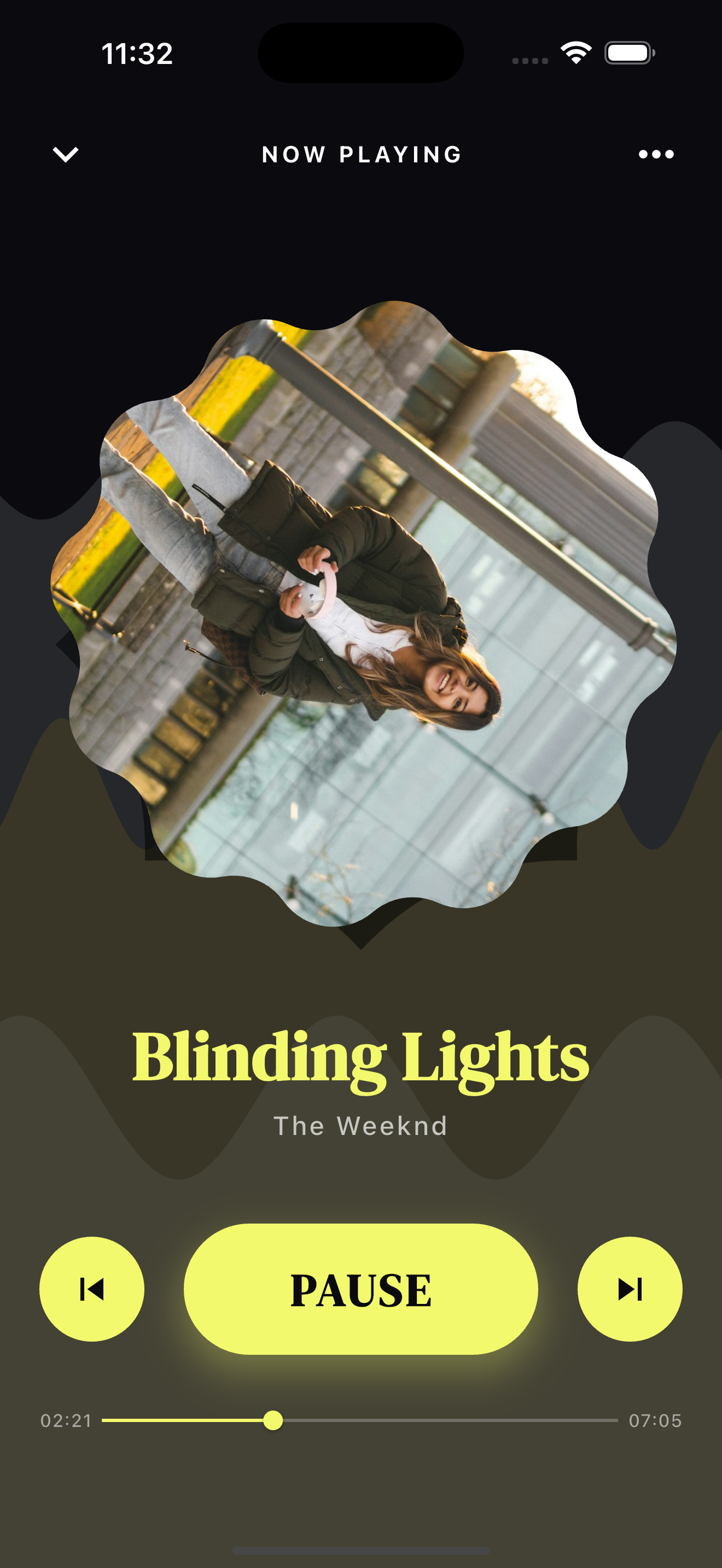
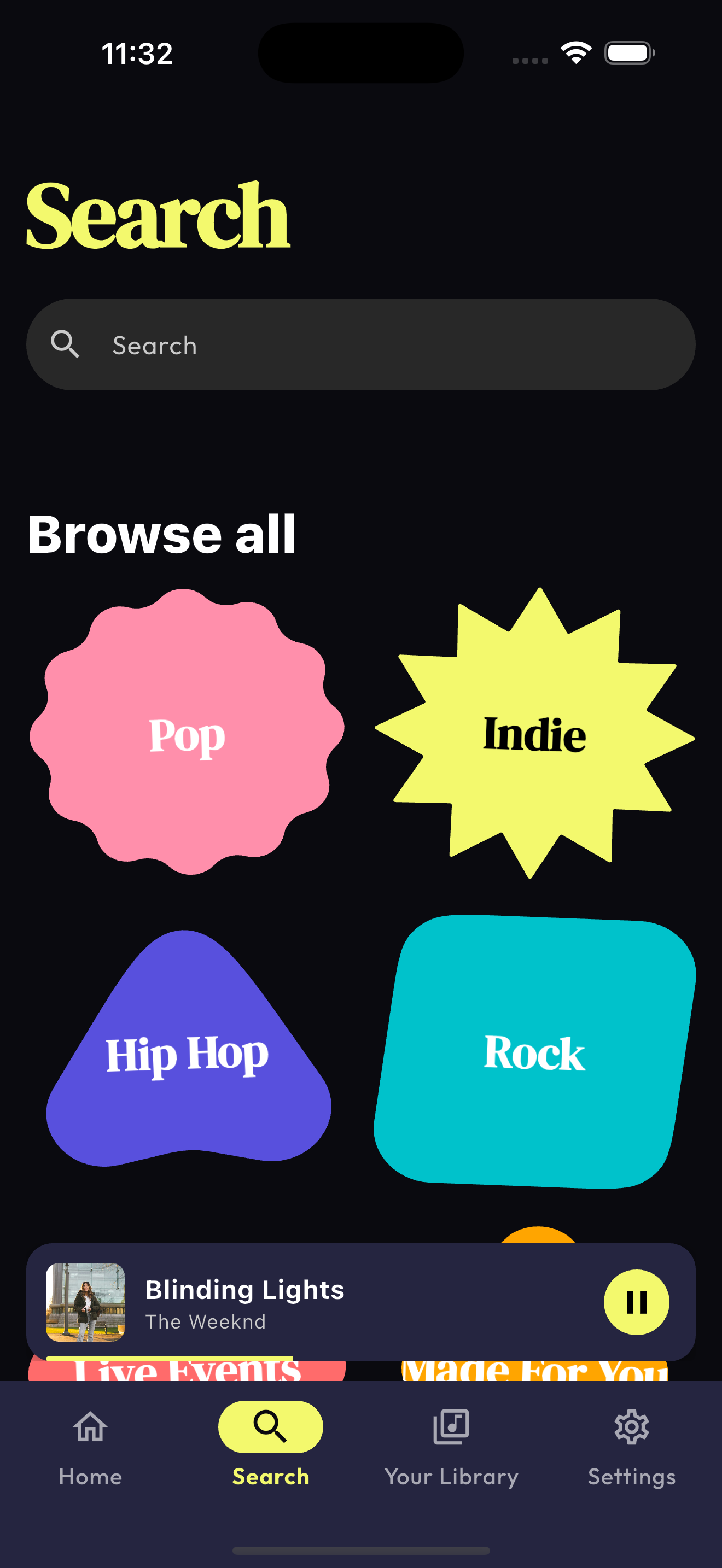
A high-fidelity, motion-heavy Spotify UI concept built with Flutter and Material 3. This project reimagines the digital music experience through a lens of visual excellence, dynamic generative design, and expressive micro-animations.
- 🎨 Dynamic Theming & Material 3: Harnesses
palette_generatorand Material 3's advanced coloring system to extract vibrant color schemes from album art in real-time. - 🌊 Generative Audio Visuals: Features custom-built BPM-synced wave animations and interactive background shaders that react to the rhythm.
- 🔷 Expressive Material Shapes: Leverages the power of
material_new_shapesto move beyond standard rectangles, using complex polygons for a modern, architectural aesthetic. - 🚀 Ultra-Smooth Motion: Implementation of advanced
Herotransitions and customPageTransitionsfor a "liquid" app experience. - 📡 State-of-the-art State Management: Built with
Riverpodfor high-performance, predictable audio playback control and state synchronization.
| Home Screen | Full Player | Search Screen |
|---|---|---|
 |
 |
 |
| Layer | Technology |
|---|---|
| Framework | Flutter & Dart |
| State Management | Riverpod 3.0 |
| Audio Processing | just_audio |
| Animation Engine | flutter_animate & animations |
| Design System | Custom Material 3 + Material New Shapes |
lib/
├── models.dart          # Core data structures (Song, Artist, Album)
├── providers.dart       # Riverpod providers for audio & state
├── screens/             # Feature-specific screens (Home, Player, Search)
├── widgets/             # Reusable UI components (BPM Waves, MiniPlayer)
└── utils/               # Helper utilities (Color Extraction)
-
Clone the repository
git clone https://github.com/ajoshajo/spotify_redesign.git
-
Install dependencies
flutter pub get
-
Run the generator (if using Riverpod generator)
dart run build_runner build
-
Launch the application
flutter run
Contributions are what make the open-source community such an amazing place to learn, inspire, and create. Any contributions you make are greatly appreciated.
- Fork the Project
- Create your Feature Branch (
git checkout -b feature/AmazingFeature) - Commit your Changes (
git commit -m 'Add some AmazingFeature') - Push to the Branch (
git push origin feature/AmazingFeature) - Open a Pull Request
Distributed under the MIT License. See LICENSE for more information.
Built with ❤️ and Flutter by ajoshajo