This project demonstrates how to create a weather agent using LangChain, OpenAI's GPT-4, and external APIs to fetch weather data based on a user's query. It integrates with OpenWeatherMap to retrieve weather details and geolocation information (latitude and longitude) for a given city. The app is built using Streamlit for the user interface.
- Weather Information Retrieval: Fetch current weather details (e.g., temperature, humidity, etc.) based on latitude and longitude.
- Geolocation Lookup: Convert a city name to latitude and longitude using OpenWeatherMap's API.
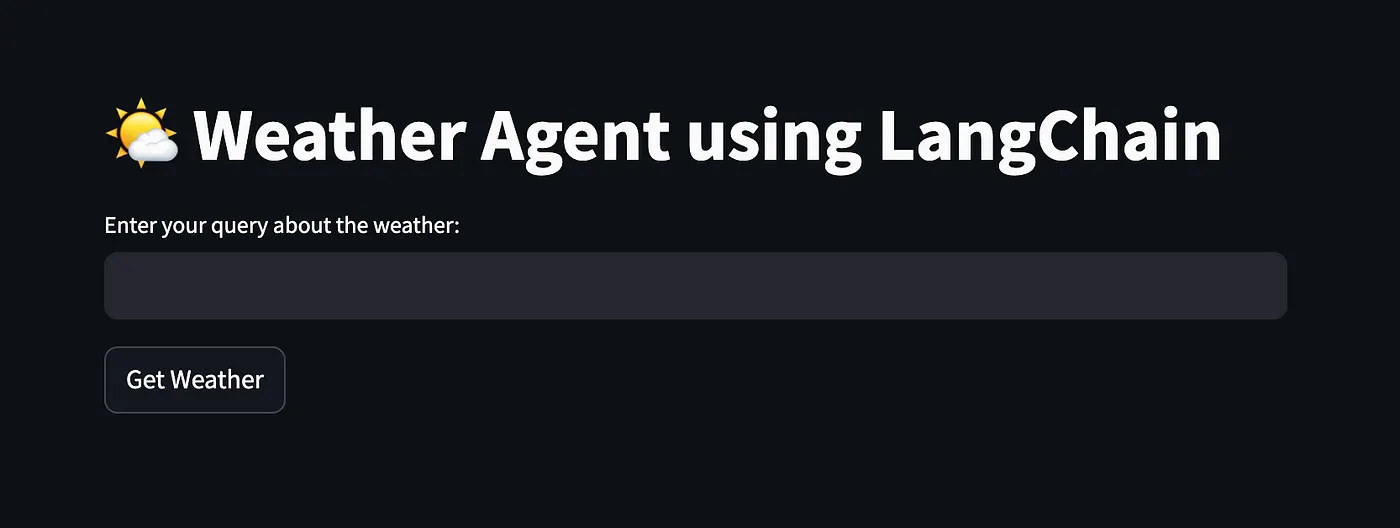
- Streamlit Interface: A simple web interface where users can input a city name and get weather details.
- LangChain Agent: Utilizes LangChain to build a natural language processing agent powered by GPT-4 to process and invoke the weather and geolocation tools.
requestsstreamlitlangchainlangchain_openaipython-dotenv
To install the required libraries, run:
pip install -r requirements.txt-
Sign up for an API Key from OpenWeatherMap:
- Go to OpenWeatherMap and sign up to get an API key.
- Save your API key in the
.envfile asWEATHER_API_KEY(example.envcontent):WEATHER_API_KEY=your_api_key_here
-
Clone this Repository:
git clone https://github.com/your-username/weather-agent-langchain.git cd weather-agent-langchain -
Run the Streamlit App:
To start the app, run:
streamlit run weather_assistant.py
This will open the app in your browser.
-
LangChain Agent: The agent is initialized with two structured tools:
get_latitude_longitude: Fetches latitude and longitude for a city name using OpenWeatherMap's geolocation API.get_weather: Fetches weather details (like temperature and humidity) for the given latitude and longitude using OpenWeatherMap's weather API.
-
Interaction Flow:
- The user inputs a city name in the Streamlit app.
- The LangChain agent processes the query, first converting the city name to latitude and longitude, then retrieving the corresponding weather details.
- The weather details are then displayed in the app's UI.
-
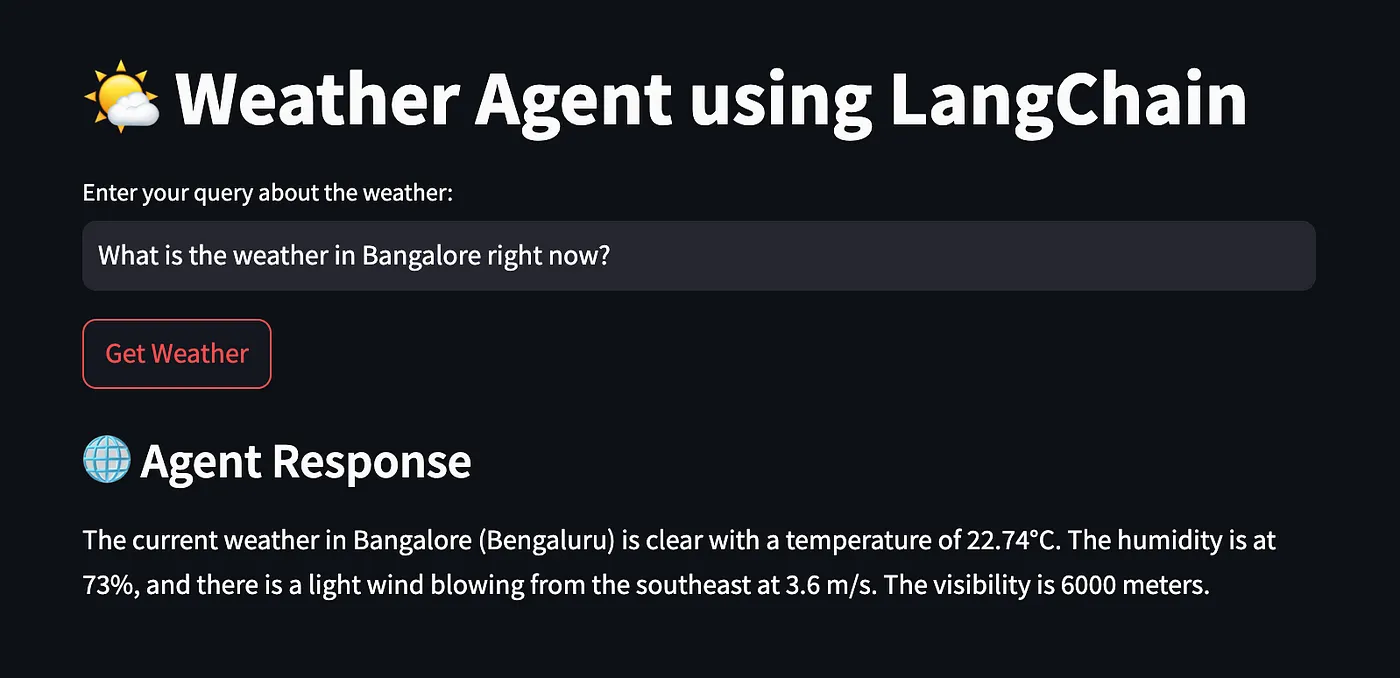
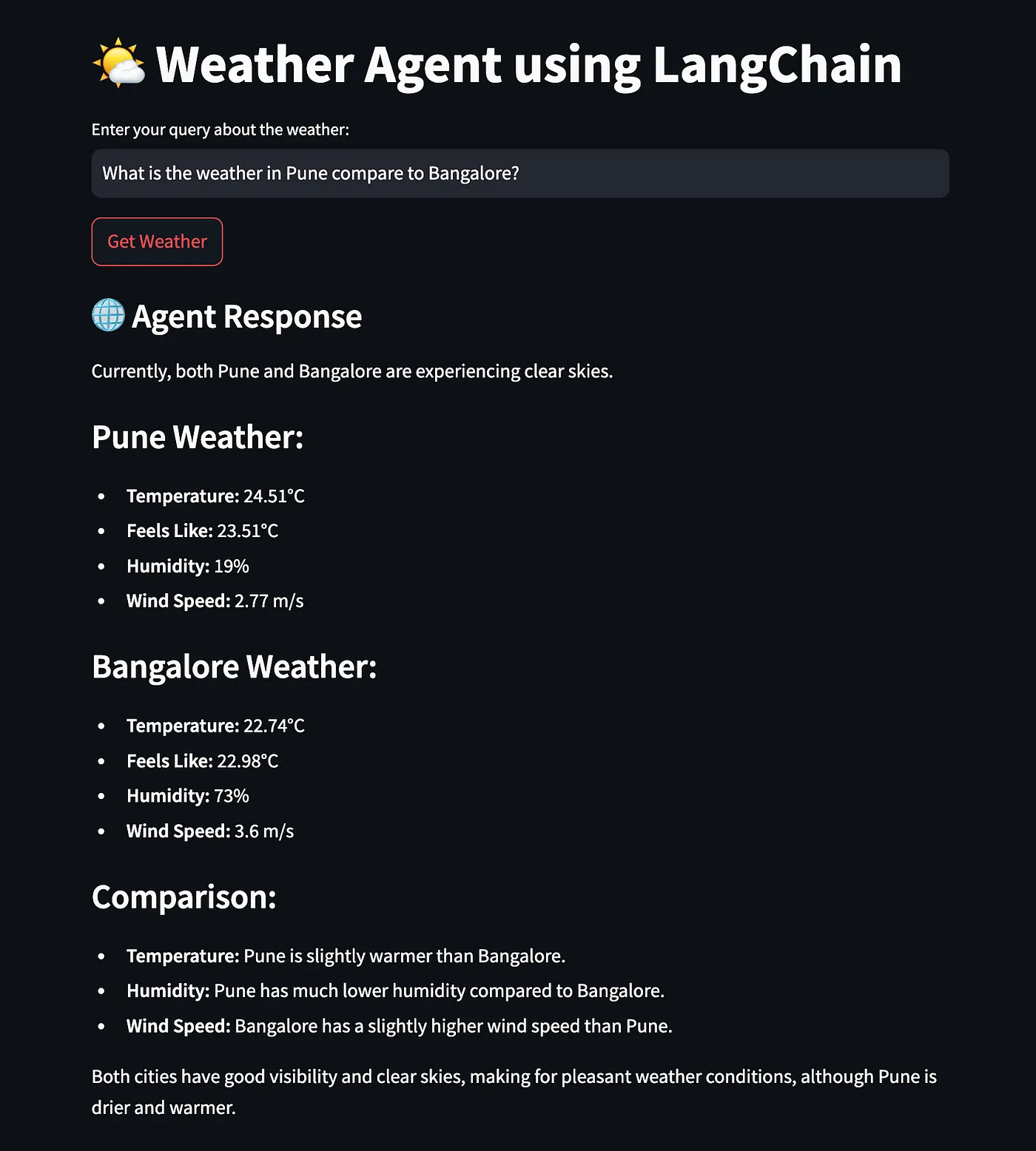
User Query: The user can ask any weather-related query, and the agent will interpret the input, call the appropriate tool(s), and return the relevant data.
- Enter a city name like "New York" in the text input field.
- Click "Get Weather" to retrieve weather details such as temperature, humidity, and weather conditions for that city.
WeatherModelandLatitudeLongitudeModel: These are Pydantic models used to define the input schema for the weather and geolocation tools.get_weatherandget_latitude_longitude: Functions that make HTTP requests to the OpenWeatherMap API to fetch weather details and geolocation data.- LangChain Tools: The tools are wrapped using
StructuredToolto match the required function signature and description for LangChain's agent. - Streamlit UI: A simple UI to allow users to input a query and view the results.

This project is licensed under the MIT License - see the LICENSE file for details.
For questions or issues, feel free to open an issue on the GitHub repository or contact [your-email@example.com].
You can modify the repository URL and email as necessary!