
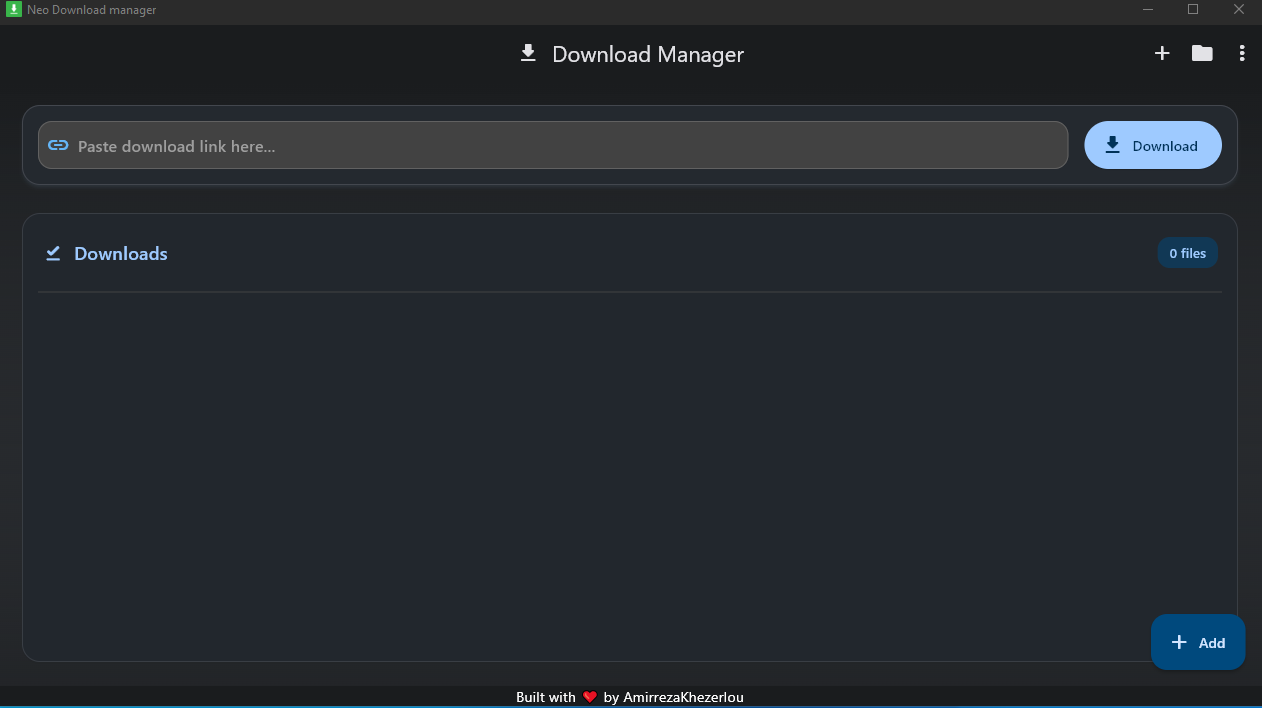
A powerful and efficient download manager for Windows built with Flutter.
- 📥 High-Speed Downloads – Manage and accelerate your downloads.
- ⏸️ Pause & Resume – Easily pause and resume downloads.
- 📂 Multiple File Support – Download various file types seamlessly.
- 🌐 Parallel Downloads – Download multiple files simultaneously.
- 🎨 Modern UI – Sleek and user-friendly interface.
- 🔔 Notifications – Get alerts when downloads complete.
- Download the latest version from the Releases section.
- Extract the ZIP file and run
setup.exe. - Follow the installation steps to complete the setup.
- Open Download Manager and start managing your downloads.
- Open the application.
- Paste the download link and click
Start Download. - Manage downloads using Pause, Resume, and Cancel buttons.
- View completed downloads in the history section.
If you want to build the project yourself:
git clone https://github.com/AmirrezaKhezerlou/Flutter-Neo-DownloadManager.git
cd Flutter-Neo-DownloadManager
flutter pub get
flutter build windows