
Wikipedea of major criminals, criminal organizations and crime events. CMS based admin panel, which is capable of scraping 500 wikipedea pages in a few seconds.
- Official site: http://crimewiki.in
- Find me at https://www.linkedin.com/in/anupamkhosla/
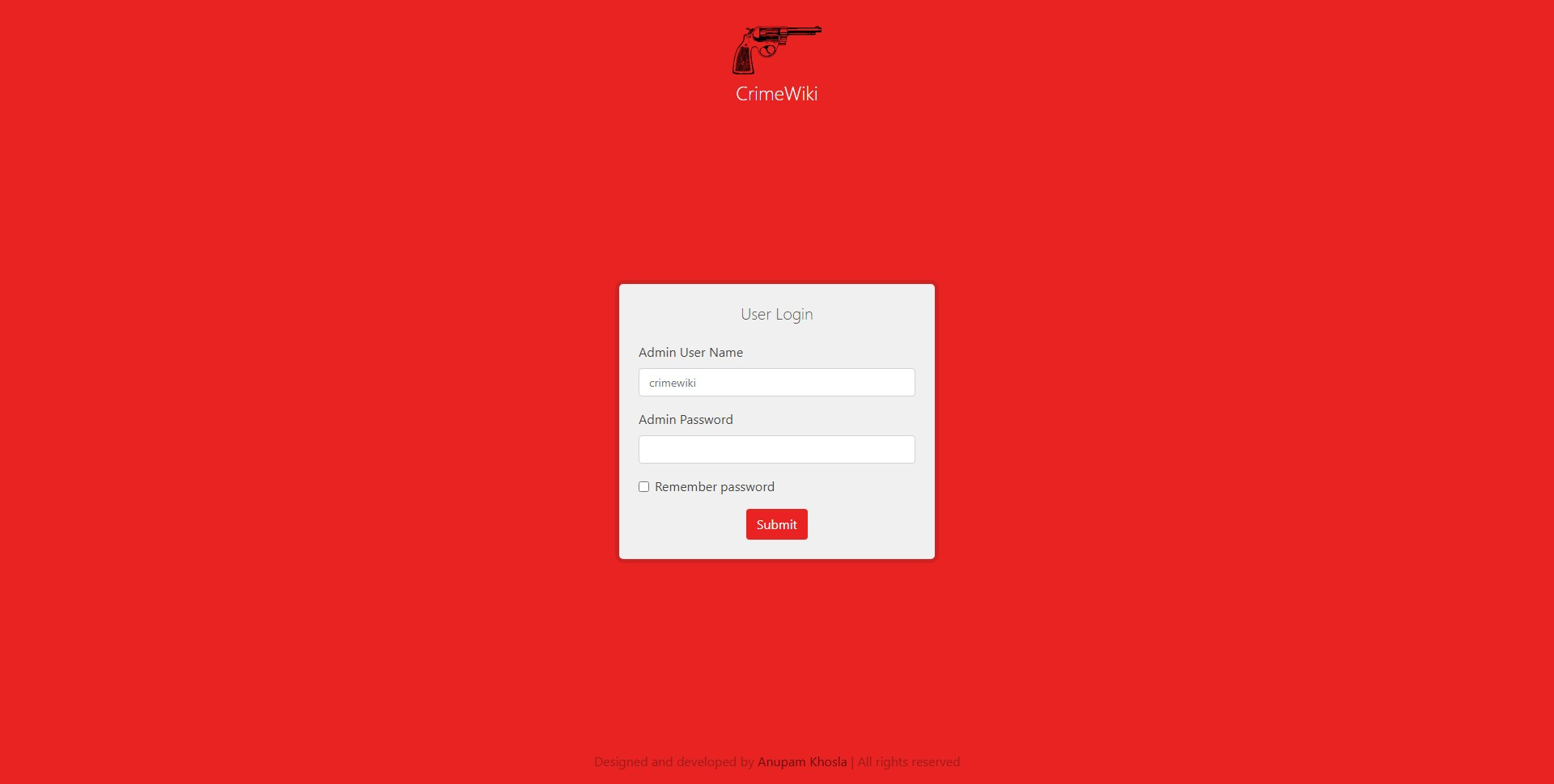
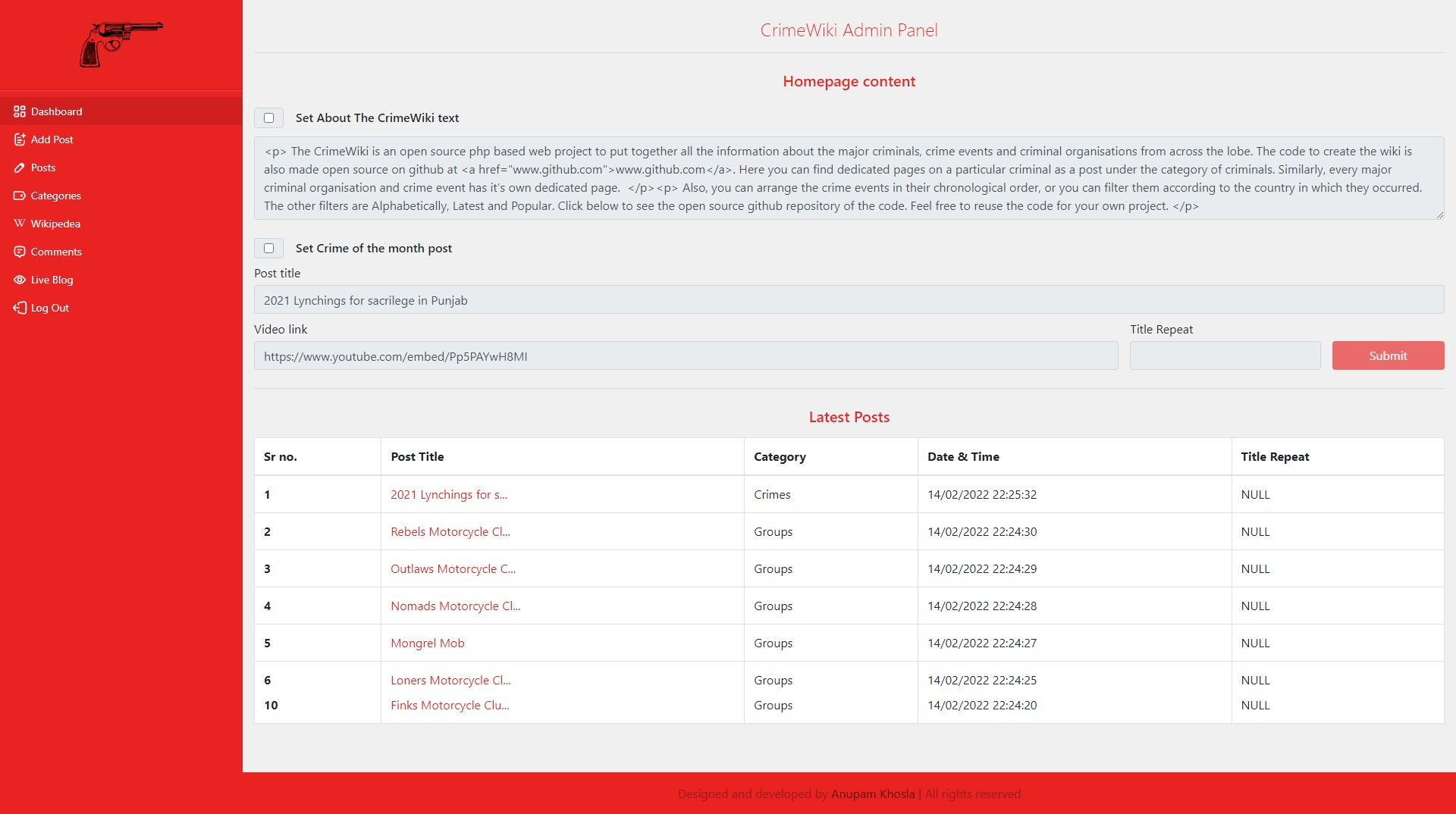
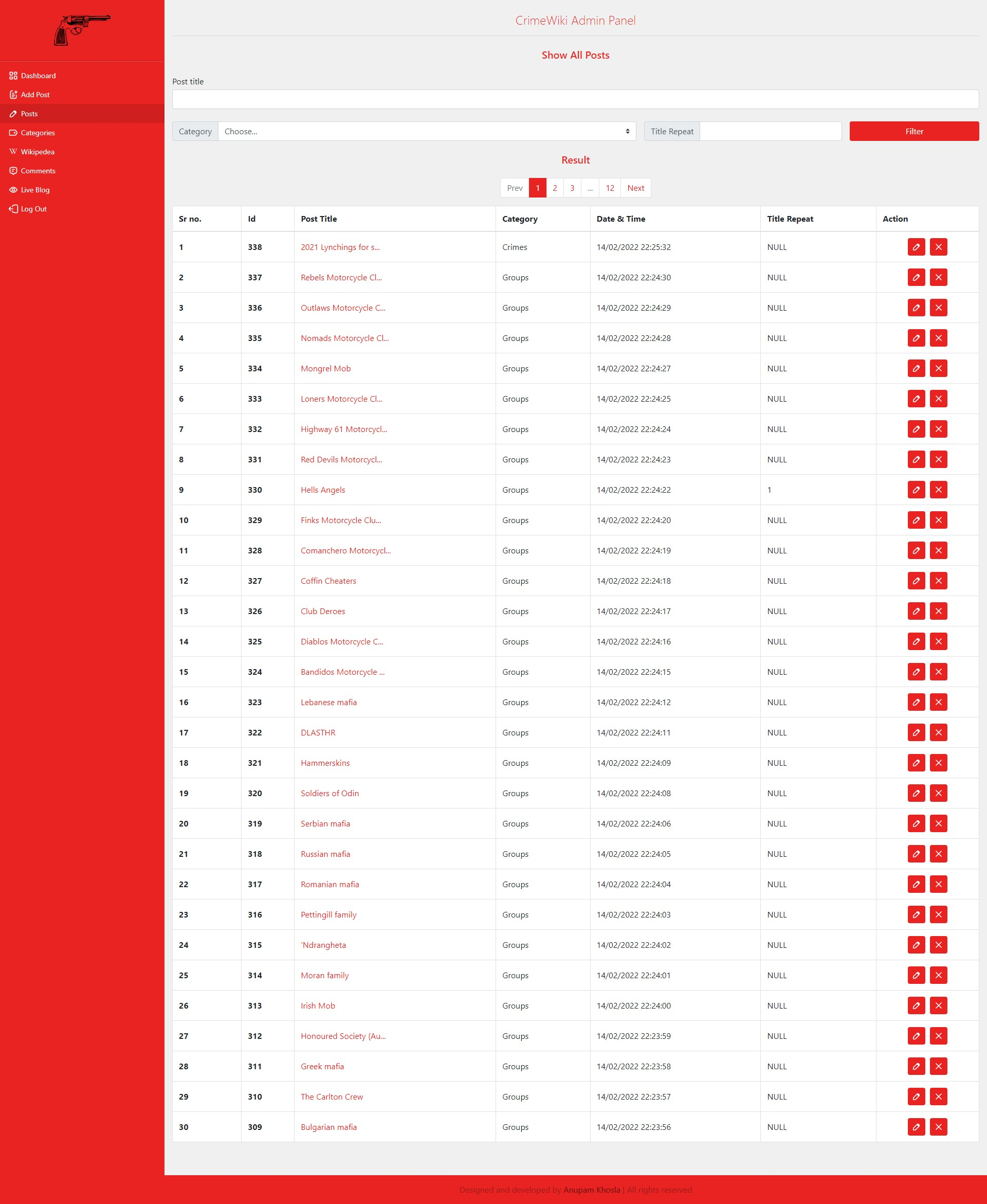
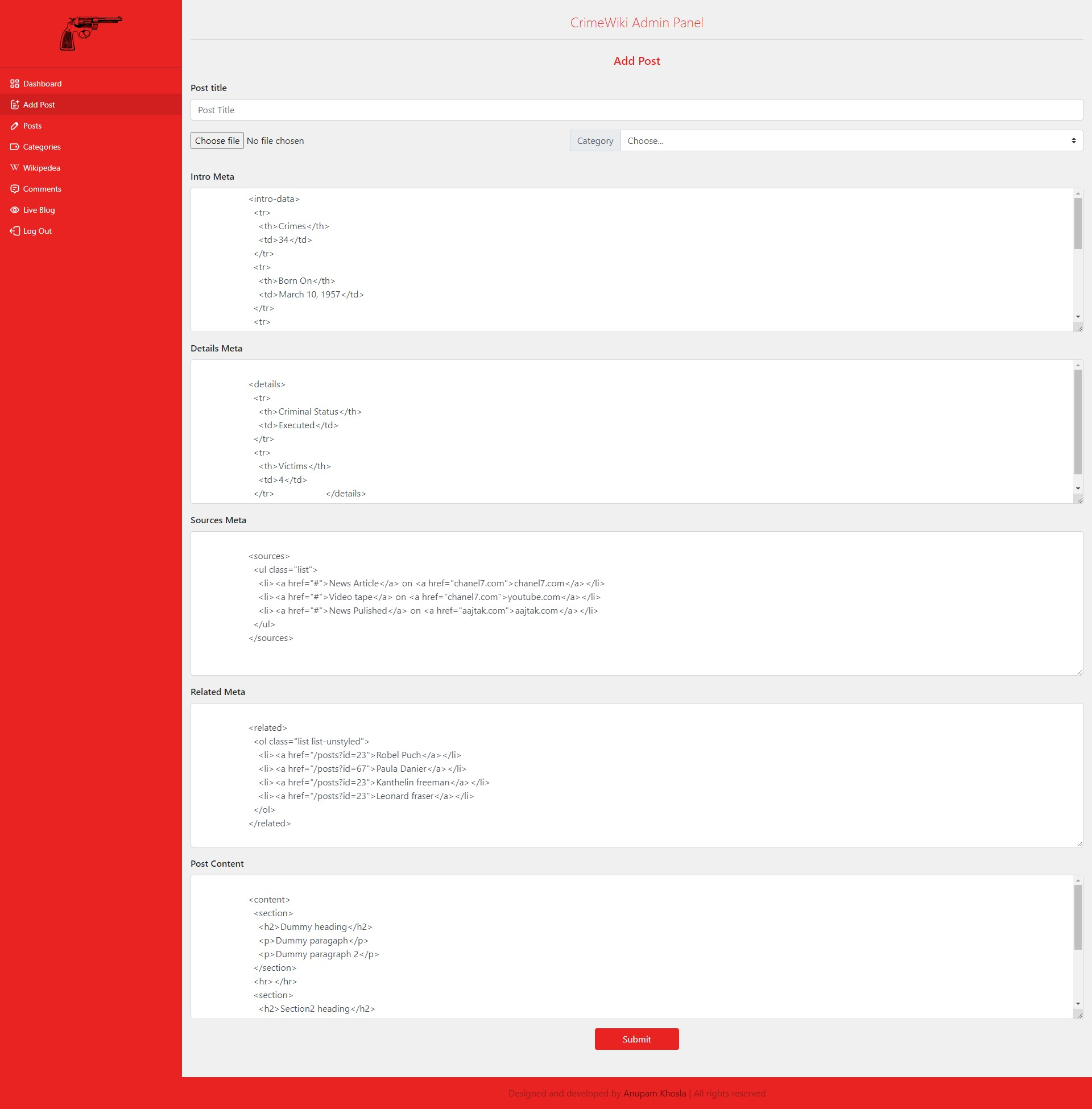
Admin Panel looks like :
- Login page: https://anupamkhosla.github.io/crimeWiki/assets/img/login.png
- Dashboard page: https://anupamkhosla.github.io/crimeWiki/assets/img/dashboard.png
- Posts search: https://anupamkhosla.github.io/crimeWiki/assets/img/posts.png
- Addpost page: https://anupamkhosla.github.io/crimeWiki/assets/img/addpost.png
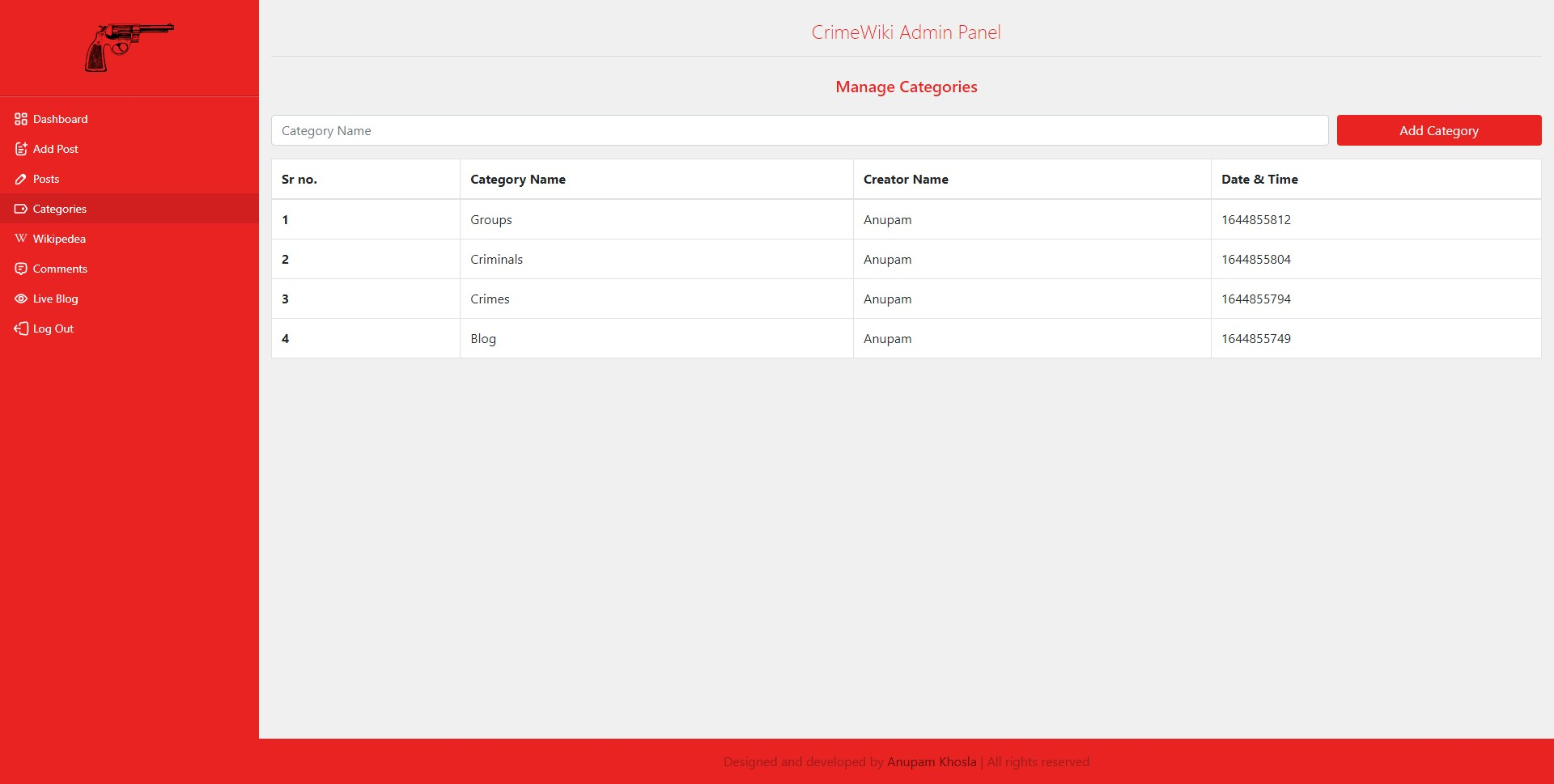
- Categories page: https://anupamkhosla.github.io/crimeWiki/assets/img/categories.png
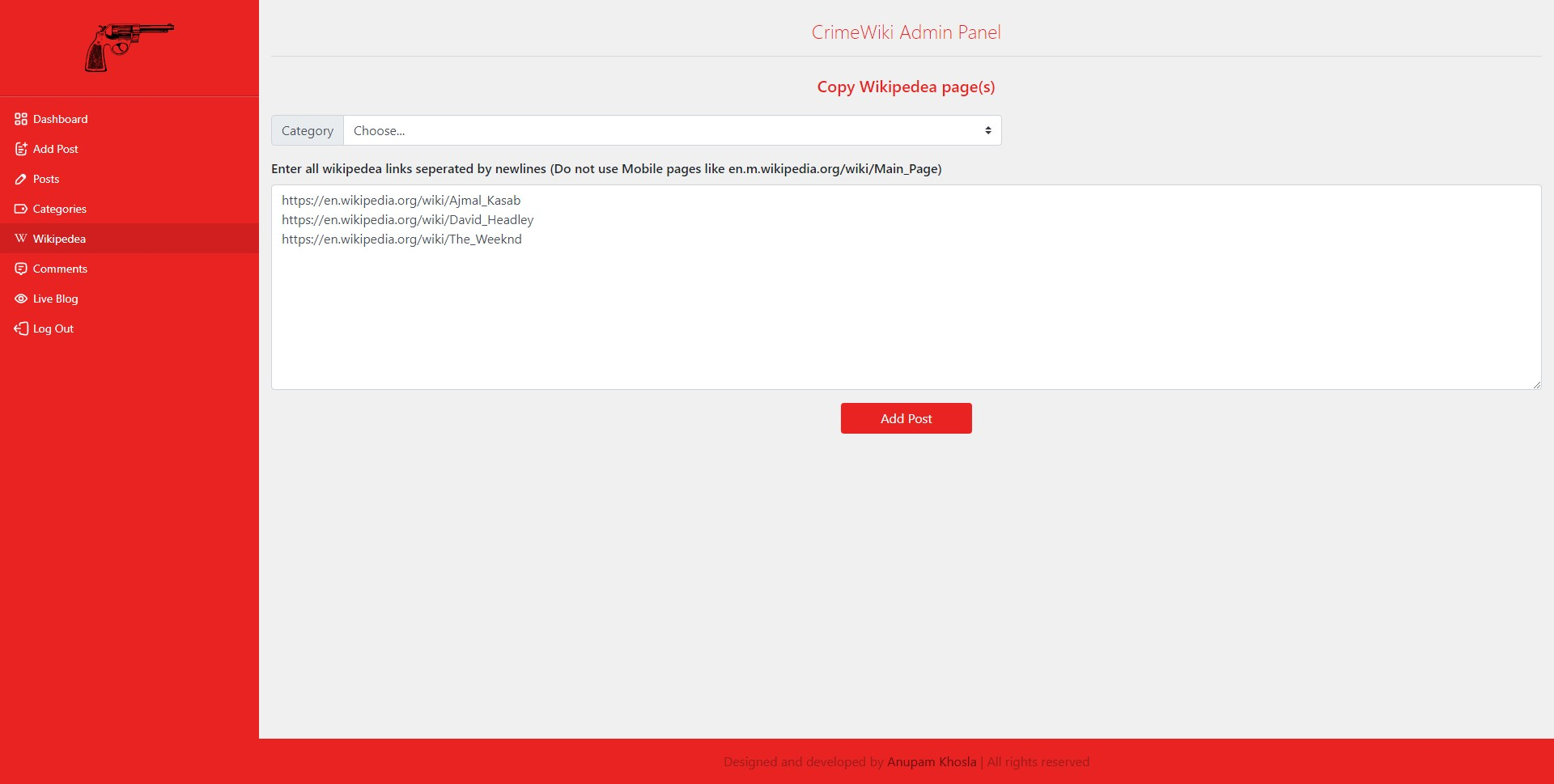
- Wikipedea page: https://anupamkhosla.github.io/crimeWiki/assets/img/wikipedea.png
Step 1: Download this git repository.
Step 2: Decide how your database credentials are provided.
- Config file (shared hosting, most VPS setups): copy
include/config.example.phptoinclude/config.phpand fill in DB values. - Environment variables (managed platforms): use platform‑provided env vars and skip manual DB entry in the UI.
cp include/config.example.php include/config.php
Step 3: Open login.php in your browser. The setup form will:
- Connect using the DB user/password you enter.
- Create the database if it doesn’t exist (and then write
include/config.phpwithSETUP = true). - Create tables and the first admin account after you complete the registration form.
Use a DB user that has permission to create databases/tables, or pre‑create the DB and grant it privileges.
Step 4:
- Go to yourdomain/categories.php page first and create a category named
Criminals. Homepage will showCriminalscategory by default. - Add a minimum of one post through yourdomain/wikipedea.php or yourdomain/addpost.php.
- Go to yourdomain/dashboard.php and copy
titleof that post. - Paste the title into
Crime of the month post. - Set the
About The CrimeWiki text.
Go to yourdomain and the website will work now.
Shared hosting (cPanel/DirectAdmin/etc.)
- Upload files to
public_html(or the web root). - Create a MySQL database + user in the hosting panel.
- Copy
include/config.example.php→include/config.phpand fill in DB values. - Visit
/login.phpto finish setup (creates tables + admin).
VPS / bare‑metal (manual PHP + Apache/Nginx)
- Ensure PHP, MySQL, and required extensions are installed (
mysqli,mbstring,dom,curl). - Configure your web server to point to the project root.
- Copy
include/config.example.php→include/config.phpand fill in DB values. - Visit
/login.phpto finish setup.
Docker (local or VM)
- Build and start containers:
docker compose up -d - Visit
http://localhost/login.php(or your VM IP) to run setup. - For DB import, uncomment the seed line in
docker-compose.ymland start with an empty DB volume.
Reverse proxy + HTTPS + webhook deploy (VPS/VM)
- This repo includes a lightweight ops bundle under
ops/for:- Nginx reverse proxy (HTTP->HTTPS)
- Let's Encrypt certs (non-interactive)
- maintenance mode during deploys
- webhook-triggered deploys on low-memory VMs
- Prereqs:
- DNS A record for
crimewiki.site(andwww) pointing to the VM - Port 80/443 open in firewall
- Docker app moved to host port 8080 (already set in
docker-compose.yml)
- DNS A record for
One-time server bootstrap Run this on your VM (as root or with sudo):
sudo bash /path/to/repo/ops/scripts/setup_server.sh \
  crimewiki.site admin@crimewiki.site /path/to/repo
Outputs:
- Webhook URL to add in GitHub/GitLab:
https://crimewiki.site/hooks/deploy - GitHub Webhook Secret:
<value printed by script>(usesX-Hub-Signature-256) - Secret is stored on VM in
/etc/webhook/secret.env - Environment file is stored on VM in
/etc/crimewiki.env
VM environment file
- Deploy scripts load
/etc/crimewiki.envforDOMAINandREPO_DIR. - The repo contains
ops/env/crimewiki.envand deploys copy it to/etc/crimewiki.env. - If you want to change domain or repo path, edit
ops/env/crimewiki.env, push, and deploy.
DOMAIN=crimewiki.site
REPO_DIR=/home/anupamkhosla1993/crimeWiki
If the domain changes
- Update
/etc/crimewiki.envwith the new domain and reload Nginx:
sudo nano /etc/crimewiki.env
sudo nginx -t && sudo systemctl reload nginx
Why /etc and /usr/local/bin
- The webhook calls
/usr/local/bin/deploy.sh, not the repo script, because it must be a stable entrypoint even while the repo is mid‑pull. /etcholds system configuration (Nginx, webhook), so we copy fromops/into/etcrather than running from the repo.- This avoids partial updates, path drift, and deploy failures caused by running scripts directly from a repo that is actively changing.
Deploy flow
When the webhook fires, /usr/local/bin/deploy.sh will:
- Switch Nginx to maintenance mode (503).
- Optional: stop heavy services (set
STOP_SERVICES=1in/usr/local/bin/deploy.sh). git pull --ff-only origin main- Optional: start services again (if
STOP_SERVICES=1). - Switch Nginx back to the app unless a failure occurs and
KEEP_MAINT_ON_ERROR=1.
Deploy script behavior knobs
KEEP_MAINT_ON_ERROR=1(default): if deploy fails, keep maintenance mode on.KEEP_MAINT_ON_ERROR=0: always switch back, even on errors.PULL_USER=...: rungit pullas a specific user (defaults to the sudo user).LOG_FILE=/var/log/deploy.log: append deploy logs here.
Server start helper (pull + swap + docker)
- Run on the VM when you want to update and start services:
bash scripts/server_start.sh
- This script:
- pulls latest code
- ensures swap is enabled
- starts Docker containers (without wiping DB volumes)
Low‑memory VM swap (recommended for e2‑micro / 1 GB RAM)
- Manual method (not needed if you use
scripts/server_start.sh). - Create swap (VPS/VM only; not possible on shared hosting):
sudo ./scripts/setup_swap.sh 8G
- To run automatically on boot (recommended on GCP):
- Copy the systemd unit file:
sudo cp scripts/setup_swap.service /etc/systemd/system/setup_swap.service
- Edit the
ExecStartpath in the unit if your repo path is different. - Enable and start it:
sudo systemctl daemon-reloadsudo systemctl enable --now setup_swap.service
- Copy the systemd unit file:
Managed platforms (env‑var based)
- Many managed PHP platforms inject DB credentials via environment variables and expect apps to read them at runtime. Examples include Platform.sh / Upsun and Pantheon.
- In that model, you should avoid hard‑coding credentials and let the platform supply them.
Meta: php will automatically create category named Blog -- this is mandatory for homepage to show dynamic posts and about us section text. php will make two posts in the blog category, namely $blog_month_post and $blog_about_text. These two will be used to store about us data and monthly-post data.
htaccess rewrites being used:
<IfModule mod_rewrite.c>
    Options -MultiViews
    RewriteEngine On
    RewriteRule ^sitemap/sitemap-index.xml sitemap/sitemap-index.php    [QSA,B]
    RewriteRule ^sitemap/sitemap(\d+).txt sitemap/sitemap.php?page=$1   [QSA,B]
    RewriteRule ^post/(\d+$) post.php?id=$1                             [QSA,B]
    RewriteRule ^post/([^/]+)/(\d+) post.php?title=$1&repeat=$2         [QSA,B]
    RewriteRule ^post/([^/]*) post.php?title=$1                         [QSA,B]
 </IfModule>

 <IfModule mod_rewrite.c>
   # RewriteEngine On
   # RewriteRule ^post/(\d+(/|$)).* post.php?id=$1
   # RewriteRule ^post/(?!\d+($|/))([^/\n\r]+)($|/)(\d+)? post.php?title=$2&repeat=$4
   # Very important regexes created for post.php page
 </IfModule>

 <IfModule mod_rewrite.c>
    RewriteEngine On
    RewriteCond %{REQUEST_FILENAME} !-d
    RewriteCond %{REQUEST_FILENAME} !-f
    RewriteCond %{REQUEST_FILENAME}.php -f
    RewriteRule (.*) $1.php [L]
 </IfModule>
Note June 2025: Apache rewrite was failing on URLs with spaces and special characters (e.g., %20, ', &) due to unescaped backreferences. Added [QSA,B] flags to .htaccess RewriteRule to ensure proper URL escaping. Error logged as: AH10411: Rewritten query string contains control characters or spaces. Ref: Apache mod_rewrite Flags documentation – B (escape backreferences)
search-code.php file has beed modified to change urlencode function to be changed into rawurlencode to ensure proper escaping with [B].