A simple game based on catching fallings objects implemented in Python 3 utilzing Pygame
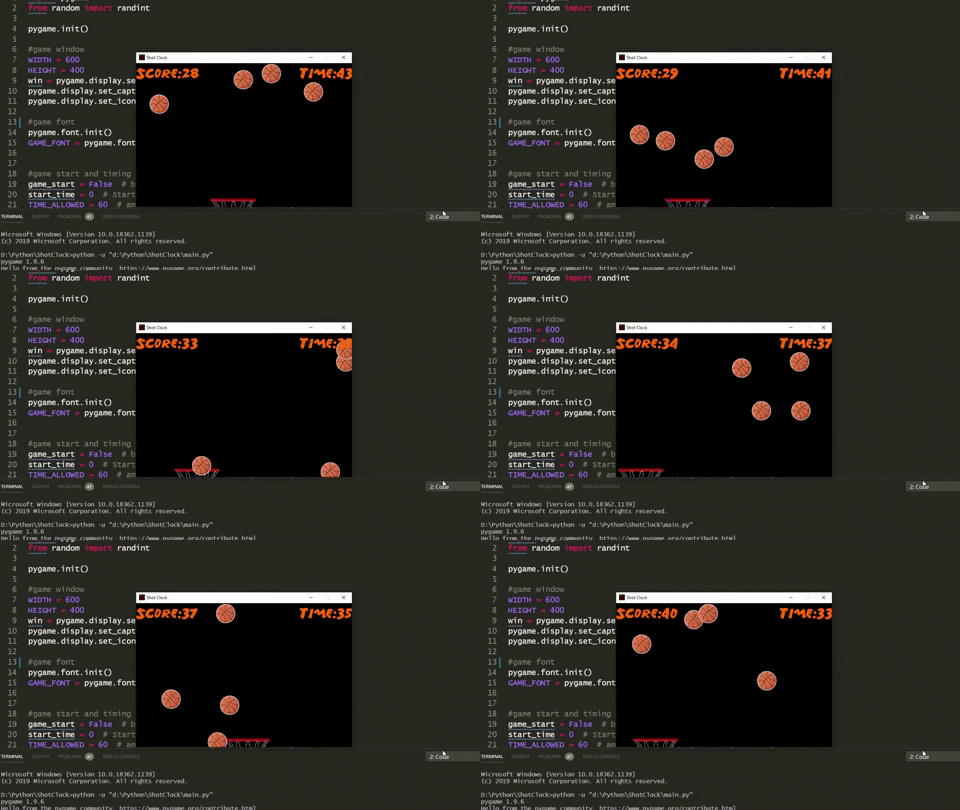
The objective of Shot Clock is to make as many shots as possible in the alloted 60 seconds countdown.
-
A Shot in Shot Clock is defined as a falling object, the balls, making contact with the hoop.
-
A shot is registed as a point, +1 to the player's score.
The hoop is fixed on the x axis, can only move from left to right.
-
Left right movement is controlled by keyboard inputs
-
A controls movement to the left
-
D controls movement to the right
-
The player has no control over the falling objects
for i in range(4):

    if game_balls[i].is_off_screen():
        new_ball(i)

    game_balls[i].draw_ball(win)
    game_balls[i].update_position()
The logic behind the falling objects is the result of a few simple steps (Note: WIDTHxHEIGHT is the window size):
-
At the start, spawn (n) number of balls, from a list of balls, at the top of the screen, y = 0.
- Random x position values are generated.
-
Each ball is spawned with its own speed, and its Y position is updated to make the ball 'fall',
python ball.y += speed -
The ball continues to fall unless it:
-
(a) Makes contact with the hoop and is a shot (+1 to score).
-
(b) Goes off screen, ````python ball.y > HEIGHT. ```
-
-
After the ball is registered as a made shot or goes off screen it is not cleared from the display, but is respawned at the top of the screen as a 'new' ball.
What this means is that the falling balls effect is created by the continuous looping of the same (n) number of balls.
For this project n = 4 for a screen of size 600x400, so the list of game balls has a length of 4.
-
n < 4 doesnt fill up the screen enough
-
n > 4 clutters the screen and results in a more overlapping.
Thus, n, the number of balls, is dependant on screen size
for i in range(4):

    if game_balls[i].is_off_screen():
        new_ball(i)

    game_balls[i].draw_ball(win)
    game_balls[i].update_position()

    if (hitbox_y) < game_balls[i].y < (hitbox_y + 20) and (hitbox_x) < game_balls[i].x < (hoop_x + 120):
        SCORE += 1
        new_ball(i)
Scoring is determined by the collision of the balls with a defined hitbox of the hoop. This is calculated within the loop that updates the ball position because every time a ball is moved it may have touched the hitbox, a shot may have been made.
There are two hitboxes in Shot Clock.
-
The whole sprite is the hitbbox for each ball.
-
The hoop has a 120x20 reactangle, starting at the rim and going down, that is defined as its hitbox. Unlike the ball the whole hoop does not have a hitbox surrounding it. (see below image)



Click for full demo