
Update 1.0.9.0
- Modification of several elements of the application interface
- Display of supported monitors
- Contrast and brightness correction for DDC/CI compatible monitors
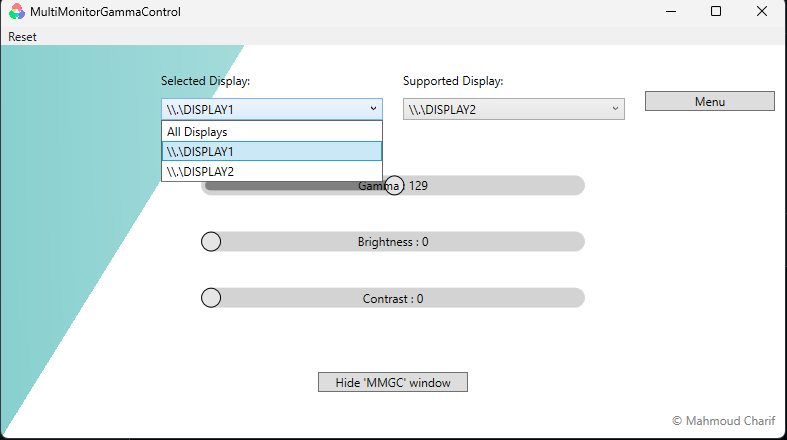
if you try to apply a correction for gamma or brightness and it doesn't work it's probably because your monitor doesn't support DCC/CI or is disabled.
You should see a message like this :

if your detected monitor is a laptop screen, I haven't solved the problem yet but if your computer is not a laptop, try changing your monitor settings and enabling DDC/CI.
In this version, the supported monitor ComboBox does not initialize correctly and don't show all supported monitor.