Import models into CDO
To import cooperate models from the file system into CDO you can use the 'Import Cooperate Model into Project' feature.
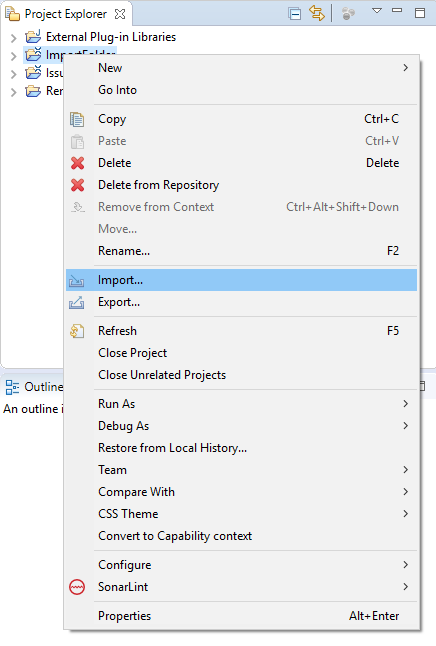
Right-click in the Project Explorer to open the context menu and click Import....
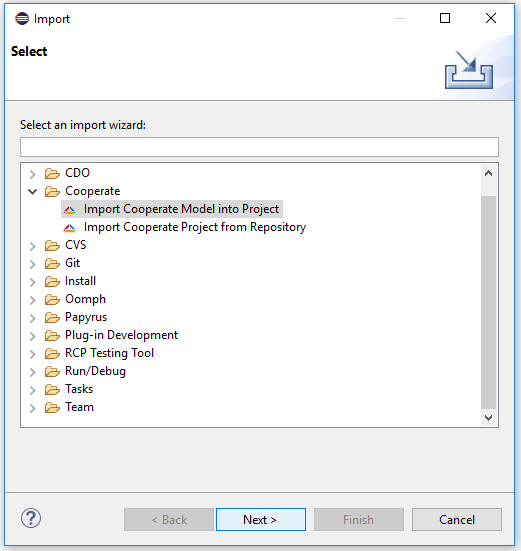
Select Cooperate -> Import Cooperate Model into Project.
This will open the dialog shown in the following image.
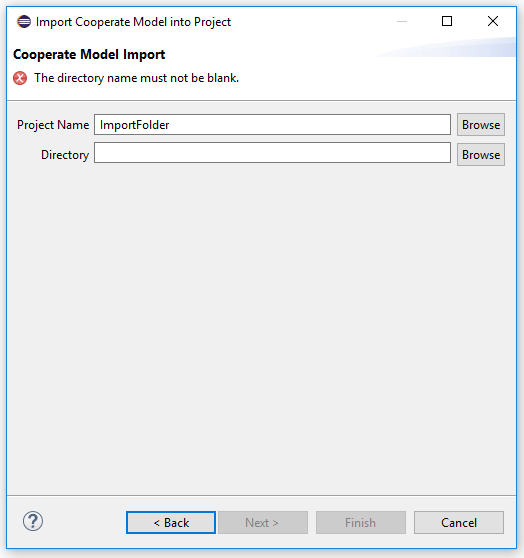
Select a Cooperate project to import the model into and select the folder in which the files to import are placed.
Please make sure, that the directory only contains the files created by the export feature.
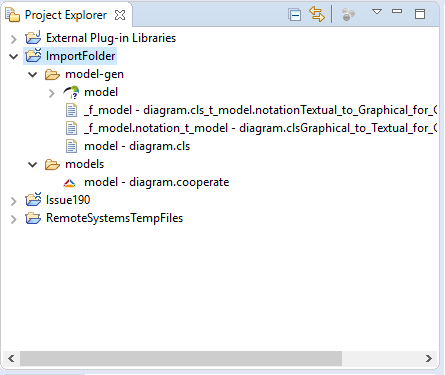
After you pressed Finish the project should look similar to the following image.