


- Automatic Project Index: All your projects are organized alphabetically (A-Z) and updated automatically.
- Project Detailed: Each project includes a short description, technologies used image preview, and optional live website link.
- Live Website Links: Quick access to the repository and live demo if available.
- Responsive Design: Works well on desktop, tablet, and mobile.
- Automated Updates: New repositories are automatically added via GitHub Actions workflows.
- .env Integration: Securely store your GitHub username and personal access token for API access.
- Website JSON Generation: The workflow also generates
WEBSITE_PROJECTS_LIST.jsonfor web use.
Note: This setup is designed for repositories created from the repository template.
-
Clone the Repository Template:
git clone https://github.com/EduardaSRBastos/repository-template.git cd repository-template -
Set Up Your Environment: Create a
.envfile in the root of your project:GITHUB_USERNAME=YourGitHubUsername GITHUB_TOKEN=YourPersonalAccessToken
GITHUB_TOKENcan be left empty for unauthenticated requests, but rate limits will be lower. -
Automated Updates via GitHub Actions:
-
A workflow runs every 3 days (or manually via "Run workflow") to:
- Update
README.mdwith new projects. - Generate
WEBSITE_PROJECTS_LIST.jsonfor your website.
- Update
-
No manual execution is required after setup.
-
-
Manual Update (Optional): If you want to trigger updates immediately:
python generate_README_projects_list.py
python generate_WEBSITE_projects_list.py
This updates both the README and the website JSON locally.
-
Add New Projects:
- Simply push new repositories to GitHub.
- The workflow will automatically include them in the next scheduled run.
This ensures your project list in the README and website JSON is always synchronized and up-to-date without manual maintenance.
A - C - D - E - F - H - J - L - M - P - R - S - U - V - W
-
Accessibility Project: Web Accessibility School Project for Phone
-
Advent Of Code 2024: Dataweave Edition
-
Advent Of Code 2025: JavaScript Edition
-
Assembly 2020: Assembly School Exercises
-
Astro Alert: A Discord bot that posts real-time moon phases, eclipses, and astronomy alerts, and lets users explore upcoming celestial events.
-
C 2019: C School Exercises
-
Calculator: An aesthetic calculator with hidden tricks and a cat-like style.

-
Cpp 2020: C++ School Exercises
-
Cpp 2021: C++ School Exercises (Btree)
-
Csharp.net 2017: C# .NET School Exercises
-
Csharp.net Console 2017: C# .NET Console School Exercises
-
Css Projects: Animation Projects using HTML, CSS and JS
-
Dataweave Challenges: DataWeave challenges from ProstDev.com with explanations
-
Dataweave Exercises: Dataweave practical exercises
-
Dataweave Utilities: Collection of useful dataweave functions
-
Dating Anniversary: A small interactive website to celebrate our dating anniversary, filled with hearts, flowers, and sweet surprises.

- Distributed Systems 2022: Distributed Systems School Projects in C and C#
-
EduardaSRBastos: My Profile Readme
-
Escape Puzzle: Escape Puzzle in HTML, JS and CSS.
-
Final Project 2018: Technological Project of the Informatics and Multimedia Technologies Course (Colégio de Gaia)
-
Food Api Django: Django exercise
-
Hanabi: Game Hanabi written in C
-
Hiring Coders: Programa Hiring Coders
-
Html Css Php Js 2017: WEB Development School Exercises
- Lettersoup: Game Letter Soup written in C++
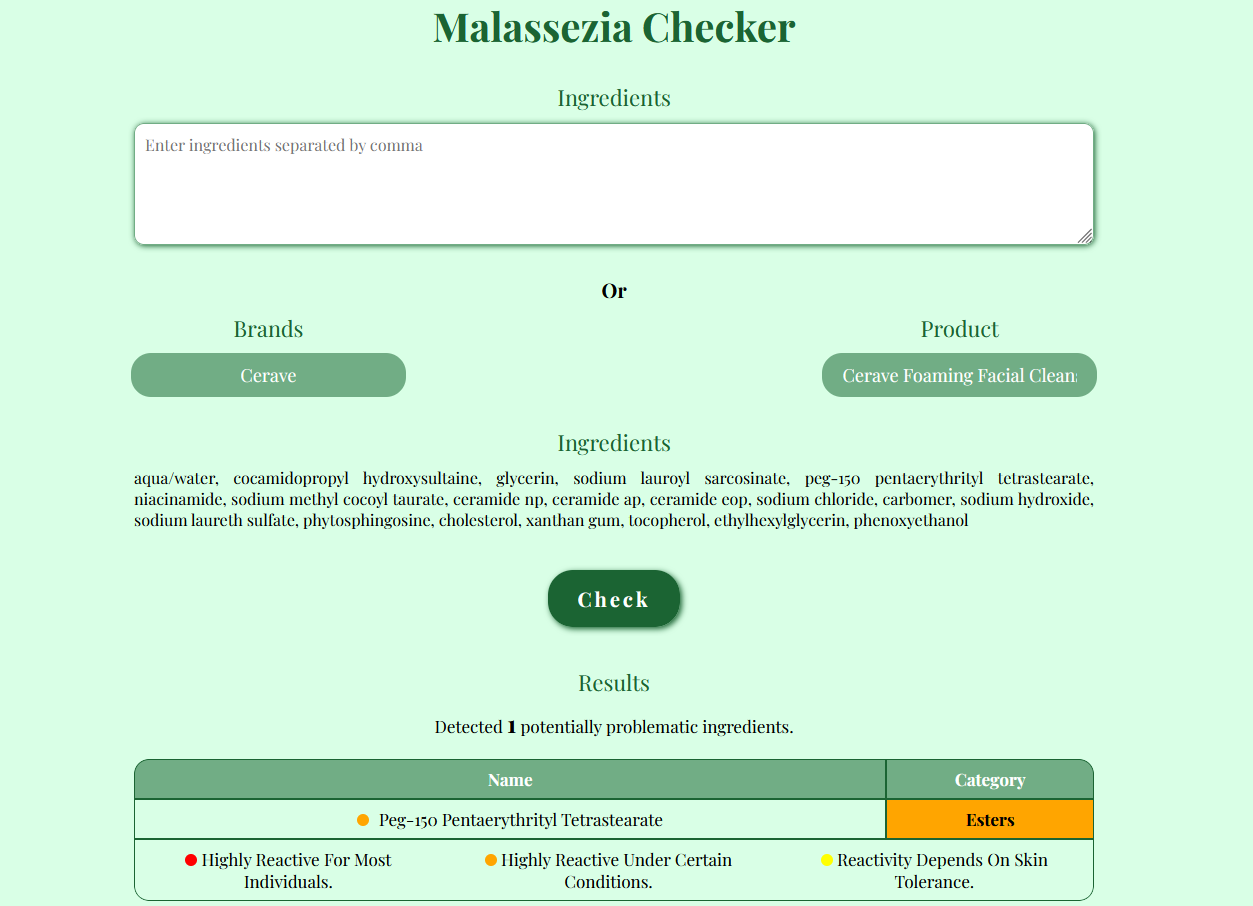
- Malassezia Checker: A tool that checks ingredients for potential Malassezia triggers.
- My Essential Toolbox: A collection of essential digital tools designed to assist with everyday tasks.

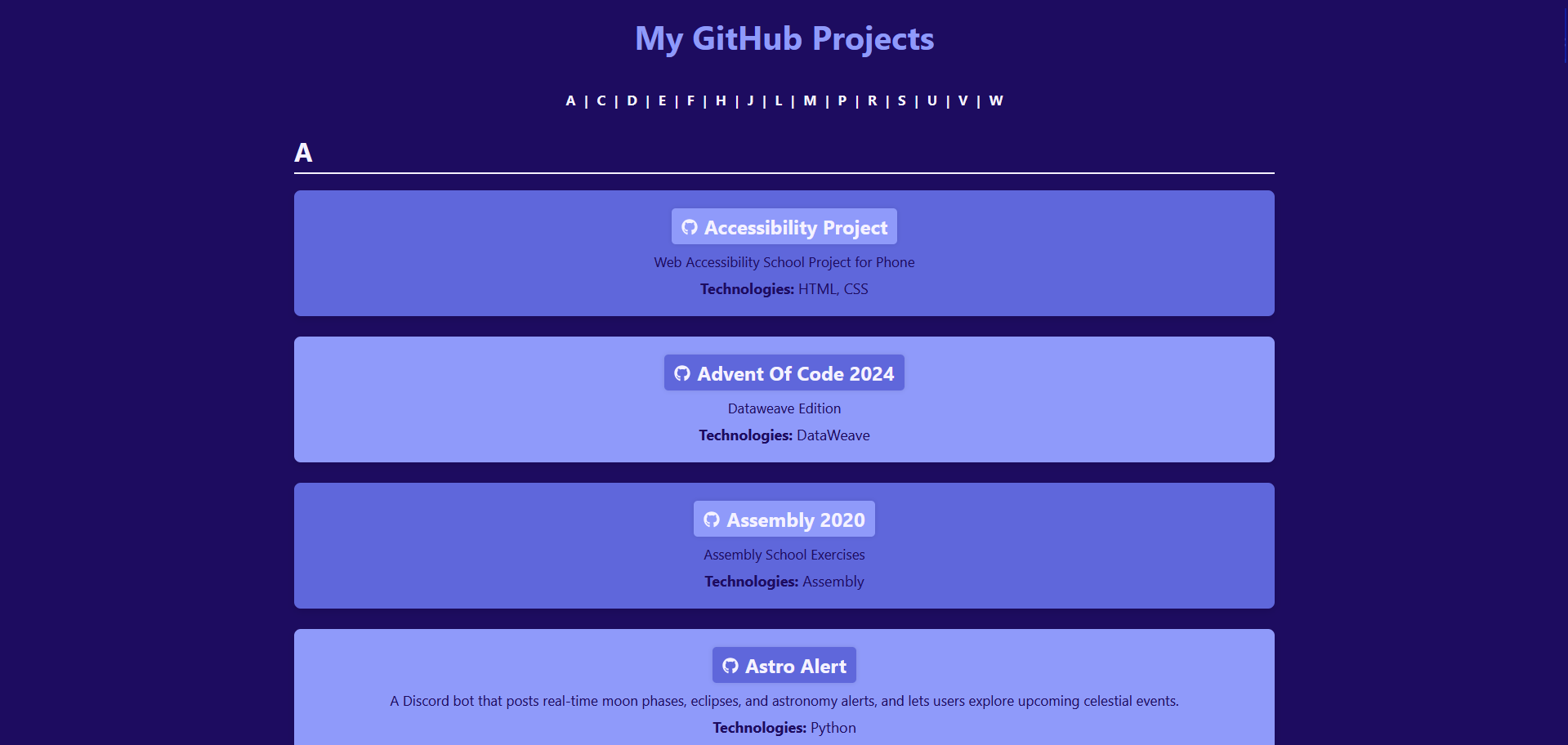
- My Projects: A directory website that lists my GitHub projects.
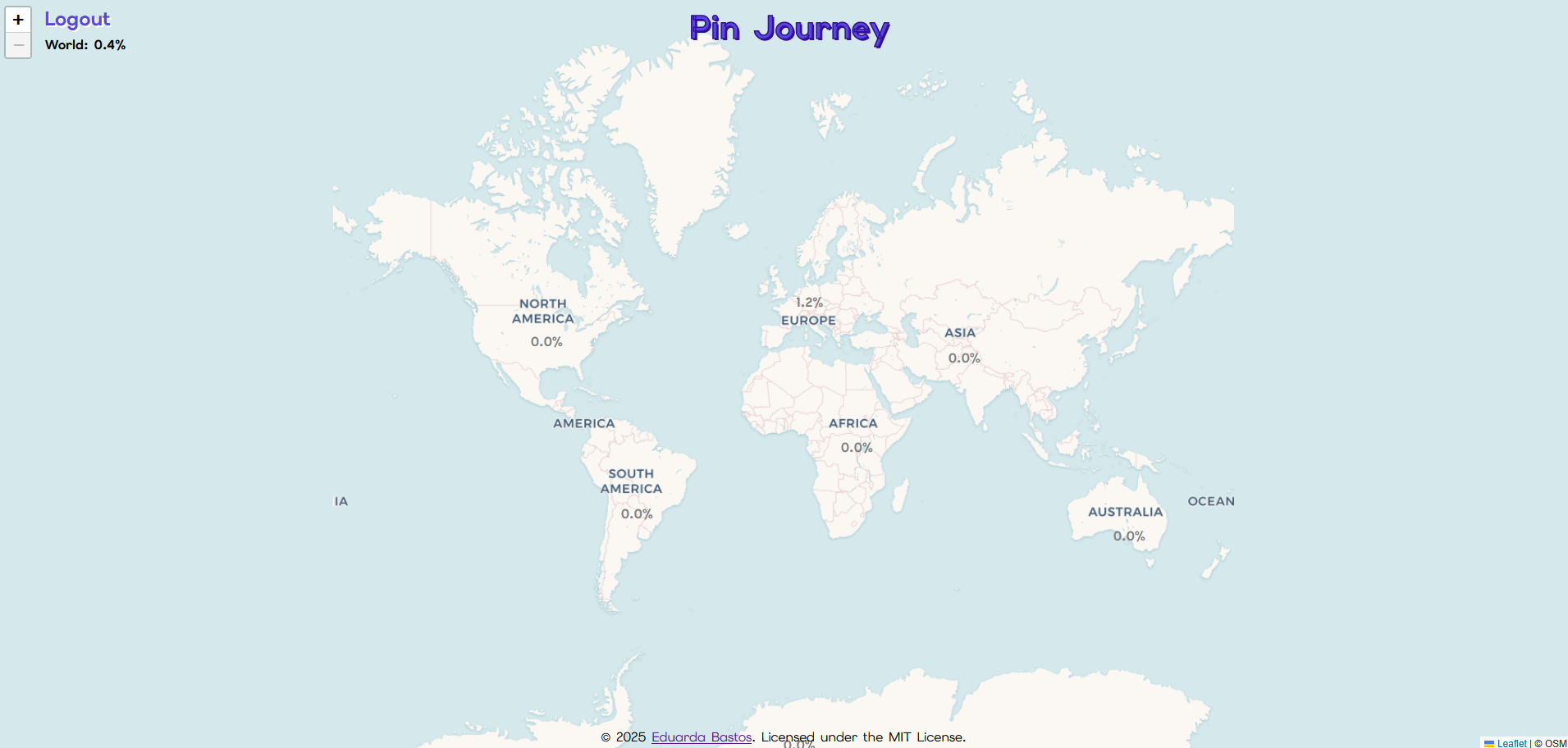
- Pin Journey: An interactive map to track and visualize the places you've been.
-
Portfolio: My Portfolio Website
-
Powerbi 2022: Power BI School Exercises
-
Profile Preferences Api: The API allows users to create their account preferences.
-
Python Exercises: Python School Exercises
-
Python Genderidecg: Gender Identification with Electrocardiography in Python
-
Repository Template: A structured GitHub template with essential resources for new projects.
-
Resume Builder: A customizable resume builder template built using HTML, CSS, and JavaScript.

- Rss Reader: Project using WPF and Xamarin Forms (c#)
-
Samurai: Project made in Angular and C#
-
Spotify Lyrics: Displays the currently playing Spotify track and its lyrics
-
Sql 2021: SQL School Exercises
-
Uml 2021: UML School Exercises
-
Unity 2018: Unity School Exercises
-
Update License Year Action: This GitHub Action automatically updates the year in the
LICENSEfile of the repository.
-
Vb 2016: Visual Basic School Exercises
-
Vb.net 2016: Visual Basic .NET School Exercises
-
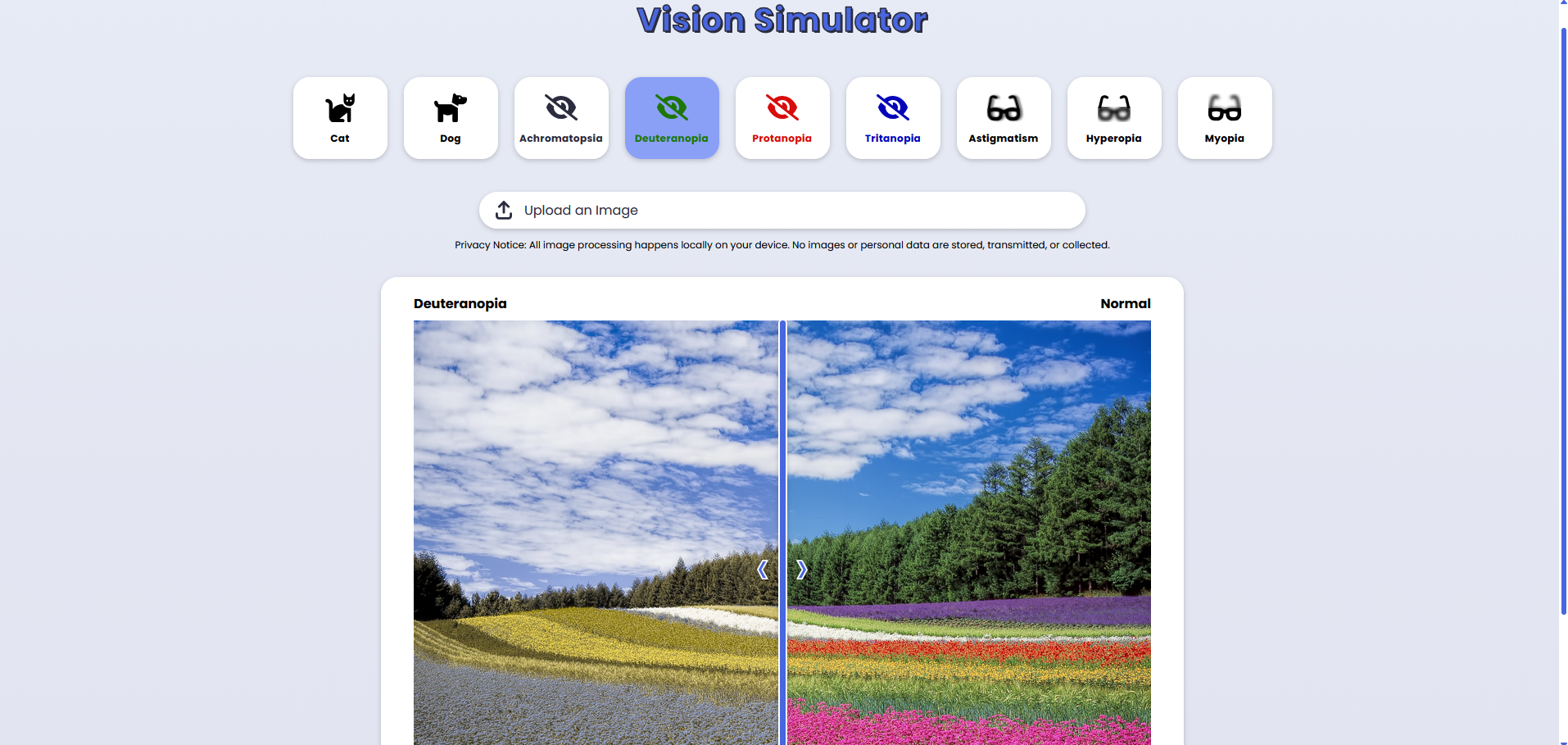
Vision Simulator: A vision simulator that recreates how humans and animals perceive the world through various visual conditions and color deficiencies.
-
Webgl 2022: WebGL School Exercises
-
Webgl Project: Project Candyland in WebGL
-
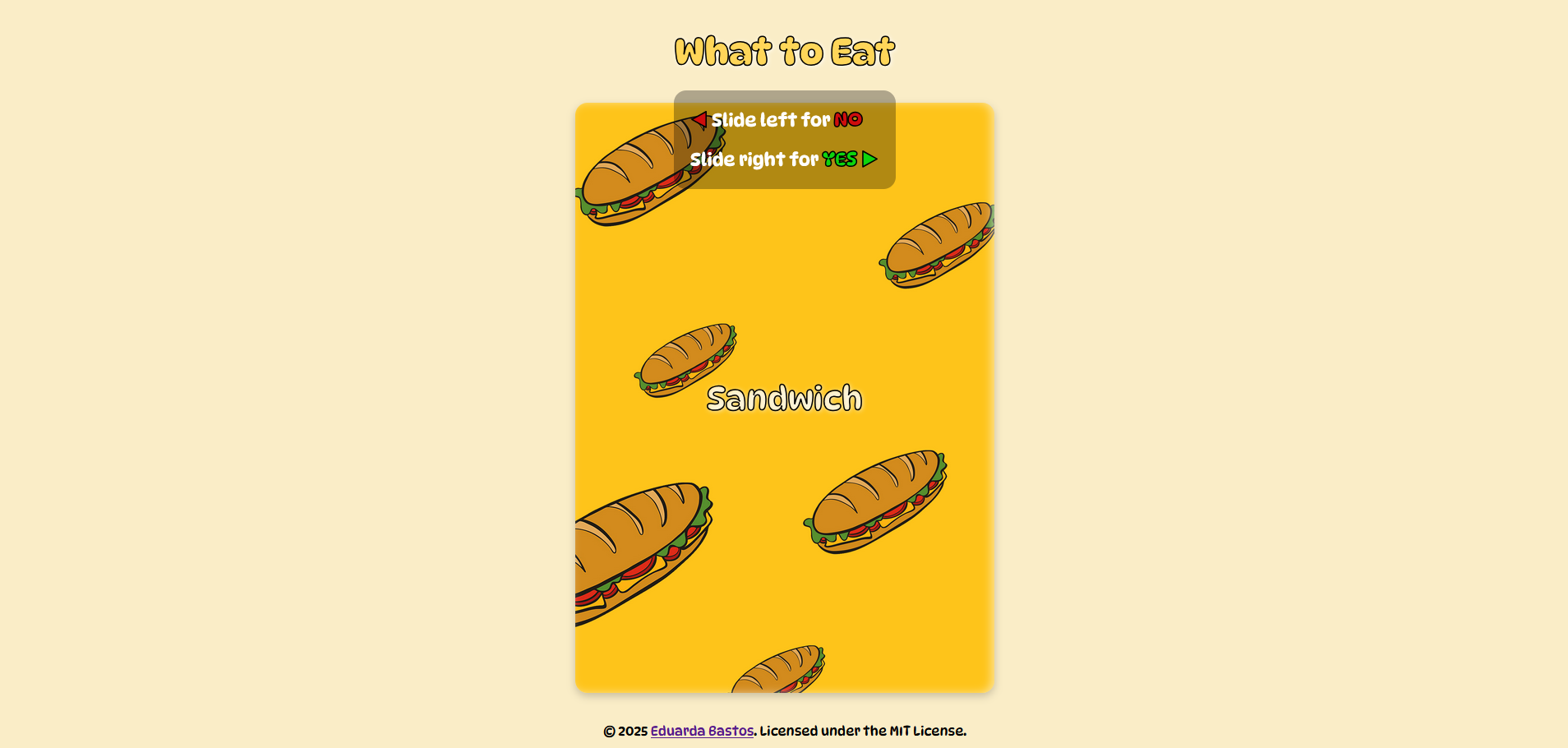
What To Eat: Interactive web app to choose what to eat by swiping food options left or right.
- Wpf 2021: WPF School Exercises
- Support this project by giving it a star ⭐. Thanks!
- Feel free to suggest improvements or report any issues in the repository.
This project is licensed under the MIT License - see the LICENSE file for details.