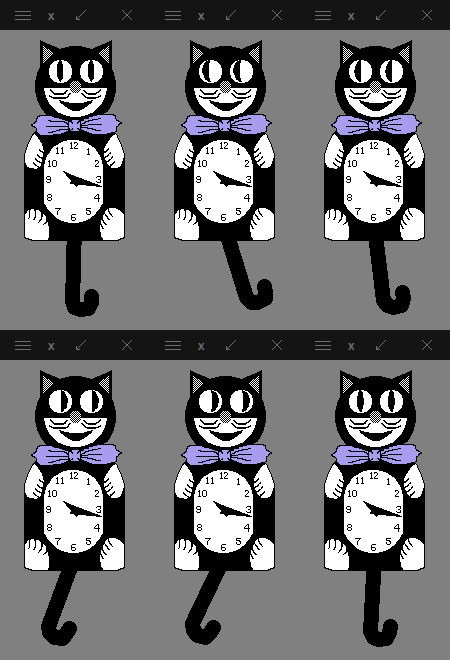
Install catclock, a fork of xclock with an additional cat mode.
A Debian-based linux system with X server.
The main variables are:
catclock_bin_name: The name of the binary. Defaults tocatclockto not shadow installedxclock.catclock_install_folder: Where the binary gets installed. Defaults to/usr/local/bin.catclock_with_tempo_tracker: If set totrue, compiles catclock with the audio tempo tracking feature.
Please note that the role has a mechanism to not skip all tasks if the binary {{ catclock_bin_name }} is found on the system.
If you've changed it to xclock or would like to re-install it with different options (e.g. change of catclock_with_tempo_tracker) you can force the reinstallation by setting var catclock_force_reinstall to yes.
None.
Including an example of how to use your role (for instance, with variables passed in as parameters) is always nice for users too:
- hosts: servers
  roles:
     - { role: eigenbahn.catclock }
MIT