

Unleash the magic of coding with the Unicorn Dark Theme for Visual Studio Code! ✨
Transform your coding experience into something truly magical. This enchanting dark theme blends vibrant colors, soft contrasts, and a touch of whimsy to create an environment that's both visually pleasing and delightfully functional.
- Magical Color Palette: Carefully crafted colors that reduce eye strain during long coding sessions
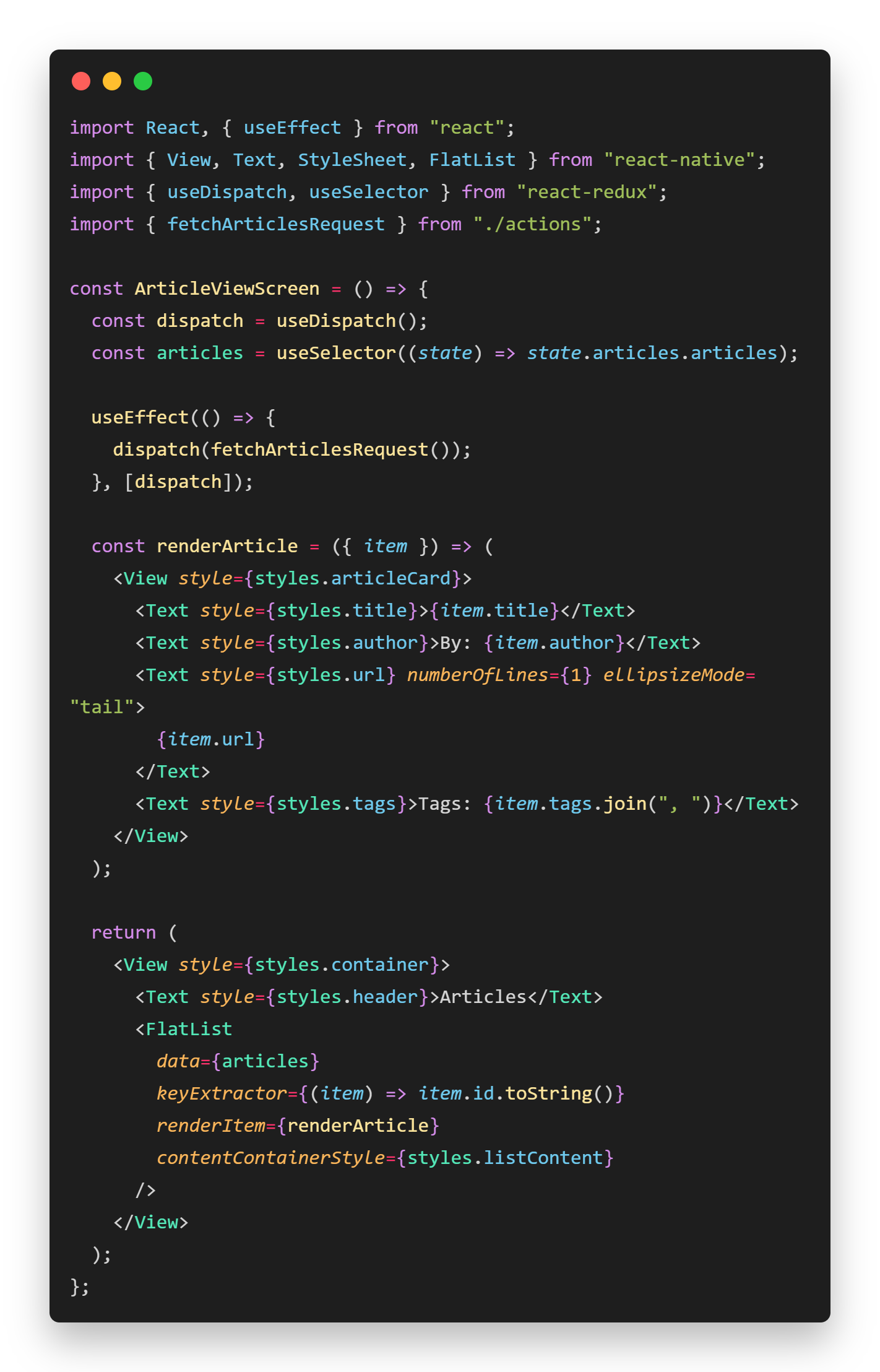
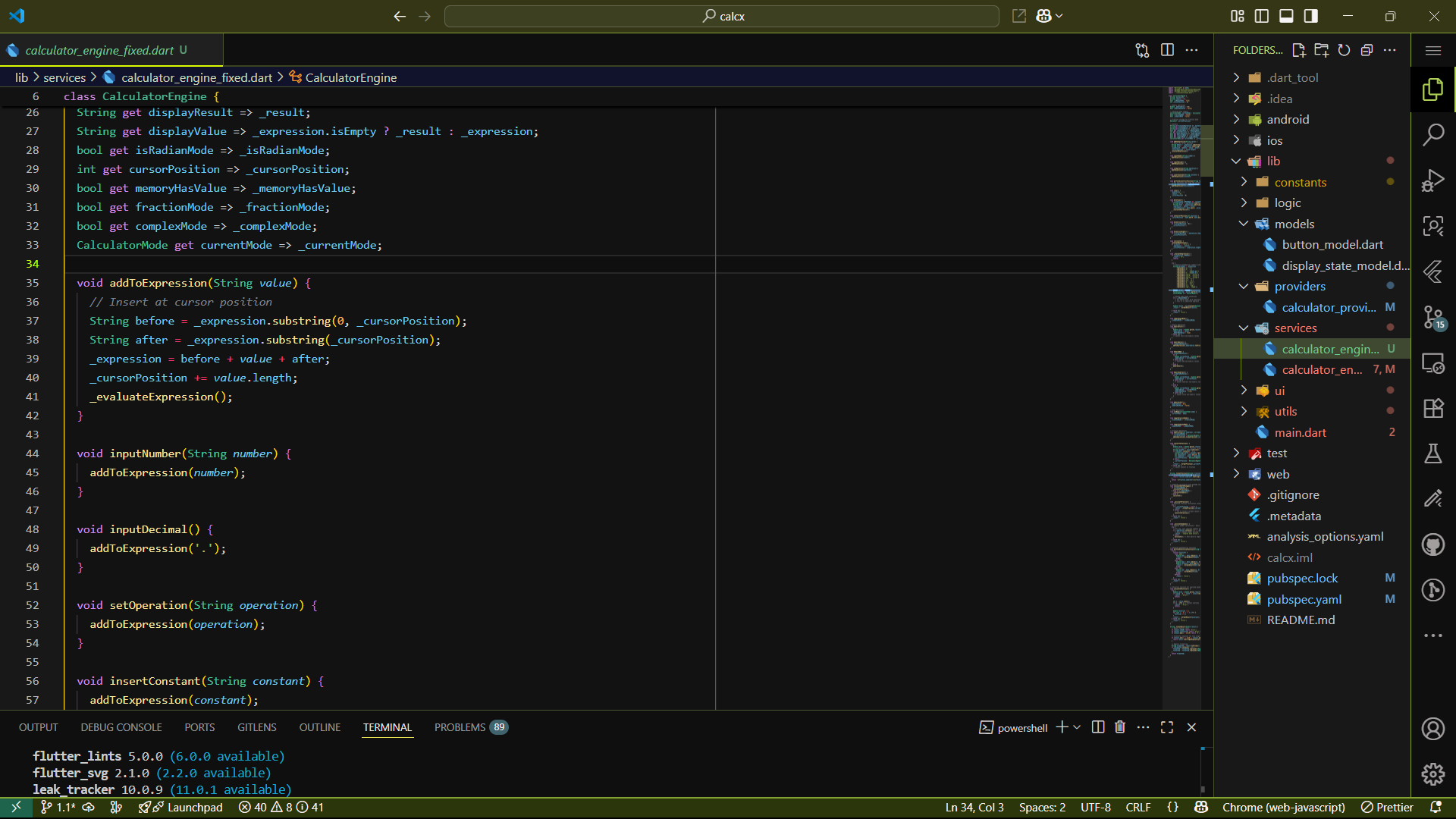
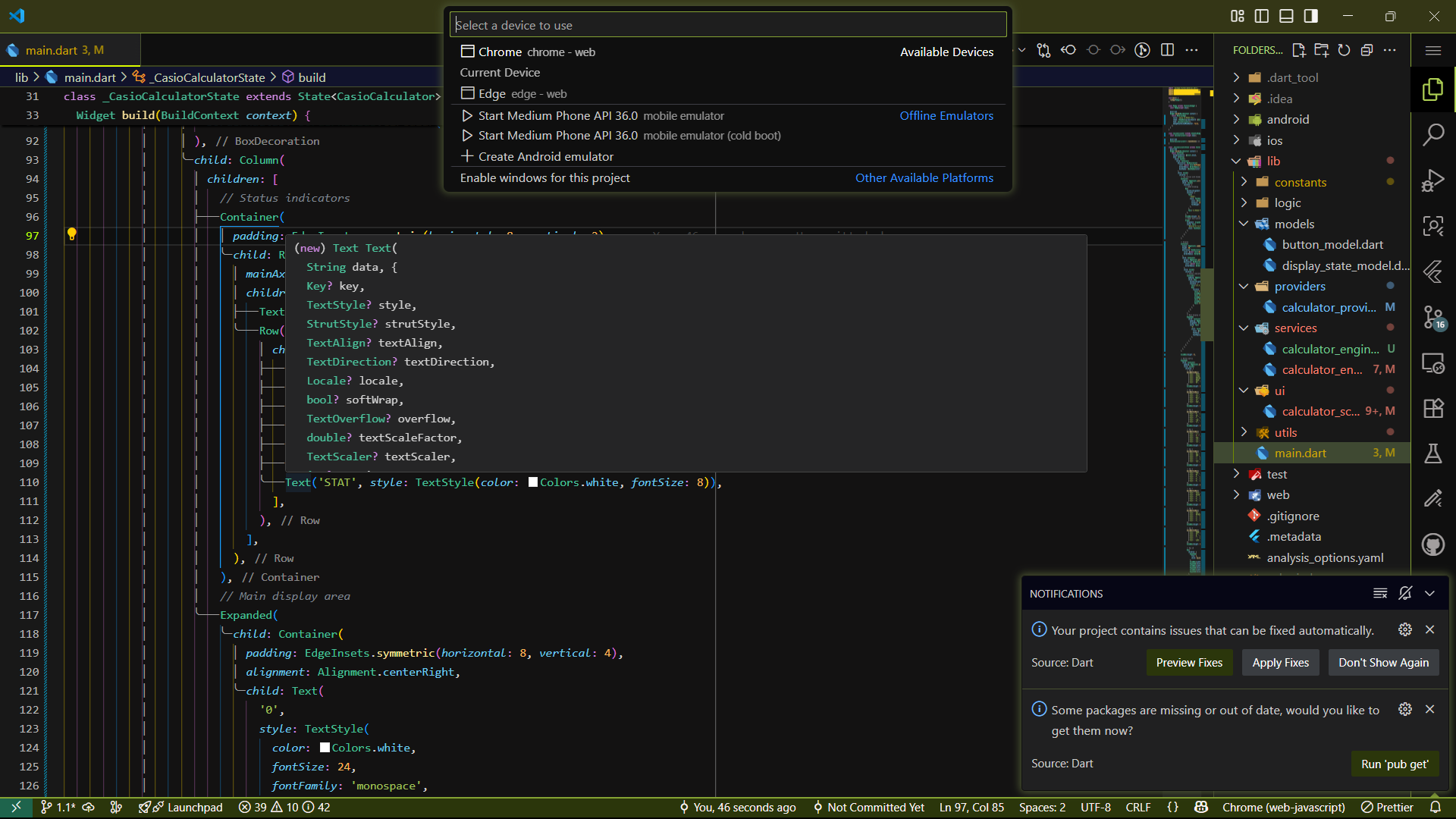
- Enhanced Syntax Highlighting: Optimized for multiple programming languages
- Semantic Token Support: Advanced highlighting for better code readability
- Dark Theme: Perfect for late-night coding adventures
- Consistent UI: Harmonious colors across all VS Code interface elements
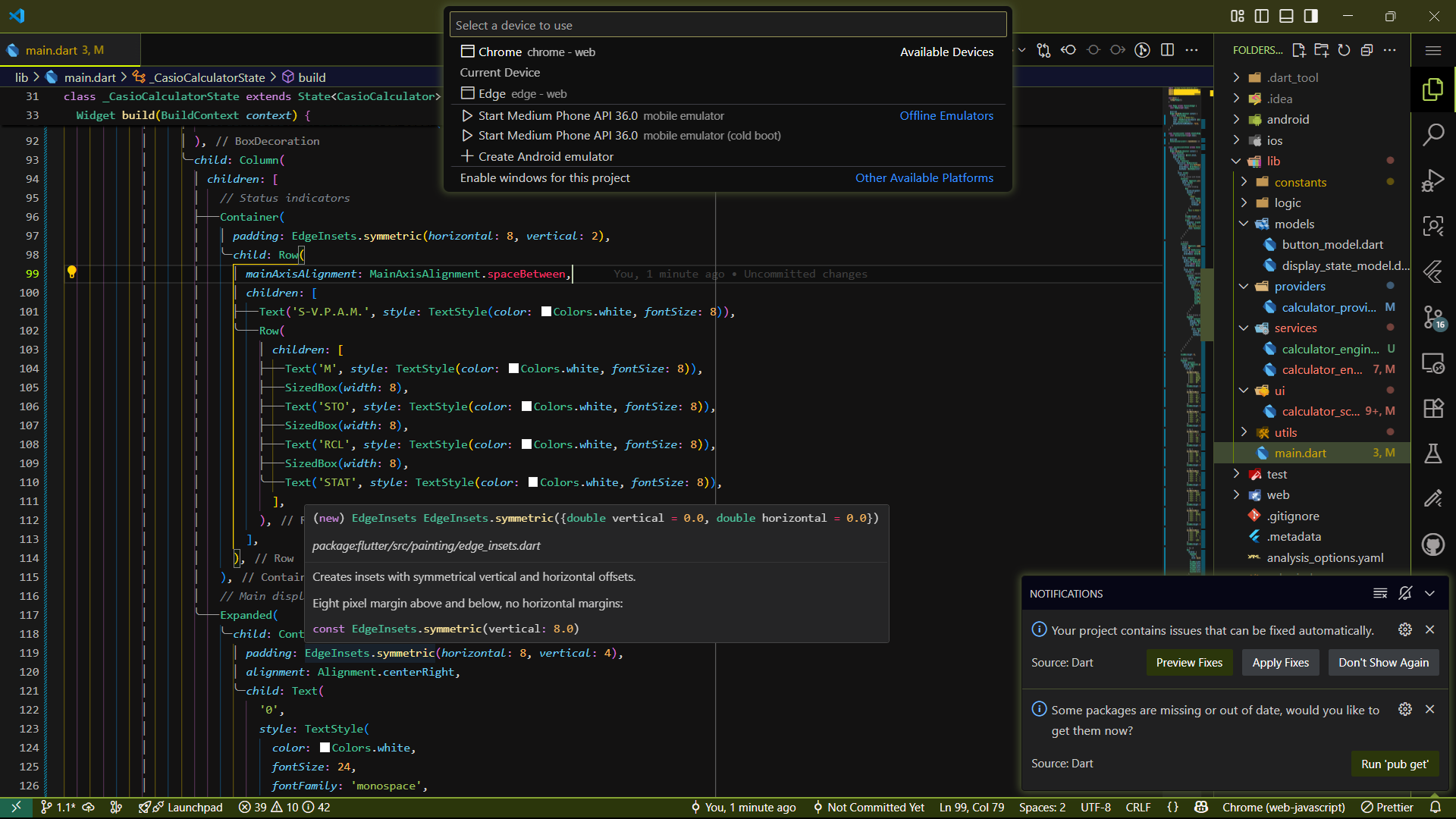
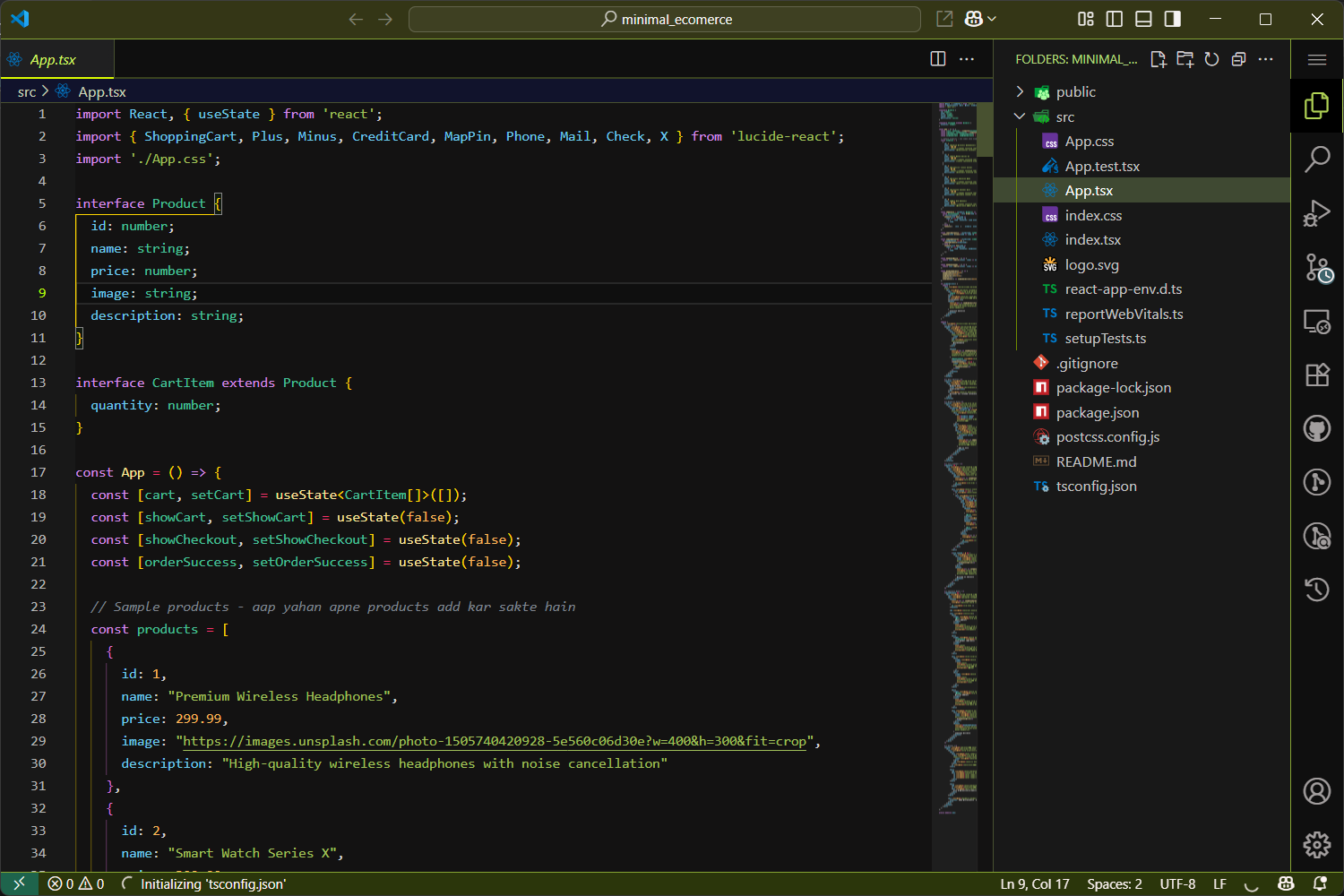
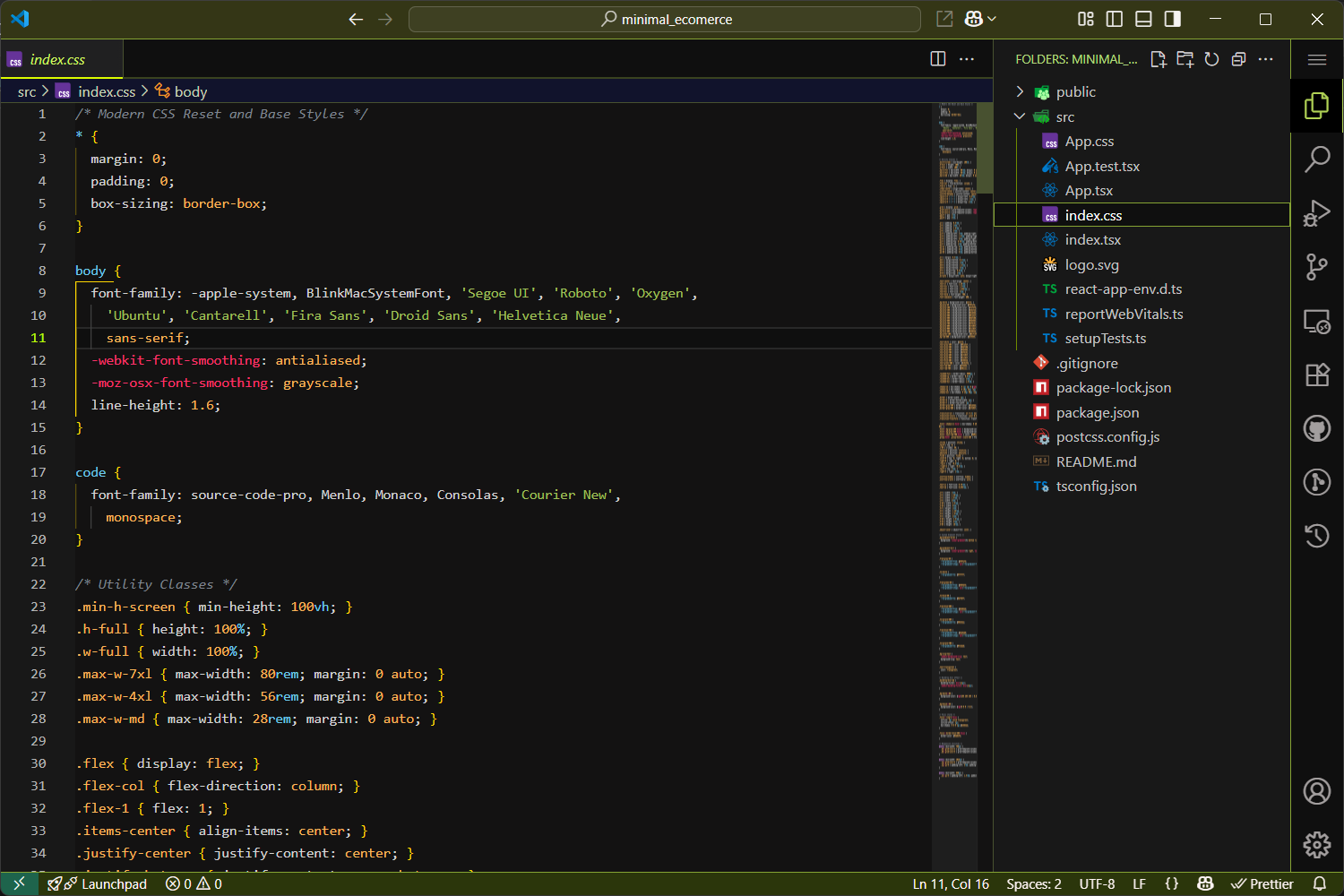
- Open Extensions sidebar panel in VS Code (
Ctrl+Shift+X) - Search for
unicorn dark - Click Install
- Click Reload to reload VS Code
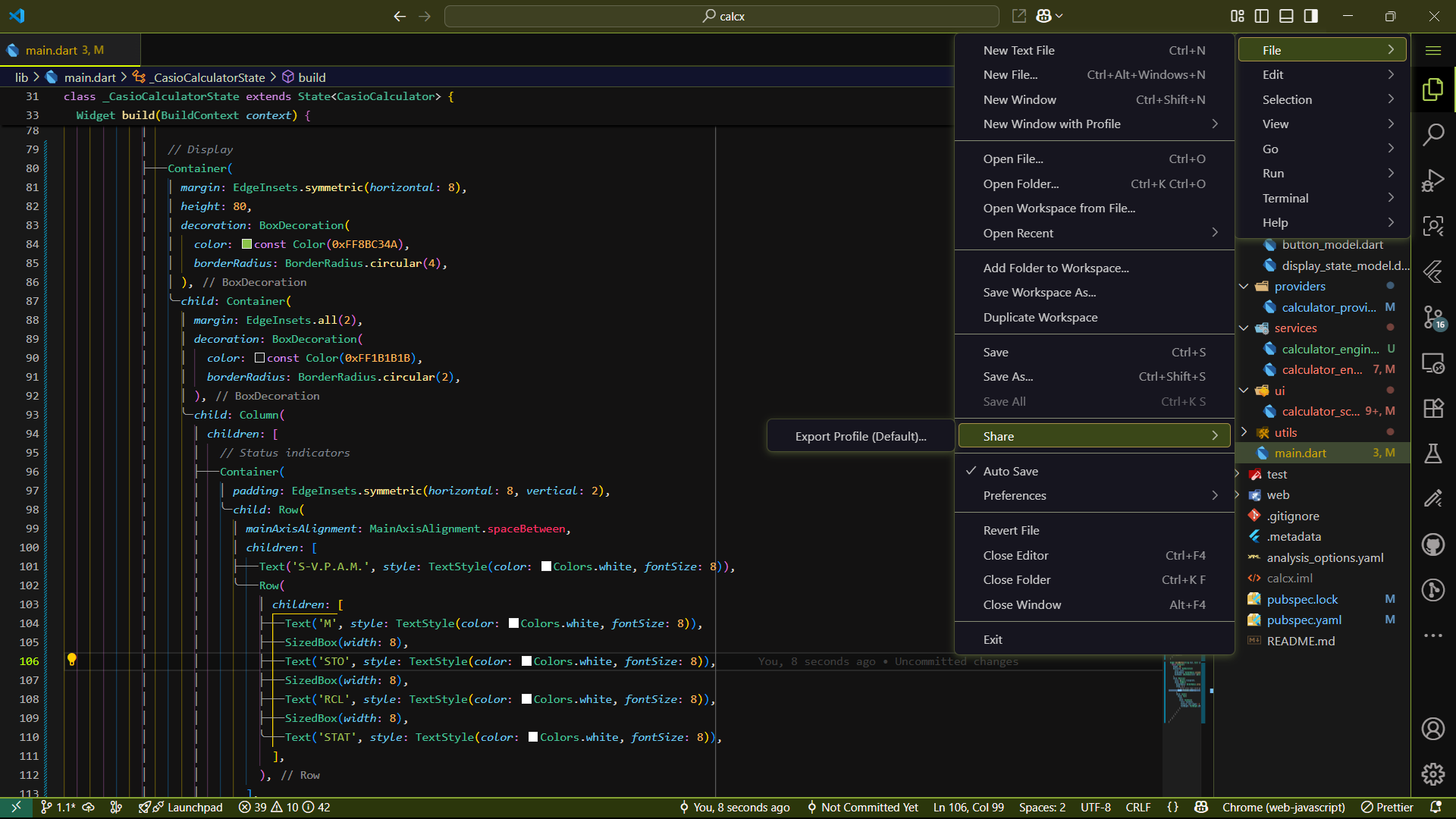
- Go to File > Preferences > Color Theme (or
Ctrl+K Ctrl+T) - Select unicorn-dark-theme
- Download the
.vsixfile from the releases - Open VS Code
- Go to Extensions (
Ctrl+Shift+X) - Click on the three dots menu (
...) and select Install from VSIX... - Select the downloaded
.vsixfile - Activate the theme via File > Preferences > Color Theme
This theme provides enhanced syntax highlighting for:
- Flutter
- JavaScript/TypeScript
- React
- React Native
- Java
- C#
- C++
- Go
- Python
- HTML/CSS
- JSON
- Markdown and many more!
- Major release with fixed screenshot display
- Enhanced marketplace visibility
- Improved theme stability
- Updated documentation
This theme is released under the MIT License.
If you enjoy this theme, please consider:
- ⭐ Starring this repository
- 📝 Leaving a review on the VS Code Marketplace
- 🐛 Reporting bugs or suggesting improvements
Special thanks to the VS Code team for creating an amazing editor and to the community for inspiration and feedback.
Made with 💜 and a touch of magic ✨
Let your code-writing experience be as enchanting as a unicorn sighting — rare, mythical, and utterly delightful.