This project is part of the Cloud Developer Nanodegree. The goal of this project to implement a simple TODO application using AWS Lambda and Serverless framework.
This application allows to create/remove/update/fetch TODO items. Each TODO item can optionally have an attachment image. Each user only has access to TODO items that he/she has created.
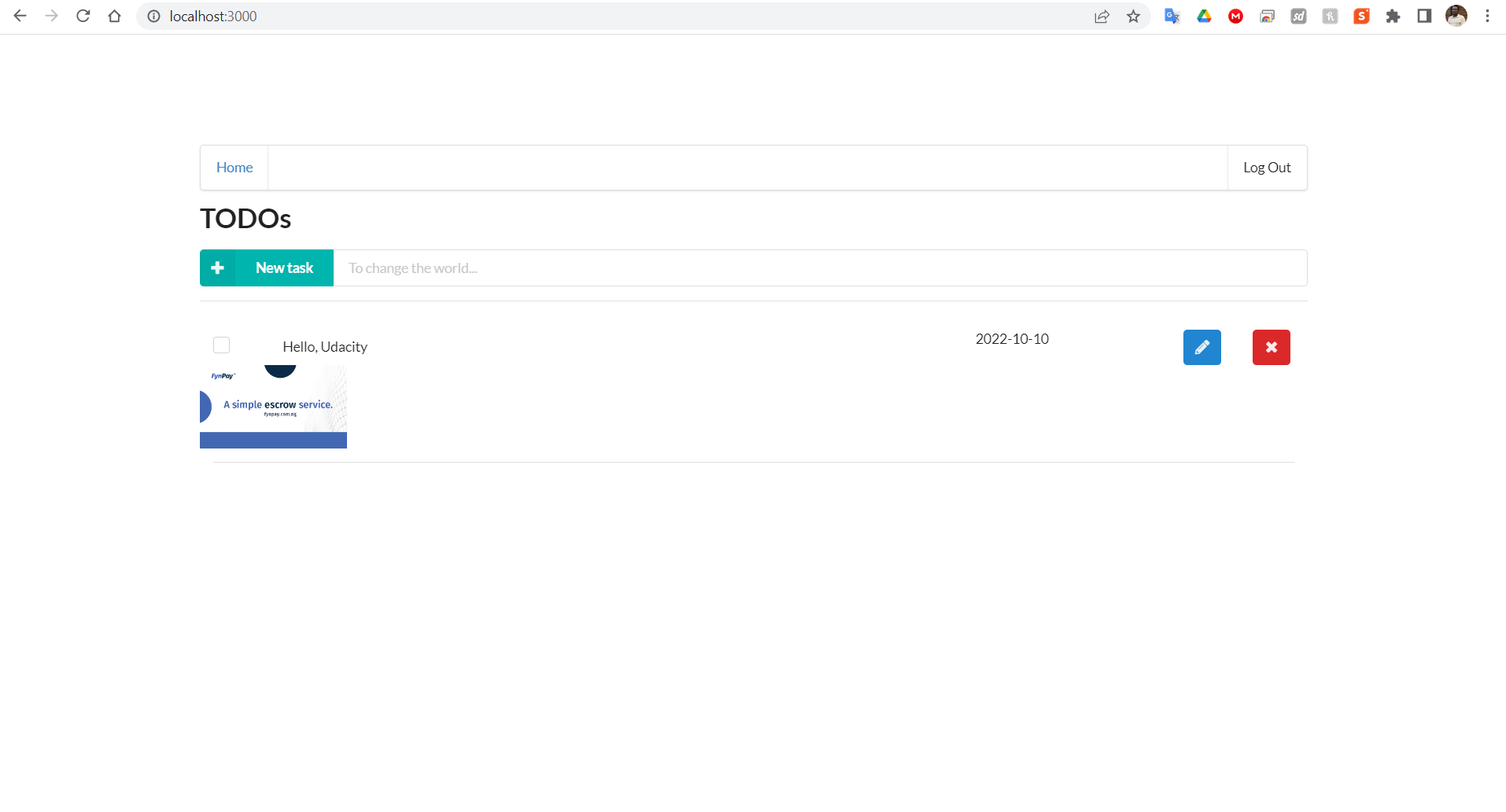
In this project I develop and deploy a simple "TODO" application using AWS Lambda and Serverless framework. This application will allow users to create/remove/update/get TODO items. Each TODO item contains the following fields:
- todoId (string) - a unique id for an item
- createdAt (string) - date and time when an item was created
- name (string) - name of a TODO item (e.g. "Change a light bulb")
- dueDate (string) - date and time by which an item should be completed
- done (boolean) - true if an item was completed, false otherwise
- attachmentUrl (string) (optional) - a URL pointing to an image attached to a TODO item
To implement this project you need to implement the following functions and configure them in the serverless.yml file:
Auth- this function should implement a custom authorizer for API Gateway that should be added to all other functions.GetTodos- should return all TODOs for a current user.CreateTodo- should create a new TODO for a current user. A shape of data send by a client application to this function can be found in theCreateTodoRequest.tsfileUpdateTodo- should update a TODO item created by a current user. A shape of data send by a client application to this function can be found in theUpdateTodoRequest.tsfileDeleteTodo- should delete a TODO item created by a current user. Expects an id of a TODO item to remove.GenerateUploadUrl- returns a presigned url that can be used to upload an attachment file for a TODO item.
All functions are already connected to appropriate events from API gateway
An id of a user can be extracted from a JWT token passed by a client
You also need to add any necessary resources to the resources section of the serverless.yml file such as DynamoDB table and S3 bucket.
cd backend

npm install

serverless

npm install --save-dev serverless-iam-roles-per-function@next

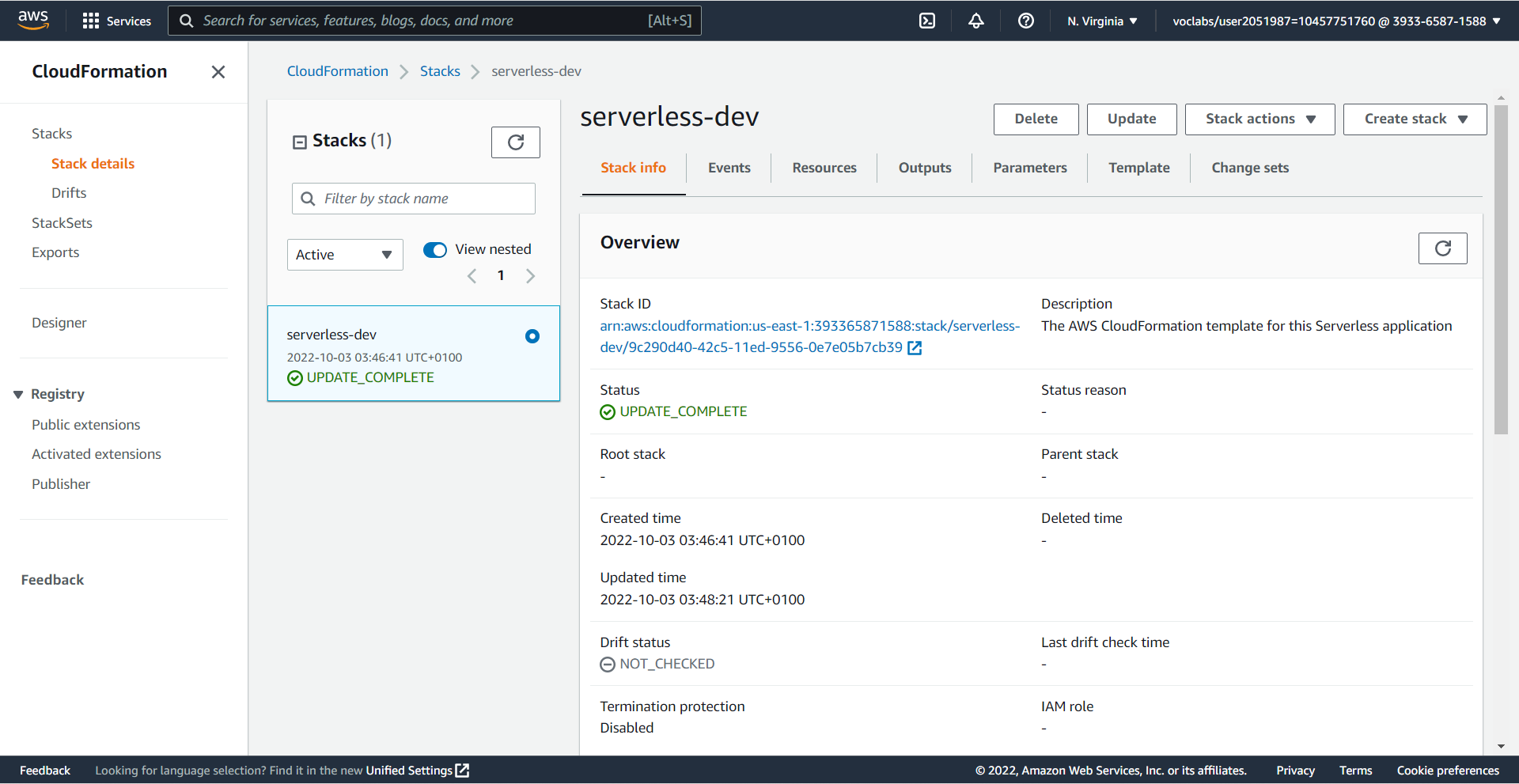
serverless deploy --verbose
- GET - https://n81vsd9wke.execute-api.us-east-1.amazonaws.com/dev/todos
- POST - https://n81vsd9wke.execute-api.us-east-1.amazonaws.com/dev/todos
- UPDATE - https://n81vsd9wke.execute-api.us-east-1.amazonaws.com/dev/todos/{todoId}
- DELETE - https://n81vsd9wke.execute-api.us-east-1.amazonaws.com/dev/todos/{todoId}
- POST - https://n81vsd9wke.execute-api.us-east-1.amazonaws.com/dev/todos/{todoId}/attachment
functions:
- Auth: serverless-dev-Auth
- GetTodos: serverless-dev-GetTodos
- CreateTodo: serverless-dev-CreateTodo
- UpdateTodo: serverless-dev-UpdateTodo
- DeleteTodo: serverless-dev-DeleteTodo
- GenerateUploadUrl: serverless-dev-GenerateUploadUrl
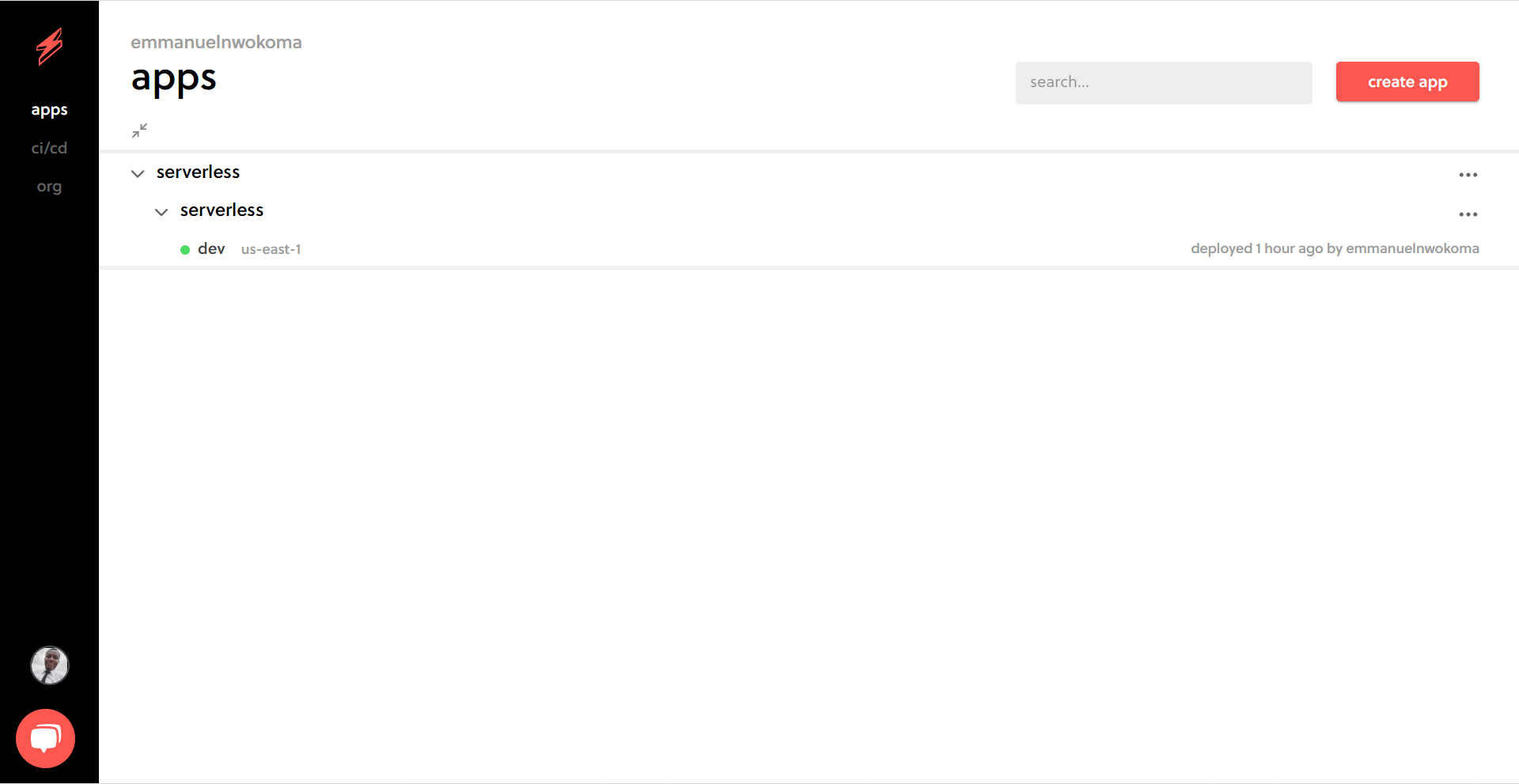
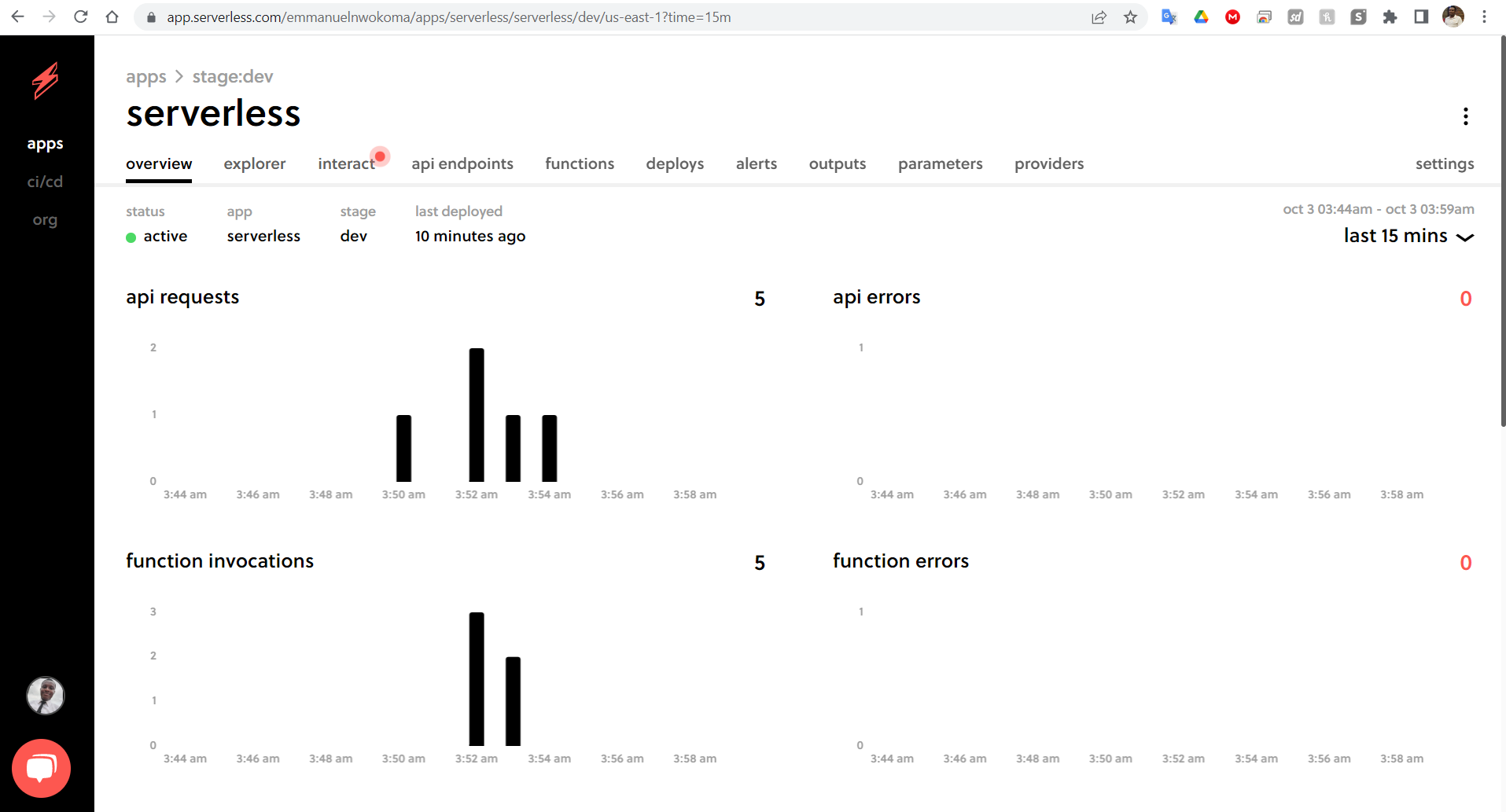
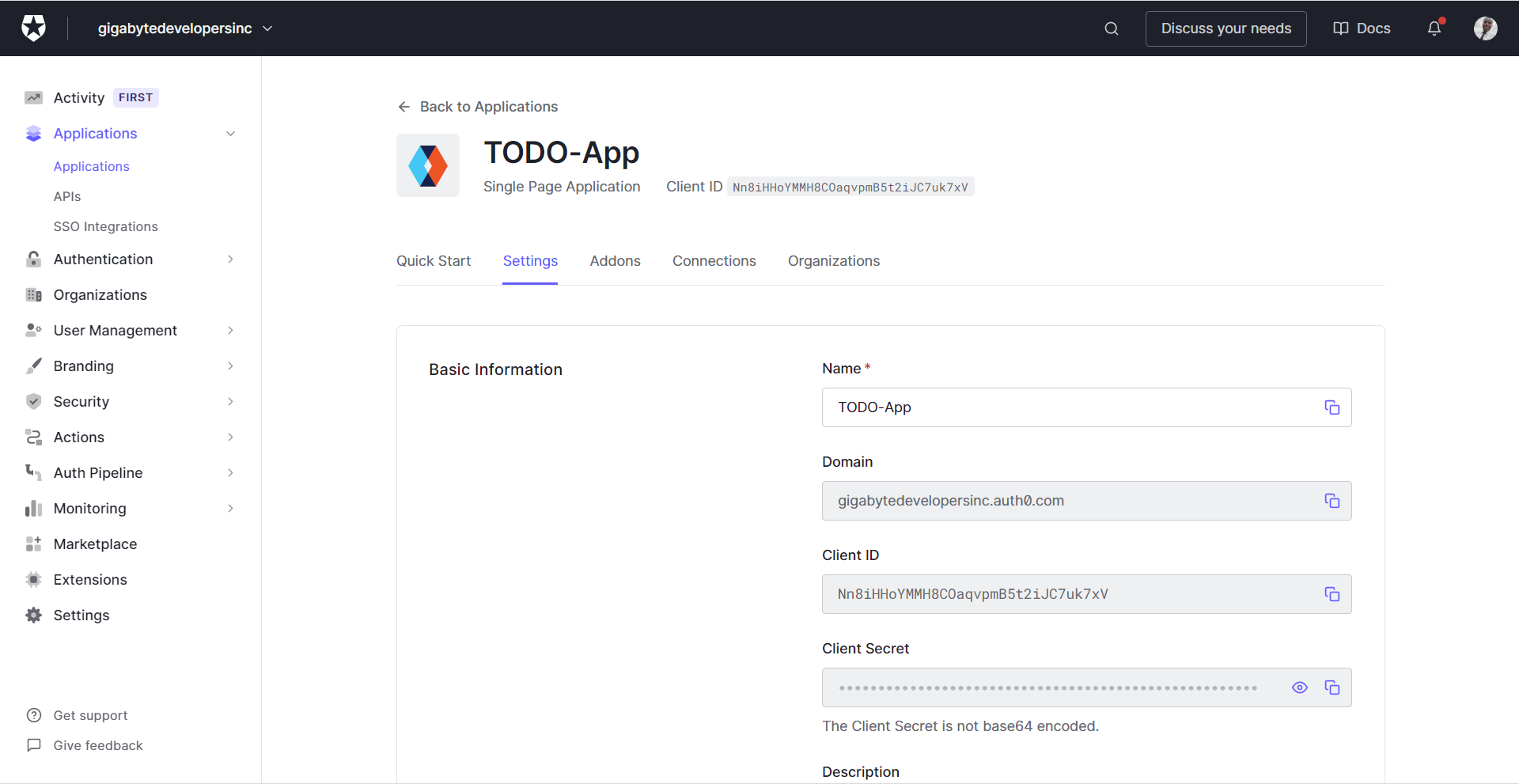
The client folder contains a web application that can use the API that should be developed in the project.
To use it please edit the config.ts file in the client folder:
const apiId = '...' API Gateway id
export const apiEndpoint = `https://${apiId}.execute-api.us-east-1.amazonaws.com/dev`

export const authConfig = {
  domain: '...',    // Domain from Auth0
  clientId: '...',  // Client id from an Auth0 application
  callbackUrl: 'http://localhost:3000/callback'
}To store TODO items you might want to use a DynamoDB table with local secondary index(es). A create a local secondary index you need to a create a DynamoDB resource like this:
TodosTable:
  Type: AWS::DynamoDB::Table
  Properties:
    AttributeDefinitions:
      - AttributeName: partitionKey
        AttributeType: S
      - AttributeName: sortKey
        AttributeType: S
      - AttributeName: indexKey
        AttributeType: S
    KeySchema:
      - AttributeName: partitionKey
        KeyType: HASH
      - AttributeName: sortKey
        KeyType: RANGE
    BillingMode: PAY_PER_REQUEST
    TableName: ${self:provider.environment.TODOS_TABLE}
    LocalSecondaryIndexes:
      - IndexName: ${self:provider.environment.INDEX_NAME}
        KeySchema:
          - AttributeName: partitionKey
            KeyType: HASH
          - AttributeName: indexKey
            KeyType: RANGE
        Projection:
          ProjectionType: ALL # What attributes will be copied to an index
To query an index you need to use the query() method like:
await this.dynamoDBClient
  .query({
    TableName: 'table-name',
    IndexName: 'index-name',
    KeyConditionExpression: 'paritionKey = :paritionKey',
    ExpressionAttributeValues: {
      ':paritionKey': partitionKeyValue
    }
  })
.promise()To run a client application first edit the client/src/config.ts file to set correct parameters. And then run the following commands
cd client
npm install
npm run start
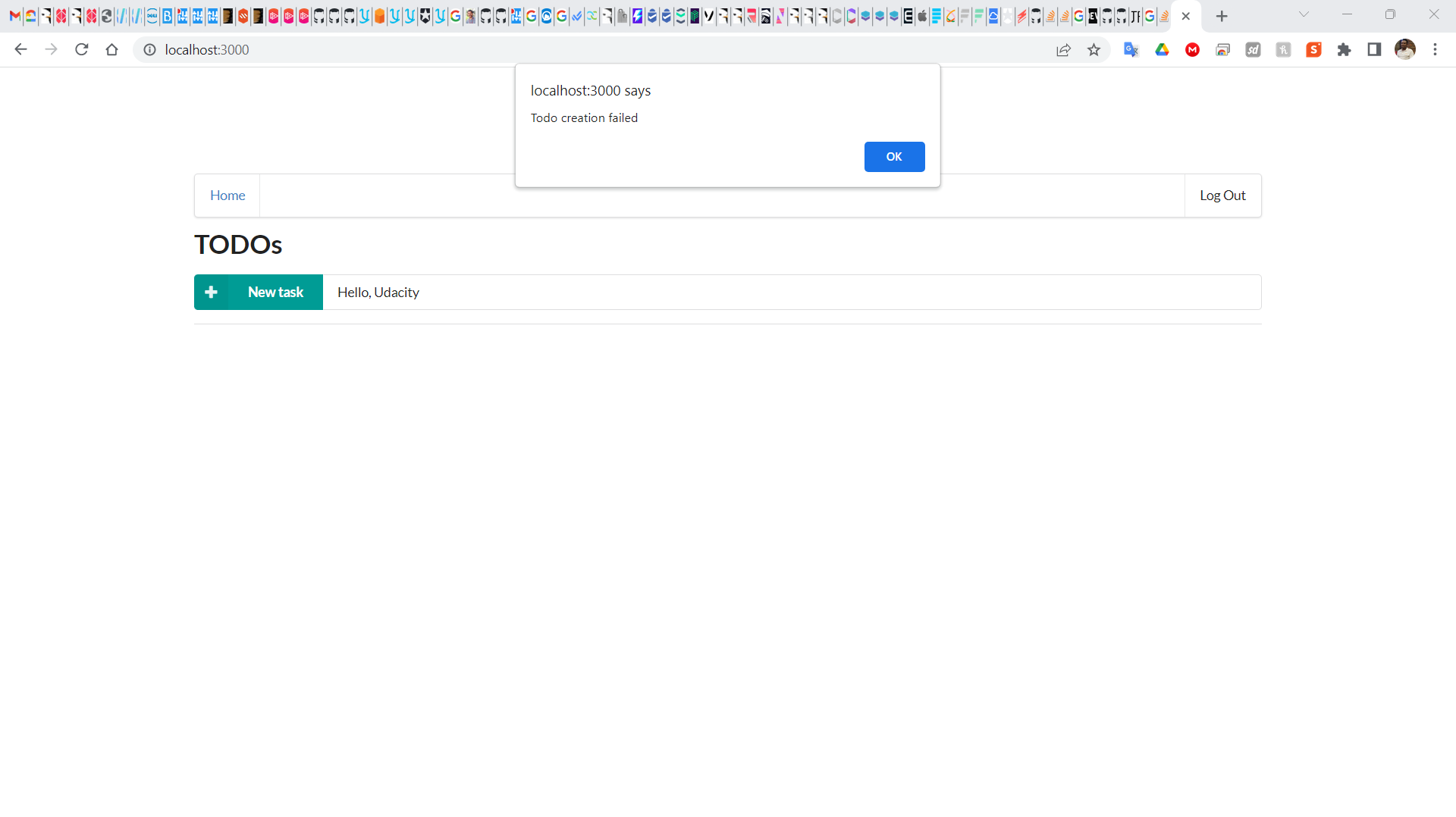
This should start a development server with the React application that will interact with the serverless TODO application.