




Shacli provide a shared clipboard between two devices (everything copied on one device is available to download on the other devices)
The source code is open so that you can download the source code and tweak as you want.
⭐ Star me on GitHub — it helps!
| Desktop App Home | Desktop App Sharing View | Web Client Page |
|---|---|---|
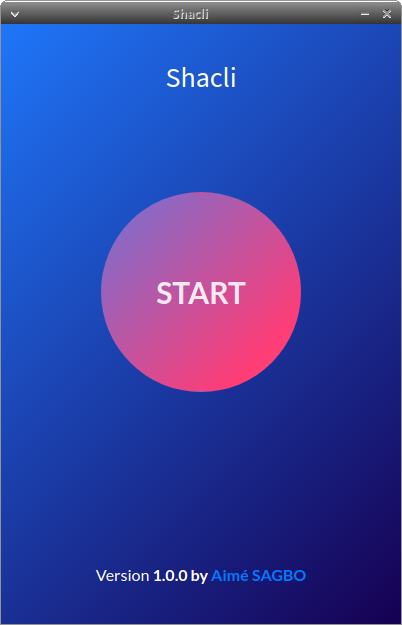 |
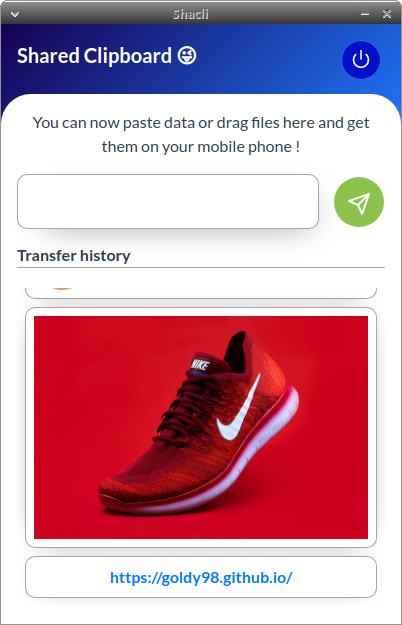 |
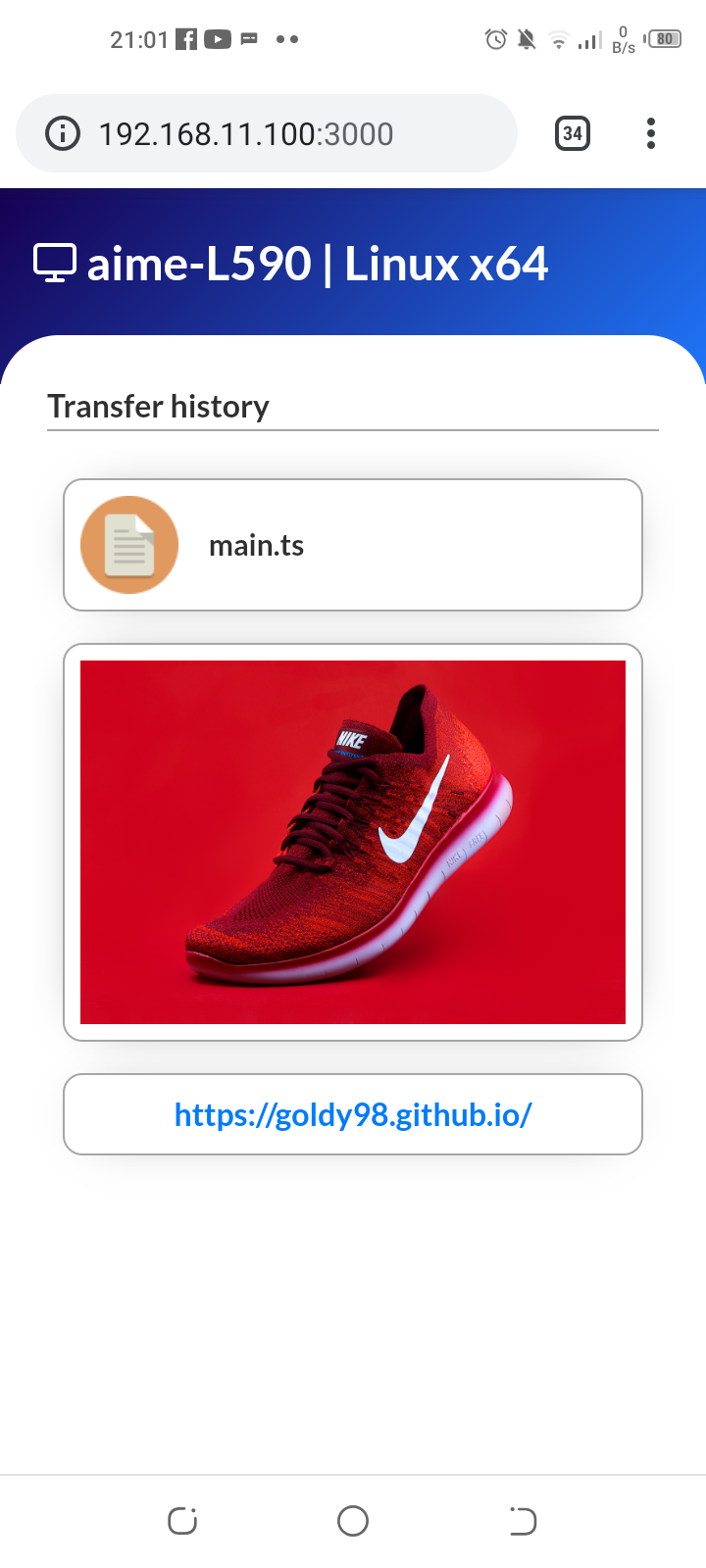 |
.
├── dist_electron                # Electron dist folder (where build result goes)
├── shacli-client                # Client Web App source
├── screenshots                  # App Screenshots
├── public                       # Public assets directory
├────── client                   # Client web app
├────── icon.png                 # Desktop app icon
├── src                          # Source
├────── assets                   # Assets directory
├────── components               # Vue components
├────── helpers                  # Helpers
├────── router                   # Vue router config
├────── store                    # Vuex store
├────── views                    # Vue Views
├── .gitignore
├── LICENSE
└── README.md
| Platform | Status |
|---|---|
| Microsoft Windows | Developing |
| Linux | Developing |
| Mac os | Pending |
- Love 💕 - A lot of love (and coffee)
- Vue JS -The Progressive JavaScript Framework
- Electron JS - Build cross-platform desktop apps with JavaScript, HTML, and CSS
- NodeJS - Node.js® is a JavaScript runtime built on Chrome's V8 JavaScript engine
- Vue CLI Plugin Electron Builder - Easily Build Your Vue.js App For Desktop With Electron
git clone https://github.com/goldy98/shacli.gitcd shacli/
mkdir dist_electroncd shacli/shacli-client
npm installcd shacli/shacli-client Move into client app Project Folder
npm install install all dependency.
npm run serve
npm run buildAssuming you're already in shacli-client folder,
npm run build will build the client web app and copy build result to shacli/public directory.
cd shacli
npm installnpm run electron:serve
npm run electron:generate-icons
Compiles and minifies for production (Generate production ready .AppImage and .snap package for Linux)
npm run electron:build
npm run electron:build -- --linux deb
npm run electron:build -- --win nsis
npm run lint