A Connect 4 project in progress with local and online multiplayer. Made with python and the pygame library. The project is functional, the client can connect to the server, several games can be played at the same time.
Purpose of this project :
- Improving my knowledge of python
- Learn to create a network application
- Learn how to create a game
Requirements :
- python3 or higher
- pygame library
Install pygame with python3 :
pip install pygame --pre
This repository actually contains two softwares :
- The game client which contains the menus, assets, game interface and dialogue functions with the server.
- The server which hosts the games, contains the logic for the networked games and manages multi-client connections.
The client contains classes and menus to play Connect 4 locally or connect to the server to play online. For the moment, there is no executable because the final release has not been done but it will be added soon.
Launch the client with the command in ./client/src :
py.exe .\run_game.py
From this basic menu, you can play a local multiplayer game or an online multiplayer game.
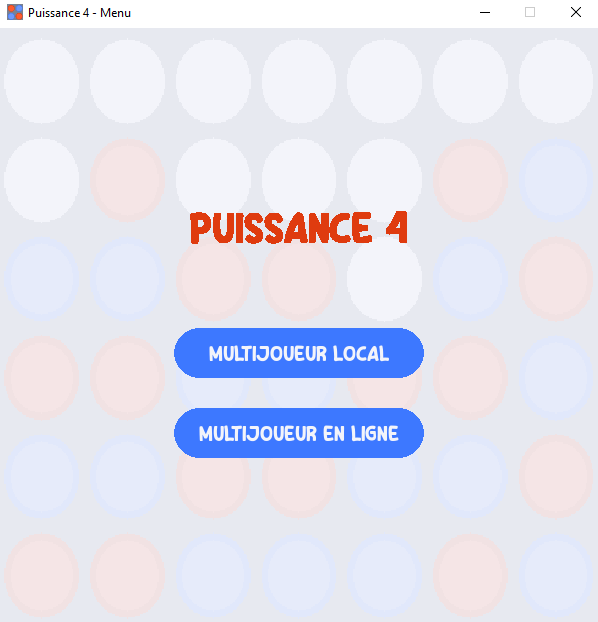
Choosing the local game mode will take you directly to the game interface, while for the online game you will have to configure your network settings.
This menu allows you to configure the address, port and nickname that will be used to play online.
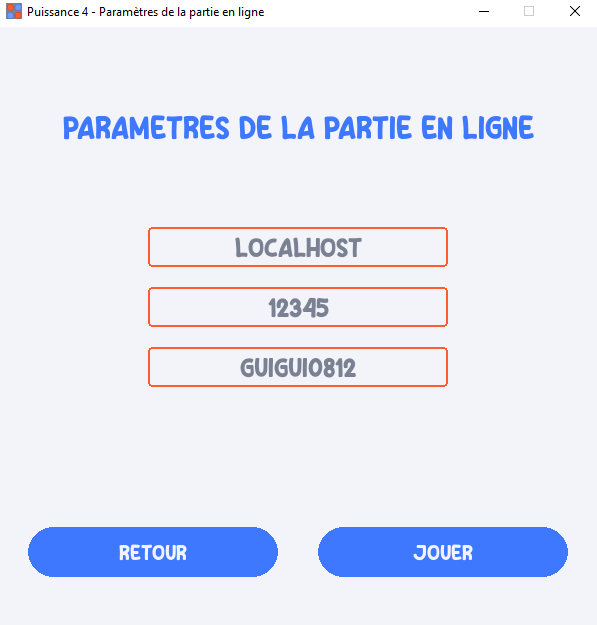
This menu includes a configuration file that saves your information locally so you don't have to repeat the configuration each time. When you are finished, press play to start the online mode.
While waiting for a player ready to face you, a loading screen will be displayed with music to keep you waiting.

When the player is found, the game can begin.\
The game screen allows you to interact with the game to conduct the game, whether online or locally.
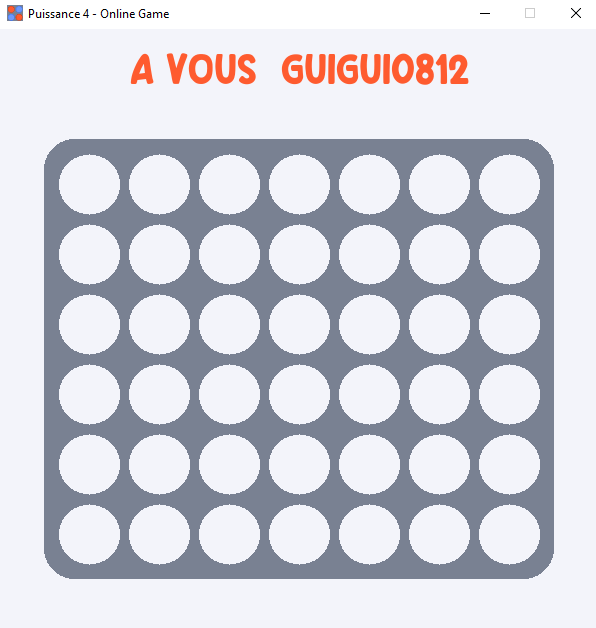
This screen allows you, when it is your turn, to place a piece in the grid. The text at the top of the screen indicates whether it is your turn to play or not. An animation allows the piece to fall from the top to the bottom of the grid like in the real Connect 4 game.
The game is won when 4 pieces of the same color are aligned. A victory screen is then displayed.

By pressing space, you can return to the main menu and start another game.
The server is multi-client and allows you to conduct multiple game sessions at the same time. It uses threads and sockets for this. The port 12345 must be available.
The server is dockerized and very easy to set up.
In the ./server directory, run the following command :
docker-compose up -d
The server is running and ready to host games.