This project uses three.js (webgl) to simulate minecraft and its game mechanics directly in the browser.
Click here to run the current version
The movement, the controls, and the game textures match the original game: Use the left click to break blocks, right to place (and middle click to copy type). Use W A S D keys to move and Space/Shift to jump/crounch or move vertically.
Note that since this is under development the above link may not always bring you to a working release. If you want you can download the most recent release and run it yourself locally. This project doesn't need building and all dependeencies are already present so it should be as easy as npm run start on a freshly downloaded repository but the multiplayer functionality only works on the web.
- v 0.1 - Performance Viability Release
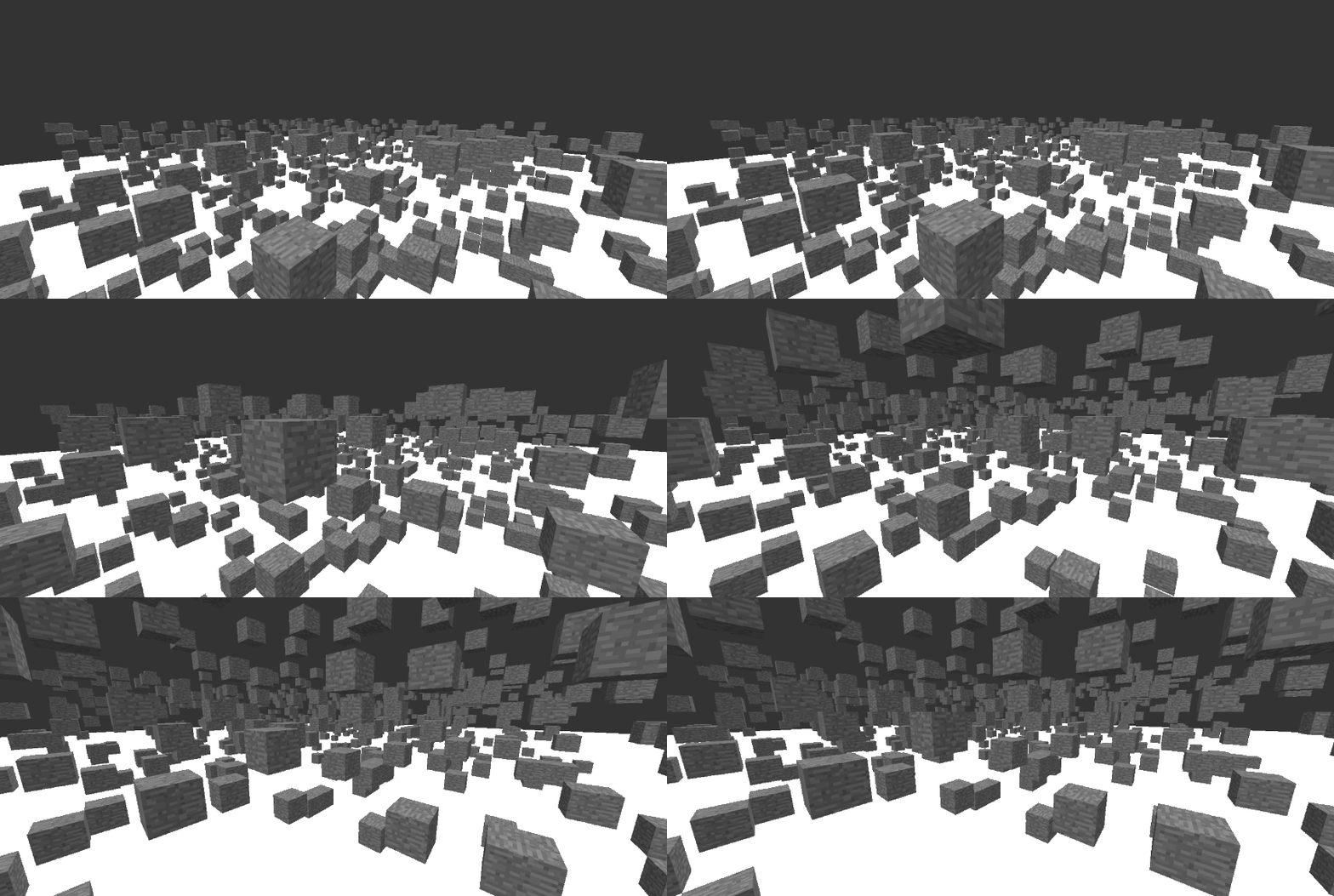
- v 0.2 - Primitive Block Distinction
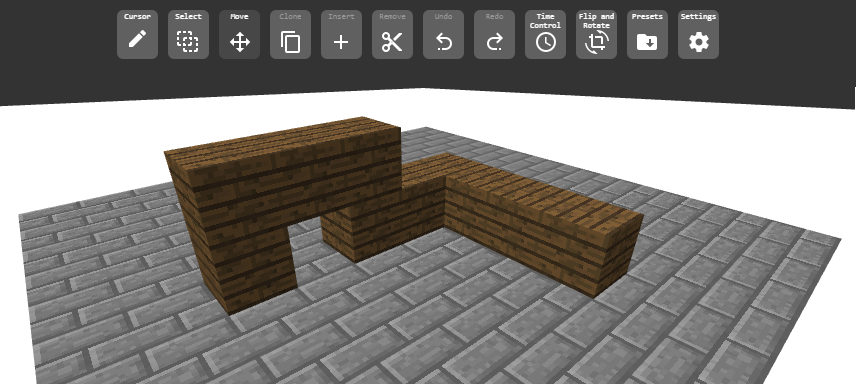
- v 0.3 - Collision Detection and Block Selection
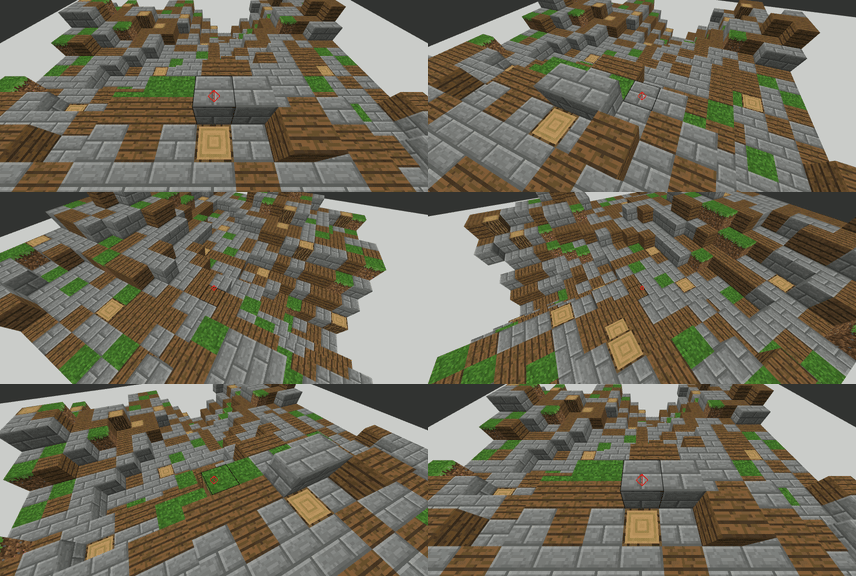
- v 0.4 - Inventory, Hotbar and Procedural Terrain Generation [Removed]
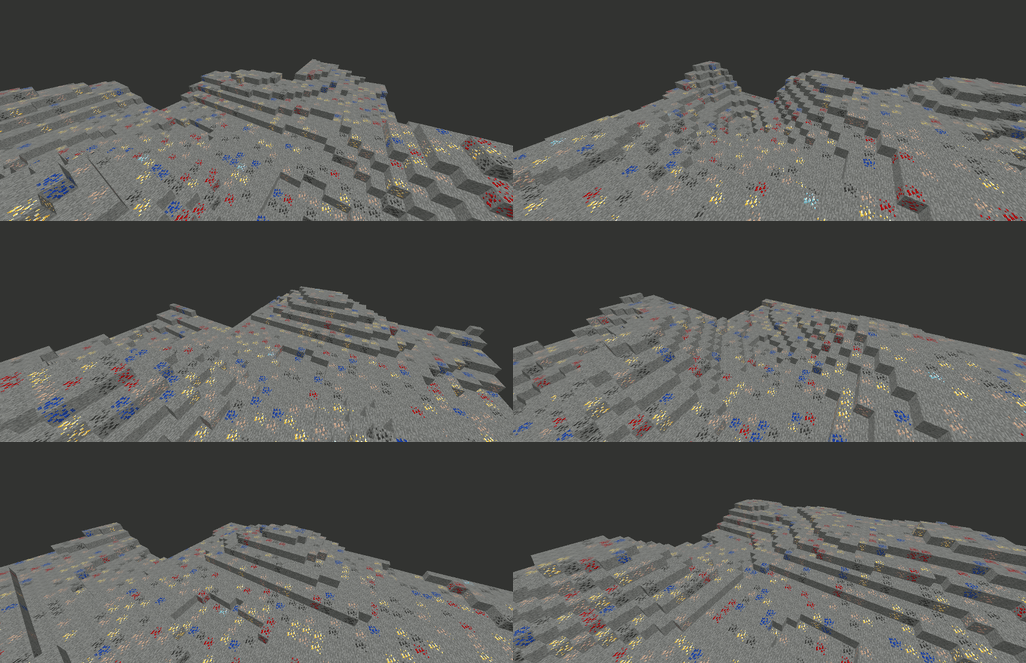
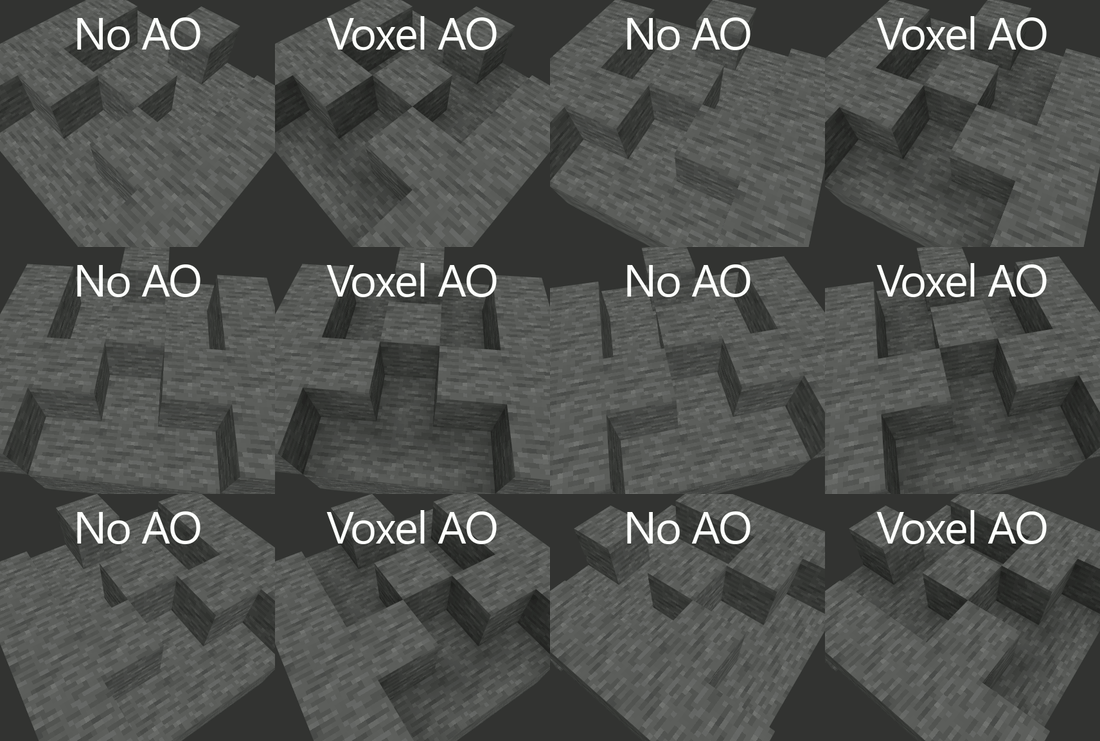
- v 0.5 - ES6 Rewrite and Voxel AO Implementation
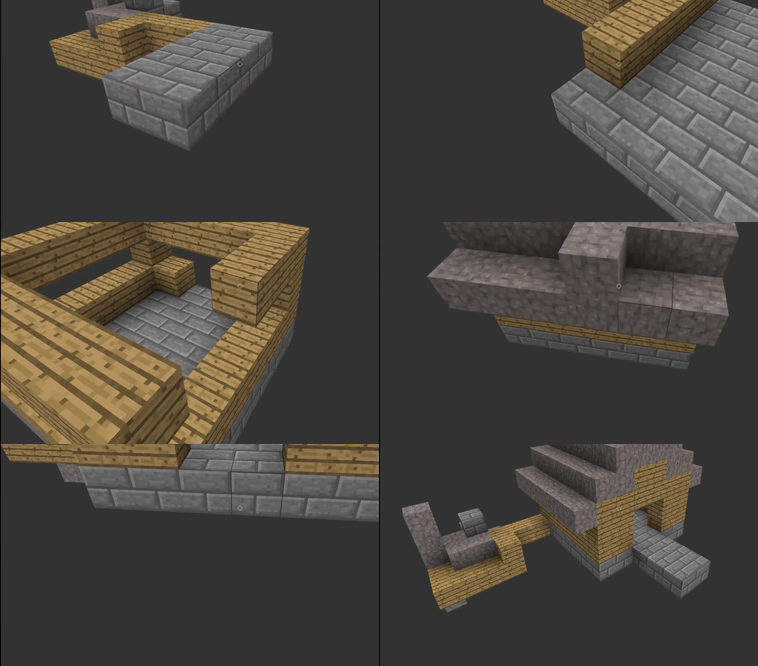
- v 0.6 - Block selection and block placement
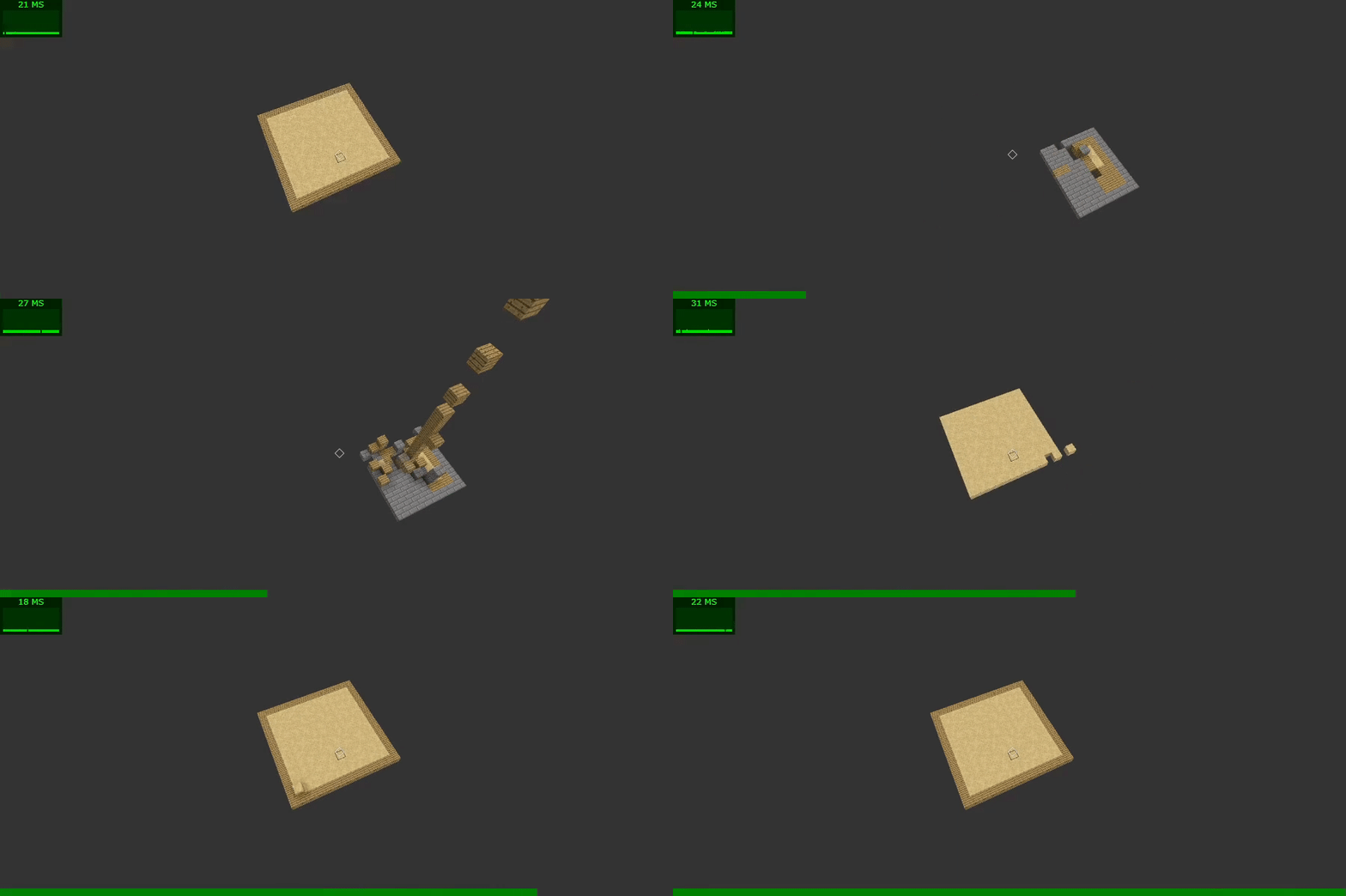
- v 0.7 - Multiplayer and World persistance
This is an experiment to simulate the game in the browser and eventually to make developing redstone contraptions easier by allowing fast prototyping. It also serves as my project to experiment with project organization, design philosophy, test zone and whatever idea I came up with.
Download this repository and either run npm run start at the root of it or just run a static http server to serve files for frontend folder.
There are no dependencies, so you don't need to call npm install.
However, the backend is not included, so it will not work and your world and the changes you make in it will not be saved.
- Menu (done)
- 3D Controls similar to minecraft (done)
- Correct Block Rendering (done)
- Crosshair and Block Selection (done)
- Collision Detection (removed)
- Procedural Terrain Generation (release v0.4 only)
- Major update - rewrote everything with modern technology (done)
- Inventory and Hotbar system (in progress)
- Mobile and Gamepad compatibility (in progress)
- Block placement (done)
- Area select and selection tools
- Multiplayer system (done)
- Redstone Simulation
- Piston Simulation
- Water and Lava Simulation
You can relive the entire world block history (play it back) in some obscure undocumented way.
- three.js - Javascript 3D Library - Used to render the world
- Minecraft - by Mojang - Inspiration and original game
- Digital Circuit Logic, or Boolean Algebra - Definition of how complex redstone systems behave