Note
Legacy v1 config remains available on ags-v1 branch
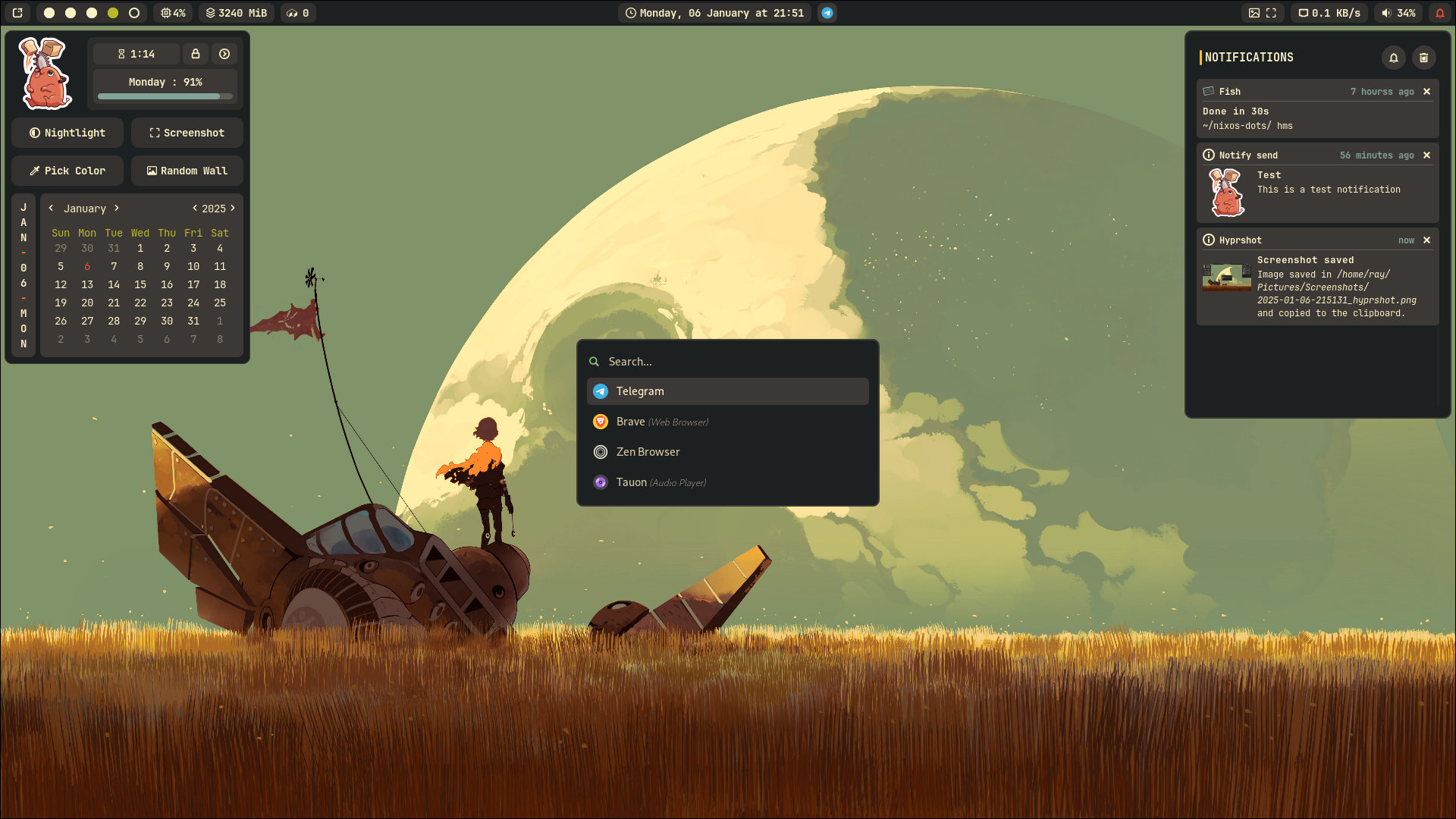
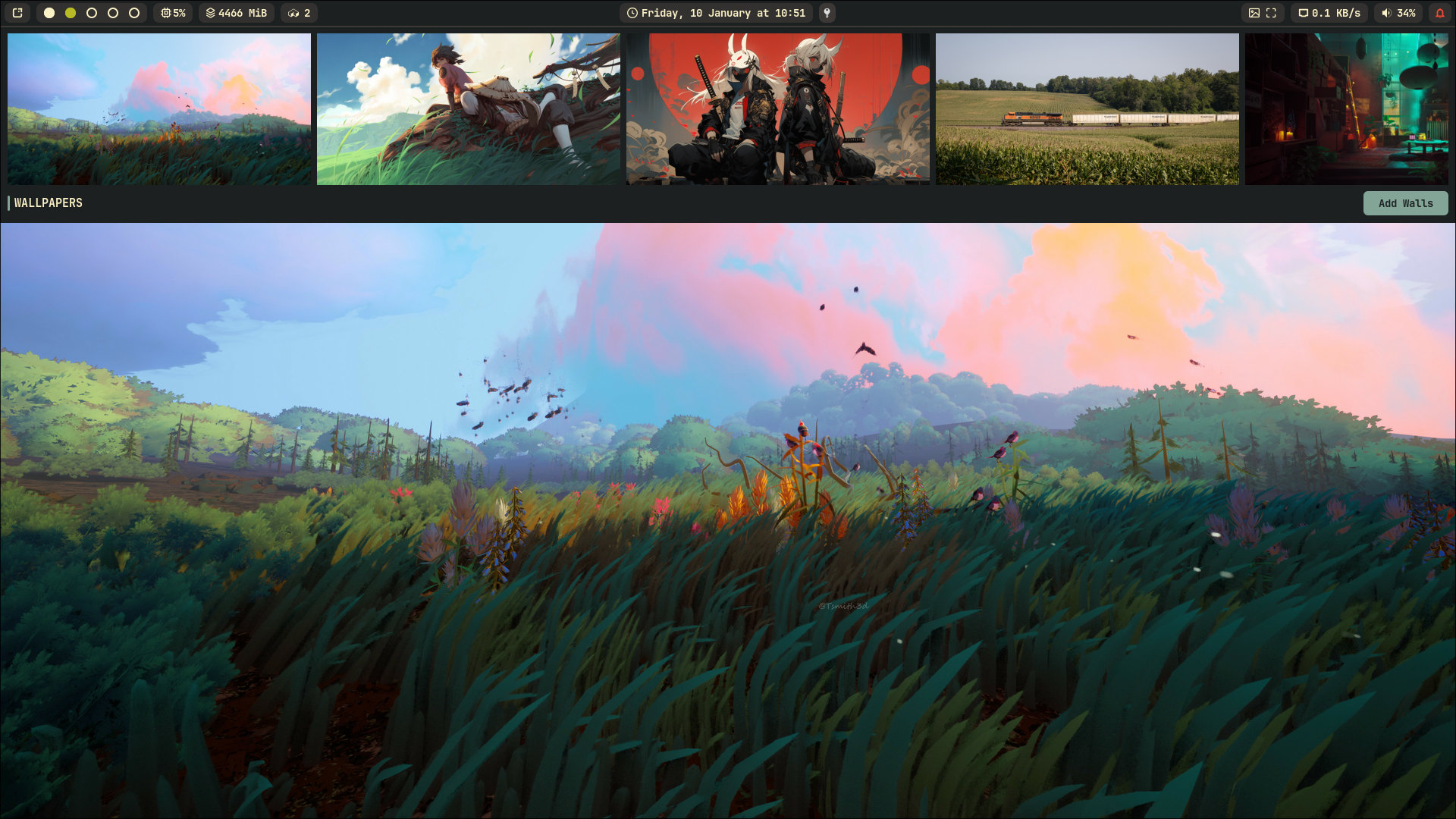 |
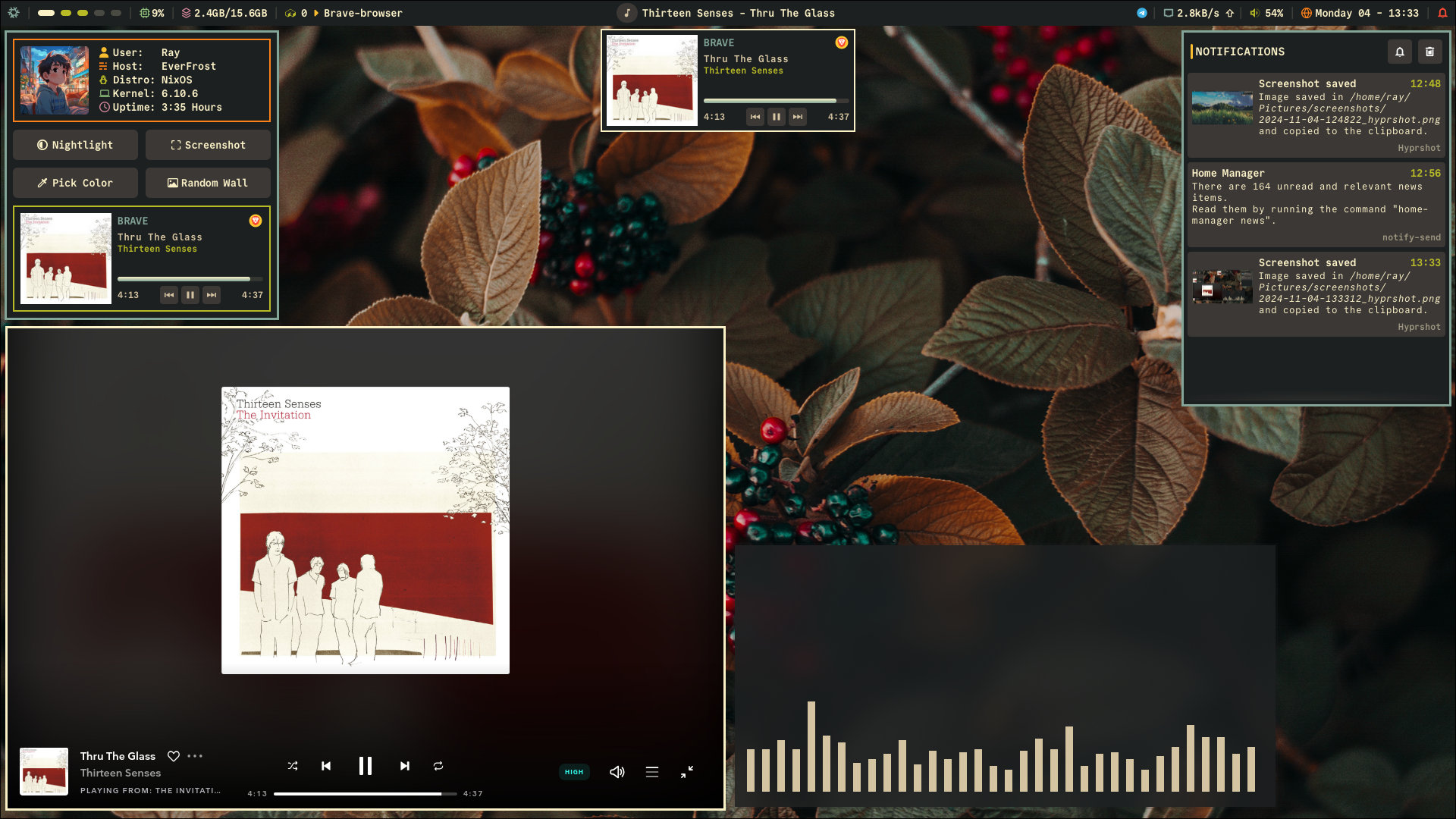 |
|---|---|
| wall picker | old config |
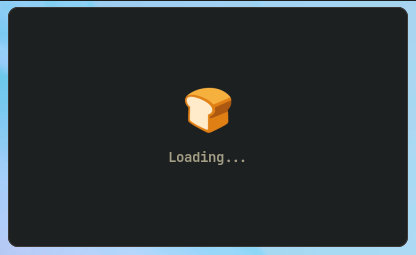
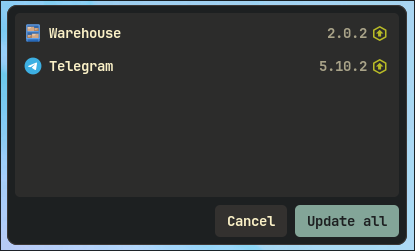
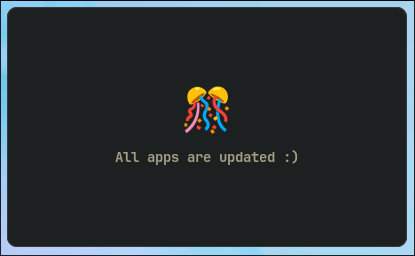
Flatpak widget with updates & no-updates
You can toggle this by clicking on the flatpak-counter module on the bar widget
|
|
|
| Loading | Updates | No Updates |
bun- for building & compiling stuffsassc- to compile "scss" files to "css"pipewire- volume Controllibgtop- resource usagenetworkmanagerhyprshade,hyprpicker- nightlight & colorpickerwf-recorder- screen recorderswww- wallpaper-picker & other related stuffimagemagick- for compressing imagesflatpak- flatpak update widgetzenity- file-picker
Sometimes I forget which packages are required, so I may not always update the README accordingly. Please keep that in mind. 🙈
Fonts
JetBrainsMono Nerd Font
Optional
inotify-tools- for hot-reload script, wallpaper picker etc
- Install AGS
- Clone this repo
git clone https://github.com/ImRayy/ags-dots ~/.config/ags - On terminal
ags, yes, it's that simple
ColorScheme : Since I’m using NixOS, the color scheme file imported in style/style.scss could originally be @import "/home/ray/.config/stylix/ags-colors.scss", which is generated by stylix. Change this to @import "./colors.scss".
Flatpak update widget & module : If you don’t use Flatpak, simply remove Flatpak() from widgets/main.ts and FlatpakUpdatesCount() from widgets/bar/Bar.ts. Otherwise, AGS might not run at all—though I’m not entirely sure.
Wallpaper Picker : It’s important to add wallpapers only using the wallpaper-picker widget. Why? Because if you add wallpapers manually, the file sizes are larger, which causes AGS to boot up slowly. Compressing the wallpapers fixes this issue, but setting them directly reduces quality. So, I created a method where you add wallpapers using the Add Walls button on the wallpaper-picker widget, which automatically compresses them and saves the actual file location in a file called log.txt. I hope that covers everything! Also, it’s recommended to right-click on any wallpaper to remove it from the list.