Convert (not only) m3u8 stream to mp3 that ETS2/ATS can recognize.
Now with an interactive dashboard!
- Stream Converter: Listen to YouTube LIVE or M3U8 radio directly in ETS2/ATS.
- Interactive Web Dashboard: A beautiful interface to manage your radios and see telemetry data.
- Built-in Telemetry: Synchronize with Euro Truck Simulator 2 / American Truck Simulator to display your truck's data in the dashboard!
- Auto-Installation: Easy one-click setup to inject the stream link into your truck's radio and install the telemetry plugin.
-
Download
TruckerM3U8_x64.zipfrom the release page -
Unzip and execute
TruckerM3U8.exe, a browser screen will show up. (If no browser is opened, you can open it manually by visitinghttp://localhost:3378/) -
(Optional) Click 🌐 icon to switch language (ZH/EN)
-
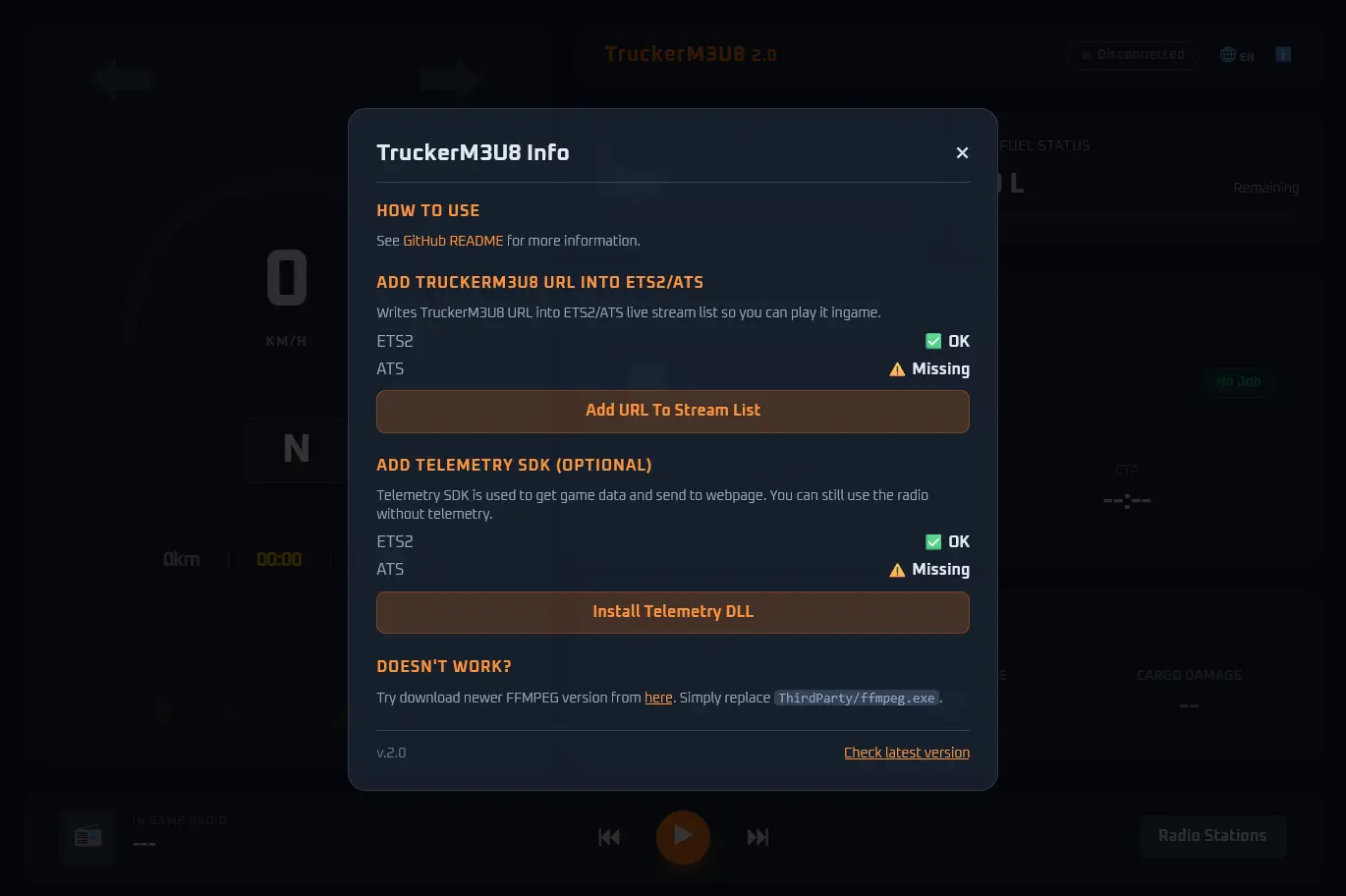
Click ℹ️ icon on the upper right to open Settings.
-
Click "Add URL To Stream List" button to automatically add TruckerM3U8 URL into the game.
-
(Optional) If you want to use the dashboard function, click the "Install Telemetry DLL" button.
-
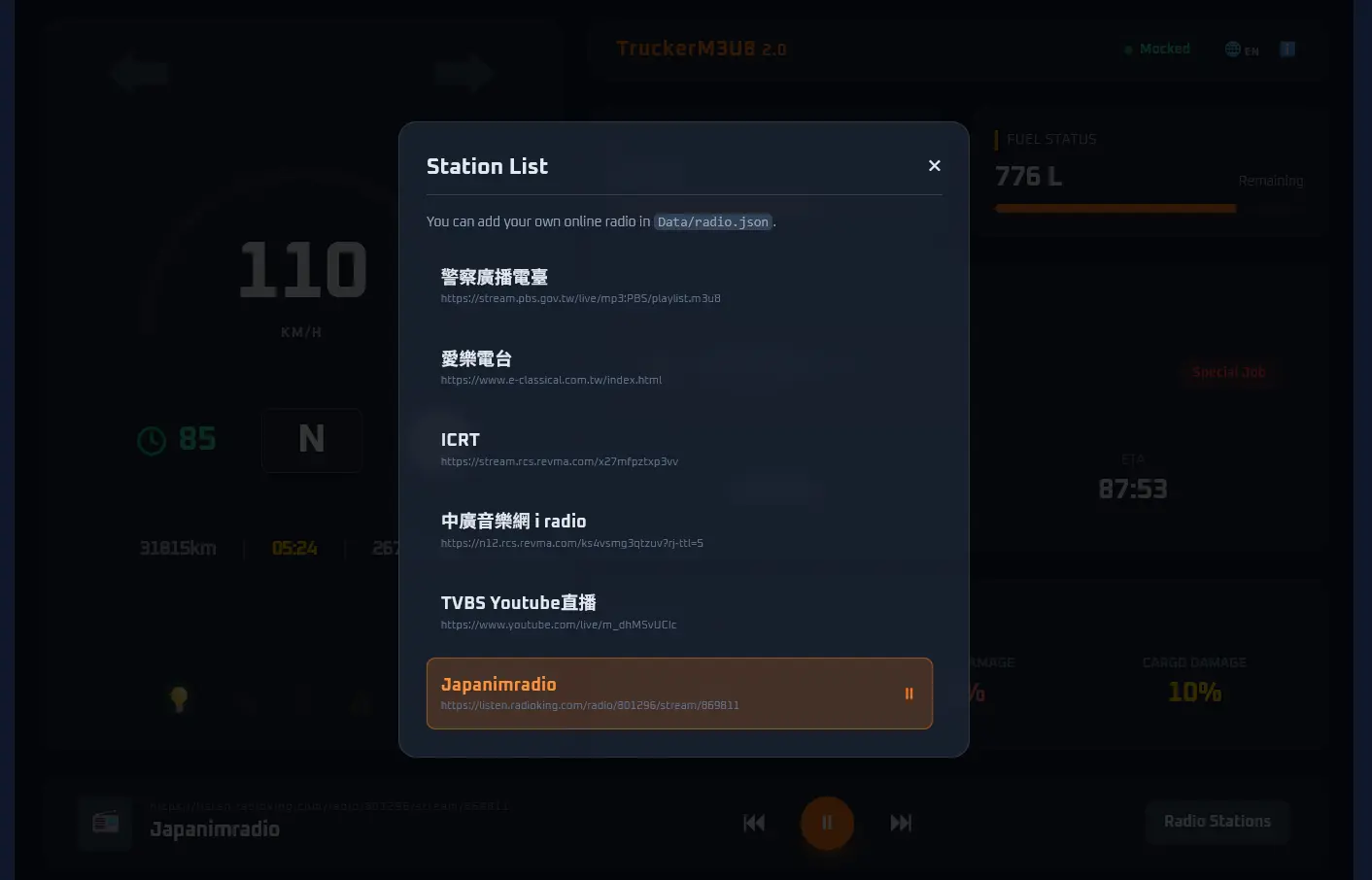
Pick a radio using "Radio Stations" button, wait a little moment until the radio name shows up.
-
Launch the game, open up the radio menu, select
TruckerM3U8, and you are good to go!
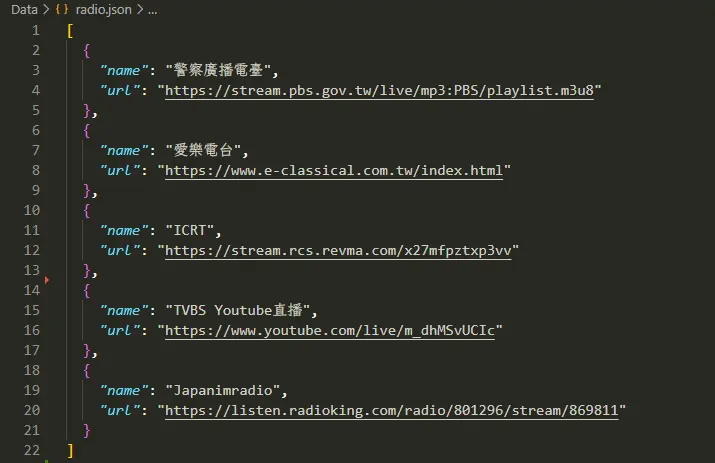
Add your own radio to Data/radio.json.
The application will automatically parse and display it in the radio station list.
Tip
Youtube links are supported too.
For supported websites, please refer to yt-dlp supported websites page.
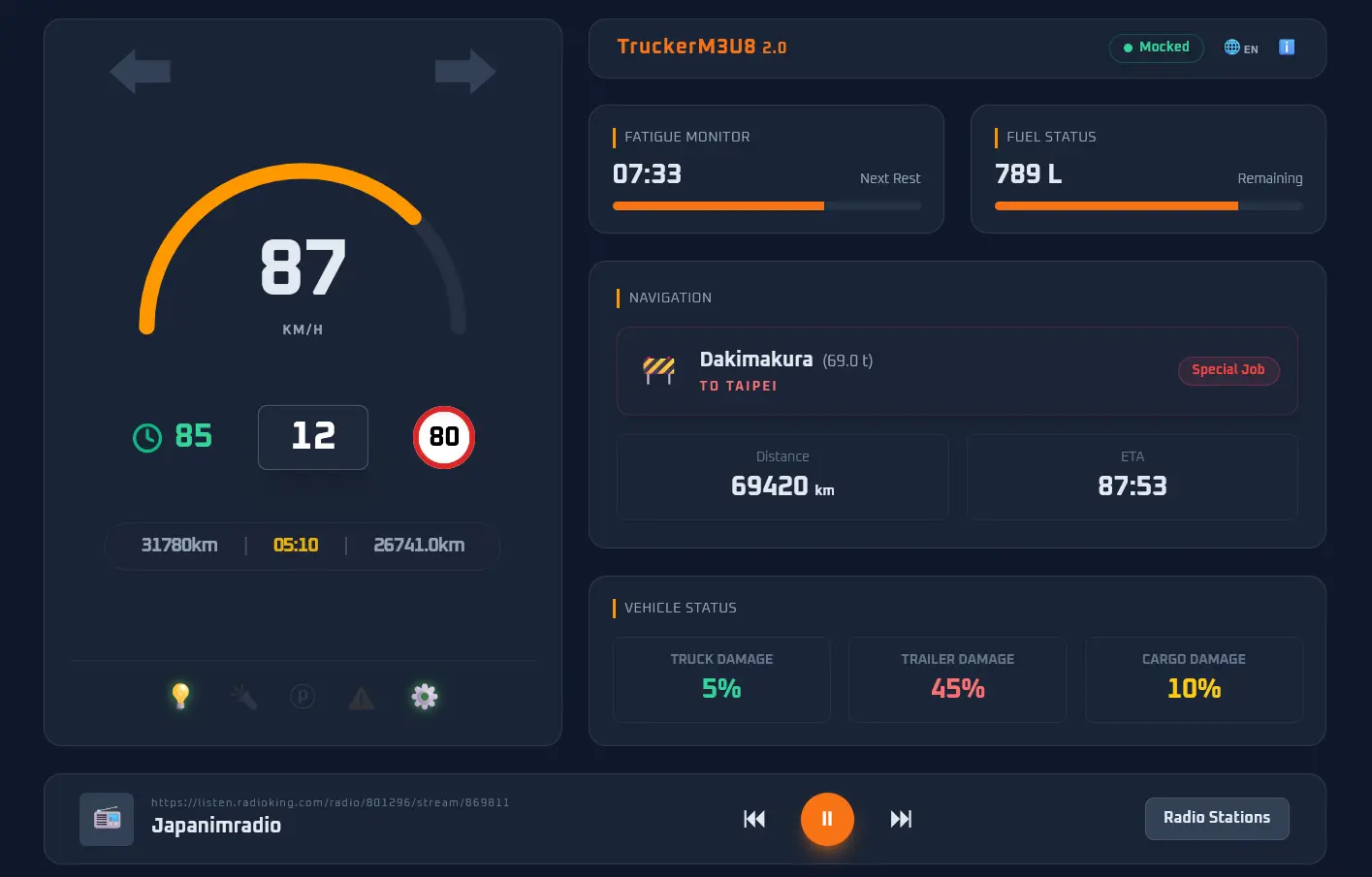
- Left Panel
- Left/Right blinker
- RPM/Speed
- Cruise Control / Gear / Speed Limit
- Odometer / Current Time / Trip Odometer (since Dashboard started, press
ito reset) - Low Beam / High Beam / Parking Brake / Warning Light / Engine Light
- Right Panel 0
- Connected Game | Language (ZH/EN) | Infomation Toggle
- Right Panel 1
- Fatigue / Fuel
- Right Panel 2 (Navigation)
- Job
- Navigation Distance / ETA
- Right Panel 3 (Vehicle Status)
- Truck Damage / Trailer Damage / Cargo Damage
- Bottom Panel
- Radio URL | Radio Name | Last | Play/Stop | Next | Radio List
If you want to access the dashboard from other devices, you can click ℹ️ icon on the upper right to open Settings,
+----------+      +--------+      (Download & convert via yt-dlp & FFmpeg)
| Stream   | ---> | FFmpeg |
| URL      |      +--------+
+----------+          |
                      | Output MP3 stream (Port 1049)
                      v
+-------------------------------+  SignalR (Port 3378)   +-----------------+
| TruckerM3U8 (ASP.NET Core)    | <--------------------> | Web Dashboard   |
+-------------------------------+                        +-----------------+
                      |
                      | HTTP GET /mp3 (Port 3378)
                      v
              +-------------+
              | User (ETS2) |
              +-------------+
- Ensure you have the
.NET SDKinstalled (.NET 10). - Clone the repository.
- The project requires third-party tools (like
ffmpeg.exe,yt-dlp.exe, andscs-telemetry.dll). They should be placed in theThirdPartydirectory. - Run
dotnet runto start the development server, ordotnet publish -c Releaseto build an executable.
/dashboard.html: Main Dashboard. Shows basic telemetry data and radio player./telemetry.html: Telemetry Data. A straightforward table showing raw telemetry fields and their real-time values, useful for debugging or monitoring./settings.html: Old page./mp3: MP3 Stream if radio is playing. (Used by game)
To simulate telemetry data without the game running, you can press 'm' key to start the "mocked" simulation in dashboard page.
m: start/stop mocked simulations: show speed limitc: set cruise controle: start enginei: reset trip odometer[: left blinker]: right blinkerl: low beam lightk: high beam lightf: set fuel amount (randomized)r: set fatigue meter (randomized)j: set job (randomized)d: set damage (randomized)
- FFmpeg to convert the stream to mp3 format.
- yt-dlp to resolves the direct media URL.
- scs-sdk-plugin to push game data to our application