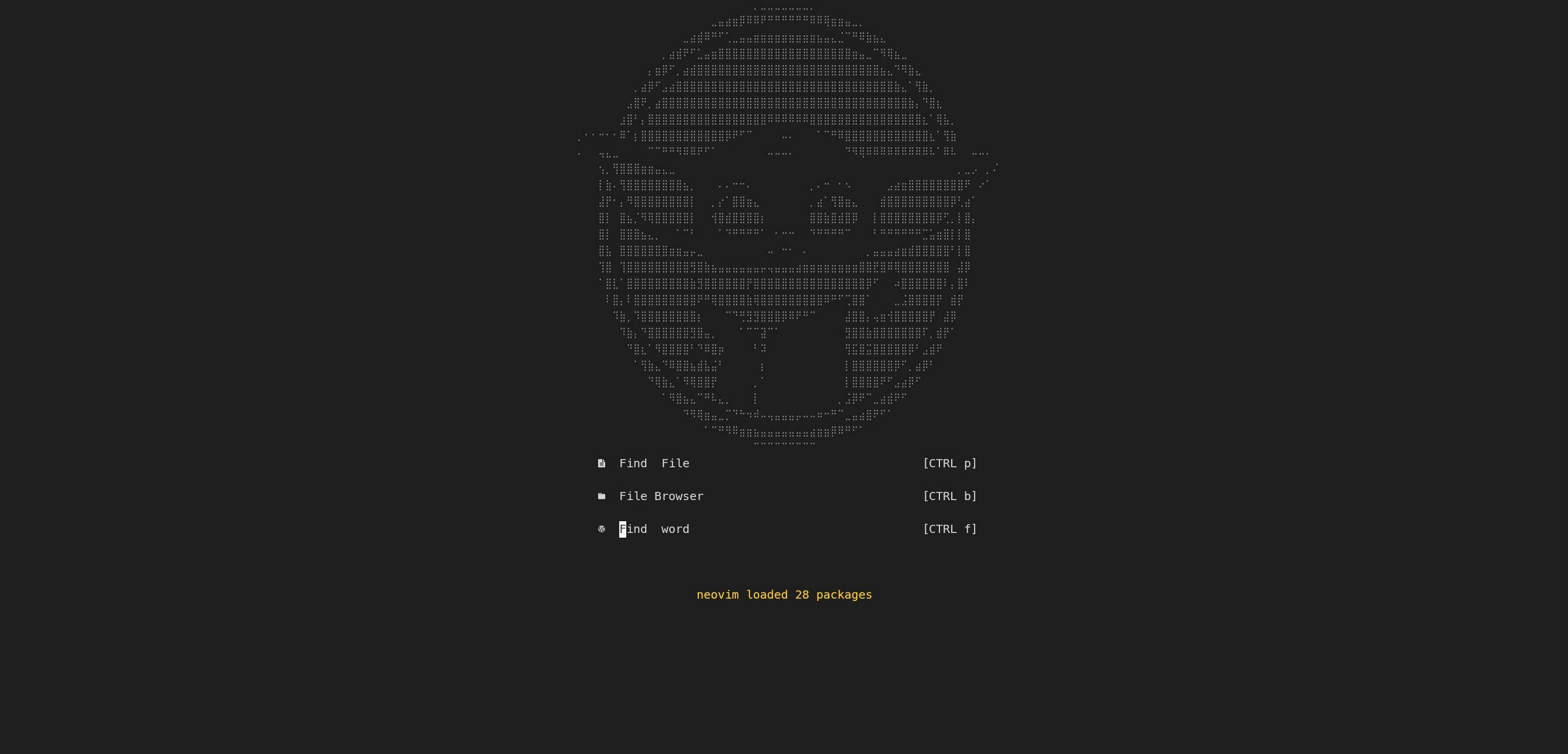
This is a NeoVim configuration made for personal projects. This configuration doesn't have too many features because is meant to use on mobile devices, such as tablets, smartphones (like Samsung devices which have Dex mode), and low-performance computers/laptops, feel free to use it and make modifications as you want.
-
First, you have to install Neovim. This configuration is built to run on NeoVim 0.8 or later, so if you are using a lower version it might not work as expected.
-
You will also have to have any Nerd Font installed on your machine. For Mobile devices, this could be complicated. Nerd Fonts are not necessary for this Neovim configuration but it will be "a nice to have".
-
Dependencies:
- Packer is necessary to install the plugins. So, please, follow its repository steps to install it.
- Node Neovim will be required by Neovim. It's necessary to be installed globally:
npm i -g neovim - Grep is required for some functionalities. Please search for how to install it for your OS.
- Python is also needed to enable some features.
Maybe, after running nvim you will need to install some other libraries for this to work. Please do
:checkhealthto see what else is needed to be installed. -
We are now set to copy the Neovim configuration. Execute the following command:
git clone --depth 1 https://github.com/Jesuspinarte/nvim ~/.config/nvim -
After cloning the repository, run
nvimin the console, and then:PackerSyncinside Neovim to install the packages. Once installed, you may want to close Neovim and open it again. You will see a screen similar to this:
| COMMAND | ACTION |
|---|---|
| CTRL + P | Search in root files |
| CTRL + F | Search any files |
| SPACE + fb | Search recent files |
| SPACE + fh | Search for help commands/tags |
| CTRL + t | Open floating terminal |
| CTRL + b | Open/Close File explorer |
| CTRL + o | Focus File Explorer |
| CTRL + s | Save file |
| CTRL + z | Undo |
| CTRL + right | Increase vertical size |
| CTRL + left | Reduce vertical size |
| ALT + s | Open current file on a new vertical tab |
| CTRL + q | Close window |
| ALT + f | Format with prettier |
| CTRL + w | Close tab |
| F1...F9 | Go to tab 1...9 |