


Simple YouTube Video Player is an Android app designed to showcase the usage of the YouTube iframe JavaScript player within a mobile application. This demonstration is intended for educational purposes and serves as a basic example of integrating YouTube video playback into an Android app.
The primary goal of this project is to provide developers with an educational resource for understanding how to incorporate the YouTube iframe JavaScript player into Android applications for basic video playback.
For the best examples of YouTube player integration and customization, I have developed two feature-rich Android apps:
-
Global Music Tube
- See which music video is trending right now, which song is being played the most,
- Explore music world wide with World Music Tube! Explore a variety of songs here. Easily find out what people around the world are listening to right now, which song is popular in which country with this app.
-
Bangla Natok & Somahar
- We have added the popular Natok of all talented artist of Bangladesh here.
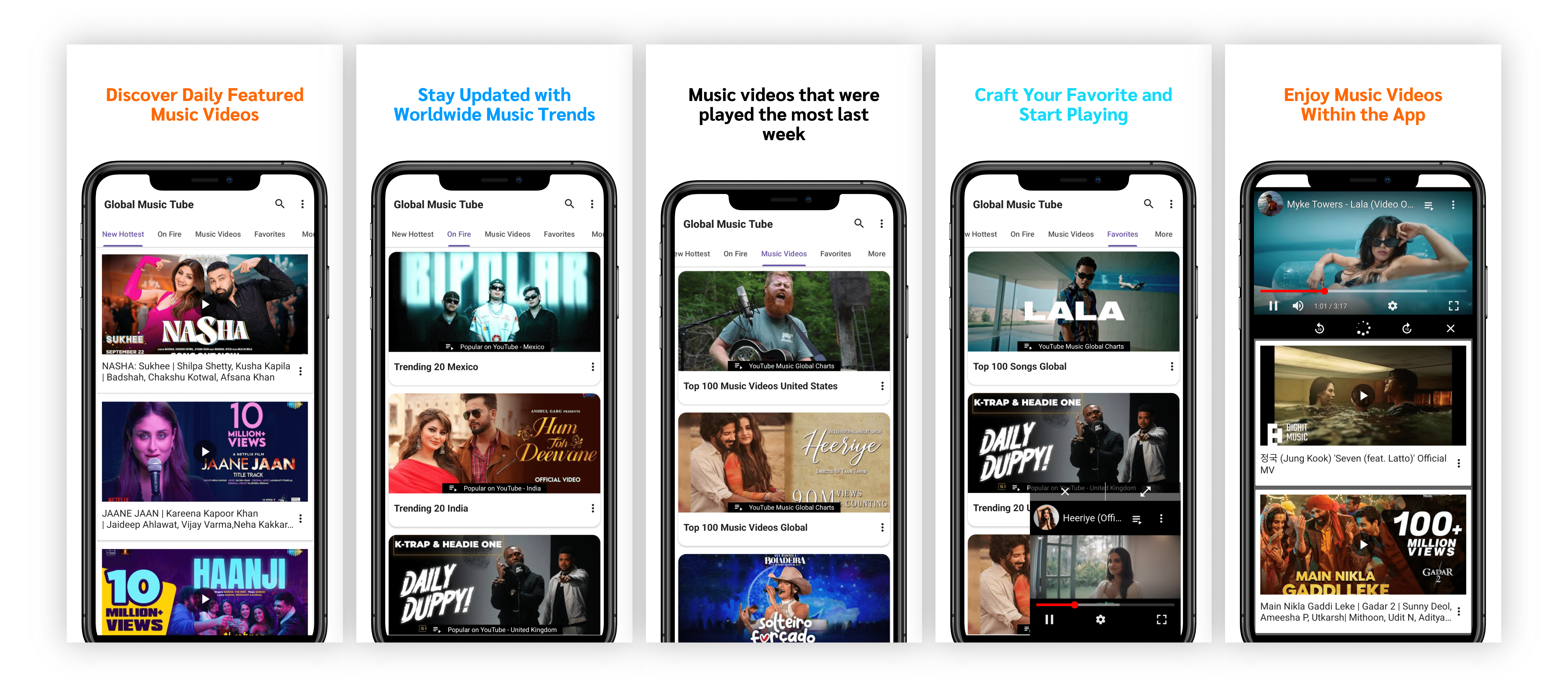
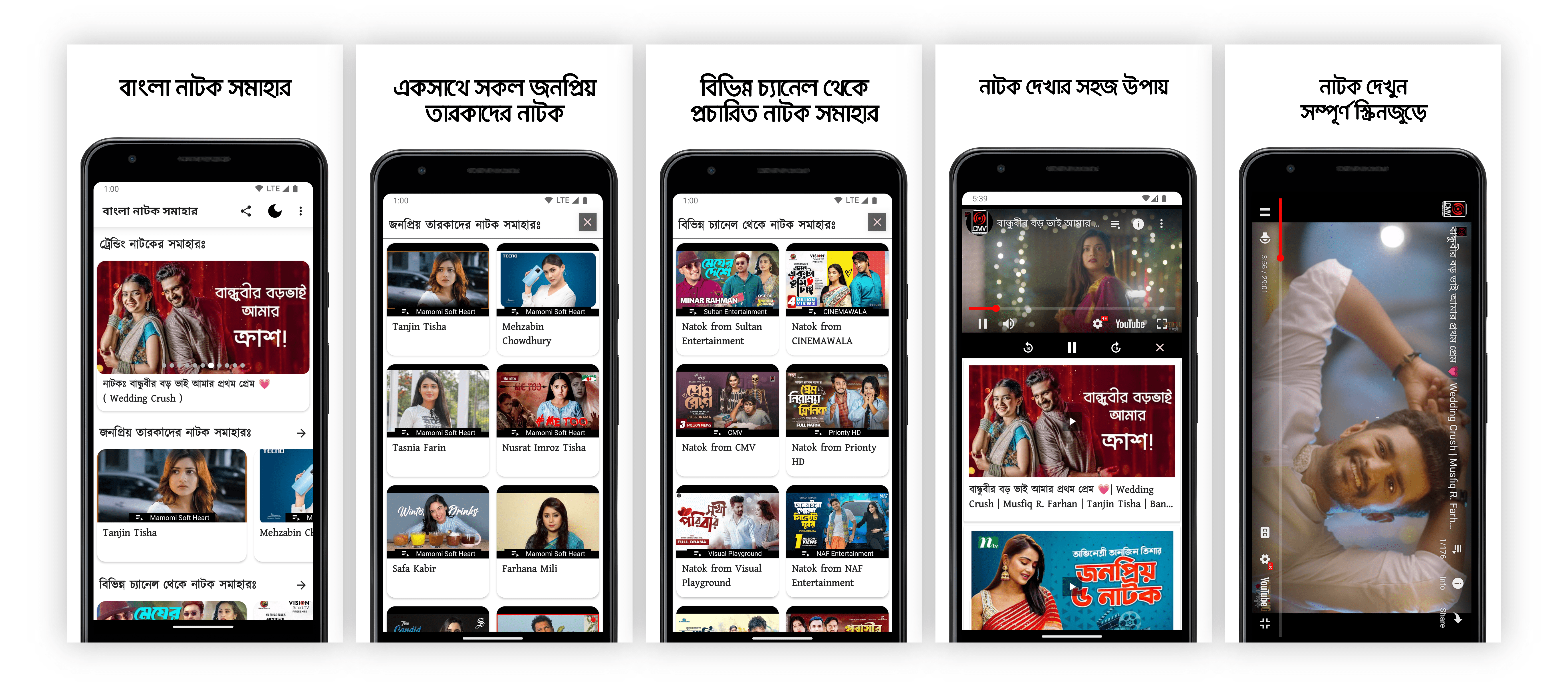
These apps demonstrate advanced customization options and enhanced user experiences for YouTube video playback on Android. By exploring these apps, you can see firsthand how I can integrate and customize YouTube players to meet your specific requirements.
If you are seeking more features, customization, and control over YouTube video playback on Android, please feel free to contact me for customized solutions tailored to your needs.
To run this demo app, you can clone or download the source code from this GitHub repository and build it on your local development environment.
We're excited to have you contribute to our Simple YouTube Video Player for Android. This project is open to collaboration, and we appreciate your interest in making it even better.
How to Contribute:
- Fork the repository.
- Feel free to check out the Issues section for tasks you can work on.
- Make your desired changes or improvements.
- Create a pull request, describing your changes and why they are valuable.
- Your contribution will be reviewed and merged if it aligns with the project's goals.
If you have any questions or need assistance, don't hesitate to reach out in the discussions or via issues.
Your contributions will help make this project more valuable and educational for developers exploring YouTube integration in Android apps. Thank you for being a part of our open-source community!
Note: This project is intended exclusively for educational purposes, demonstrating the integration of the YouTube iframe JavaScript player within an Android app.