Home
Watch Face application for Garmin smartwatches:
    D2™ Charlie, D2™ Delta, D2™ Delta PX, D2™ Delta S,
    Darth Vader™,
    Descent™ Mk1,
    First Avenger,
    Forerunner® 245, Forerunner® 245 Music, Forerunner® 645, Forerunner® 645 Music, Forerunner® 935, Forerunner® 945,
    fēnix® 5, quatix® 5, fēnix® 5 Plus, fēnix® 5S Plus, fēnix® 5X, tactix® Charlie, fēnix® 5X Plus,
    fēnix® 6, fēnix® 6 Pro fēnix® 6 Pro, fēnix® 6 Sapphire,
    fēnix® 6S fēnix® 6S, fēnix® 6S Pro, fēnix® 6S Sapphire,
    fēnix® 6X Pro, fēnix® 6X Sapphire, fēnix® 6X Pro Solar, tactix® Delta Sapphire,
    MARQ™ Adventurer, MARQ™ Athlete, MARQ™ Aviator, MARQ™ Captain, MARQ™ Commander, MARQ™ Driver, MARQ™ Expedition,
    vívoactive® 4, GarminActive
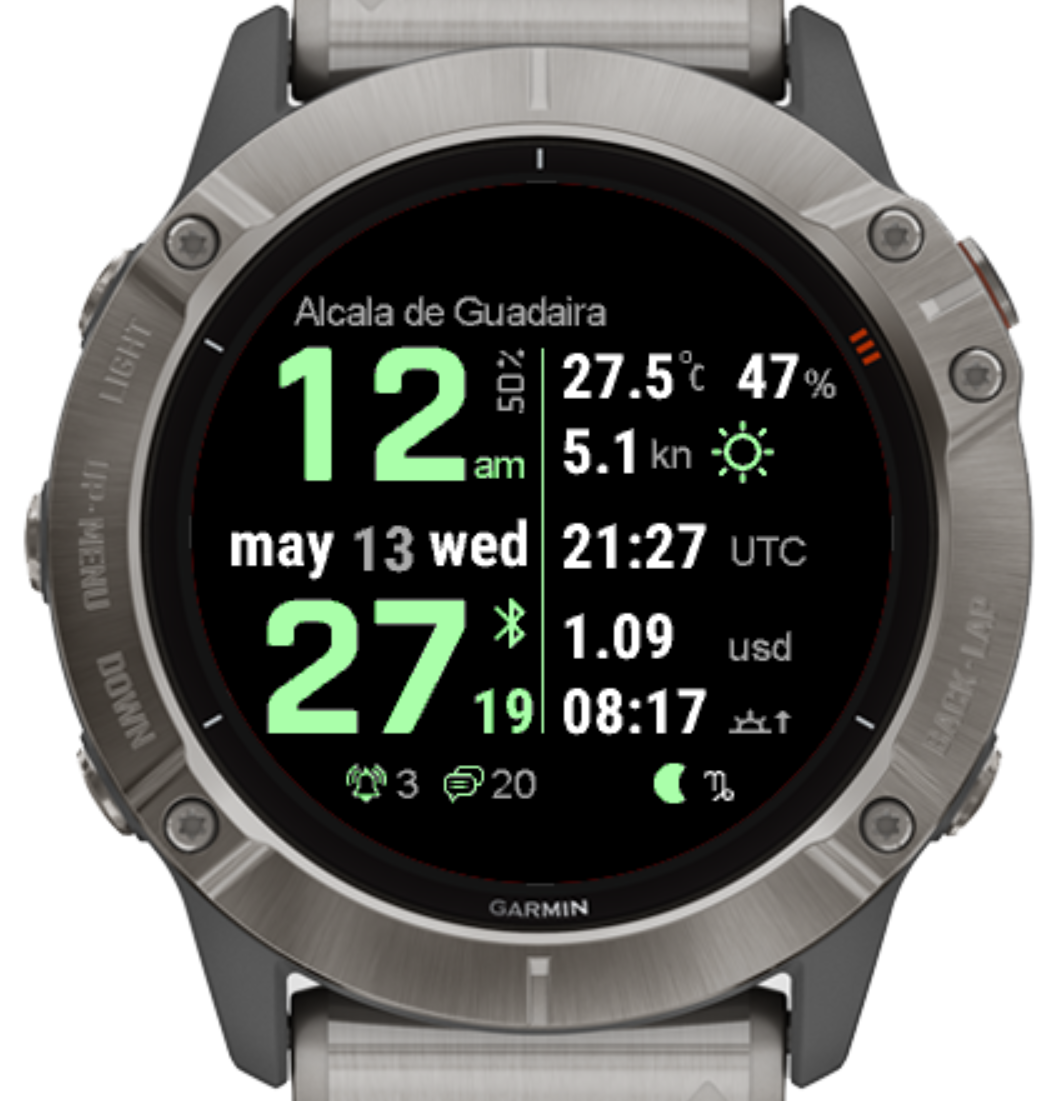
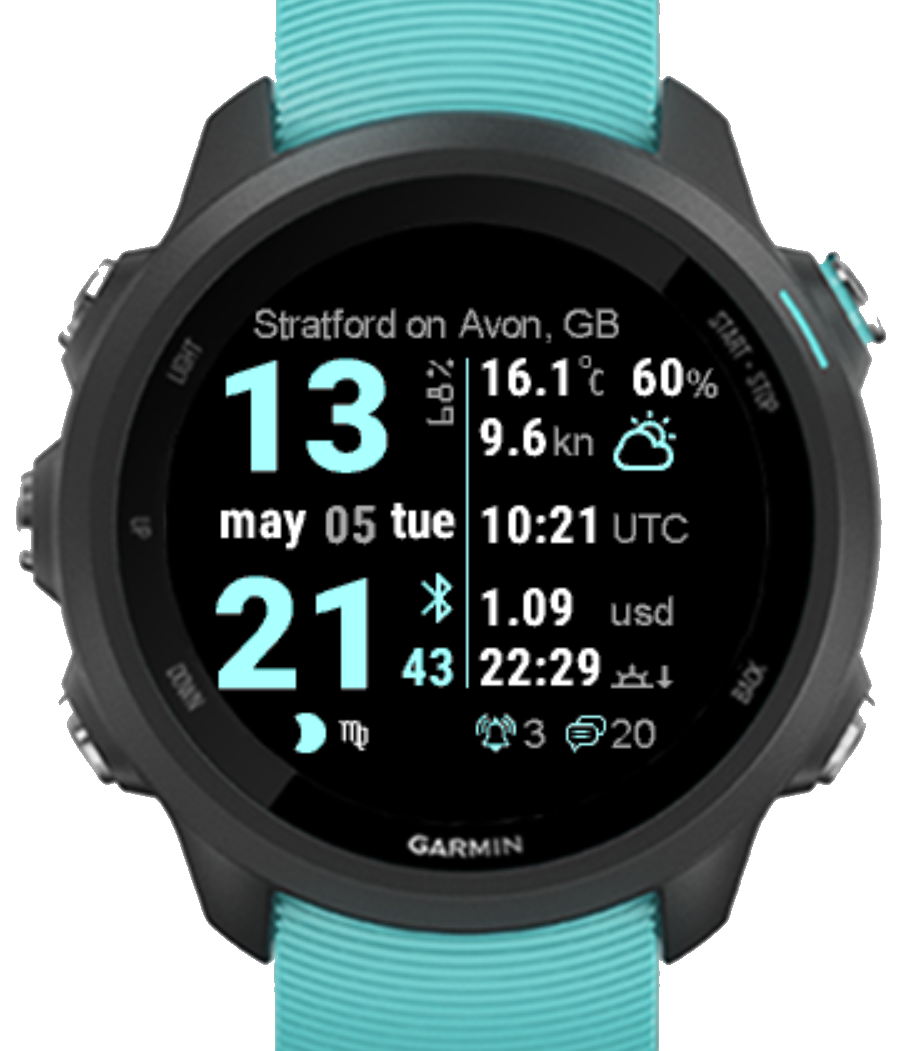
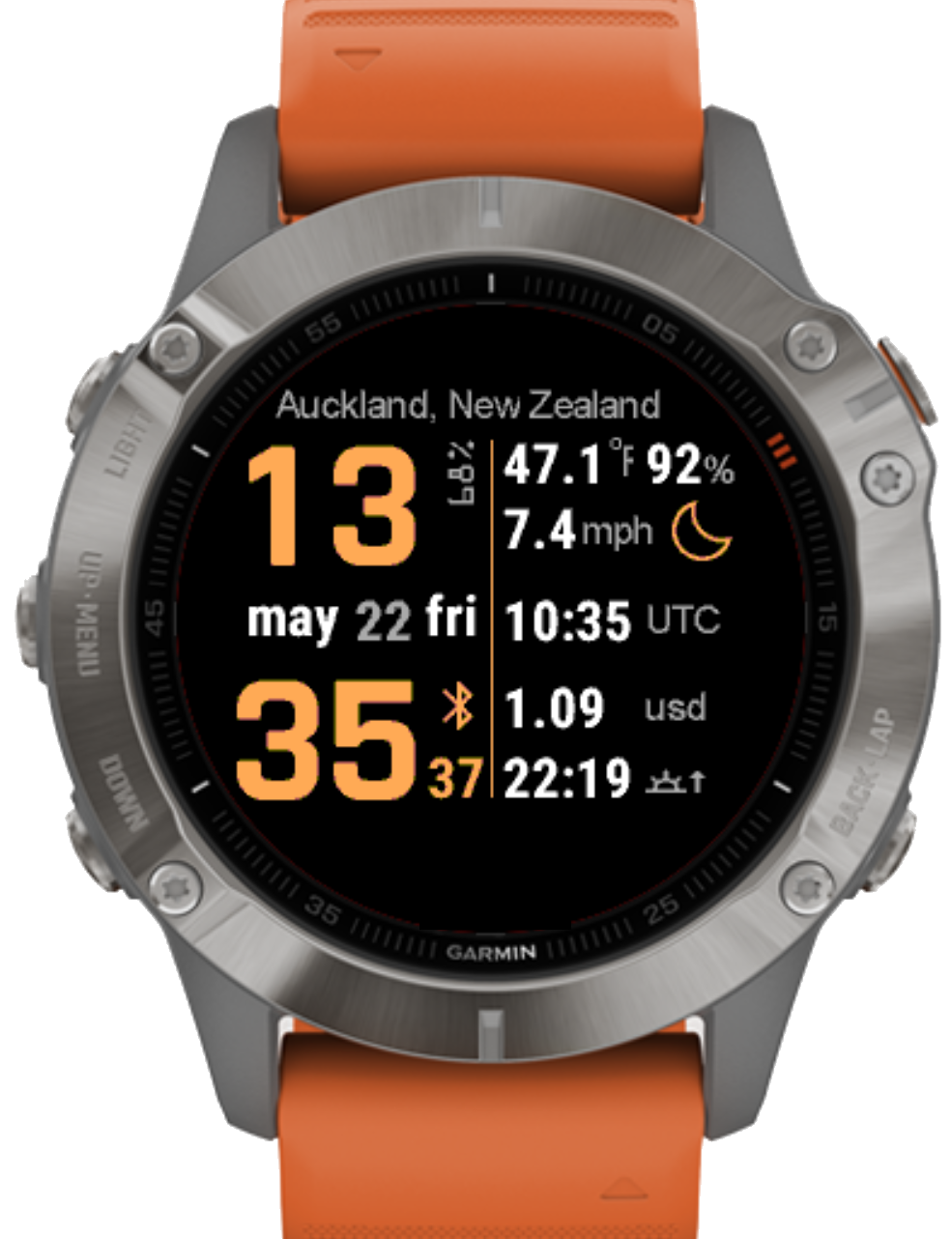
- Time (this is a watch face, after all)
- Current City Name, based on GPS. You have to get GPS coordinates to update the city if the location has been changed
- Current Date and Week Day
- Battery Level
- Actual Weather in the current location, Temperature (C|F), Perception probability and Wind(kn|m/s|km/h|mp/h). Updates once in 60 min if internet connection is available
- Current Time in one addition timezone (DST will be calculated automatically)
- Currency Exchange Rate, between two out of 47 currencies. Updates once in 60 min if internet connection is available
- Pulse
- Distance (km, miles, steps)
- Floors climbed
- Altitude
- Calories
- Sunrise / Sunset times
- Alarm count
- Notification count
- Moon phase and Zodiac
Configure all the watch face options via the Garmin Connect mobile app: Open Garmin Connect Mobile. Touch More, Garmin Devices, (your device), Connect IQ Apps, Watch Faces, (select YA-WatchFace), Settings.