

- Pagination support - Built-in pagination for blog posts
- Tags support - Organize and categorize your posts with tags
- MathJax support - Render mathematical expressions with MathJax
- Code inclusion support - Include code snippets in your posts
- Post linking - Link to other posts within your blog
- Encryption support - Protect sensitive content with password-based encryption. Only users with the correct password can view encrypted articles
Important Note:
Only textual content of articles will be encrypted; images will NOT be encrypted- Images can be encrypted using the
asset_imgtag (available fromv0.11.6)
To encrypt images:
- Name your sensitive images with the
.secextension (e.g.,name.sec.png) - Add the following exclude configuration to your
_config.yml:
exclude:
  - "**/*.sec.*"
- "*.sec.*"- Generate your public and private keys to protect your password:
ltectool gYou will receive output similar to:
publickey: AAA
privatekey: BBBBB
- Encrypt your password using the public key:
# ltectool e [your publickey] [your password]
# Example:
ltectool e Arkuf0hG0sjifj+G57o4gwPgnXXD72kIhjhSGjyyGCdS 123

# Output:
AQAQACAAIQCVKE9YHFT4pzyMa84kqGK+4Olo3EeDlymDa0oZcsQ48j8S4D4fMFb37gUT4LgrxZQDCFLa402i9VhhMIYWXZP+WSsv2Ia+uQpEH5vYKgDR5vL4xXC/76wXl3K7abU7u9du- Add the encrypted password to your
_config.yml:
enc_tags:
  - tag: encrypt1
    password: "123"  # Plain text - NOT recommended

  - tag: encrypt2
    # 123
password: AQAQACAAIQCVKE9YHFT4pzyMa84kqGK+4Olo3EeDlymDa0oZcsQ48j8S4D4fMFb37gUT4LgrxZQDCFLa402i9VhhMIYWXZP+WSsv2Ia+uQpEH5vYKgDR5vL4xXC/76wXl3K7abU7u9du- Set the private key as an environment variable before running
jekyll build, or configure it in your CI environment:
# export JEKYLL_EC_PRIVATEKEY=[Private key]
export JEKYLL_EC_PRIVATEKEY="NWWtiQbDnSDvTdogCzAjqNqHGTZrRXdmXQrEKiv3vNs="
Security Recommendation: For enhanced security, use separate repositories to store your source files and the _site files.
This theme is based on a minimal, performance-focused design with the following characteristics:
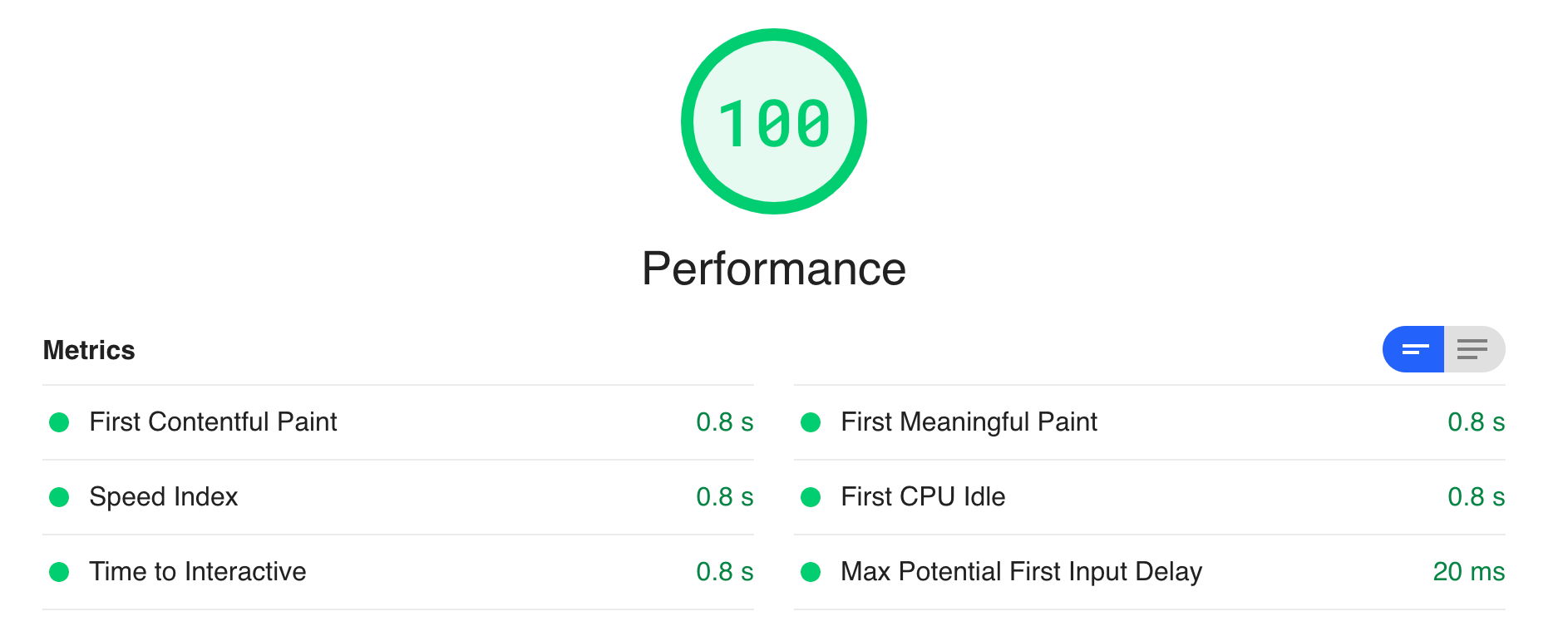
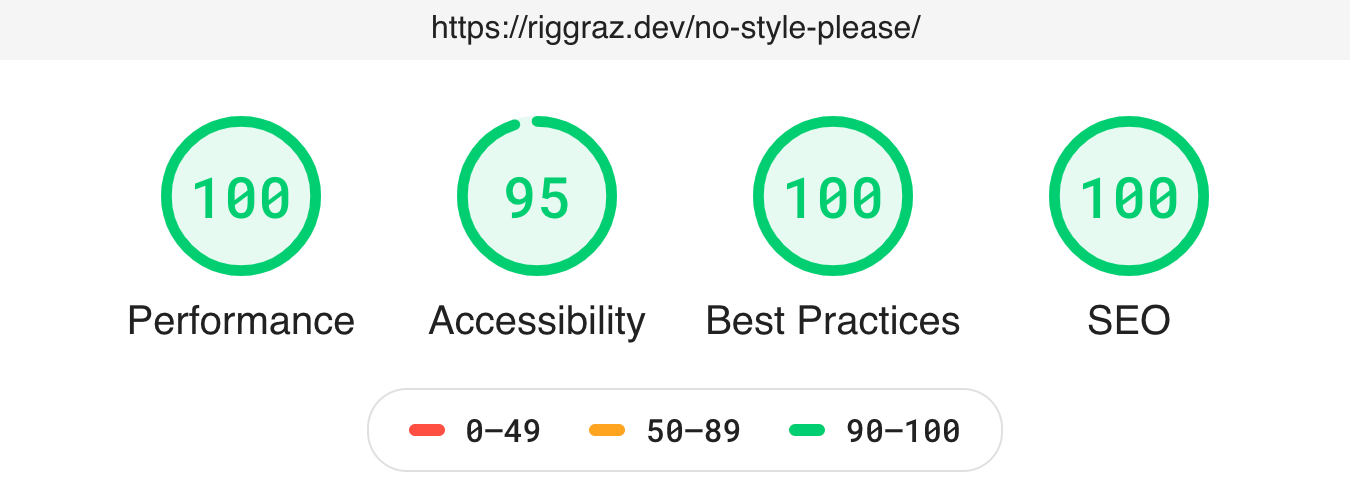
- Fast - 1KB of CSS! For more information on performance, see the Page Speed Insights report and Lighthouse report
- Light, dark, and auto modes - Automatic theme switching based on system preferences
- Responsive - Optimized for all device sizes
- Content-first - Typography optimized for maximum readability
SEO optimized (uses Jekyll SEO Tag)RSS feed (uses Jekyll Feed)Fully compatible with GitHub Pages (see GitHub Pages installation)
Note: You should build the
_sitedirectory yourself, as GitHub Pages does not support all Jekyll plugins.
If you haven't already created your blog using Jekyll, follow the instructions to do so from Jekyll's documentation.
Note: If you are using Jekyll with GitHub Pages, see the GitHub Pages installation section.
Then, to style your blog with this theme, add this line to your Jekyll site's Gemfile:
gem "jekyll-zeta"And add this line to your Jekyll site's _config.yml:
theme: jekyll-zetaAnd then execute:
$ bundle
Or install it yourself as:
$ gem install jekyll-zeta
Edit the theme_config > menu section in _config.yml.
Below is the default configuration:
theme_config:
  menu:
    - title: Home
      url: /
    - title: Archive
      url: /archive.html
    - title: Tags
      url: /tags.html
    - title: About
url: /about.html- Create a
tags.mdfile with the following content:
---
title: TAGS
layout: tags
permalink: /tags/index.html
---- Add an entry to
_data/menu.yml:
- title: tags
  url: tags