Telegram Voice-Chat Bot To Play Music With Pytgcalls From Various Sources In Your Group.


Only For Heroku: Join Group for Any Help
For other OS Check the: Main Repository
- Telegram API_ID and API_HASH
- Userbot Needs To Be Admin In The Chat
- Heroku Client: Installed On Your System
Go to this bot @PyrogramStringBot and enter your API ID AND API HASH, then Mobile no. and you will get your String Session.
Fork and Star this repository and copy sample_config.py and rename it to config.py.
heroku login

heroku create appname

heroku buildpacks:add https://github.com/jonathanong/heroku-buildpack-ffmpeg-latest.git -a appname

heroku buildpacks:add https://github.com/heroku/heroku-buildpack-python.git -a appname

git init

heroku git:remote -a appname

git add .

git commit -am "Your commit message"

git push heroku master

heroku ps:scale worker=1
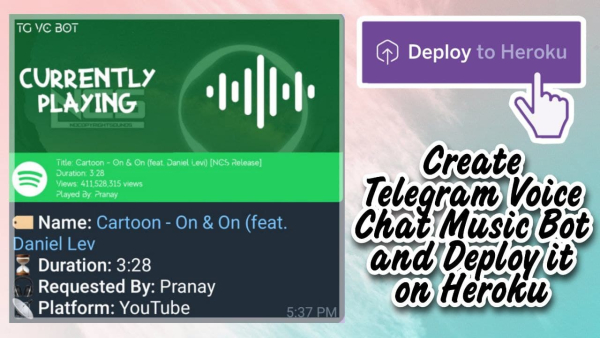
Send commands to bot to play music.
| Command | Description |
|---|---|
| /help | Show Help Message. |
| /skip | Skip Any Playing Music. |
| /play youtube/saavn/deezer [SONG_NAME] | To Play A Song. |
| /telegram | Play A Song Directly From Telegram File. |
| /queue | Check Queue Status. |
| /joinvc | Join Voice Chat. |
| /rejoinvc | Rejoin Voice Chat. |
| /leavevc | Leave Voice Chat. |
| /volume [1-200] | Adjust Volume. |
| /pause | Pause Music. |
| /resume | Resume Music. |
| /update | Update & Restart. |
- If you want any help you can ask here
- @MarshalX [For TgCalls]
- Everyone who contributed to the project.