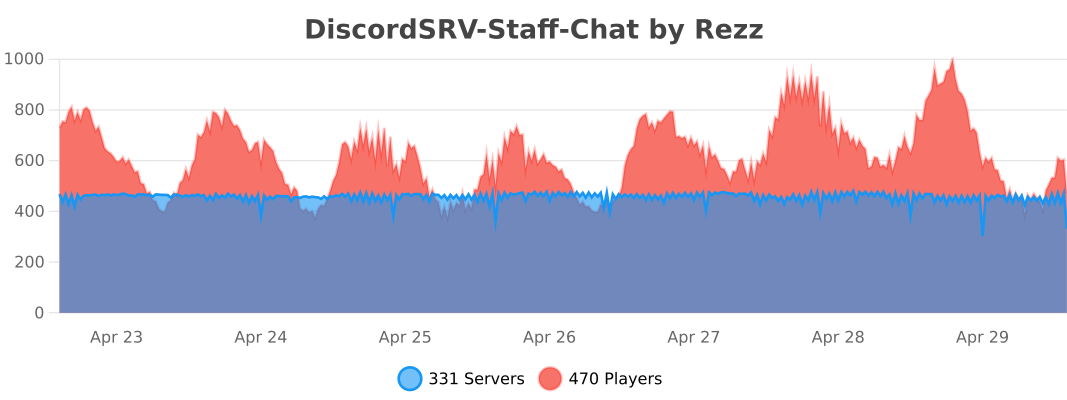
DiscordSRV-Staff-Chat is a staff chat plugin that connects to a Discord channel (via DiscordSRV), allowing in-game staff to communicate with staff on Discord.

- Add DiscordSRV and DiscordSRV-Staff-Chat to your
plugins/directory. - Restart the server.
- Add a
staff-chatchannel to DiscordSRV's config. - If you want to use team chat as well, add a
team-chatchannel. - Execute:
/discord reloador restart the server again.
Add a "staff-chat" entry to DiscordSRV's config. Note: it's very important that this entry is called "staff-chat".
# Channel links from game to Discord
# syntax is Channels: {"in-game channel name from Minecraft": "numerical channel ID from Discord", "another in-game channel name from Minecraft": "another numerical channel ID from Discord"}
#
Channels: {"global": "000000000000000000", "staff-chat": "000000000000000000"}
Replace all those zeros with your staff chat's channel ID.

Channels: {"global": "000000000000000000", "staff-chat": "337769984539361281"}Similarly, add a "team-chat" entry to DiscordSRV's config if you want to use team chat functionality.
# Channel links from game to Discord
# syntax is Channels: {"in-game channel name from Minecraft": "numerical channel ID from Discord"}
#
Channels: {"global": "000000000000000000", "staff-chat": "000000000000000000", "team-chat": "000000000000000000"}
Replace all those zeros with your team chat's channel ID.
Permission:
staffchat.accessAliases:
/adminchat,/schat,/achat,/sc,/ac, and/aUsage:
/staffchat- Toggle automatic staff chat./staffchat <message>- Send a message to the staff chat.

Permission:
staffchat.accessAliases:
/leaveadminchatUsage:
/leavestaffchat- Stop receiving staff chat messages.
- Useful to avoid leaking staff chat messages if a staff member is filming or streaming.
- This can be disabled in the config if you don't want staff members to turn off their staff chat.

Permission:
staffchat.accessAliases:
/joinadminchatUsage:
/joinstaffchat- Start receiving staff chat messages again if you previously left.

Permission:
staffchat.accessAliases:
/toggleadminchatsoundsUsage:
/togglestaffchatsounds- Mute or unmute staff chat sounds for yourself.

Permission:
staffchat.manageAliases:
/discordsrv-staff-chat,/discordsrvstaffchat,/discordstaffchat,/discordadminchat,/manageadminchatUsage:
/managestaffchat- Display plugin information and command usage./managestaffchat reload- Reload configs./managestaffchat debug- Enable or disable debugging.
Permission:
teamchat.accessAliases:
/tchat,/tc,/tUsage:
/teamchat- Toggle automatic team chat./teamchat <message>- Send a message to the team chat.
Permission:
teamchat.accessAliases:
/leavetcUsage:
/leaveteamchat- Stop receiving team chat messages.
- Useful to avoid leaking team chat messages during streaming.
- This can be disabled in the config if you don't want team members to turn off their team chat.
Permission:
teamchat.accessAliases:
/jointcUsage:
/jointeamchat- Start receiving team chat messages again if you previously left.
Permission:
teamchat.accessAliases:
/toggletcsoundsUsage:
/toggleteamchatsounds- Mute or unmute team chat sounds for yourself.
Permission:
teamchat.manageAliases:
/discordsrv-team-chat,/discordsrvteamchat,/discordteamchatUsage:
/manageteamchat- Display plugin information and command usage./manageteamchat reload- Reload configs./manageteamchat debug- Enable or disable debugging.
Note: Staff chat and team chat are mutually exclusive. Enabling one will automatically disable the other.