Building
-
Download and install the latest Visual Studio 2026.
Make sure to select the Desktop development with C++ workload. -
Download and install the latest Windows SDK.
-
Download and install Python.
-
At the root directory you will find a single Python script called
generate_project_files.pyThis script is interactive and lets you choose what to generate, such as:
- Vulkan for Windows
- D3D12 for Windows
- Vulkan for Linux
- Other supported configurations
Warning:
The D3D12 backend is still under active development and does not render yet. Generate it only if you plan to contribute or experiment. Same goes for the linux build, it can compile, boot up and render the editor, use it only if you want to help finish it.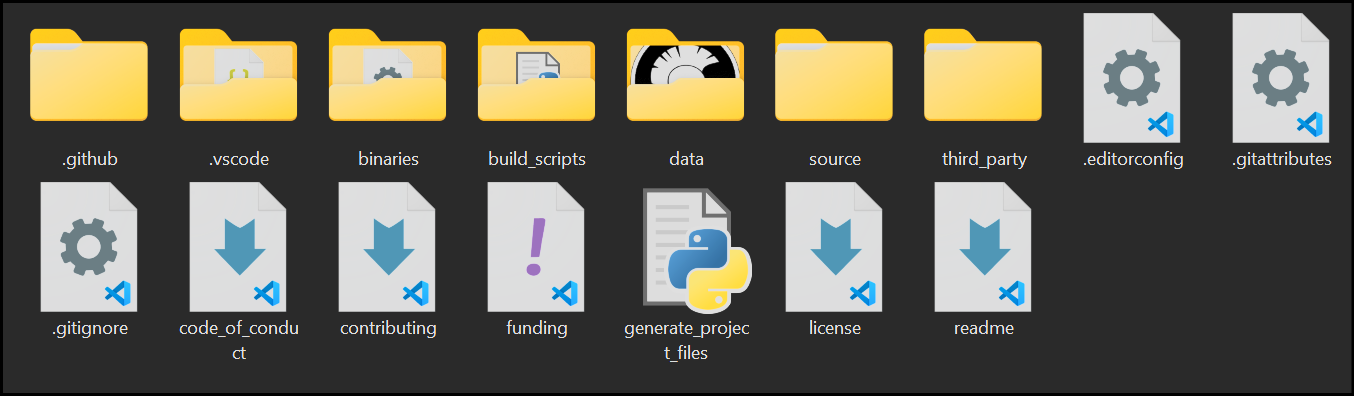
-
Run
generate_project_files.pyand follow the on-screen prompts.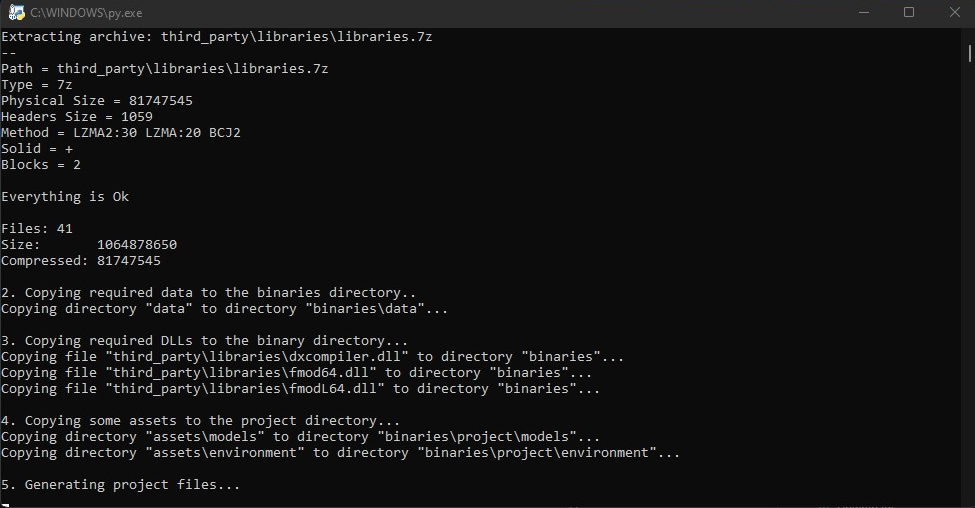
-
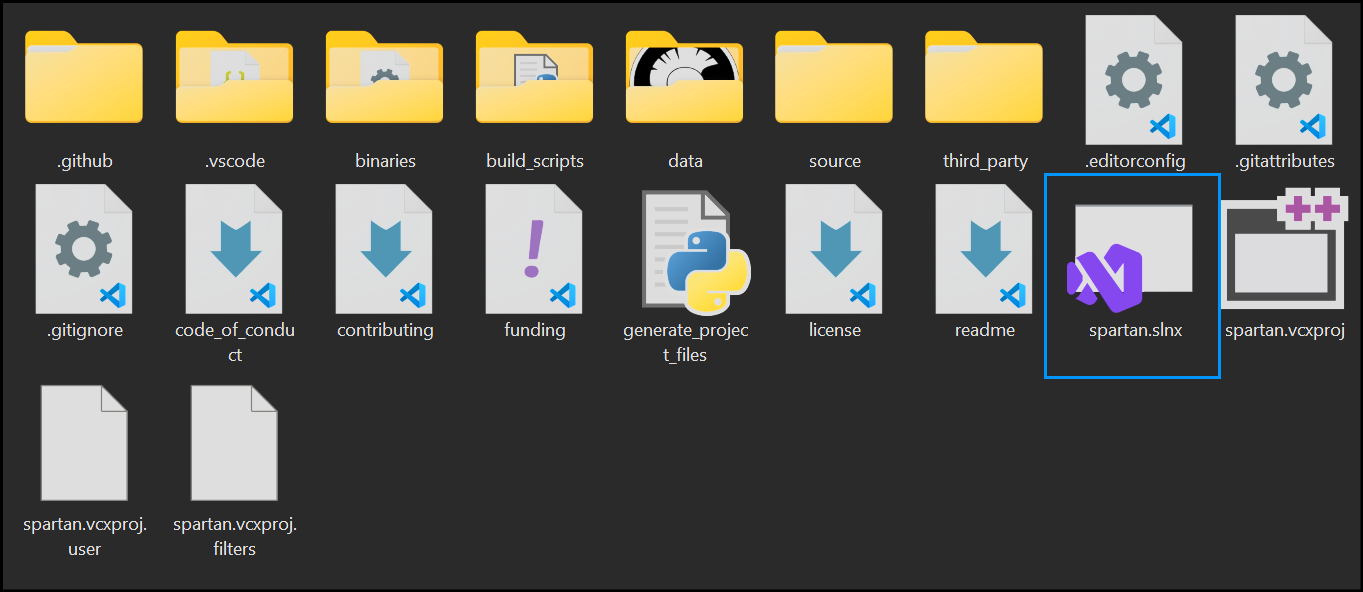
Once the script finishes, a Visual Studio 2026 solution will appear in the root directory.
-
Open the generated solution in Visual Studio and build the engine.