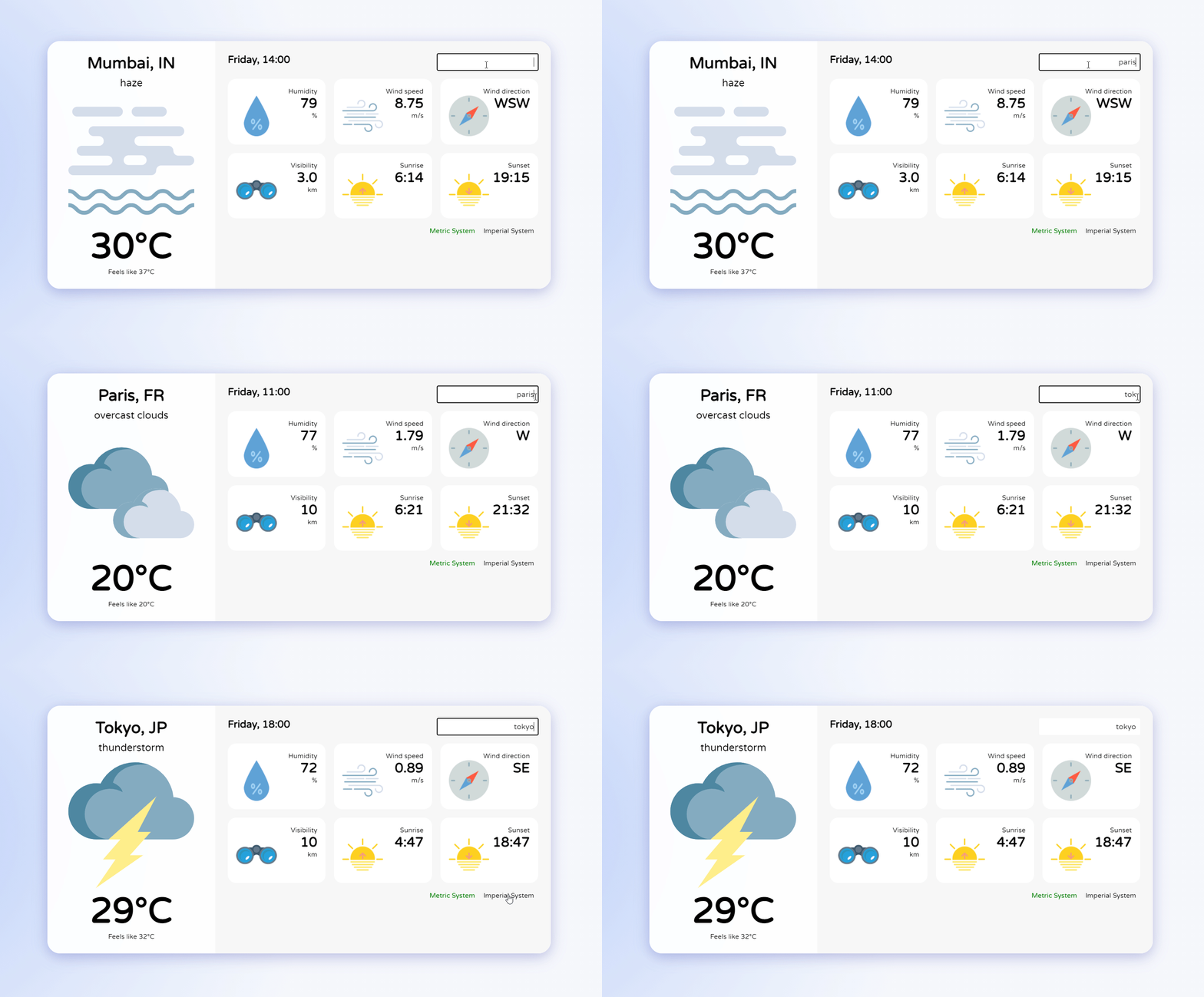
Meteo application for transport services in France, based on the current application : https://github.com/madzadev/weather-app.git
-
Current local time and date
-
Temperatures - min/max
-
Hourly risk of rain falls
-
Precipitation cumulatin and humidity
-
Wind speed and direction
-
Sunrise/sunset times - duration day
-
Hourly and daily updates
-
Error handling and loading info
-
git clone https://github.com/PatrickLaubscher/meteo-app -
cd meteo-app -
npm install -
Change
cityNameinconfig.json -
npm run dev
- API changing to open-meteo
The Weather forecast API from open-meteo is working on geolocalisation with latitude and longitude. Both information can be found with the geocoding API from open-meteo as well. In order to configure the meteo data fetching I've first implement the call of the geocoding API based on the city name from the config.json file. Then the latitude and longitude are memorized and included in the uri sent to the weather forecast API.
- Data processing
Weather forecast json response is different from the previous API. Firstly as the customer asked for hourly updated data, I've selected the ones needed and based on the actual configuration such as : weather code, temperature, temperature feeling, humidity, wind direction. Sunrise/sunset times are daily information. Regarding the hourly ones, as we have a list, I needed to use actual hour data and keep it as index to find the correct information. I've used for this JS Date function getHours. As we have at least 24h hours of data from the API, it was needed to first memorize the data from the API and then select hourly the ones needed. In that way, another const is used to store a new array of hourly (and daily) information before injection into the components. And so the call to the API is made once a day and the weatherData containing regurlaly updated data is hourly based refreshed. Regarding data treatment, firstly the weather codes used is WMO Weather interpretation codes. For keeping the use of the same icons, I used a switch and get night/day information from the API in the way to concatenate the name of the needed weather icon. I use switch as well for weather description which have been translated in French. For GMT time zone, I used the auto option from the API and I've select Unix timestramp in order to keep the actual functions based on it.
- Modification and refactoring
On the UI, I've retrieved the cityname research field and the fetch API with POST method as it's no longer required. Regarding the customer needs a new file has been added in which you can write the name of the city you want weather information. I may some improvement regarding this as I will explain the last section below. The changing of metric system has been retrieved too as we only need the metric system used in France.
Some improvements have been made on the interface as I've added a clock timing with react-live-clock, the actual date as well and more weather information : min/max temperatures, hourly risk of precipitation, daily cumulation of rain and daylight duration. I've added some icons and keep the design as it is as requested.
For refactoring, getHourlyData and both switch functions have been implemented in separate files and imported as needed for the nextJs application.
- Data refreshing
As requested, a hourly refreshing data has been implemented. In that way, I chose to use node-cron. The function for getting the weather data is called every hour and the API fetch is set on 8h cycle basis.
- Improvement suggestions
I may suggest to add an admin access for the customer in which he could have change some settings : city name, add/remove meteo features, some changing on CSS style such as background colours. We could add more weather icon in addition of the 9 ones (9+9 for day/night). For the admin access, I would need to create a new component with a login form and a specific route. Another component for the main page of the admin interface. The city name would be declared as a variable from this component and implemented in the api/data file. Most of the meteo component features would have a switch option to visible from hidden. And for the background colors or others CSS attributes, their value should be a variable with a default value and some options. At this moment, I would need to check more precisely on the React and NextJs documentations to get more informations about the possiblities. I would also check for npm packages which may already get the needed functionnalities.