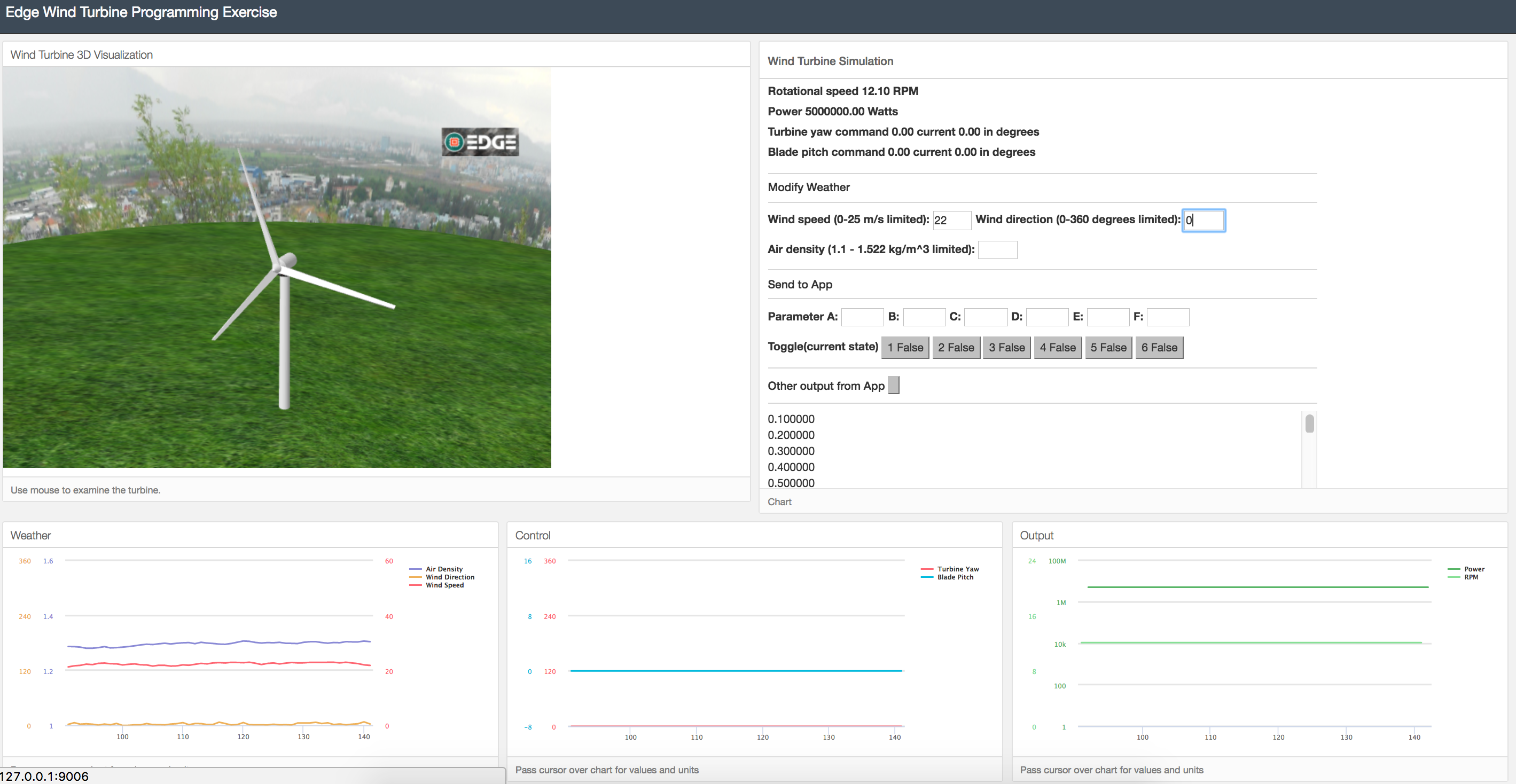
A Workbench that presents a simulated wind environment that will allow folks to learn elements of the Edge
- Docker - See install docs at https://edge.portal.ge.com/guides/dev-env/docker/
$ git clone https://github.com/PredixDev/wind-workbench.git$ cd wind-workbench$ docker-compose up -d$ docker ps
$ docker imagesWindturbine should be listed in both
$ docker logs windturbineLogs should be generated on the command line
From the VirtualBox VM window menu, select:
Devices > Network > Network Settings...
- Click on Port Forwarding
- Click Insert New Rule button
- Set Host Port to
9098 - Set Guest Port to
9098
Open Chrome browser on your host machine to http://127.0.0.1:9098/
May have problems if opening in other browsers
In wind-workbench directory...
$ docker-compose downThe docker-compose.yml file pulls image the wind workbench image from dtr to save build time, if you want to make changes and build it locally run...
$ docker-compose -f docker-compose_build.yml buildand then
$ docker-compose -f docker-compose_build.yml up -d