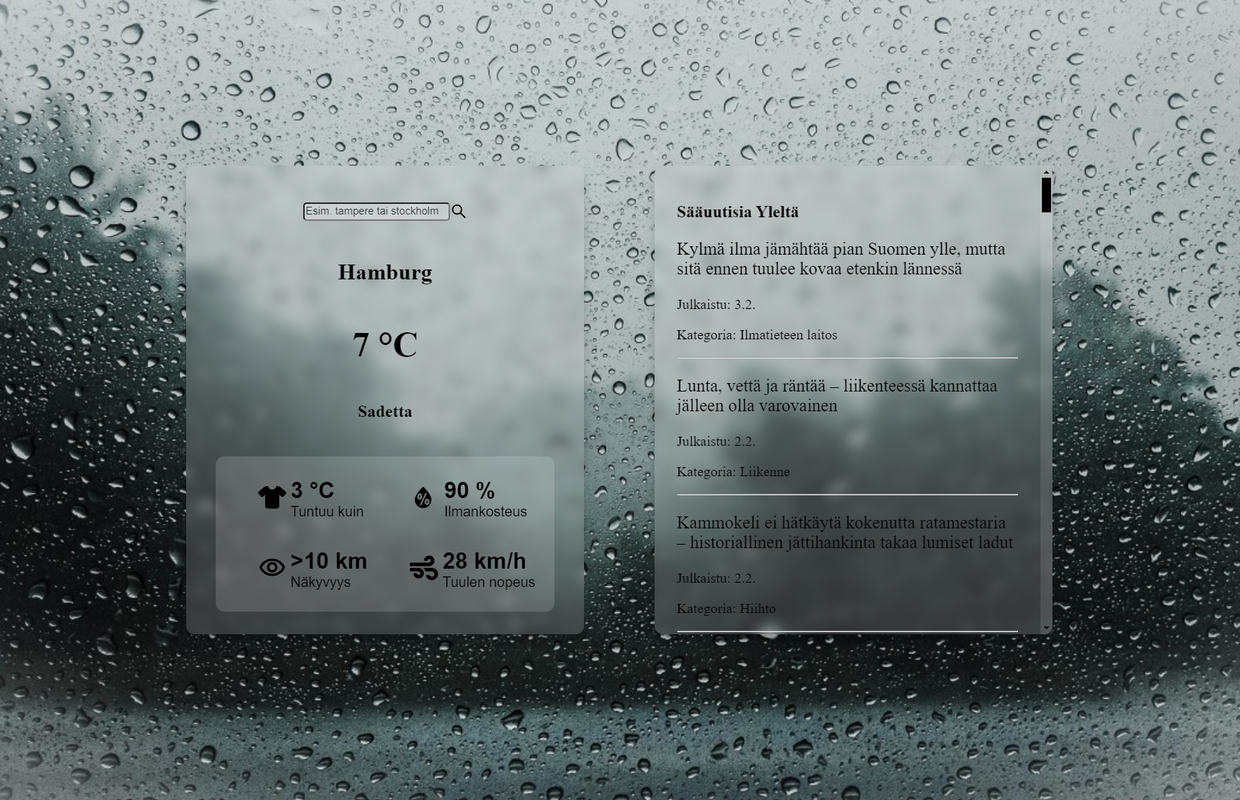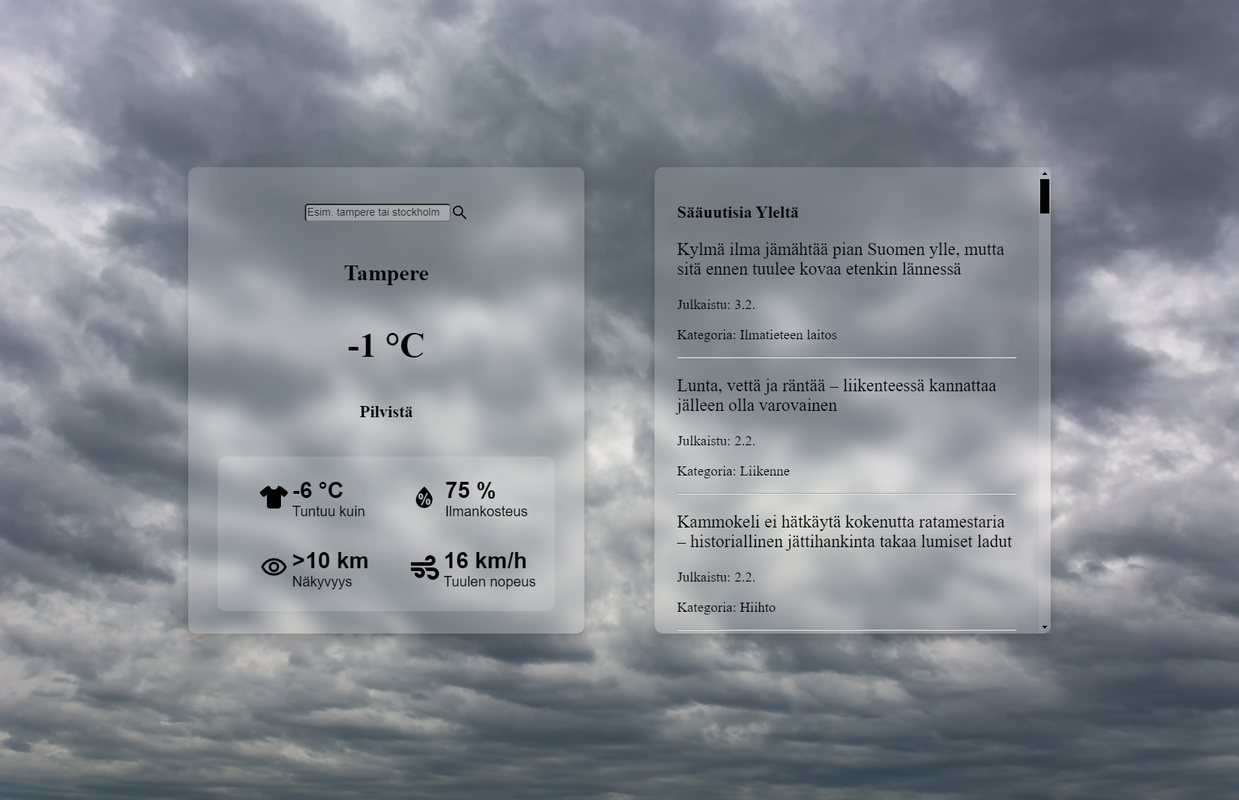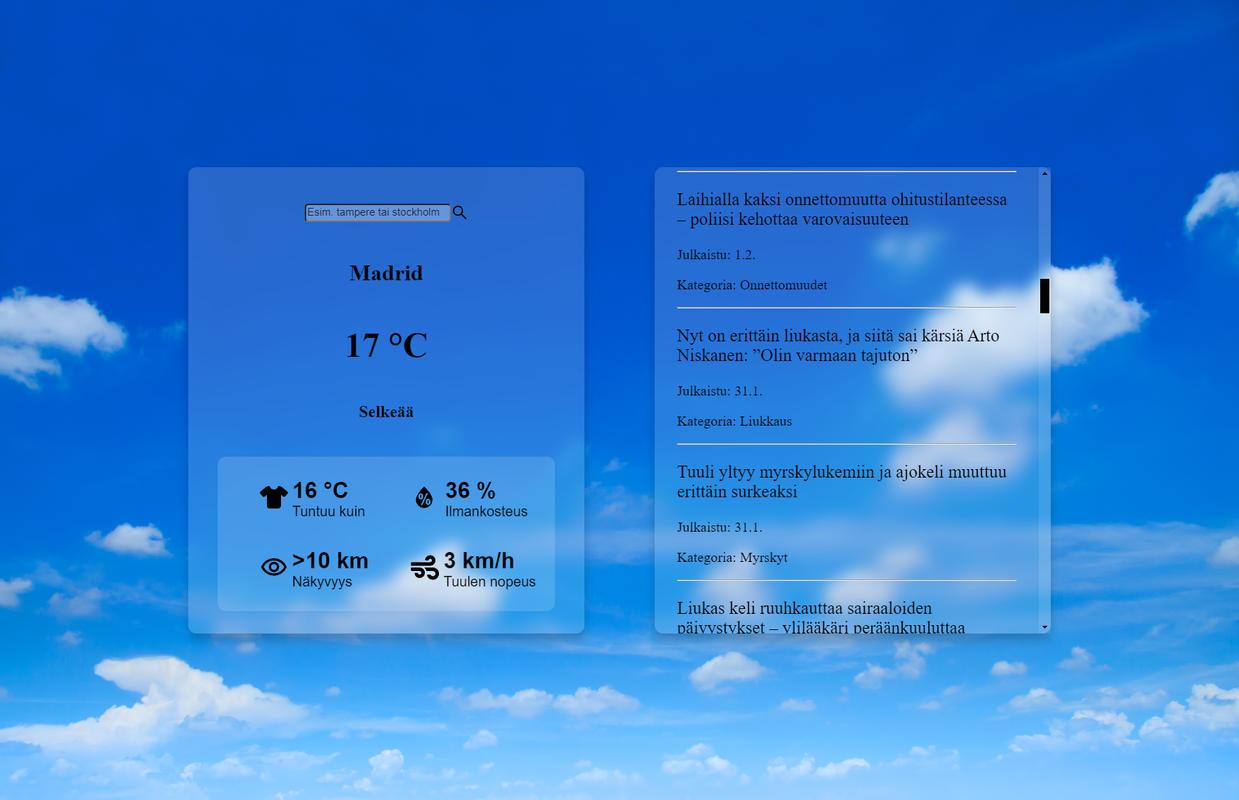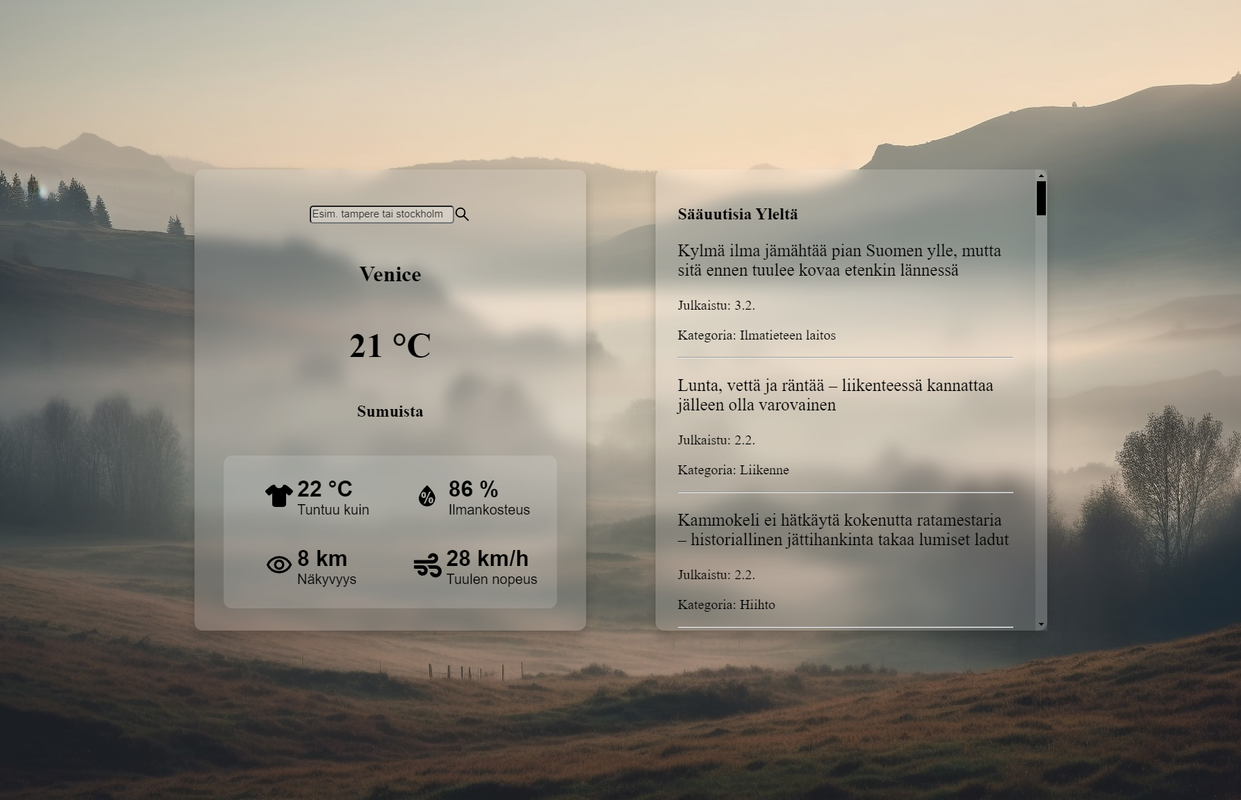
This is a weather app that consists of two parts: weather data and weather news. The frontend fetches the weather data from the OpenWeatherMap API. The frontend utilizes React along with Typescript, Axios, React-Query and styled components. The backend utilizes Typescript, Node, Express, CORS and Puppeteer -- which fetches the news with means of a browser. When searching for weather data, use the English name of the city/country/region.
Use the latest NPM
npm install npm@latest -g- Get a free API key at https://openweathermap.org/api -- according to OpenWeatherMap, it can take "a couple of hours" for the key to start working
- Clone the repo
git clone https://github.com/Rasmuzeri/weather.git
- Cd to the root folder of the project and install the needed NPM packages
npm install
- Cd to 'server' folder and install headless Chrome for Puppeteer
npx puppeteer browsers install chrome
- Enter your OpenWeatherMap API key in
DisplayWeather.tsxconst APIkey: string = "ENTER YOUR API KEY";
- To start the backend, make sure you are cd'd to 'server' folder and then
npm start
- To start the frontend, open a separate terminal and cd to the root folder and then
npm start
- The app will be available at http://localhost:3000/ which can take over 30 seconds after starting the frontend
These resources were also used
- Thunderstorm picture - image by Freepik
- Snow picture - image by Montypeter
- Mist picture - image by Vecstock
- Cloud picture - image by Evening_tao
- Clear sky picture - image by Rawpixel.com
- React Icons