
VSCode extension and LSP implementation for the SourcePawn programming language written in Rust





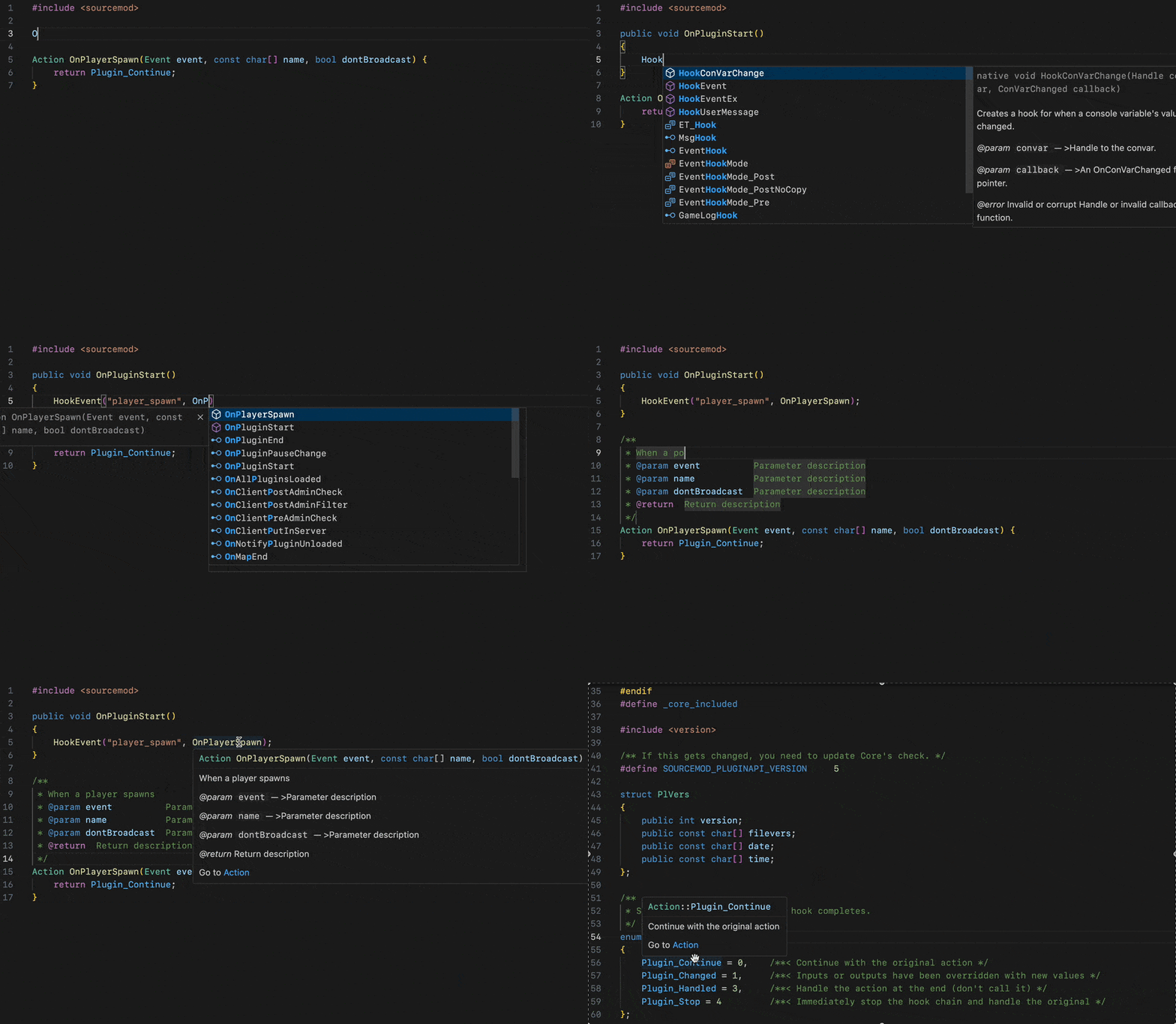
| Feature | Status |
|---|---|
| Completion | ✅ |
| Go To Definition | ✅ |
| Find References | ✅ |
| Hover | ✅ |
| Rename | ✅ |
| Semantic Highlighting | ✅ |
| Document Symbols | ✅ |
| Call Hierarchy | ✅ |
| Signature Help | ✅ |
| Reference | ✅ |
| Diagnostics | ✅ |
The Language Server is compatible with any text editor that implements the Language Server Protocol.
For ease of use with Visual Studio Code, the extension bundles a binary of the Language Server for each major platform and OS. You can download it from the marketplace here.
Partial support for AMXXPawn is implemented through the --amxxpawn-mode flag. The only difference between, the "SourcePawn mode" and the "AMXXPawn mode" boils down to what file extension the server will be looking for (.sp vs .sma).
A VSCode extension exists which bundles the server with the correct launch flags. You can find it here.
Please follow the Quick Start on the website.
- How can I donate ?
- How to install the beta build ?
- How to contribute ?
- How to run the extension from its source code ?
Thanks for considering this. But please remember that all of this wouldn't be possible without the Alliedmodders community. If you wish to make a donation for this community, you can make it here. If you prefer to make a donation to me for this project, you can buy me a coffee
Pull requests and suggestions are welcome.
- To make a suggestion or to report an issue, please create a new issue here.
- To make a contribution, fork the repository, make the desired changes, and open a pull request.
To run the Language Server, with the VSCode extension, from source, do the following:
- Install the rust toolchain using rustup.
- Install node.js on your machine (v20 LTS and up). Make sure npm is installed as well.
- Fork this repository and clone it on your machine (do this with VSCode for easier manipulation).
- From the root of the repository, run the following commands to install npm dependencies:
cd editors/code && npm i. - Press
f5and select theRun Extension (Debug Build)launch task in the prompt. This will compile the Language Server server from the source code and package the VSCode extension's source code. - (Optional) You can attach a debugger to the Language Server by doing the step above, then running another task called
Attach To ServerorWin Attach To Serveron Windows and typingsourcepawn-studioin the prompt.