Team Members : Aishwarya Ravi(https://www.linkedin.com/in/aishwaryaravi96/),Bhargav Shah(http://linkedin.com/in/bhargavpshah), Dharahasini Gangalapudi(https://www.linkedin.com/in/hasinig/),Shruthi Srinivasan(https://www.linkedin.com/in/shruthis23/)
Compliance Medication has been a major issue in the medical field. While doctors diagnose their patients, it's a bit difficult to keep the records of the prescription and keep track of the medication provided to them. And even patients sometimes forget to take the given medications on time.
Design a web application, where doctors can login to the portal and upload the prescription of every patient and the patients get reminded about the medications as prescribed by their doctor in regards with the doses given and timings provided to them.
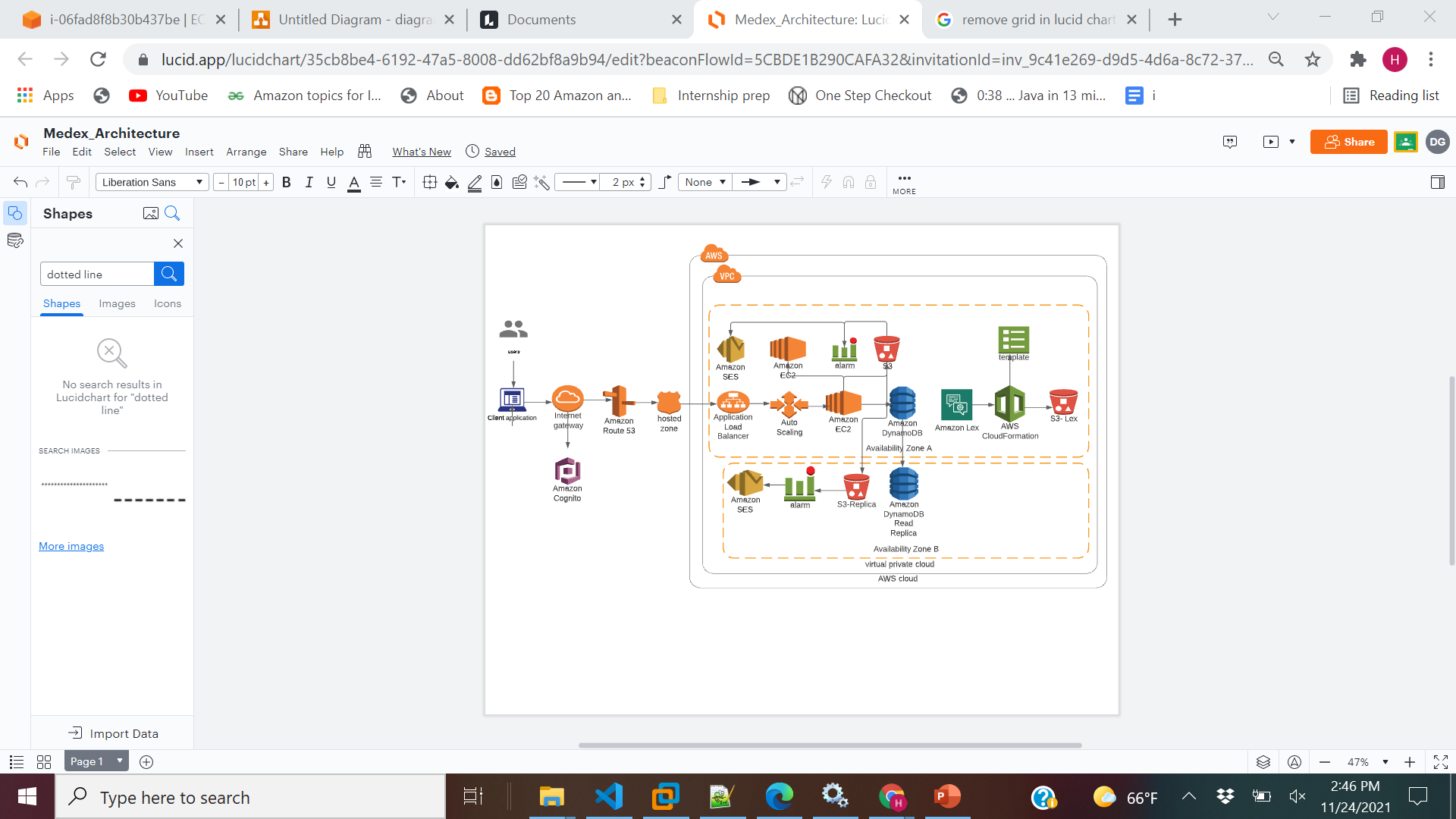
- Amazon Lex: Lex is used to provide a chatbot service for the patients to assist them with the web application.
- EC2: Web application is deployed in the EC2 instance and all the api requests in routed to the EC2 instance public address
- AutoScaling Group: AutoScaling policy is configured to make the application highly available with desired instance of 1 and maximum instance of 2.These policies could be reconfigured anytime.
- Application Load Balancer: Classic load balancer is configured to direct the requests across multiple EC2 instances in a round robin manner.
- S3: S3 is used to store the prescriptions of the user uploaded by the doctor.The web user interface of lex chatbot is also served from S3.
- Route 53: It is a highly available DNS.It is used to route end users by translating a cost effective way to route end users to Internet applications by translating domain names into the numeric IP addresses.
- Lambda & SNS: AWS Lambda is used for an Amazon DynamoDB trigger that logs the updates made to a table and S3 trigger has also been added which gets triggered whenever an event occurs (an object gets pushed to the bucket) and in case of failure of lambda invocation, an SNS event is triggered and email notification is sent to the Medex admin. Topic and Subscription have been configured for the same.
- CloudWatch: CloudWatch is used to monitor EC2,Dynamo the CPU reaches maximum or minimum threshold through AWS Simple Notification Service.
- Lambda & SNS: AWS Lambda is used for an Amazon DynamoDB trigger that logs the updates made to a table and S3 trigger has also been added which gets triggered whenever an event occurs (an object gets pushed to the bucket) and in case of failure of lambda invocation, an SNS event is triggered and email notification is sent to the Medex admin. Topic and Subscription have been configured for the same.
- Amazon Cognito: It is a managed service for the users to login and register into the application by creating user pools.
- DynamoDB: Dynamo is used as our data store to store the users and the prescription information.
- Cloud Formation: AWS Lex makes use of the template provided by Cloud Formation.The configuration of the Lex ChatBot is then deployed to the S3 bucket.
- AWS SES: This service is used to trigger email notifications to the patients when a new prescription is added by the doctor.SES is also used to send the prescription reminders for the day.
-
Prerequisite : NodeJS,Jenkins
-
Clone the code from git the repository
-
Run npm install to install the necessary packages
-
Create the .env file and configure the AWS security keys
-
Run the application using node app.js
-
Git Repository: https://github.com/Shruthi23/CloudProject2
-
Website URL:http://fileexplorerposts.xyz:3000
-
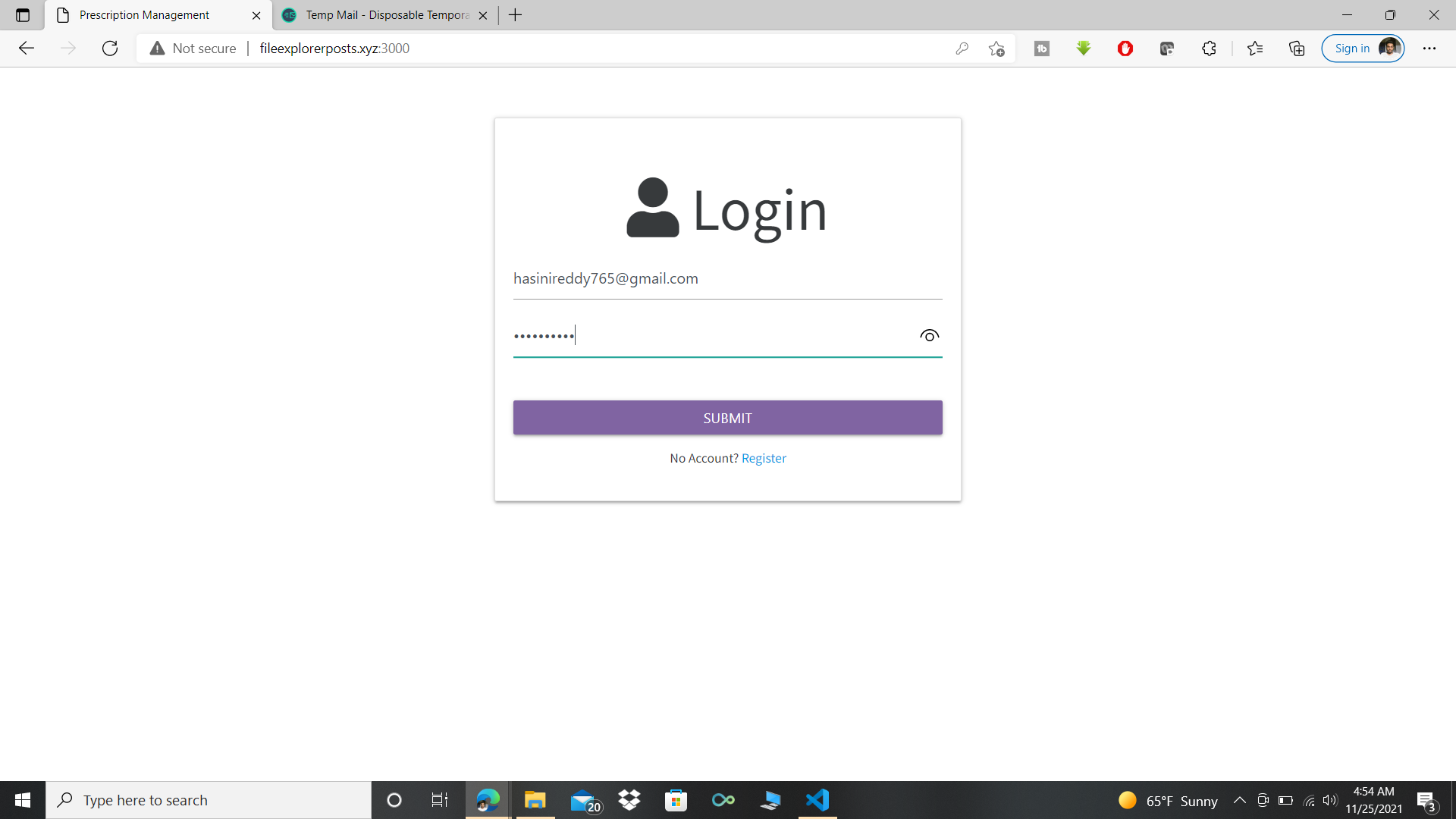
Demo Link: Test Account Credentials : Doctor - shruthisrinivasan97@gmail.com. Password - Qwerty@123, aishwaryaravi19@gmail.com. Password - Qwerty@123, Patient - hasinireddy765@gmail.com. Password - Qwerty@123
Architecture Diagram
Sample Demo Screenshots Doctor’s Side
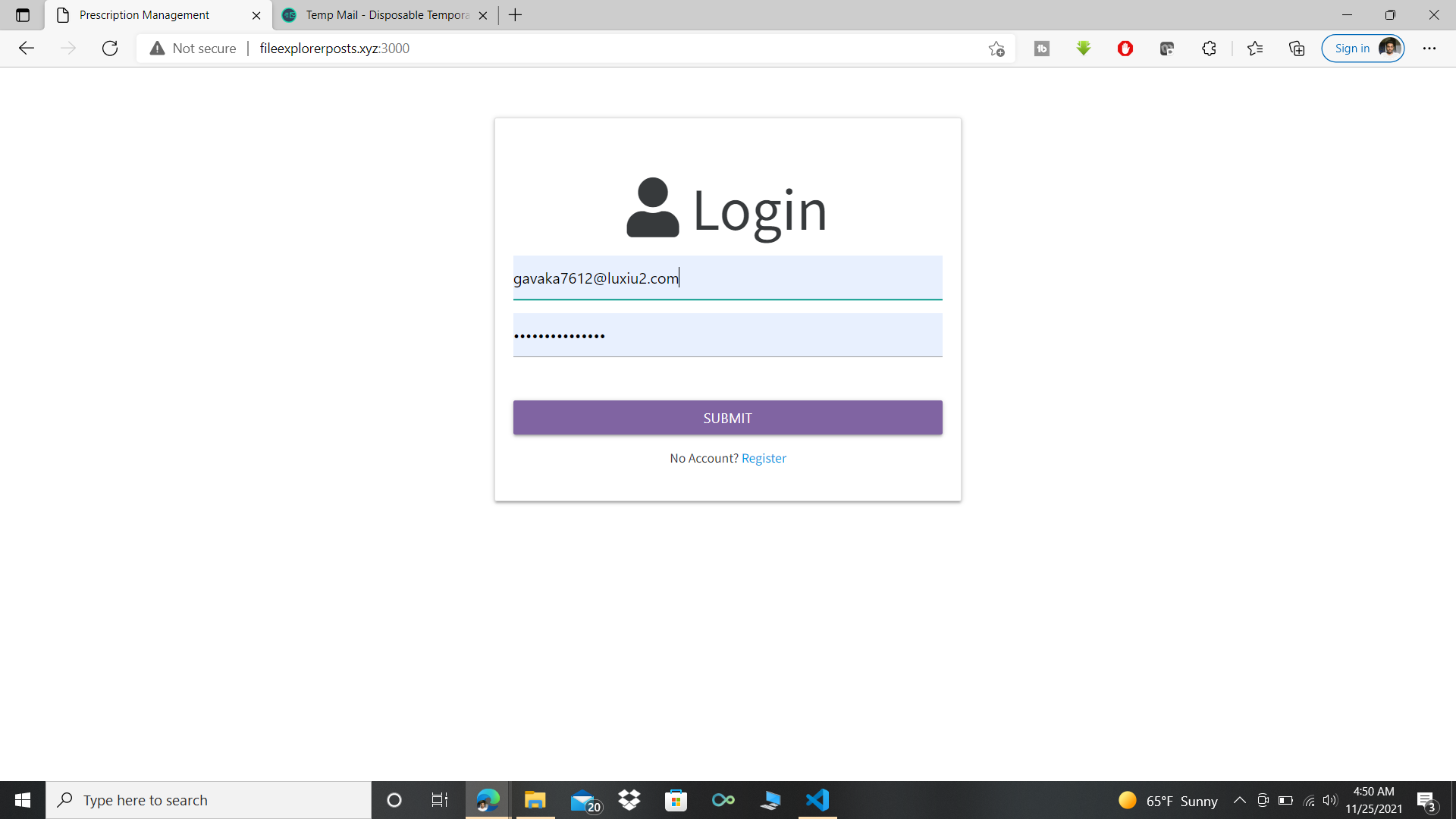
Home page of Medex
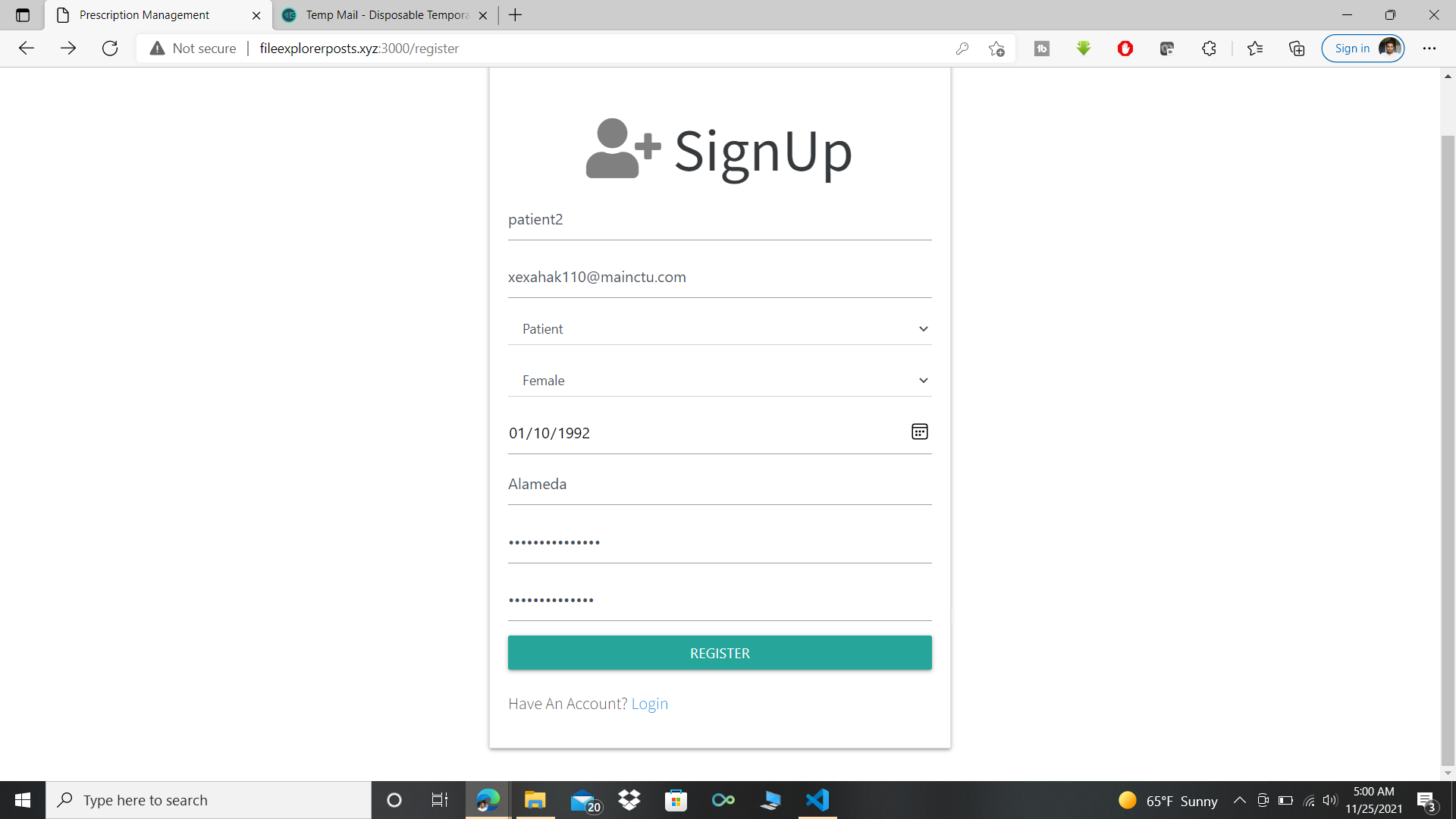
Registration page of Medex
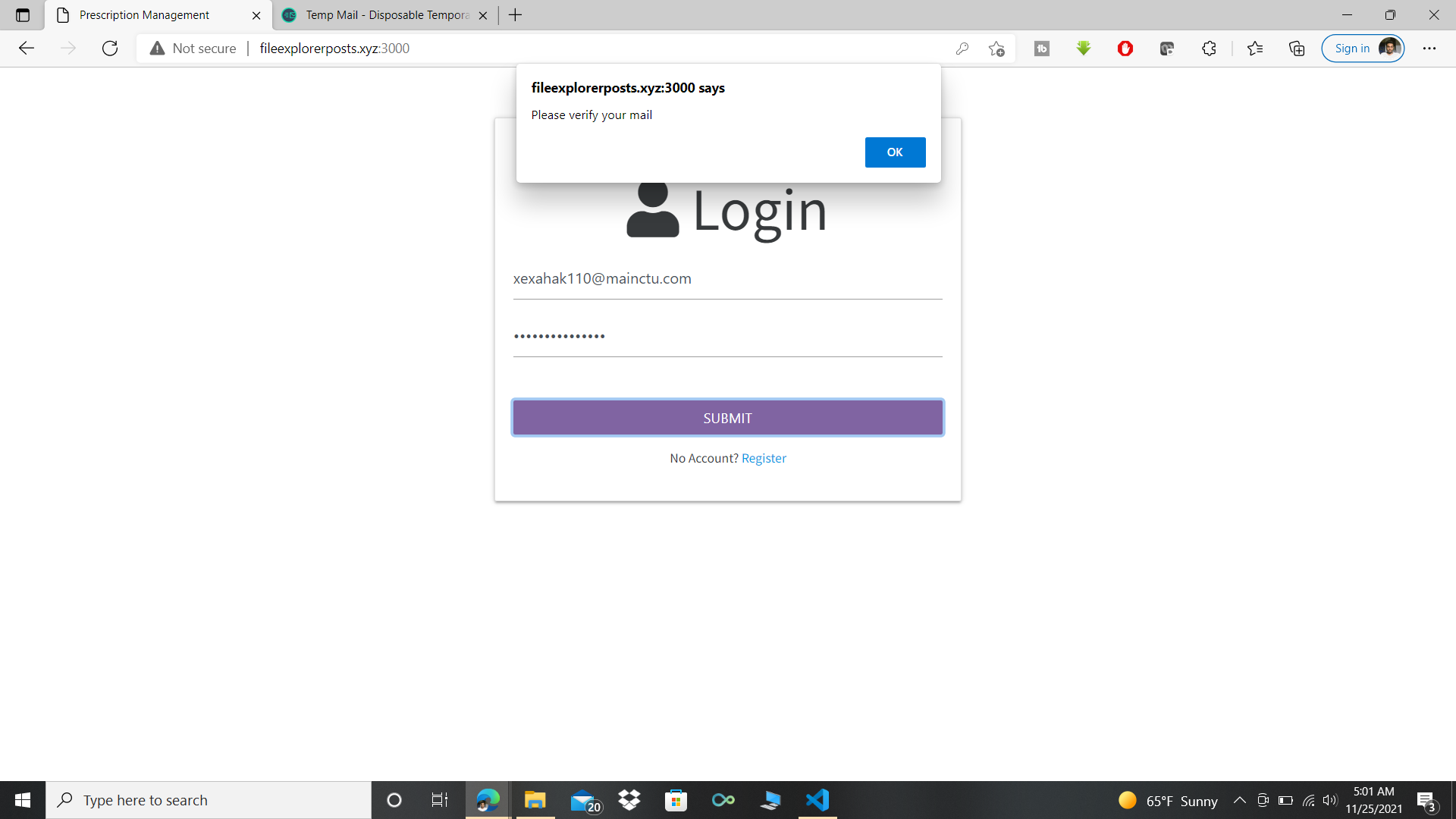
Error being displayed on unverified email
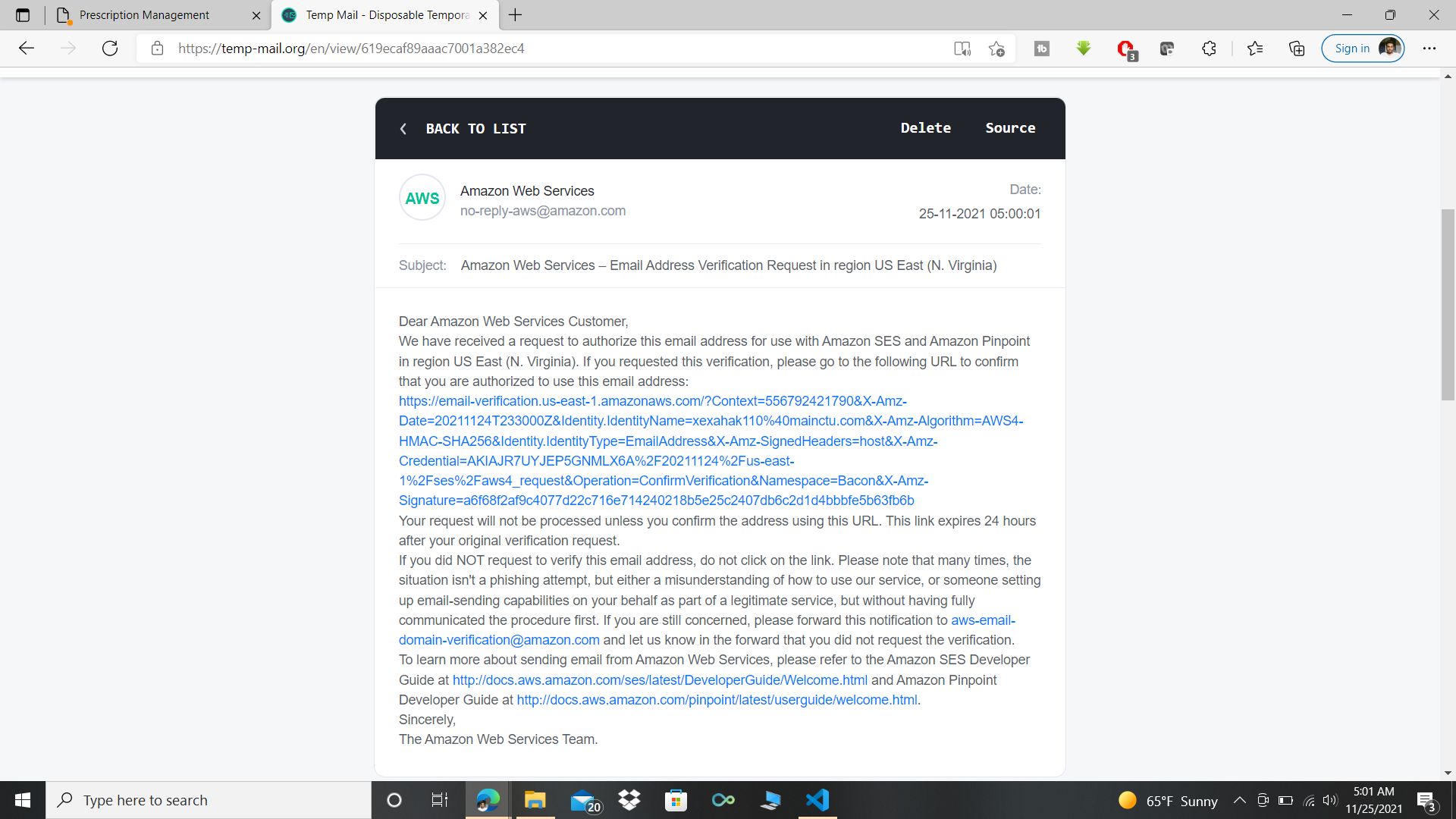
The verification mail from aws for SES services
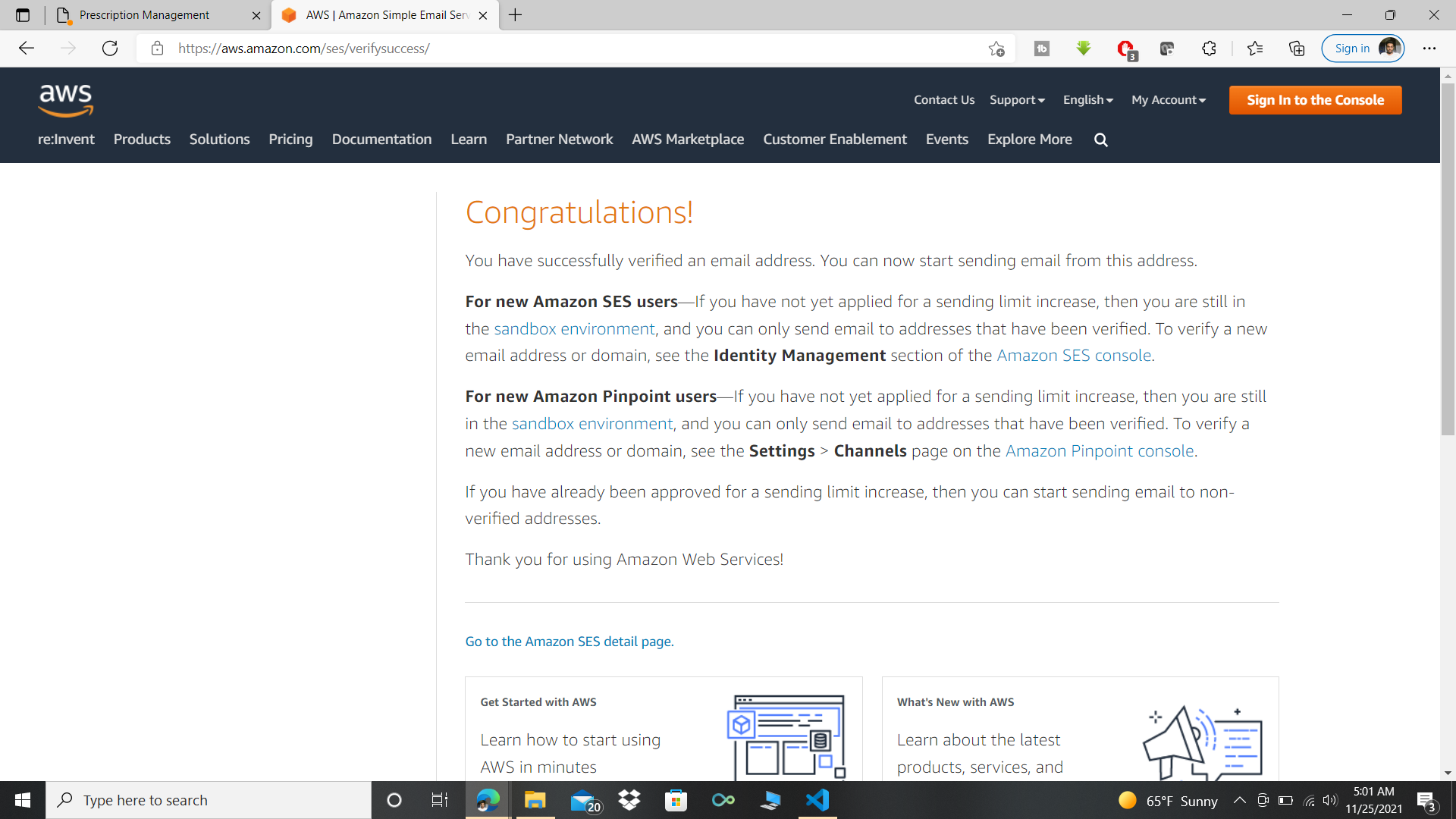
Confirmation mail
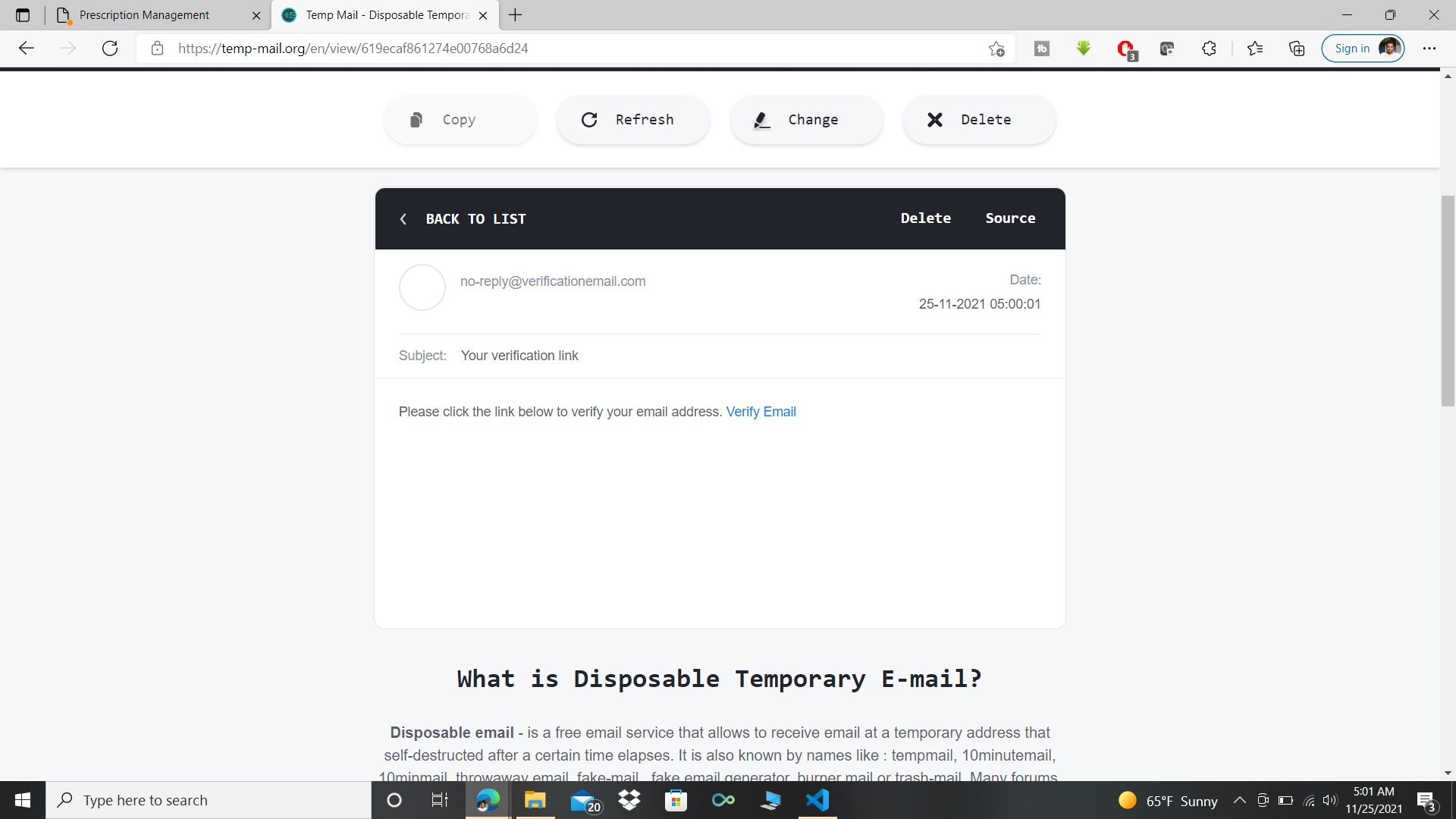
Verification mail from Amazon Cognito
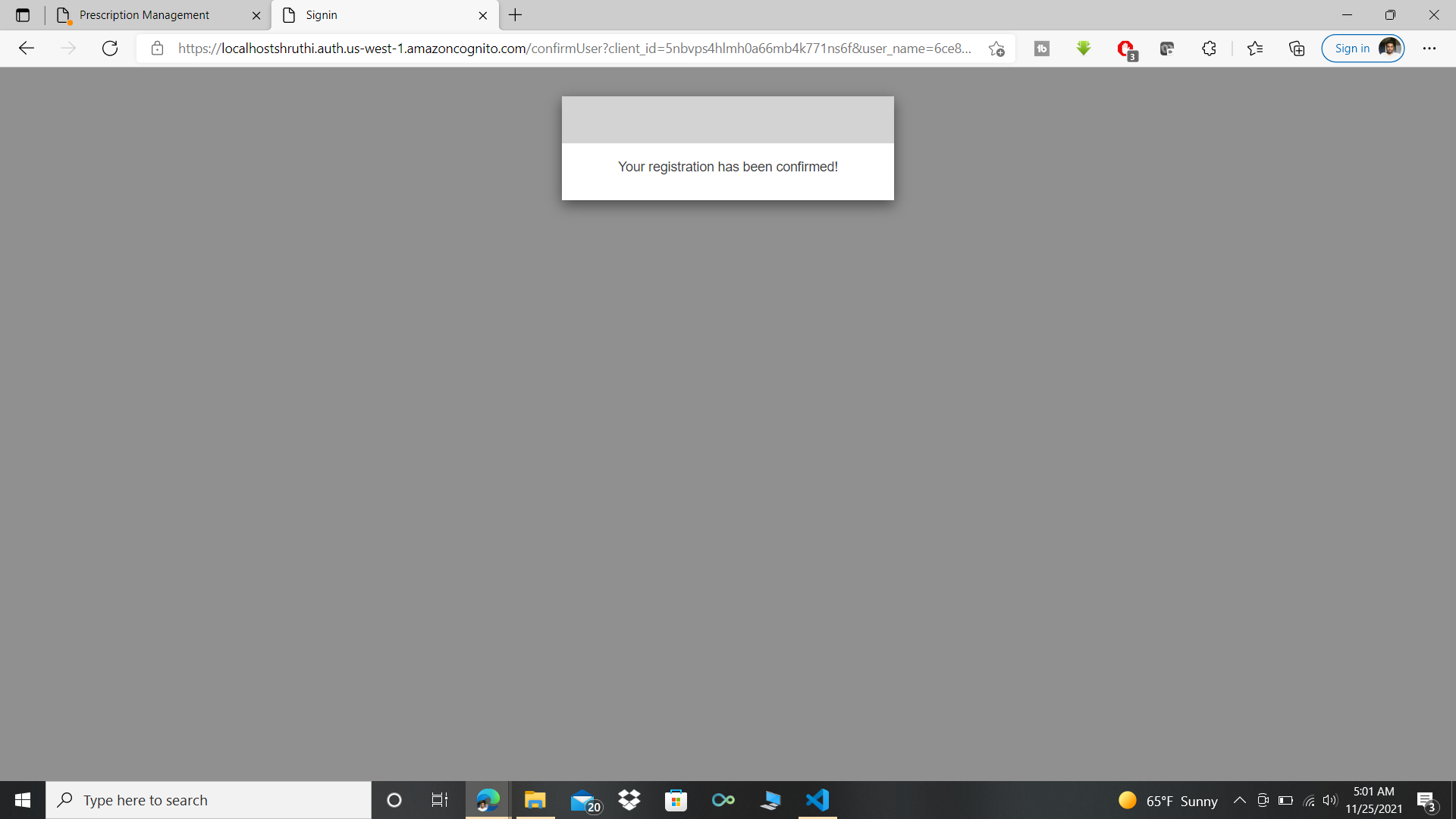
Verification confirmation
Now logging in with the registered Doctor’s mail, the registered patients will be displayed.
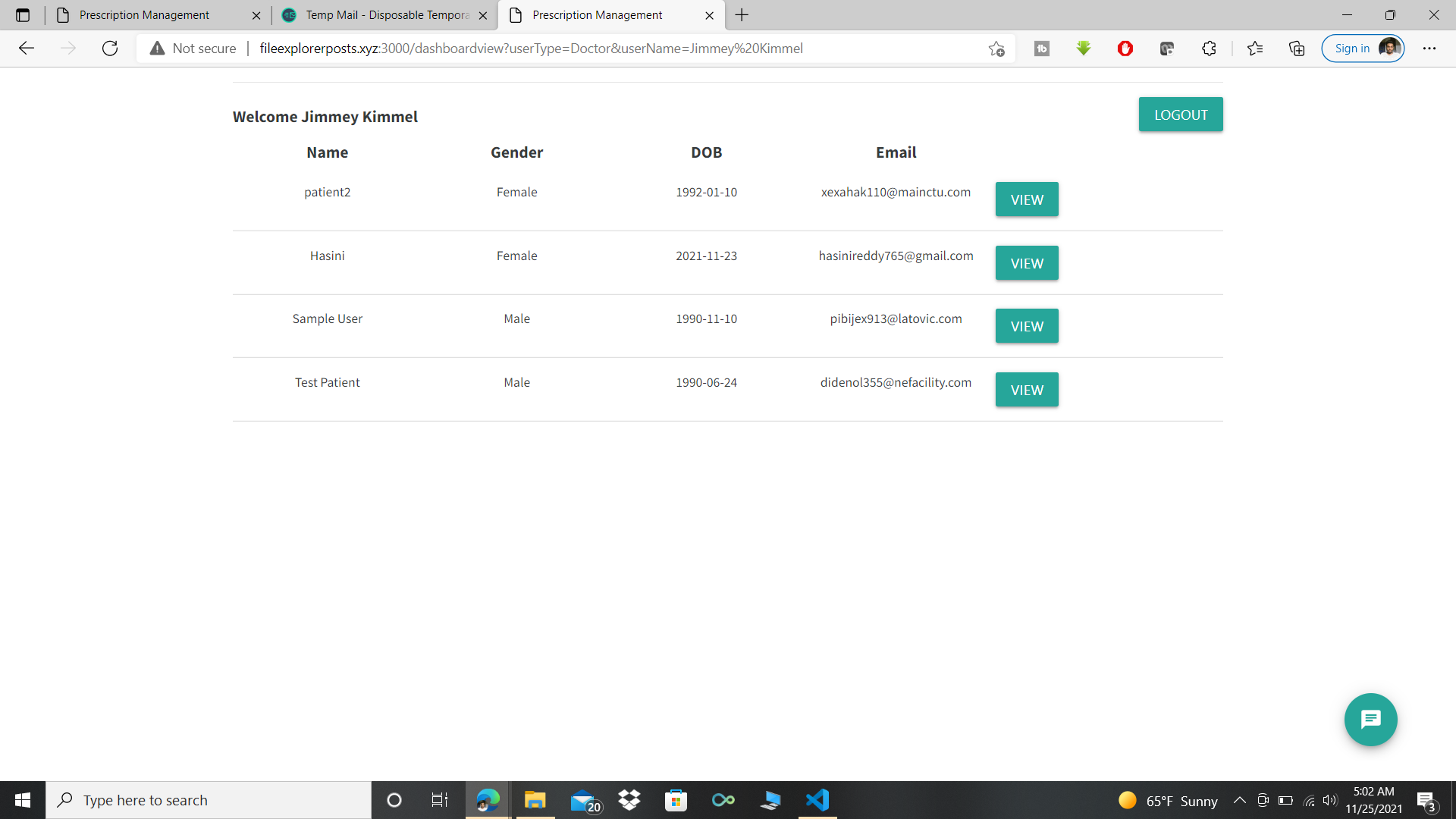
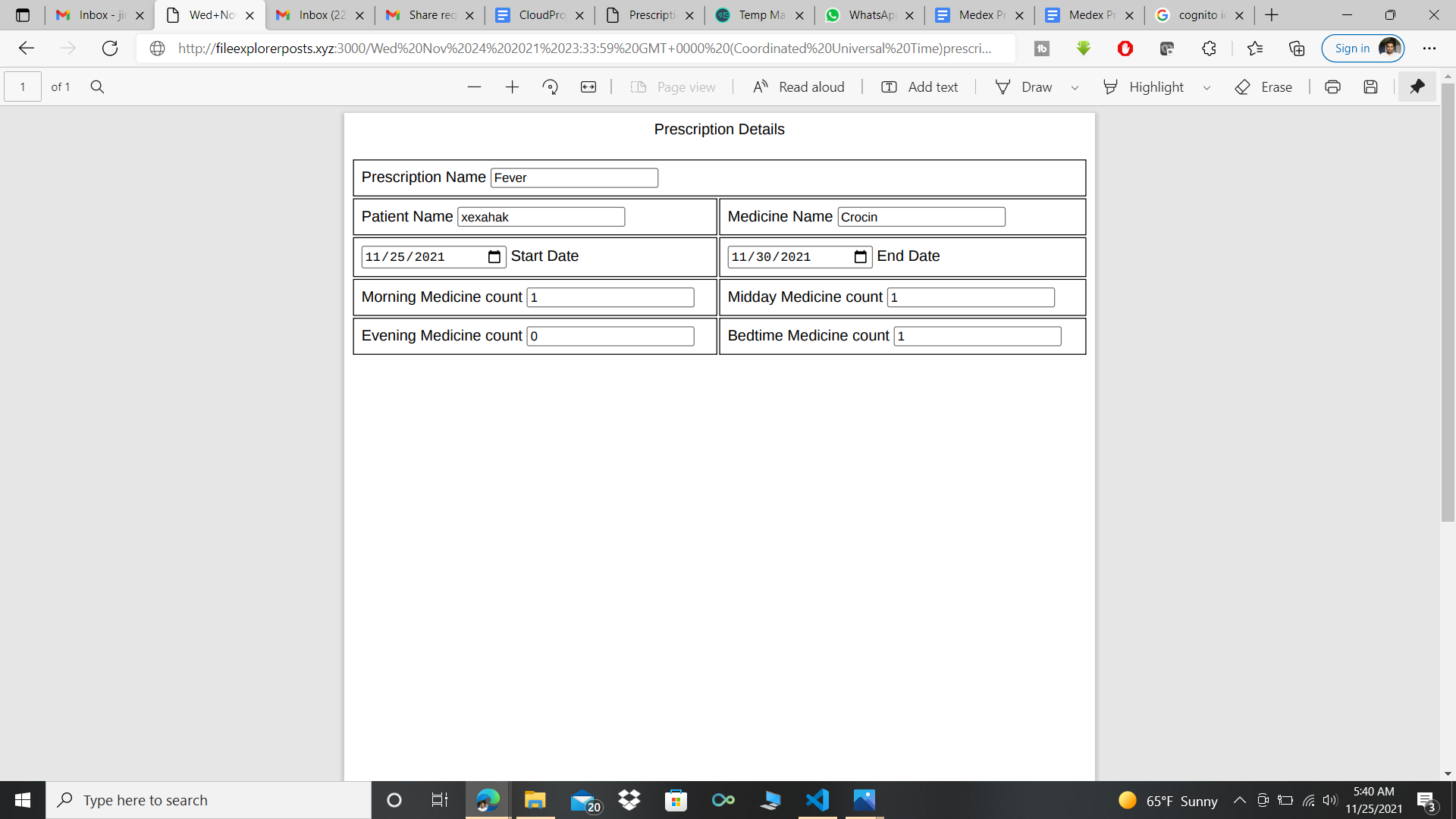
- Doctors can now add prescriptions using “Add Prescription” Button
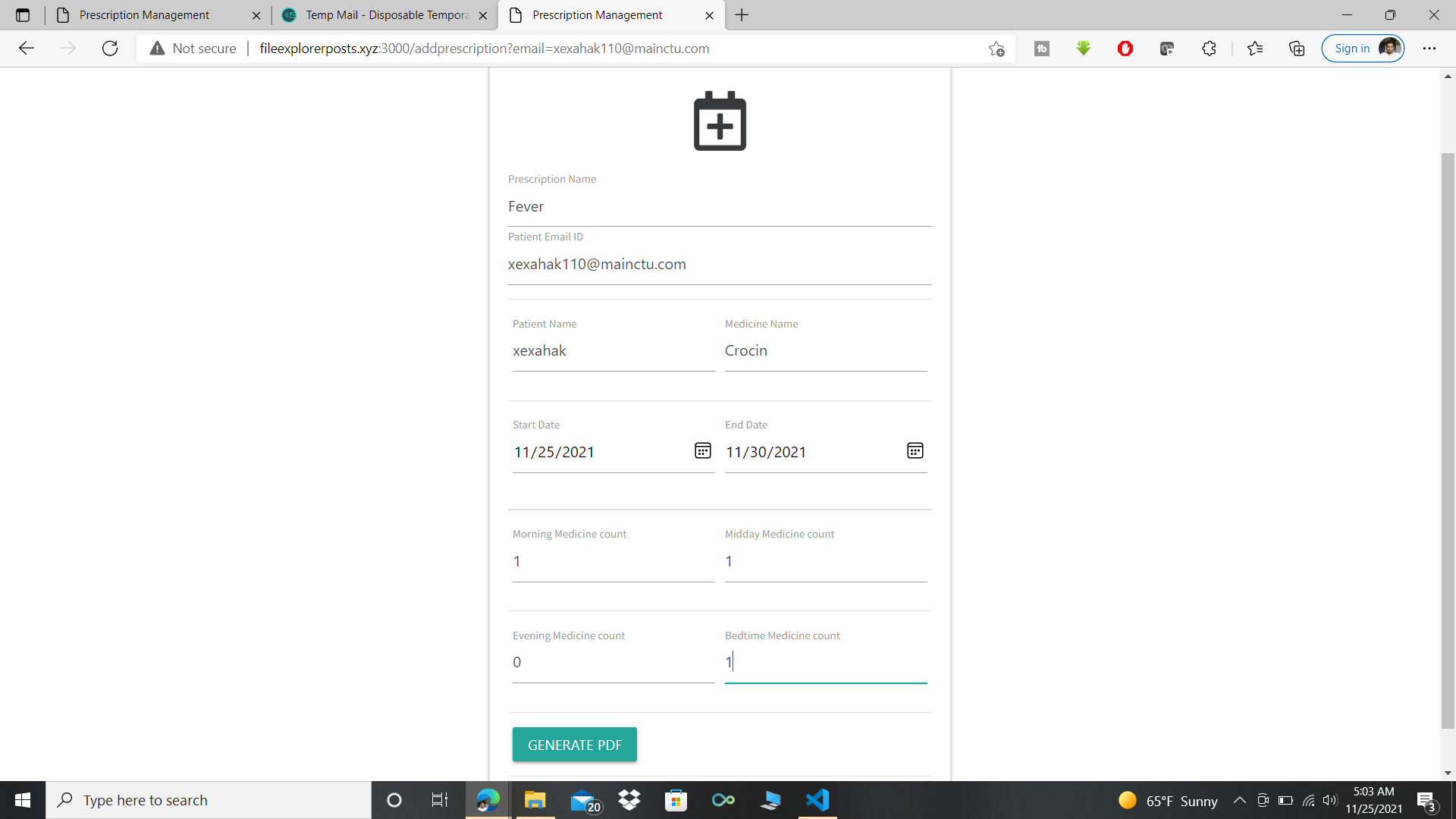
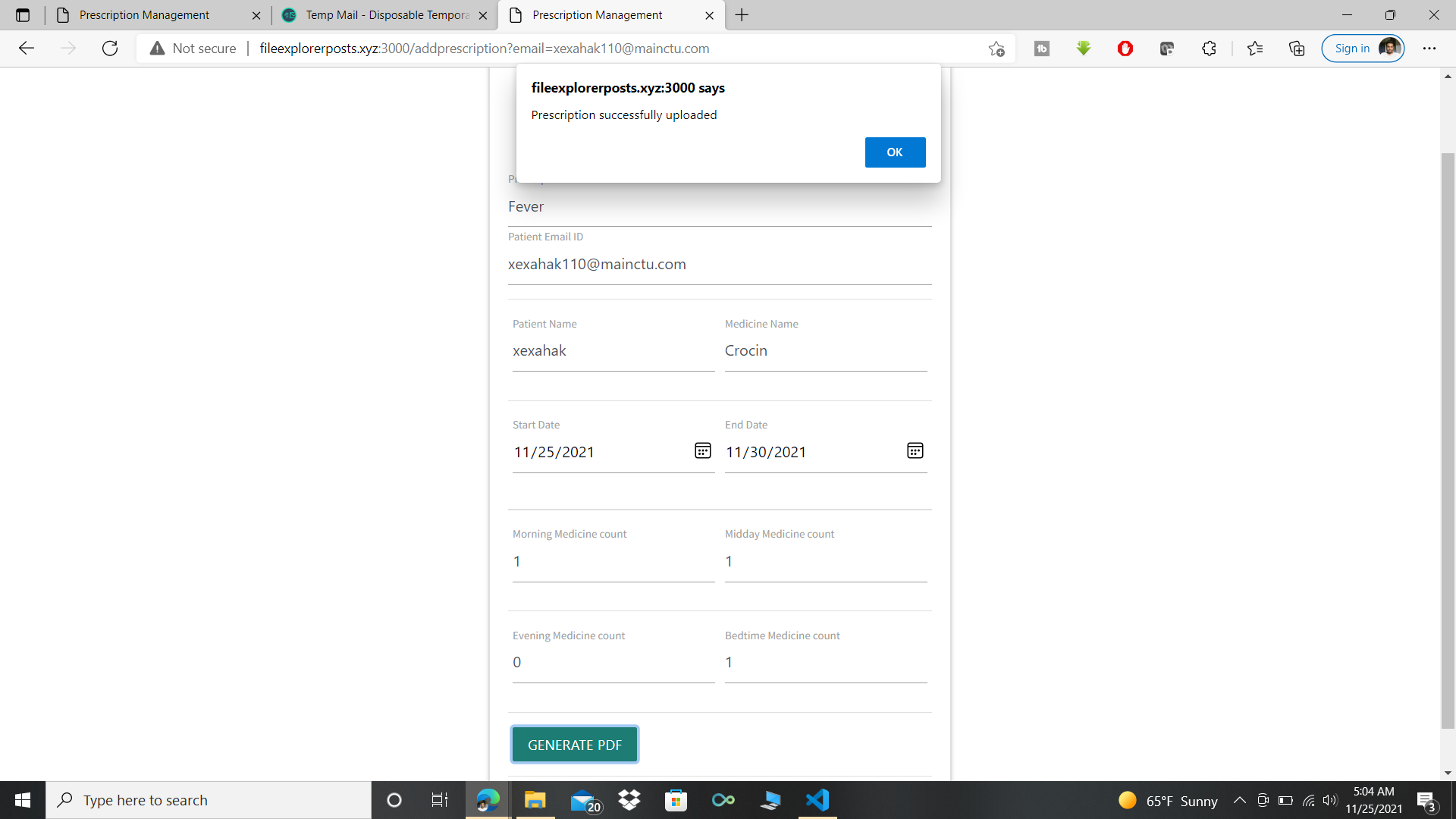
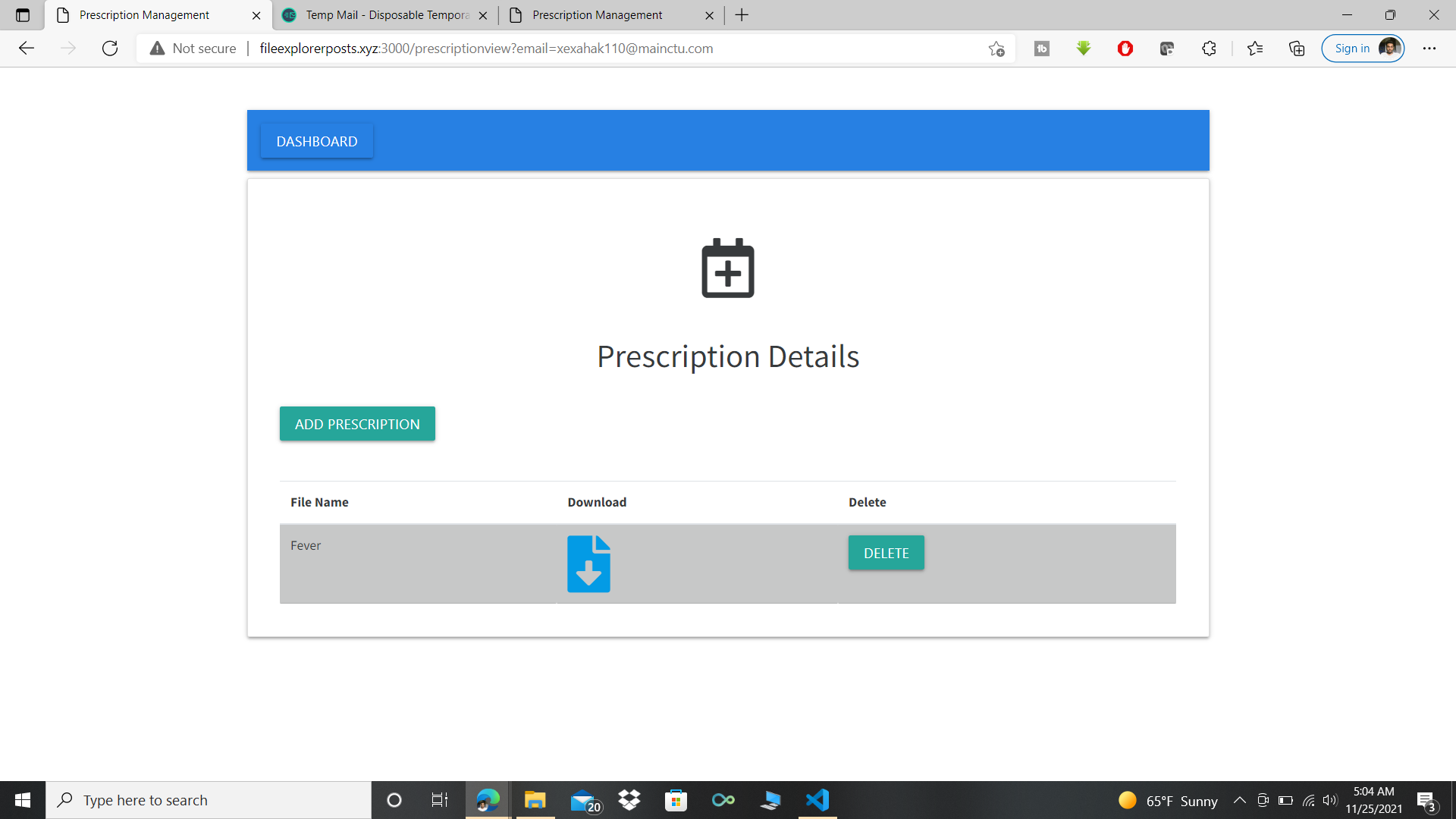
-
Aishwarya Ravi:
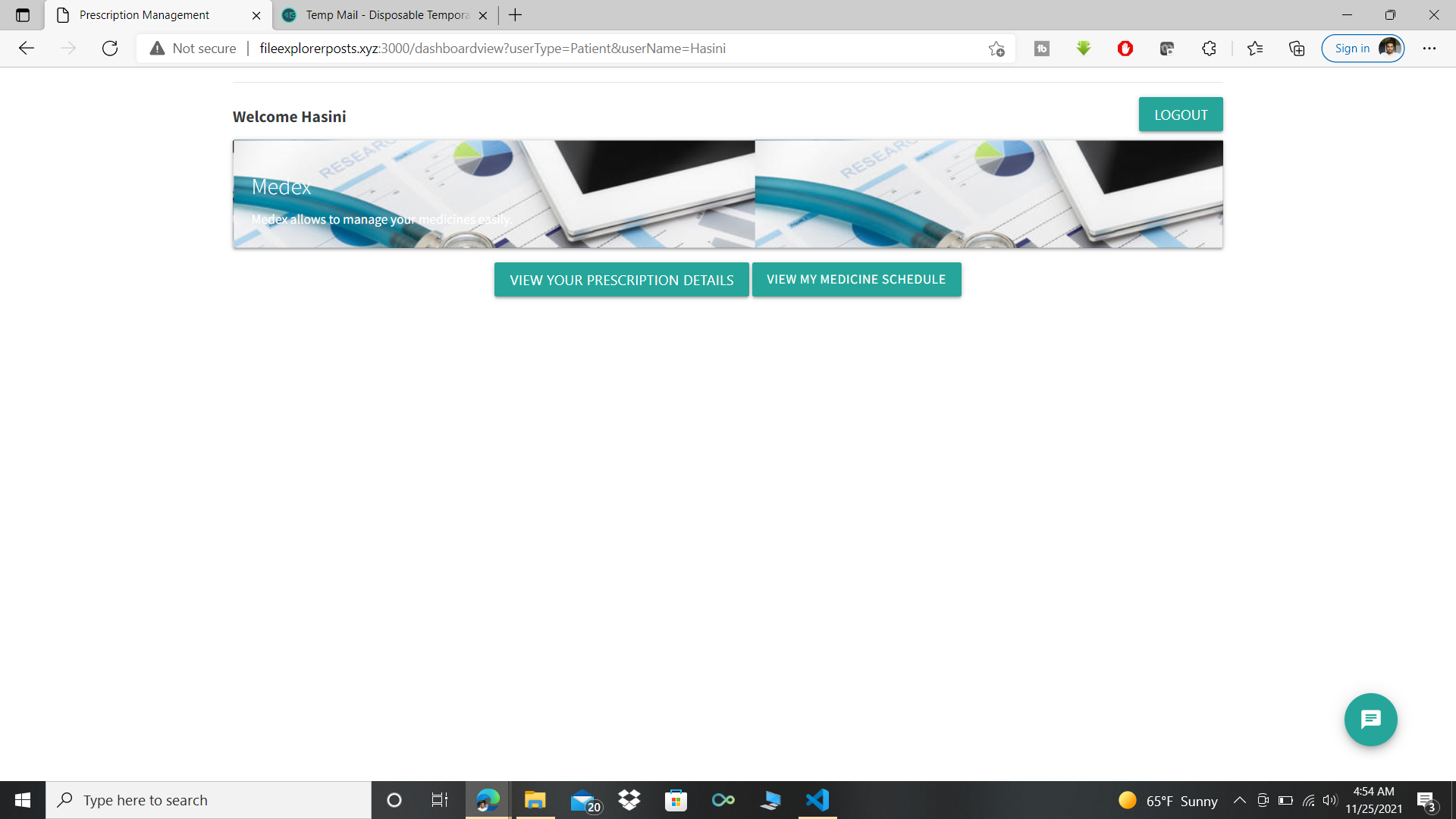
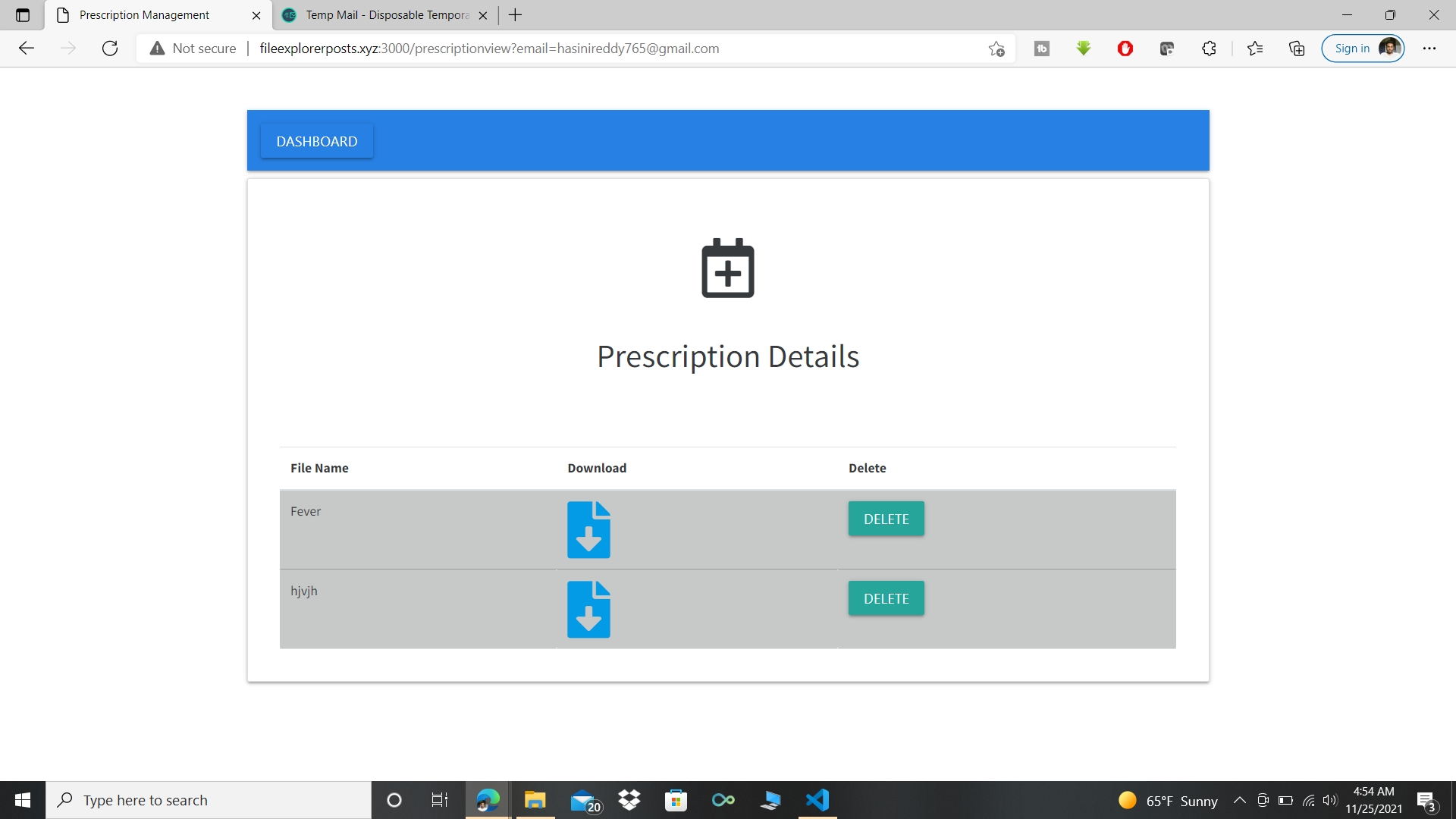
- Worked on the end to end flow of the prescription management module for both doctors and patients which includes displaying patient dashboard, prescription screen to display all prescriptions applicable for the patient(For both doctor's and patient’s portal), Add prescription screen for the doctor to add a prescription for the patient.
- Developed the frontend and backend functionalities for viewing/downloading prescriptions from the Cloudfront, deleting prescriptions from S3 and DynamoDB, Uploading prescription metadata to the Prescription table in DynamoDB and navigating back to dashboard from the Prescription UI.
- Developed the Email Notification module using SES to notify/remind patients to take medicines as per their dosage timings. Made use of node-cron to schedule cron jobs to trigger email notifications.
- Configured AWS Lambda for a DynamoDB trigger that logs the updates made to a table and S3 trigger has also been added which gets triggered whenever an event occurs (an object gets pushed to the bucket).
- Configured SNS: In case of failure of lambda invocation, an SNS event is triggered and email notification is sent to the Medex admin.
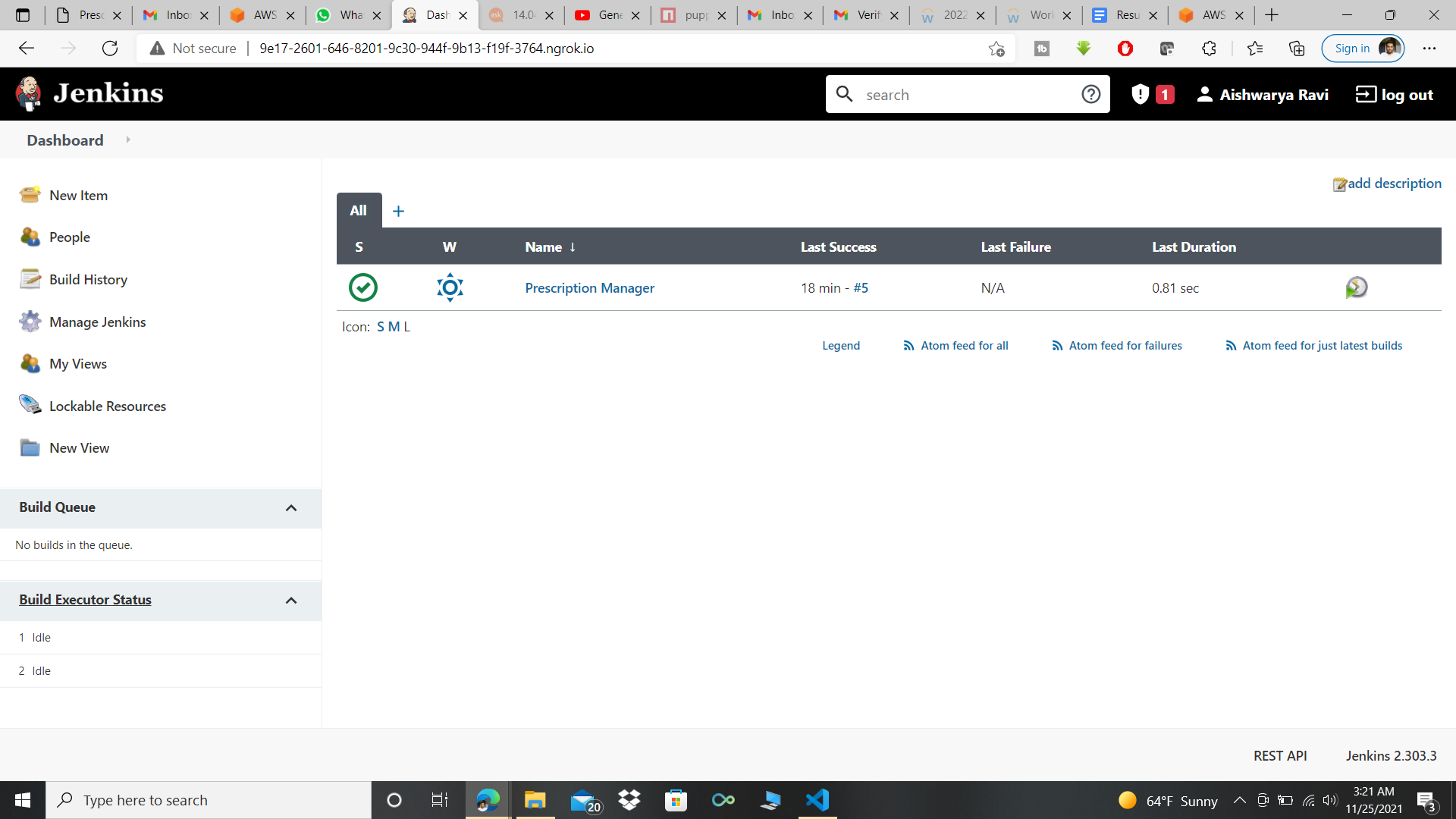
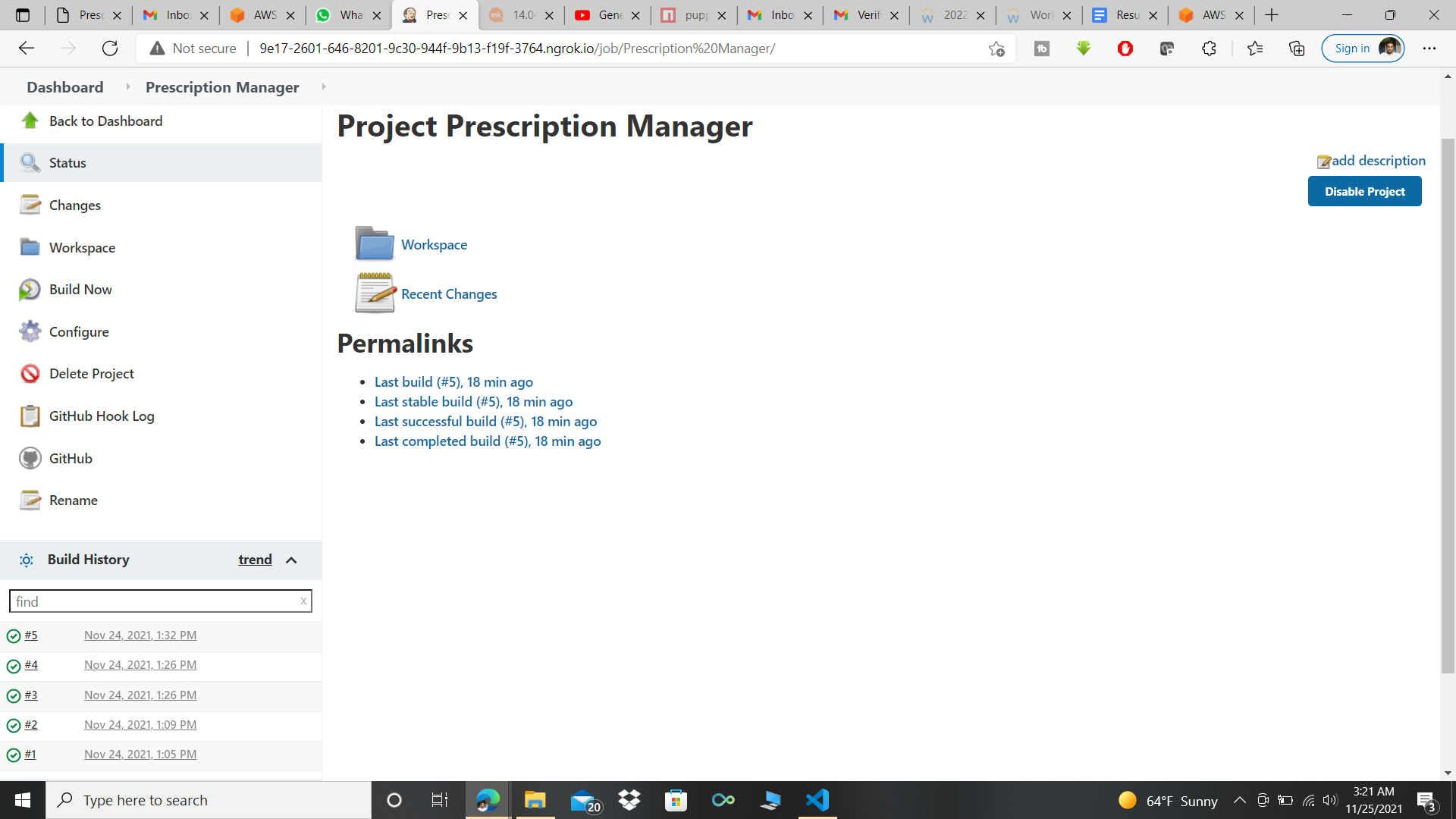
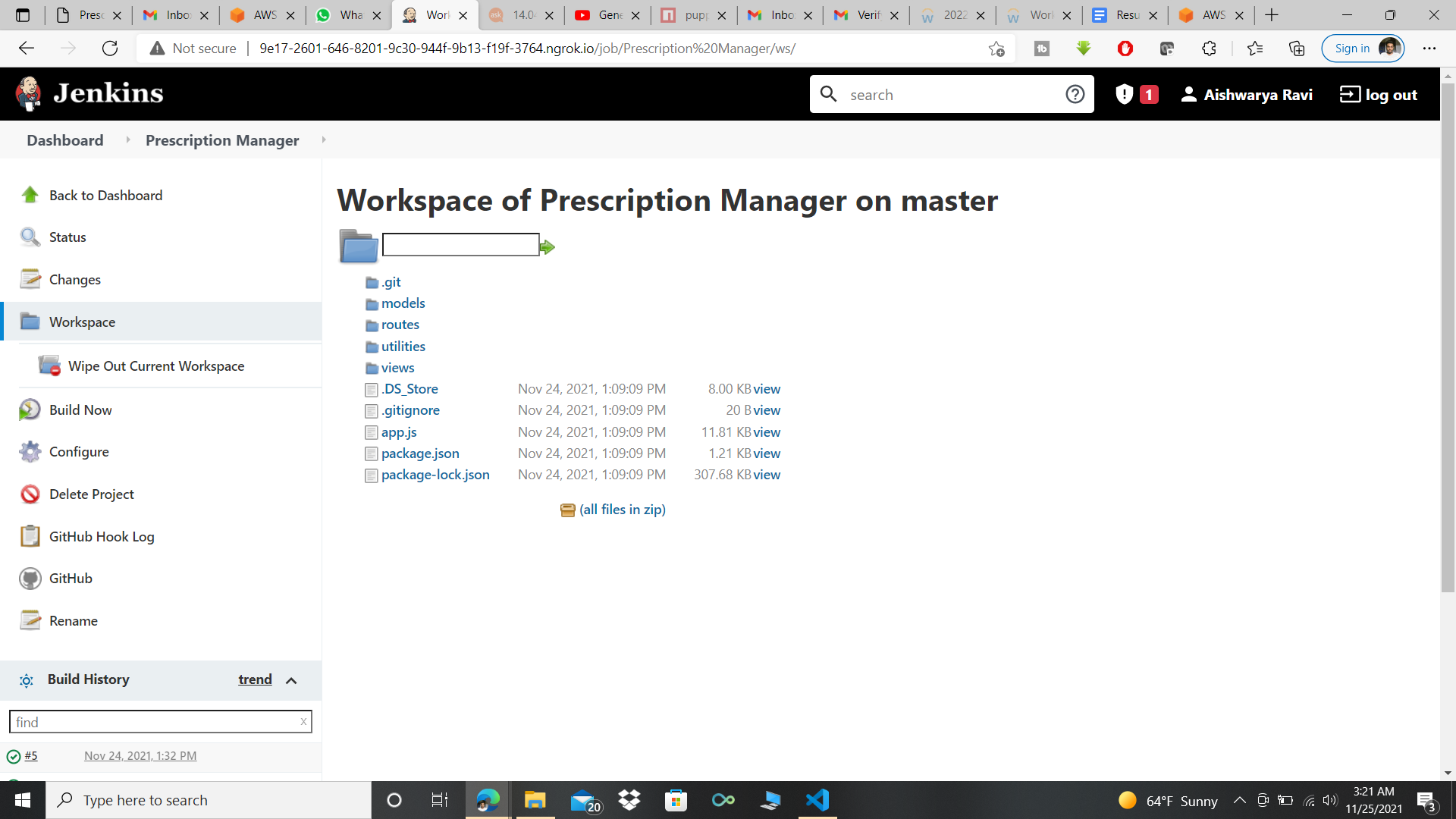
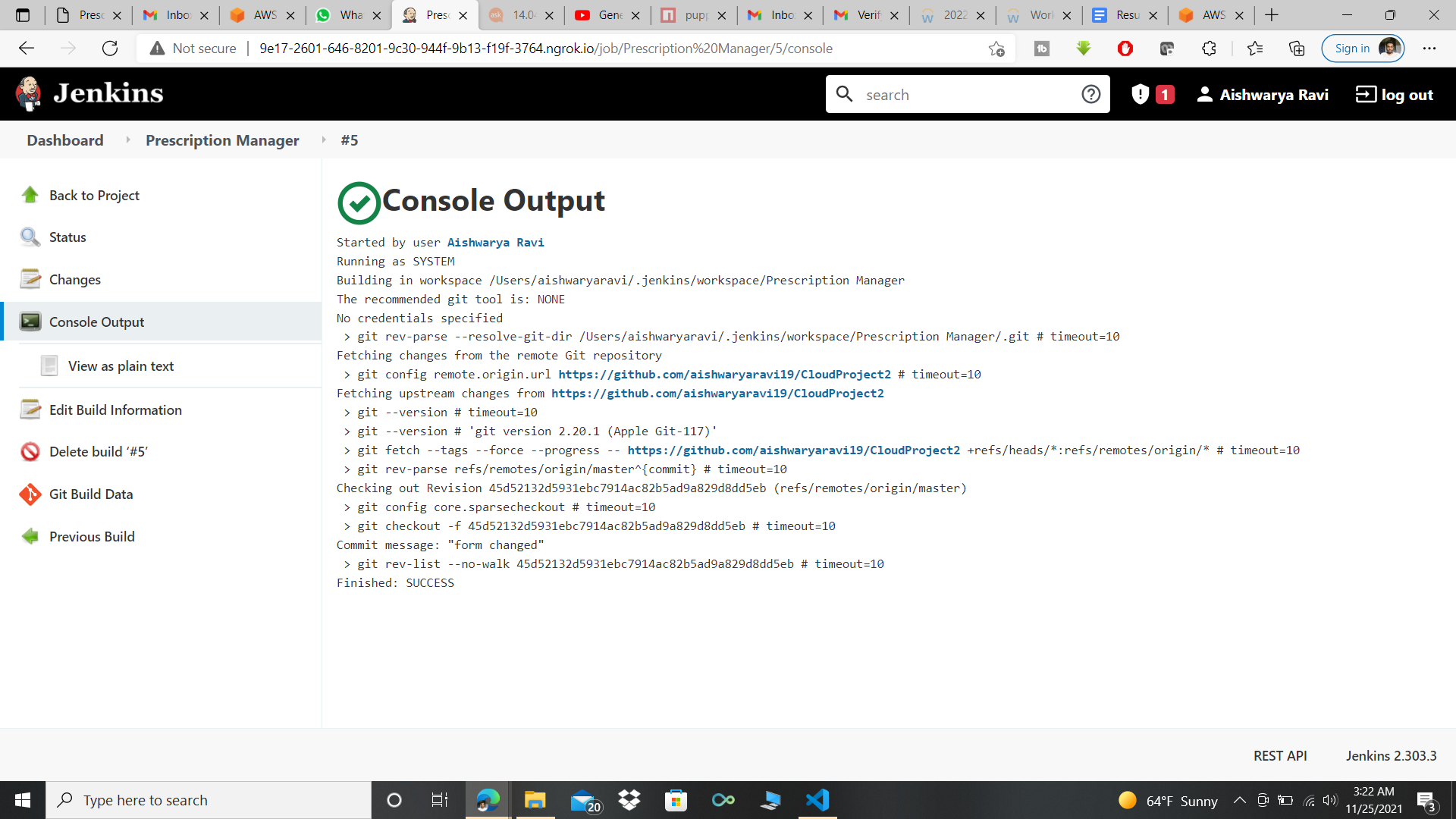
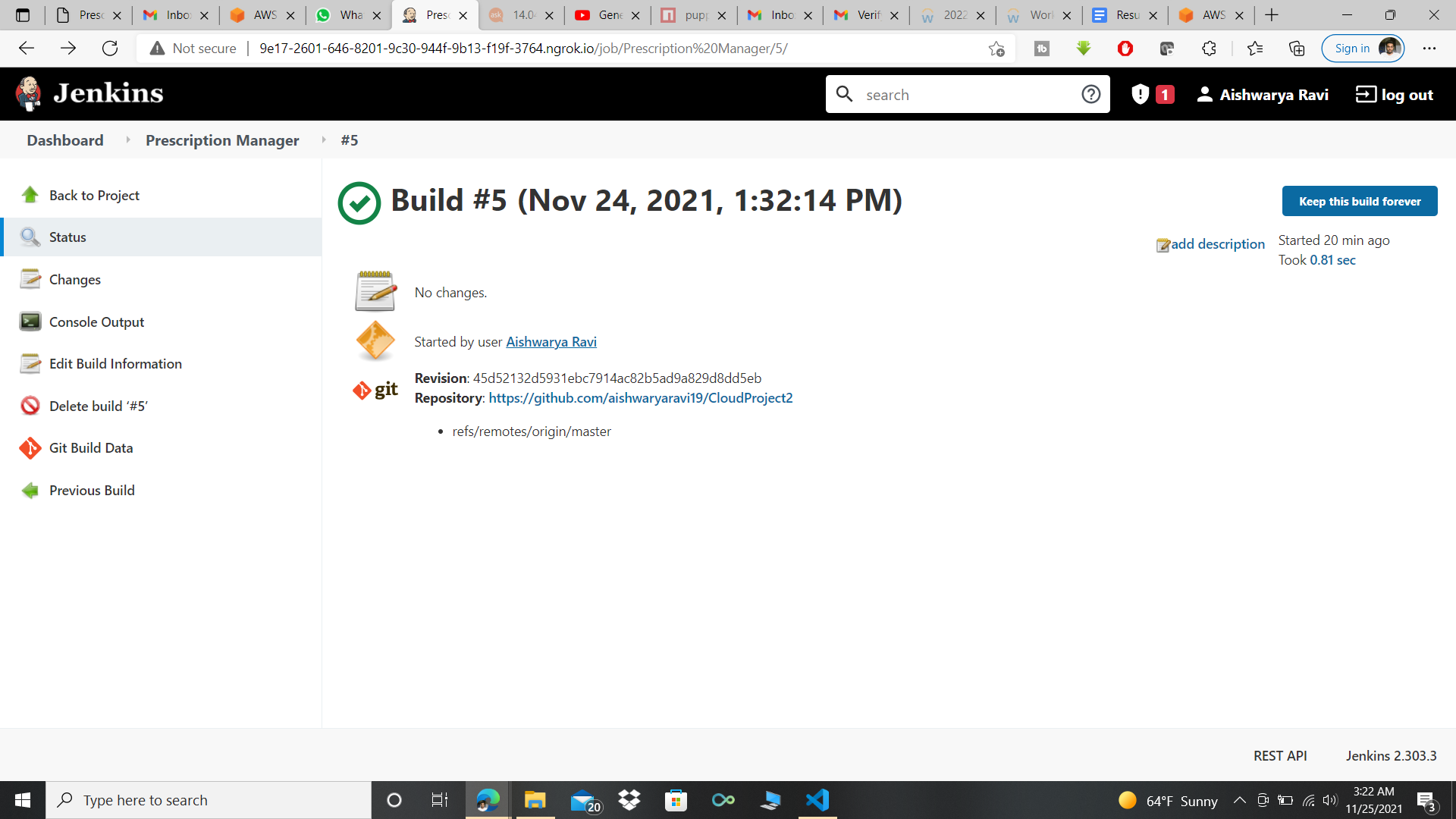
- Configured Jenkins with the project git repo for CI/CD.
- Deployed the application on EC2 and resolved build and deployment issues
- Worked on the documentation
-
Bhargav Shah :
- Worked on the generate pdf module which is on the doctor’s portal.
- Developed the function using puppeteer library which generates the pdf using the handlebars library of node js.
- Uploaded the generated pdf to S3 bucket which keeps the track of the newly generated files of the patient by the doctor.
- Worked on the documentation and the presentation part.
- Created Readme for Github Repo.
- Deployed application on EC2.
-
Dharahasini Gangalapudi
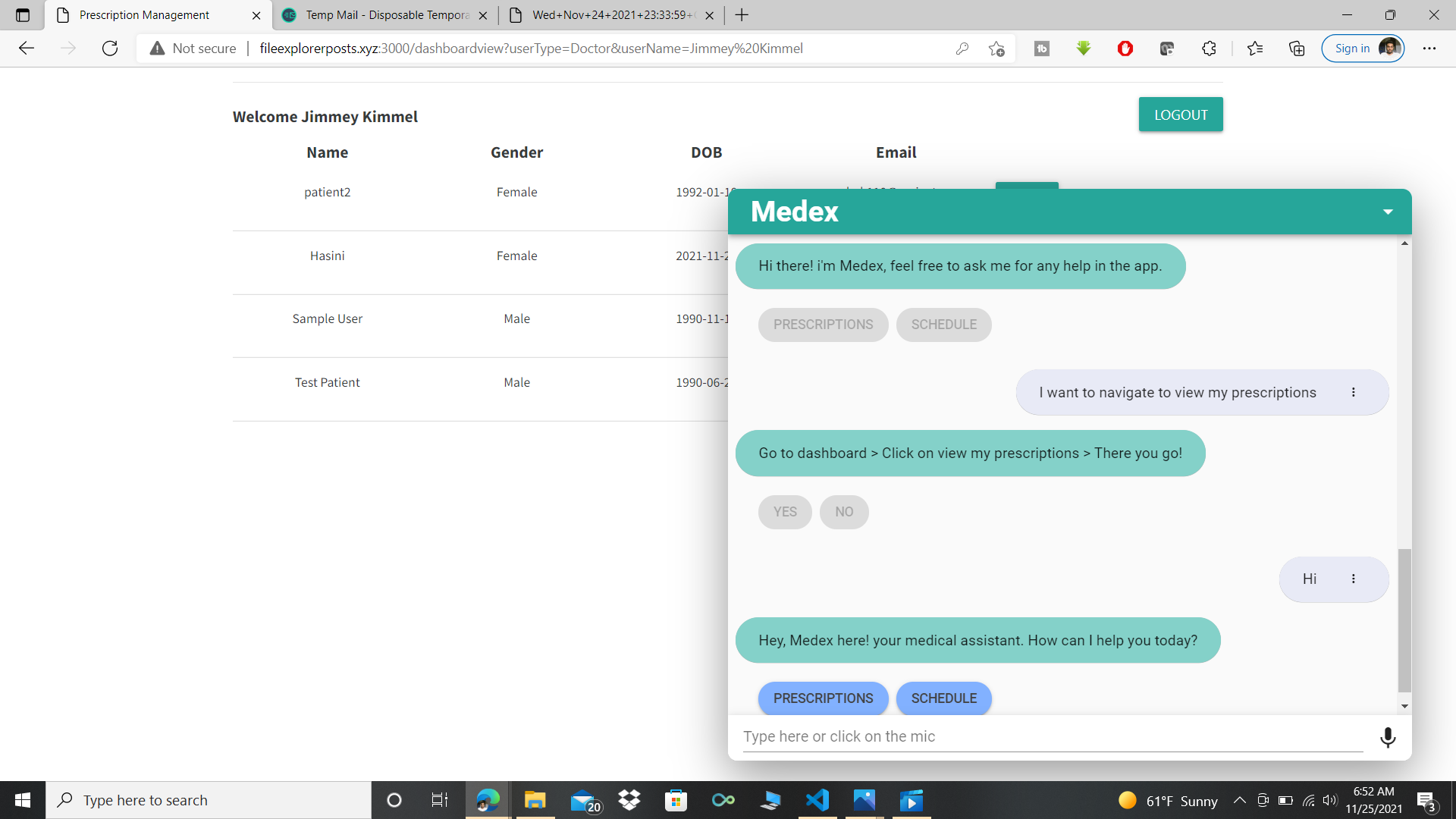
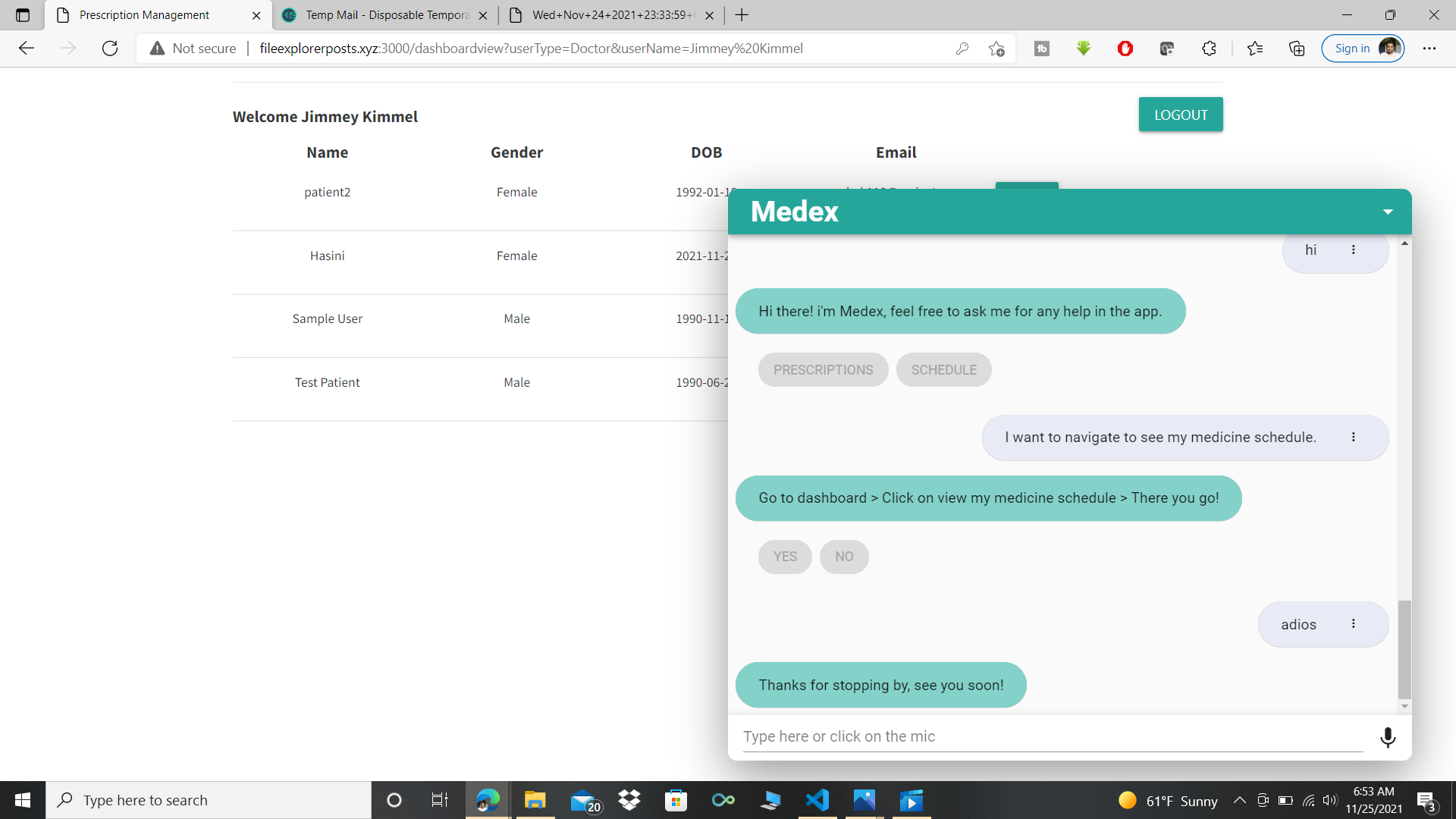
- Configured amazon lex and deployed a chat bot named Medex in our website.
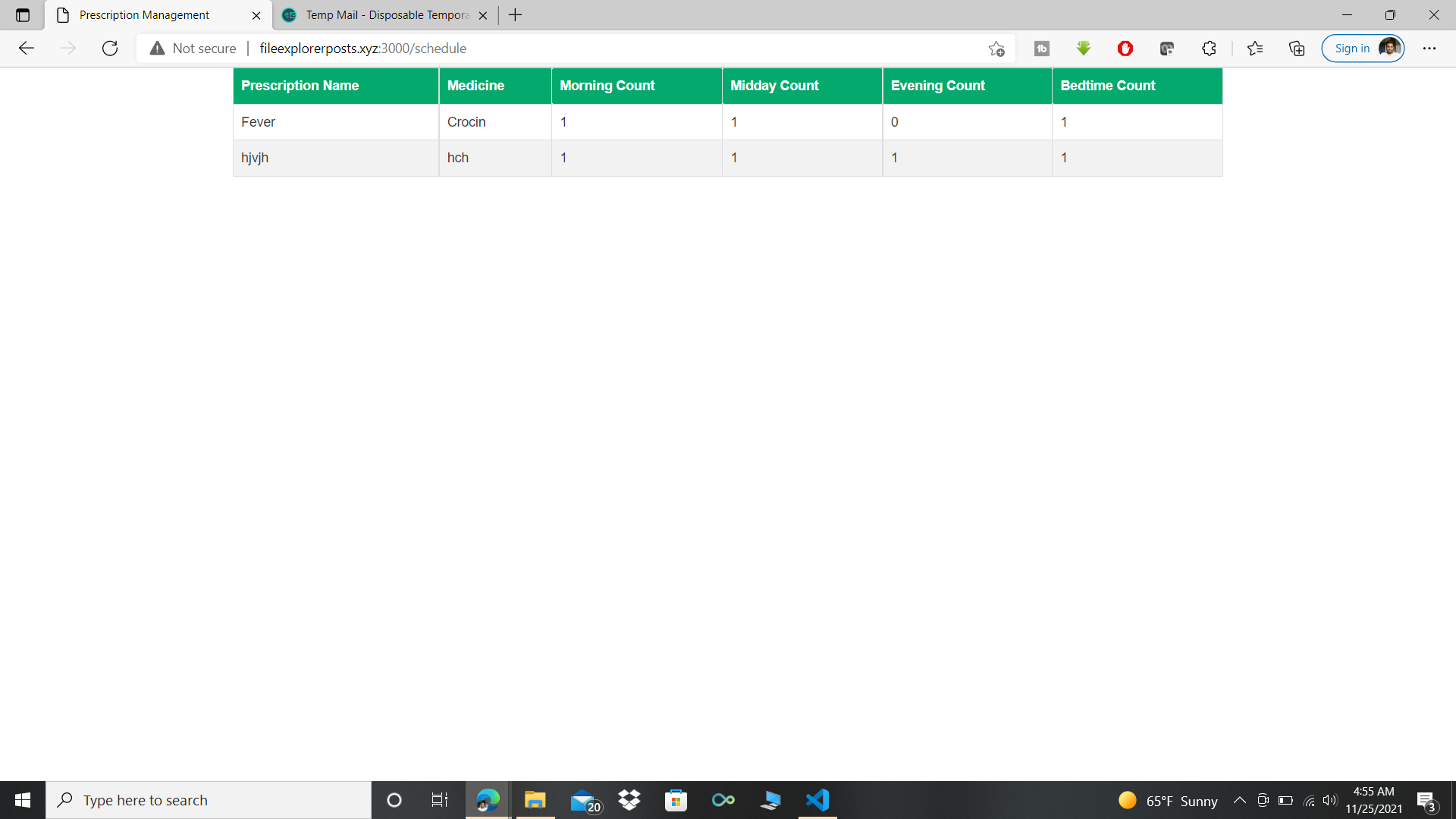
- Worked on the schedule management part of displaying the respective medicine schedule for the patients.
- Configured DynamoDb
- Worked on EC2 deployment and resolved deployment issues.
- Configured Route 53.
- Worked on the documentation and system architecture.
-
Shruthi Srinivasan
- Configured Cognito user pool
- Developed the front end and backend functionalities for the user registration and sign in using Cognito user pool.
- Developed the front end and backend functionalities to design the dashboard page (Doctor portal).
- Developed the backend functionality to upload the files to S3 using aws sdk.
- Integrated with AWS SES to notify the patients when the doctor uploads a new prescription.
- Worked on EC2 deployment and resolved deployment issues related to puppeteer library in Linux.
- Configured Route 53.
- Worked on the documentation and system architecture.