NATPass is a NAT Traversal tool that uses Xray-Core's Reverse Tunnel feature to bypass NAT limitation on a system.
It supports both TCP and UDP
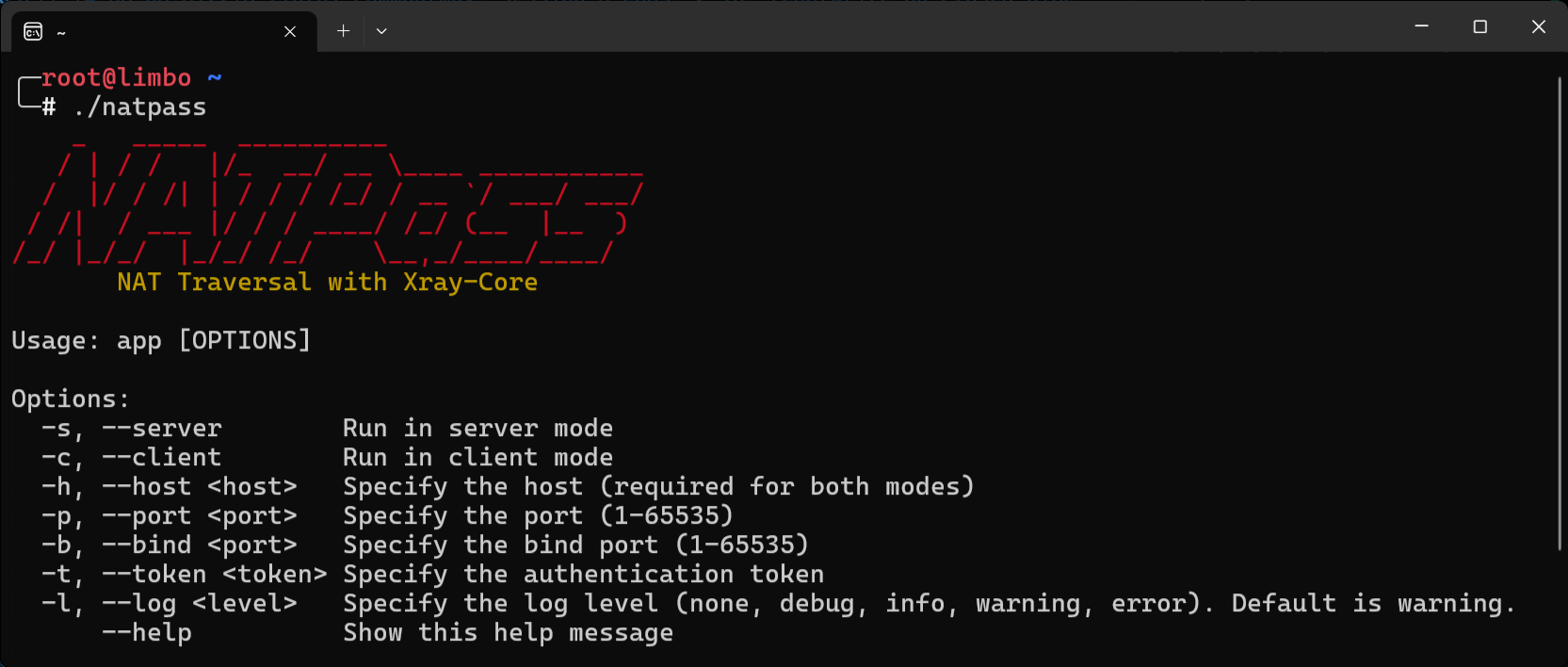
  app [OPTIONS]

  -s, --server        Run in server mode
  -c, --client        Run in client mode
  -h, --host <host>   Specify the host (required for both modes)
  -p, --port <port>   Specify the port (1-65535)
  -b, --bind <port>   Specify the bind port (1-65535)
  -t, --token <token> Specify the authentication token
  -l, --log <level>   Specify the log level (none, debug, info, warning, error). Default is warning.
      --help          Show this help message
🔹USDT-TRC20: TEUsjU22rAb3TZNaecEBJAhZXQsFZYU7vv
🔹TRX: TEUsjU22rAb3TZNaecEBJAhZXQsFZYU7vv
🔹LTC: LS7rJ6nMWwgw9FWpMjSnYa1bAPdzK7bJLM
🔹BTC: 1D4cSHY95FoHExSicKYmjeVzdLLxhjTTqs
🔹ETH: 0x03fde84612e0d572db7a18efeeec590ad3fa5dfb
| OS | CPU Type | ROOT Required |
|---|---|---|
 Windows |
AMD64 | NO |
 Linux |
AMD64 / ARM64 | NO |
 Android |
ARM64 | NO |
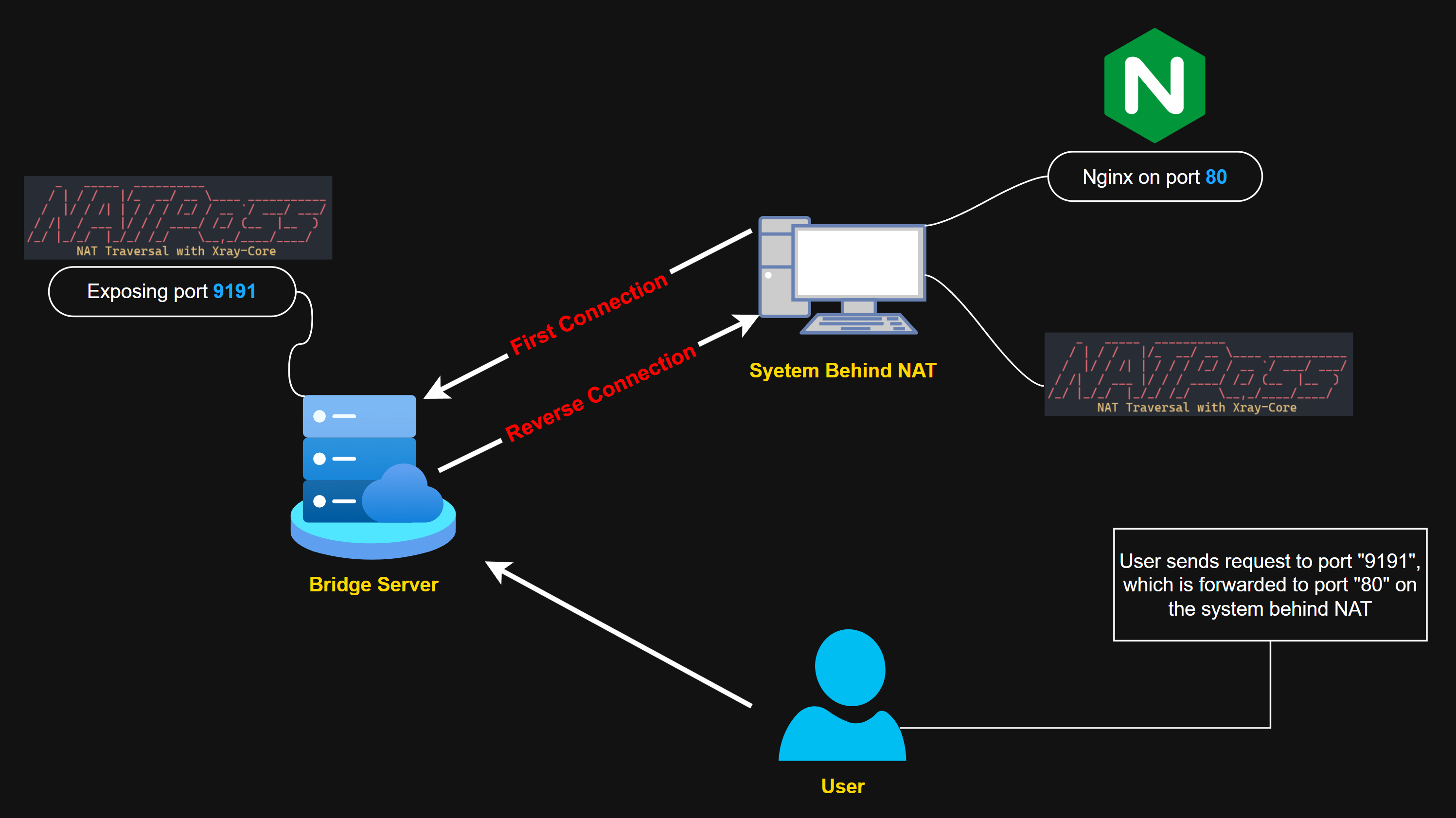
./natpass -s -h 0.0.0.0 -p 9090 -b 9191 -t MySecurePasswordListening ip addresses
Listening port for Reverse Tunnel
Exposed port to access System Behind NAT
A secure password
./natpass -c -h SERVER_IP -p 9090 -b 80 -t MySecurePasswordPublic IP address of Bridge Server
Same port entered on Bridge Server
Desired port to expose
Same secure password entered on Bridge Server
By default, NATPass uses "none" as log level but you can change it with "-l switch to:
- debug
- info
- warning
- error
By default, NATPass uses "VLESS + WS" as for the Reverse Tunnel, You can modify it to your desired protocol and transport inside assets/server.json.sample and assets/client.json.sample
git clone https://github.com/Sir-MmD/NATPass && cd NATPassgo build natpass.goAfter compilation, you need to download Xray-Core and extract it inside assets folder: https://github.com/XTLS/Xray-core