Home

Winside is an app for Windows, powered by Electron, that allows practically any web content to be turned into a useful native-feeling sidebar. Winside uses applets called Winserts to load pages and modify them with custom JavaScript and CSS so they're perfect for viewing and using in a sidebar formfactor. Winside also provides a useful API to unlock more power from your favourite online services.
- What Winside Can Do
- Getting Started
- What is a Winsert
- Request a Feature
- Report a Bug
- Contribute to Winside
- More Information
Winside is capable of displaying practically anything a regular web browser can, but what it displays is based on the the Winsert currently being used. Anyone can create a Winsert to use themselves or share with others on the official Winserts repository (or by other means). A Winsert can be a tool designed especially for use with Winside or a website designed for regular use with a browser that is modified on the fly for use in the Winside sidebar.
Winside is now available for public use. The easiest way to install Winside is by using the exe installer that can be found on the releases page. Once you run the installer, Winside should start automatically and launch the first time setup Winsert which will help to familiarise you with the Winside experience.
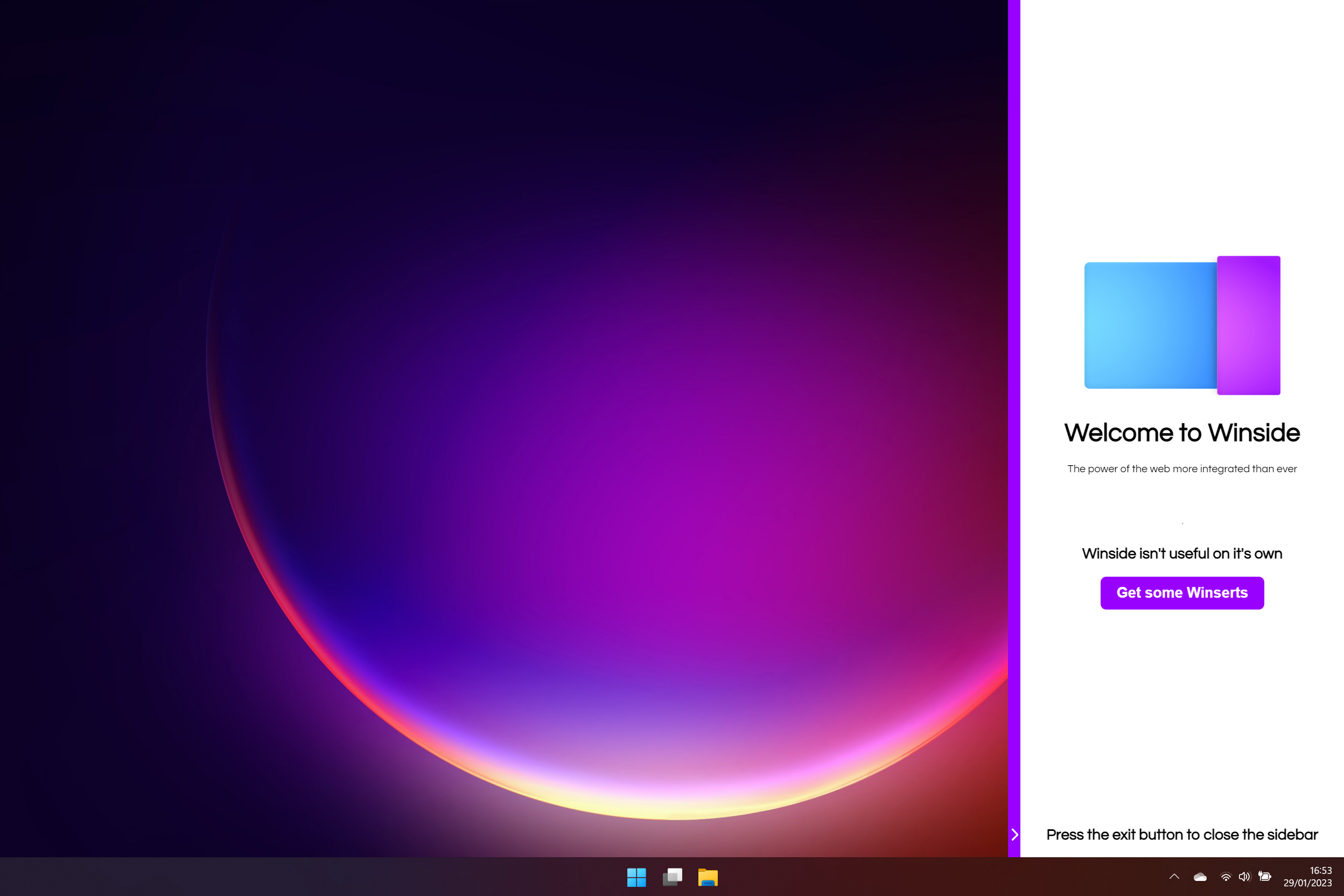
A Winsert is essentially an applet for Winside that tells Winside what to display in the sidebar. Winserts can be installed through the Winside settings window and then launched with a shortcut or any other method usually used for launching a program or app in Windows. If you wish to create your own Winsert, start by looking at the Winsert development guide.
If you find Winside can't do something and you think it should, you can open an issue and your idea may be added in a future release. Don't forget to tag it with the Feature Request tag by starting your issue title with [request] (including the square brackets).
If you find a bug in Winside you can open an issue. Don't forget to tag it with the Bug tag. IMPORTANT: Do not report bugs with Winserts to the Winside issues tracker. Instead, report them to the official Winserts repository issue tracker or to the developer of the Winsert if you obtained it from another source.
Winside is in active development and is open to contributions. Simply open a pull request with your changes containing a detailed description of what you have changed. You must adhere to eslint and common security best practices if relevant
To launch Winside as a developer start by cloning the repository, switching to the latest release branch and running npm install and npm run start. If everything works successfully, the first time setup Winsert should be installed and launch automatically (assuming you do not have an existing installation of Winside or remaining files in your Appdata directory.
If you want to see technical information, changelogs or guides, please use the sidebar on the right to navigate to the appropriate wiki page for your needs.