
🚧 Alpha 🚧
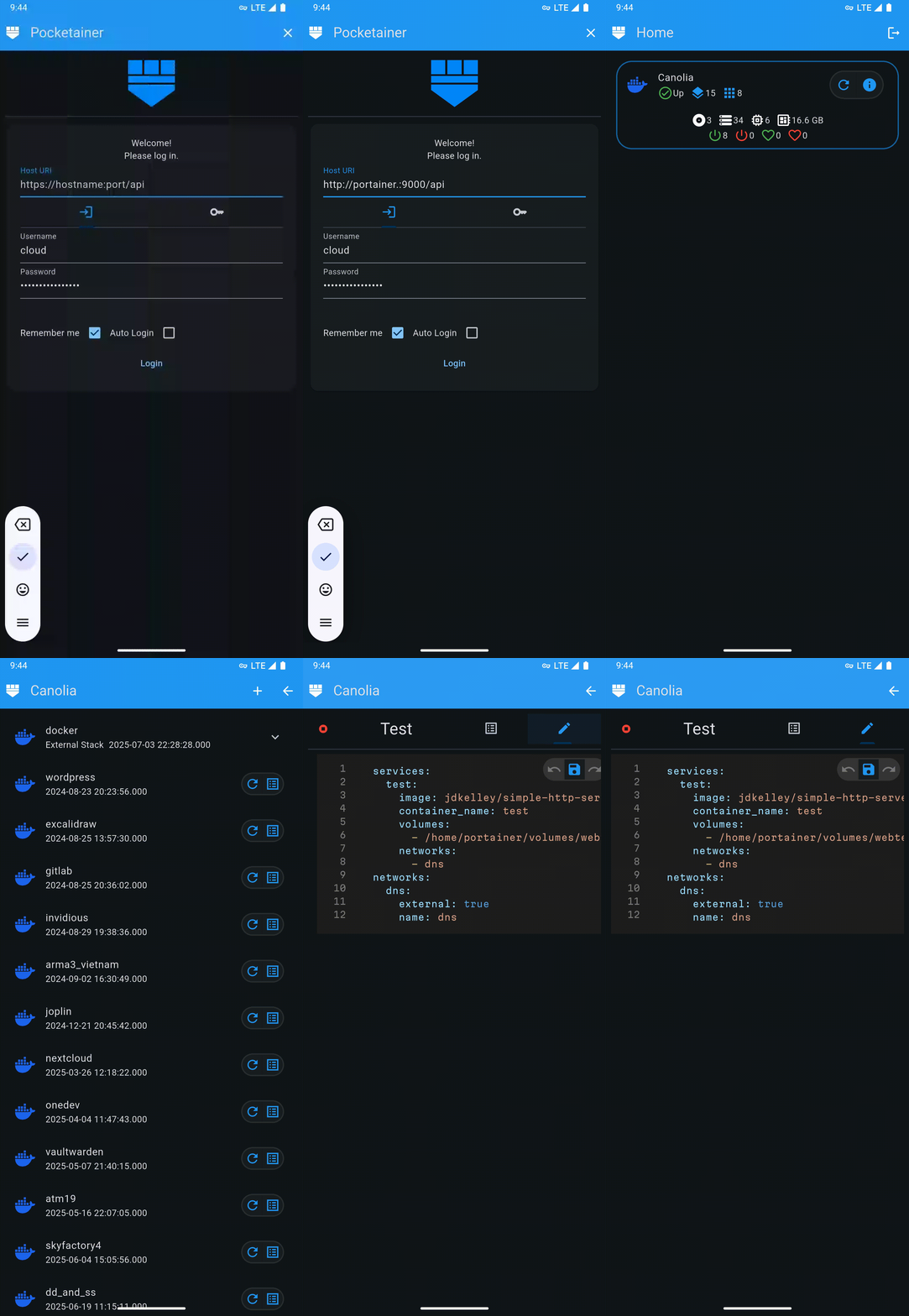
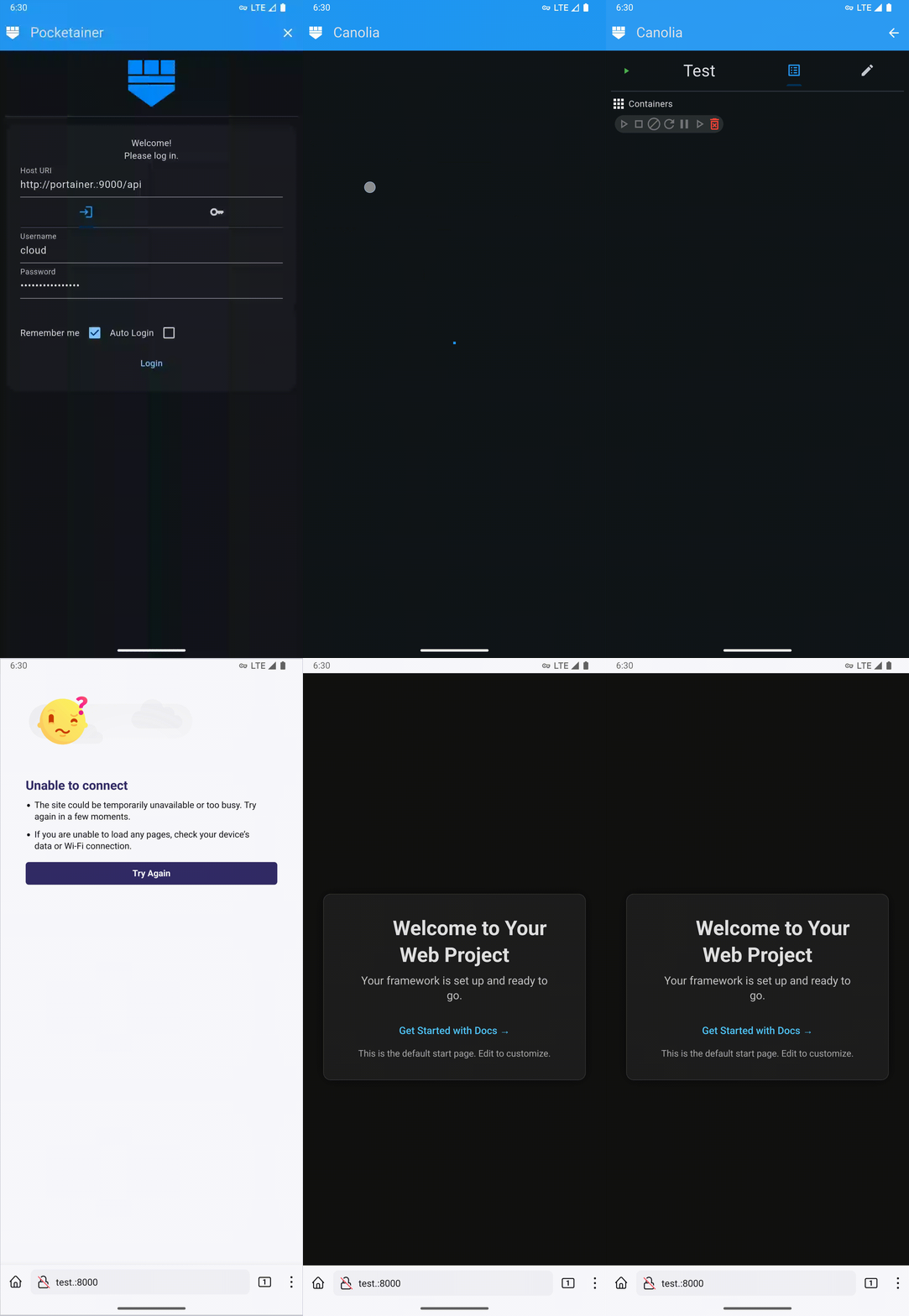
Pocketainer is a mobile and desktop-friendly application designed to let you access and manage Docker deployments, without needing to rely on the official Portainer web dashboard. Whether you're a developer, sysadmin, or tech enthusiast, Pocketainer puts container control directly in your hands.
- 🌐 Remote Access for Portainer API
- 📱 Mobile and Desktop Optimized UI for maximum usability
- ⚙️ Minimalist Design focused on function over flash
The current implimentation of the Portainer Web Dashboard lacks a responsive UI for varying screen sizes and DPIs. Pocketainer was specifically designed with mobile and desktop platforms in mind. With Pocketainer, you don't have to struggle to manage your docker infrastructure on mobile or desktop.
Pocketainer’s interface is deliberately minimalist. Every screen is curated to minimize complexity and maximize simplicity, all while preserving rich information and stats.
Pocketainer is currently compatible with Portainer Community Edition, 2.27.9 LTS. Has not been tested with Business Edition.
The app is currently in alpha. That means:
- Major features are still being built
- Roadmap is not final; Features may be moved to a different version release
- The UI/UX is subject to change
- Bugs and edge cases are expected
With that being said, I do plan to impliment the following functionalities for an overall MVP:
Login Page
- Key based auth
- Login based auth
- Secure 'Remember Me' option
- Secure 'Auto Login' option
Home Page
- List environments/nodes
- Select environment to inspect
Environment Page
- Environment details
- Functioning 'Stacks' button
- Placeholder 'Containers', 'Images', 'Volumes', and 'Networks' buttons
Stacks Page
- List stacks
- View basic stack info
Stack Page
- View stack details
- Start/Stop stack
- Edit/Save stack YAML
- List stack containers
- Control stack container states (Start, Stop, Kill, Restart, Pause, Resume, Remove)
New Stack Page
- Create new stacks from YAML
Containers Page
- Functioning containers button
- List containers
- Select container to inspect
Container Page
- Change state of containers
- View results of
docker inspect - View container logs
- View container statistics
- Start & Use shell in container
Images page
- List images
- Select image to inspect
- Pull image
Image Page
- View image details
- View Dockerfile details
- View image layers
- Delete image
Volumes Page
- List volumes
- Select volume to inspect
Volume Page
- View volume details
- List containers using volume
- Delete volume
Netowrks Page
- List networks
Netowrk Page
- View network details
- View containers using network
- Create network
- Delete network
If you would like to contribute to Pocketainer, be sure to look through the source code and understand the structure, design pattern, and style.
Pull requests that do not fit the current design philosophy will be closed and ignored. Feel free to ask questions and iterate on your pull request to get your changes consistent with the rest of the source.