Add new button
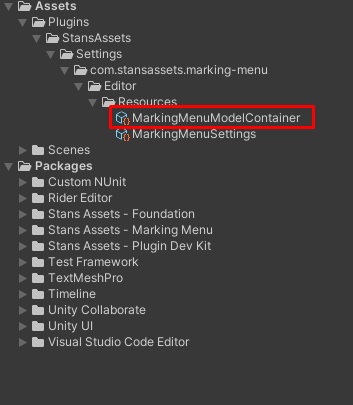
After completing “Setup” step, new ScriptableObject named “MarkingMenuModelContainer “will be created in the Assets/Plugins/StansAssets/Settings/com.stansassets.marking-menu/Editor/Resources/MarkingMenuModelContainer.asset. This object is used to setup your radial menu and customize its look and functionality.
Note: By default our team provides some common use cases as examples on how Menu Marker can be used to speed up your workflow, so “Items Collection” will have 5 entries on “fresh start”.

- Expand items list and increase list count or reset collection
- Specify display name and custom item id. Now your new button will appear in context menu on scene view.
- Right click to show context menu
