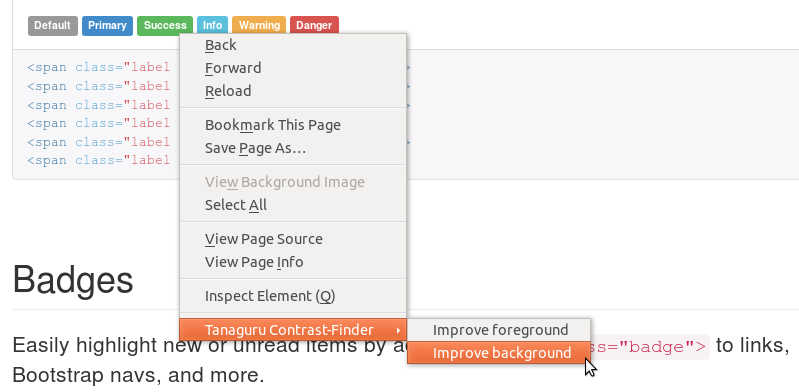
This is Tanaguru Contrast-Finder for Firefox
https://addons.mozilla.org/en-US/firefox/addon/tanaguru-contrast-finder/
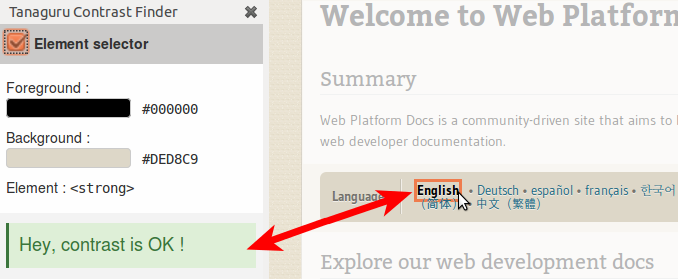
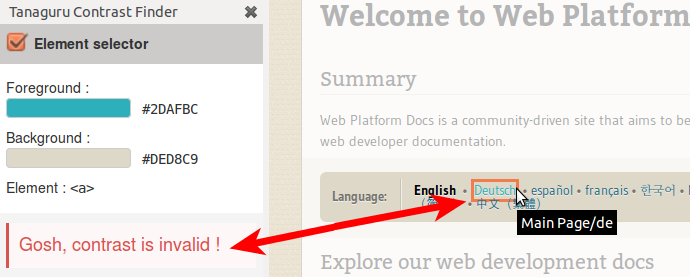
This addon speeds and eases the use of Tanaguru Contrast-Finder to find good color contrast by selecting directly in the web page the element whom color you want to change.
This helps you in satisfying web accessibility (a11y) tests on contrasts:
All documentation is in the wiki
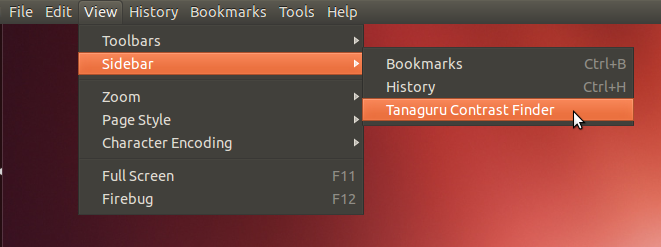
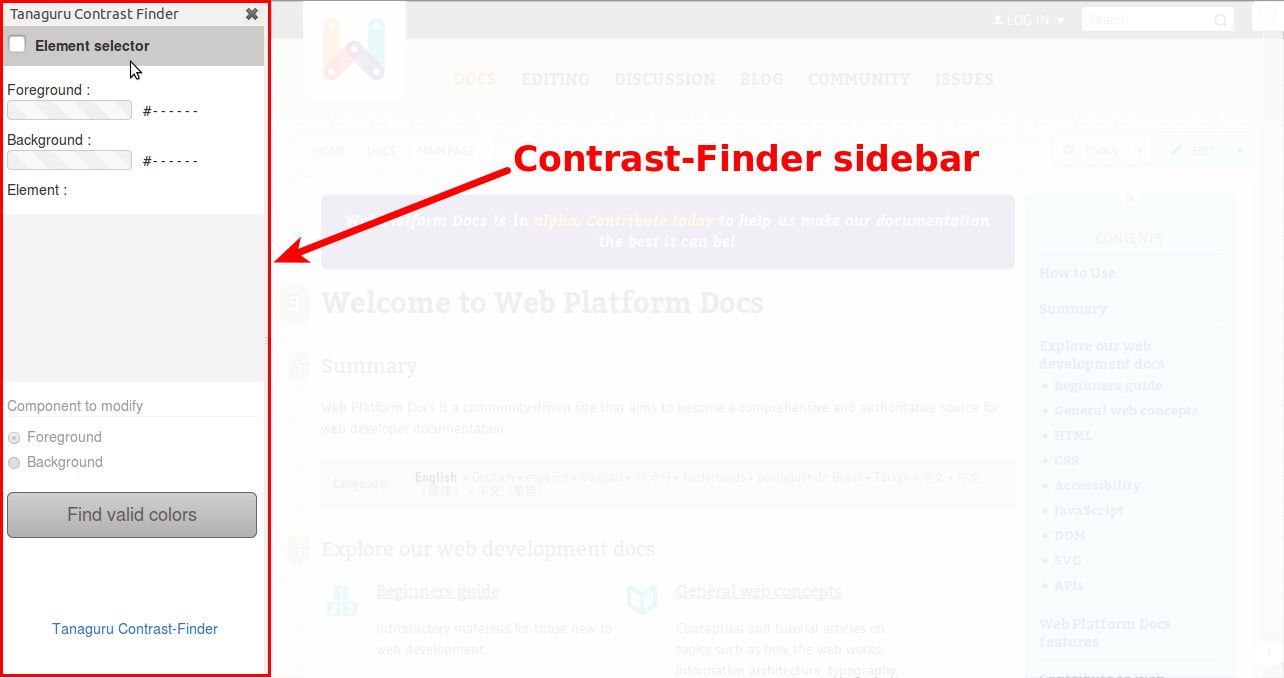
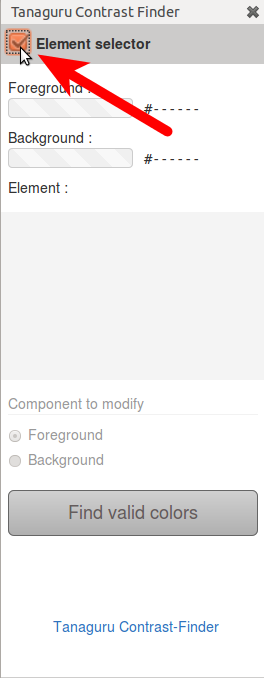
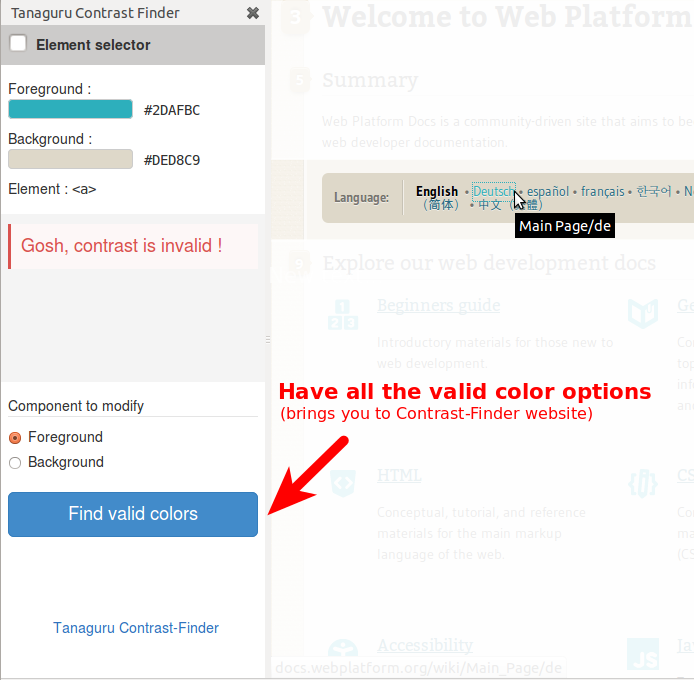
6) Choose which color to modify (foreground / background), and click the button "Find valid colors".
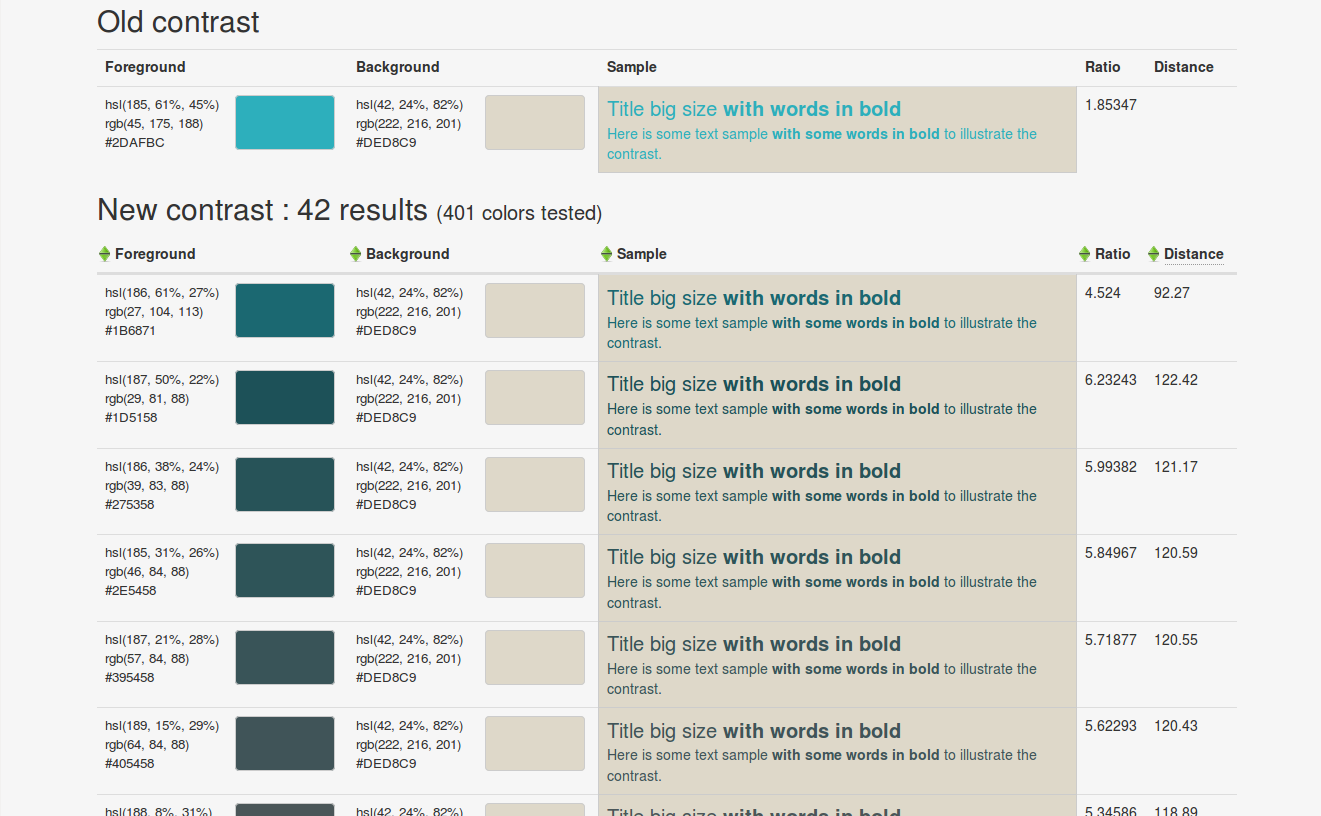
This makes Contrast-Finder computing possible colors and by the way brings you to Contrast-Finder website
.
Focus to a given text, then press the "context menu" key, choose which color (background / foregound) to modify.