Examples
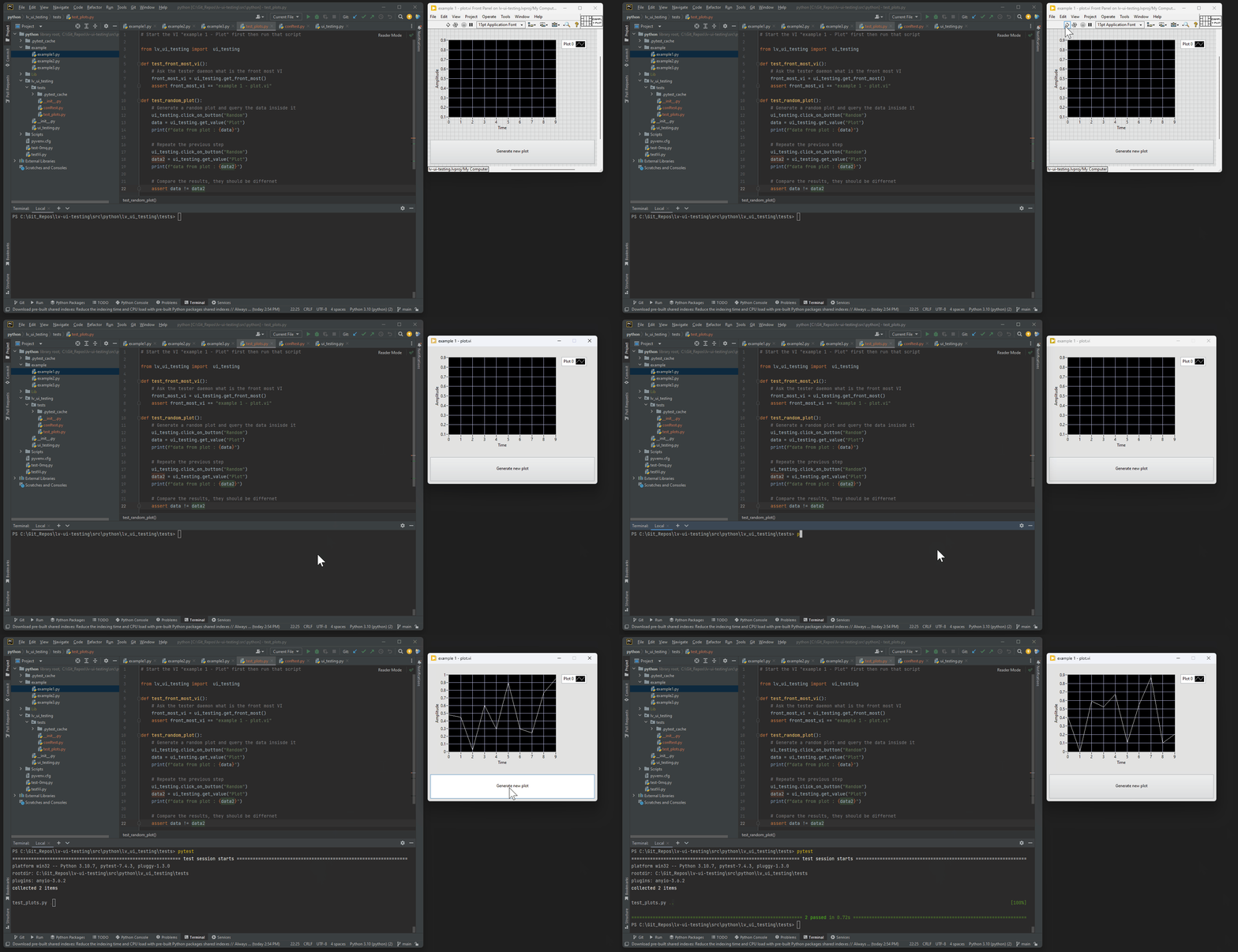
In that first example the Python script (using the pytest framework) will do the following:
- Check that the front most VI is "example 1 - plot.vi"
- Click on the button "Generate new plots"
- Store the new value of the graph
- Click again on the button "Generate new plots"
- Store the new value of the graph
- Compare the two values, the test is passed if they are different.
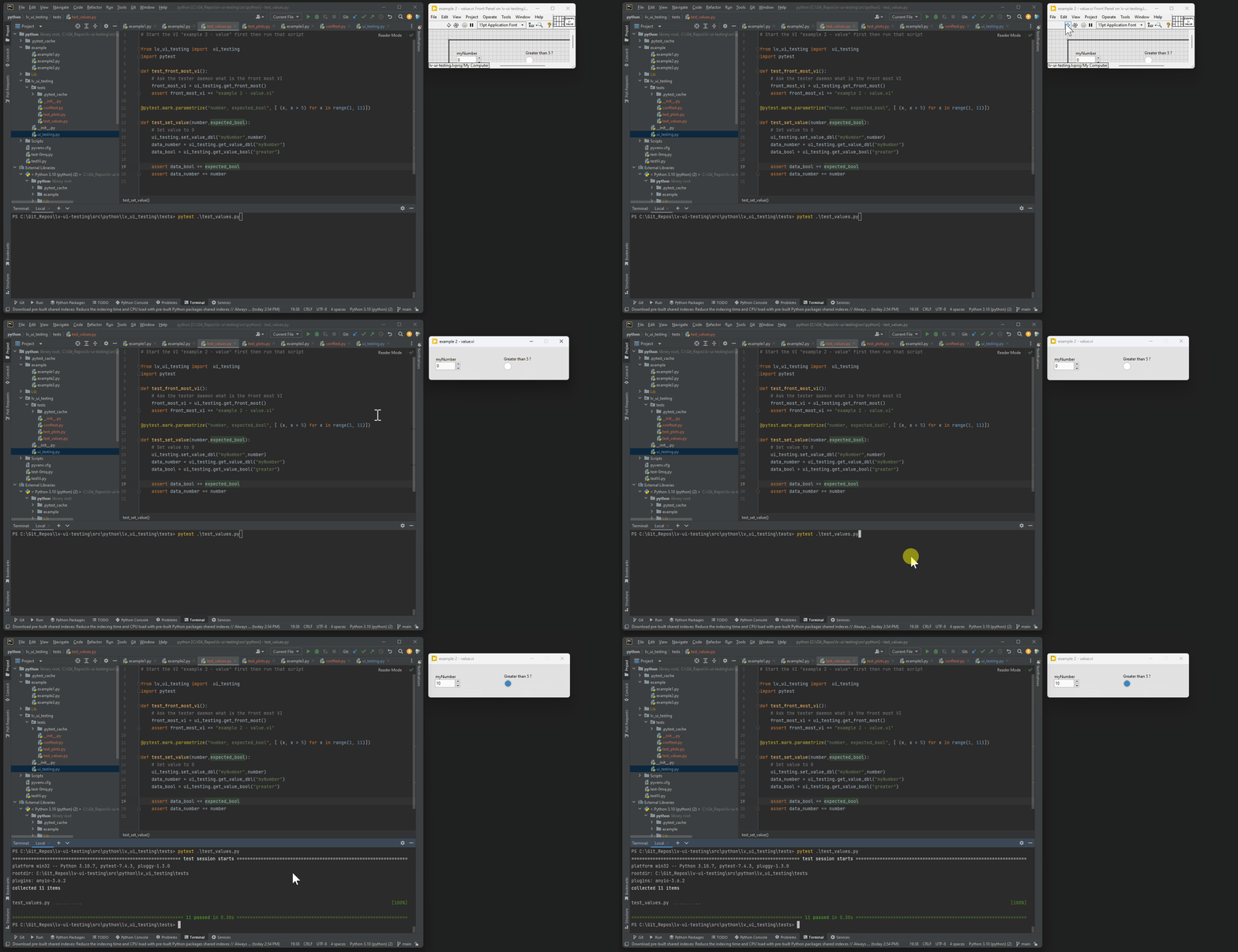
In that second example the Python script (using the pytest framework) will do the following:
- Check that the front most VI is "example 2 - value.vi"
- Using the parametrized function of pytest, set a value to control labelled "myNumber"
- Then get the value of the control labelled "myNumber" and the boolean indicator "greater"
- If the boolean indicator "greater" si TRUE when "myNumber" is > 5, then the test is passed
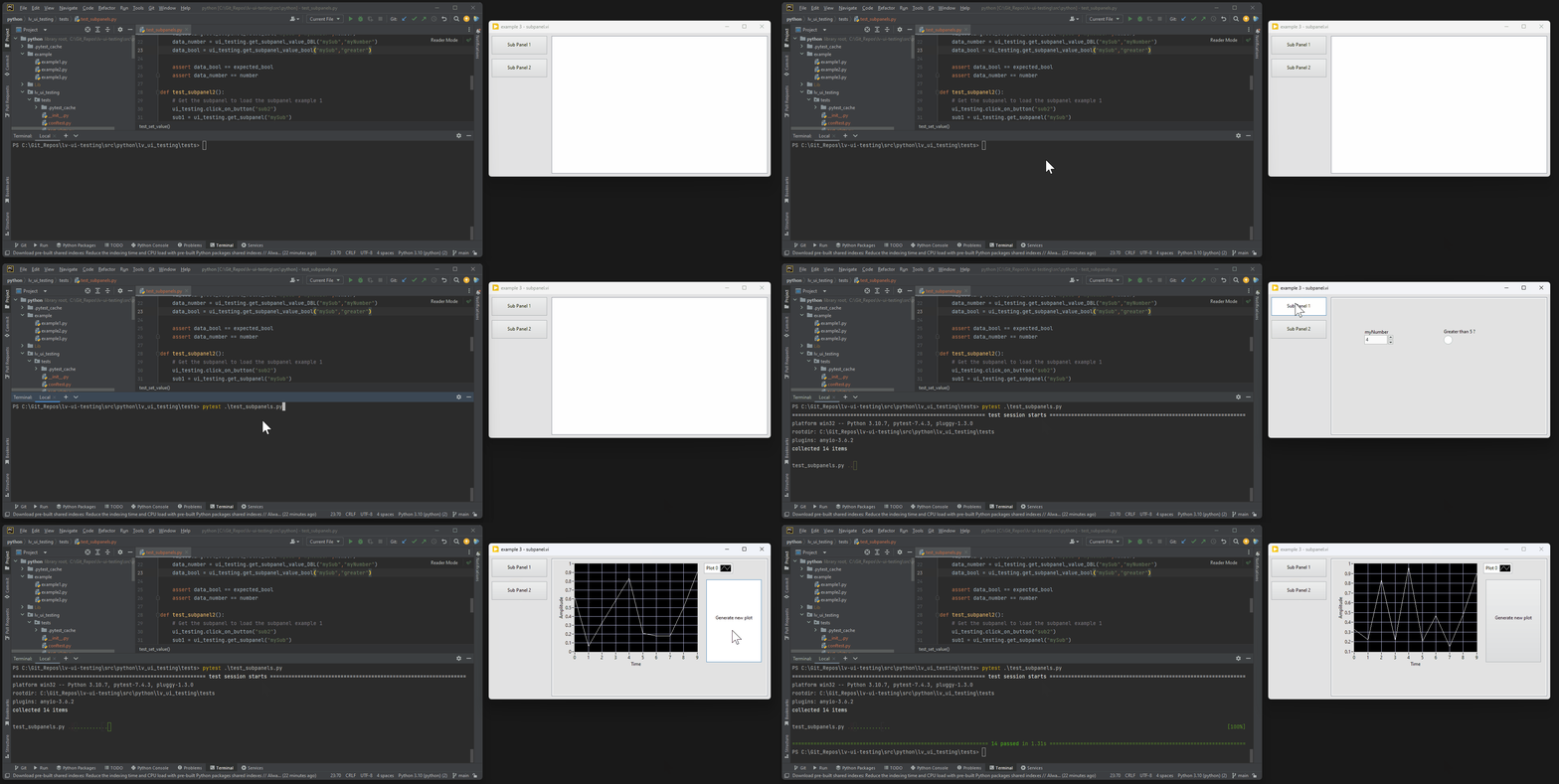
In that third example the Python script (using the pytest framework) will do the following:
- Check that the front most VI is "eaxample 3 - subpanel.vi"
- Click on the Sub Panel 1 control
- Check that the supbanel is displaying the appropriate VI (which is similar to example 1)
- Repeate the test of example 1
- Click on the Sub Panel 2 control
- Check that the supbanel is displaying the appropriate VI (which is similar to example 2)
- Repeate the test of example 2