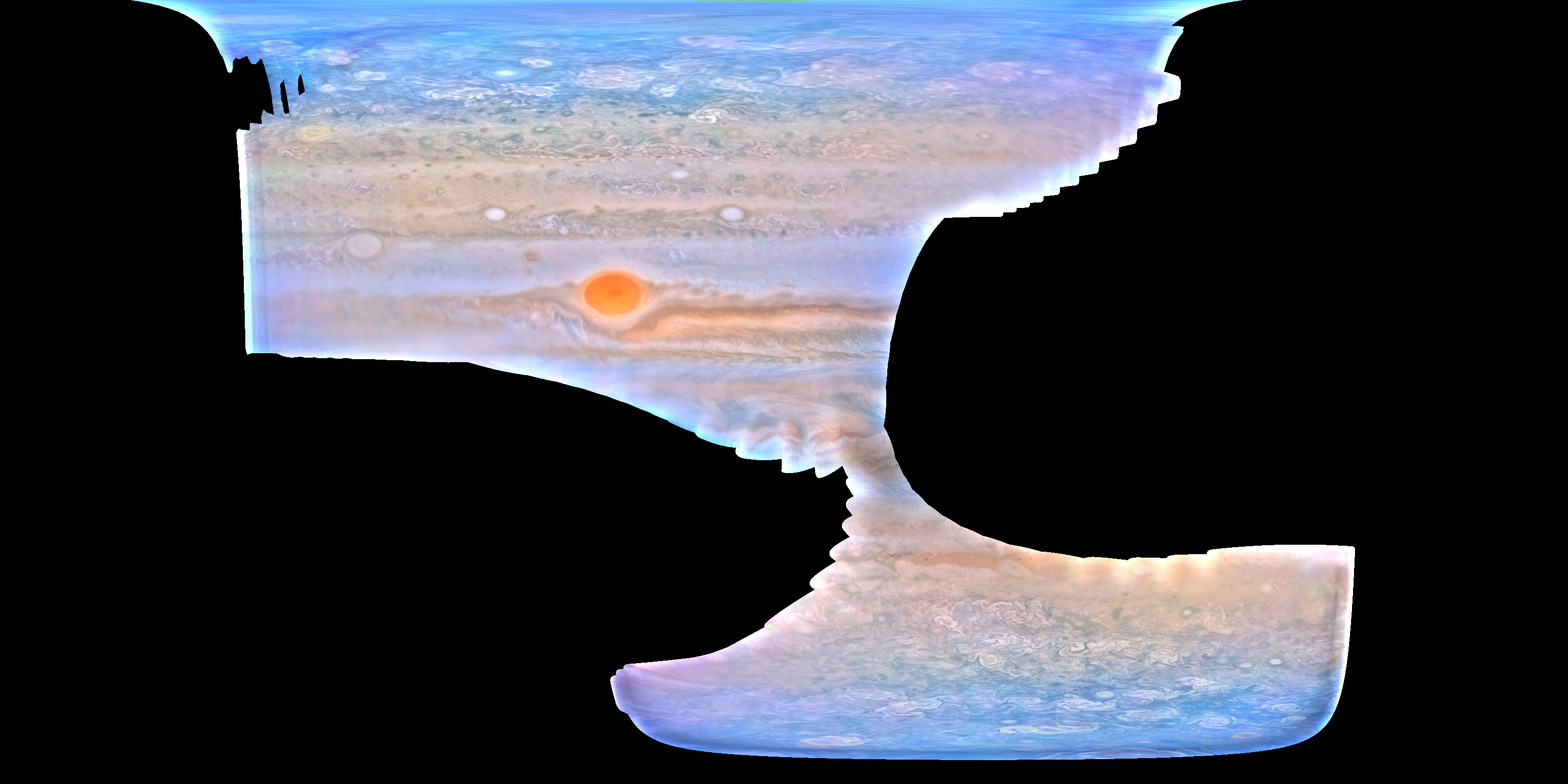
This is a tool to process and project JunoCam images onto a lat/lon grid.
Note
The C extension will only run on Linux amd64
Install uv:
curl -LsSf https://astral.sh/uv/install.sh | shInstall the python dependencies using the uv sync:
uv syncTo run the projection code, the C extension needs to be compiled. To do this, run,
cd junocam_projection/
make clean
make
Then, install the package using a Python package manager. For example:
pip3 install .This will install the junocam_projection package into your Python environment.
To run the jupyter notebook:
uv run --with jupyter jupyter labSee examples/projection.ipynb for an example of JunoCam image projection.
To rerun the projection code, you will need to unzip 8724-Data.zip and 8724-ImageSet.zip
in the examples/ folder , which will create the DataSet and ImageSet directories.
See examples/mosaic.ipynb for an example of mosaicing two images. To rerun the code,
you will need to unzip all the zip files in the examples/ folder.
Example of mosaic from multiple images from perijove 27: