
A tool to quickly scan qrcodes from screens
🔥 Features ⚒️ Installation 👀 Visuals ⬇️ Download Links





QR Grabber is a Python application designed to quickly capture and decode QR codes from your screen. It uses a snipping tool to select the screen area, processes the captured image to detect QR codes, and copies the decoded data to the clipboard.
- 🎯 Quick Screen Capture: Precise area selection with intuitive snipping tool
- 🔍 Smart QR Detection: Fast and accurate QR code scanning and decoding
- 📋 Instant Clipboard Access: Decoded data automatically copied to clipboard
- ⌨️ Global Hotkey: Quick access with
Ctrl+Alt+Qsystem-wide shortcut - 🔧 System Tray Integration: Always ready when you need it
Download and run the latest release from the Download Links section.
-
Clone the repository:
git clone https://github.com/zingzy/qr-screen-grabber.git cd qr-grabber -
Install dependencies:
pip install poetry
poetry install
-
Launch QR Grabber:
- From binary: Run the downloaded executable
- From source:
python main.py
-
Press
Ctrl+Alt+Qor use the system tray icon to activate -
Select screen area containing QR code
-
Decoded content is automatically copied to clipboard
- 📡 Webinars & Online Events: Quickly grab links from QR codes displayed during virtual meetings or live streams.
- 🎥 YouTube Videos: Scan QR codes shown in video content to access resources or offers.
- 🛜 Wi-Fi & Login Credentials: Easily decode and save Wi-Fi passwords or app login details.
- 📇 Business Contacts: Extract contact information from QR codes on business cards or websites.
- 🎫 Event Info: Capture event QR codes to view schedules, maps, or attendee details.
- 🛍️ Product Details: Scan QR codes on packaging to access manuals, reviews, or discounts.
- 🌟 ...and many more!
| Download the latest stable version from Github Releases. |

|
You can scan all these QR codes using QR Grabber!
- Install the tool using the download link above.
- Run the exe.
- Press
Ctrl + Alt + Qto activate the snipping tool. - Select the area of your screen containing a QR code.
- Check if the decoded value matches the expected value below.
| QR Code | Expected Value |
|---|---|
 |
https://example.com |
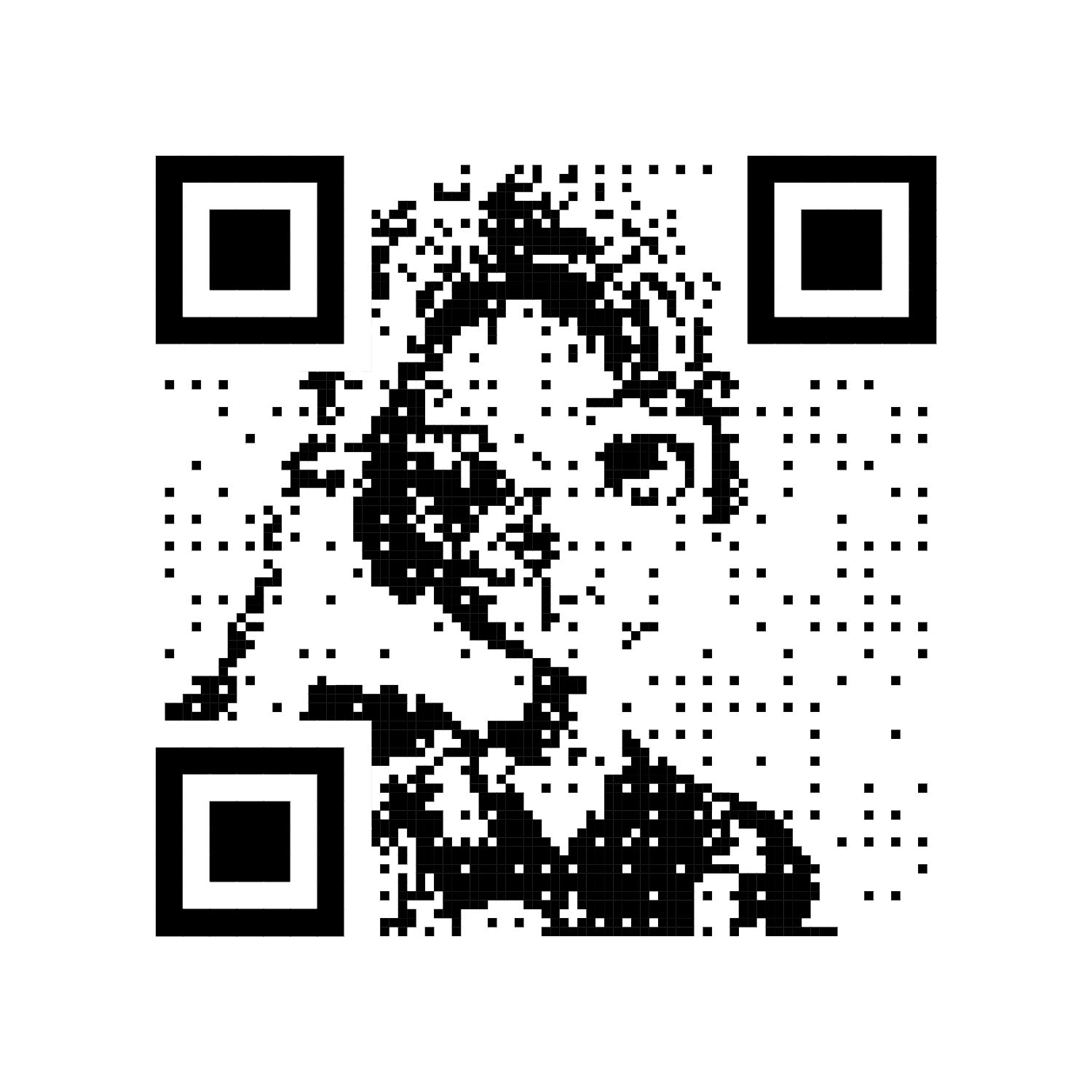 |
Hello, QR Grabber! |
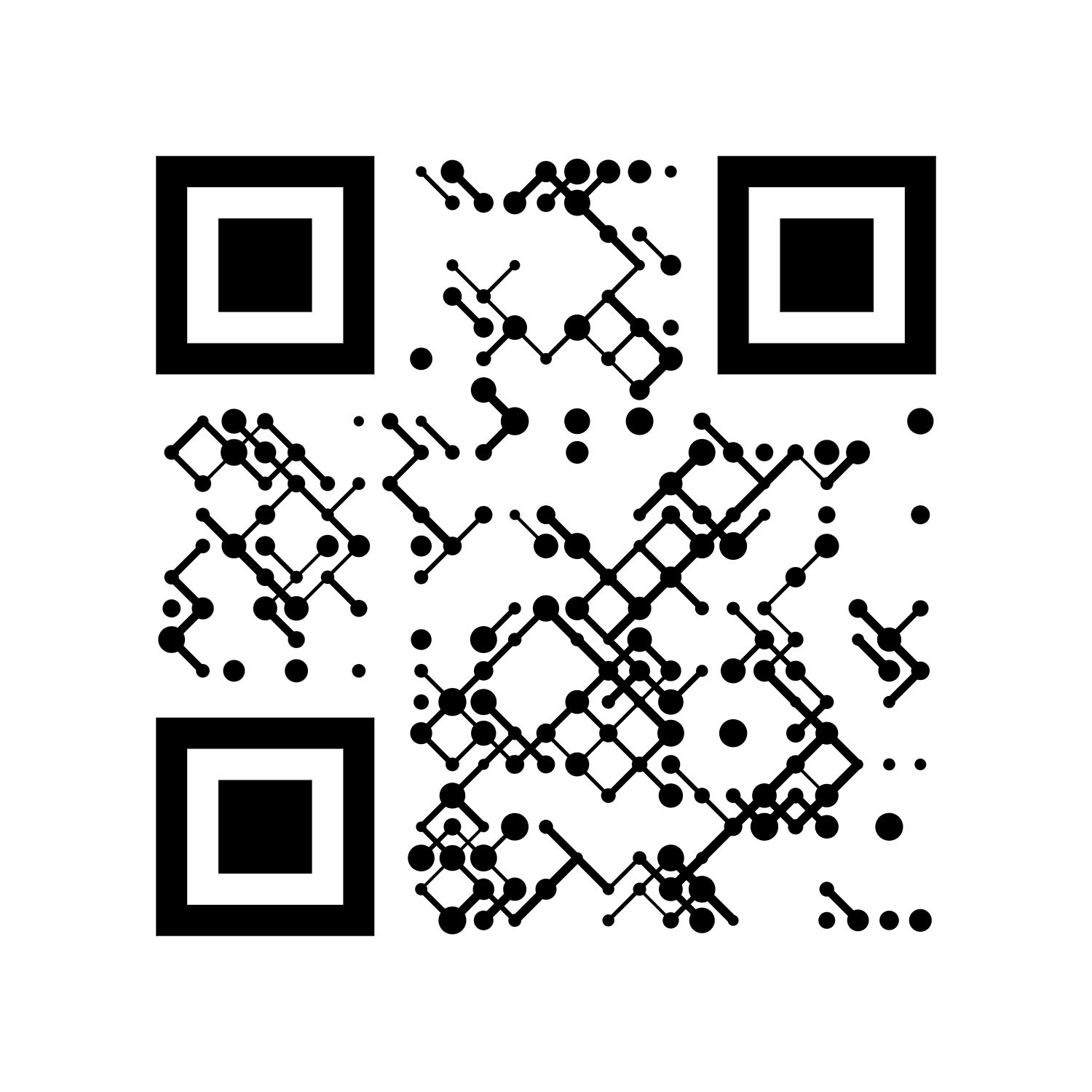 |
WiFi:MyNetwork;PWD:123456; |
Contributions are always welcome! 🎉 Here's how you can contribute:
- Bugs are logged using the github issue system. To report a bug, simply open a new issue.
- Make a pull request for any feature or bug fix.
Important
For any type of support or queries, Feel free to reach out to us on our discord server
- Pyzbar: High-performance QR code decoding library.
- Tkinter: Built-in Python library for creating GUI applications.
- Loguru: Elegant logging framework.
- Icons8: For providing the high-quality app icon.

