Screenshots
Welcome to the Screenshots section of the Open-Mushaf Native Wiki. Here you will find a visual overview of the app's key features and user interface.

A seamless Quran Mushaf viewing experience, optimized for readability and fluid navigation.
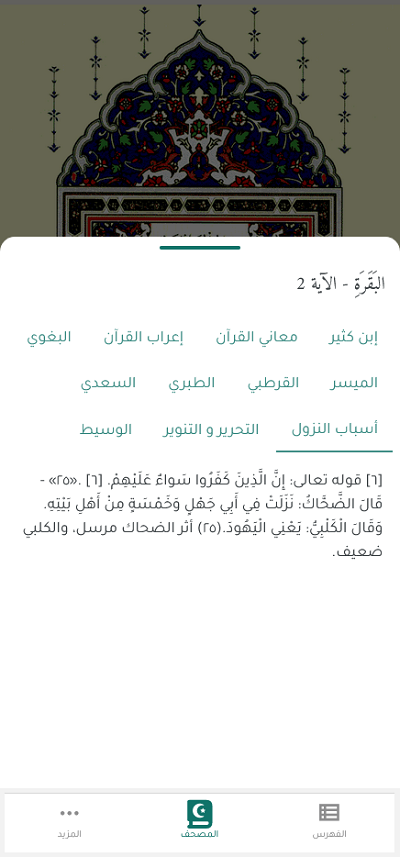
Dynamically resize Tafseer popups with gesture controls for better usability.
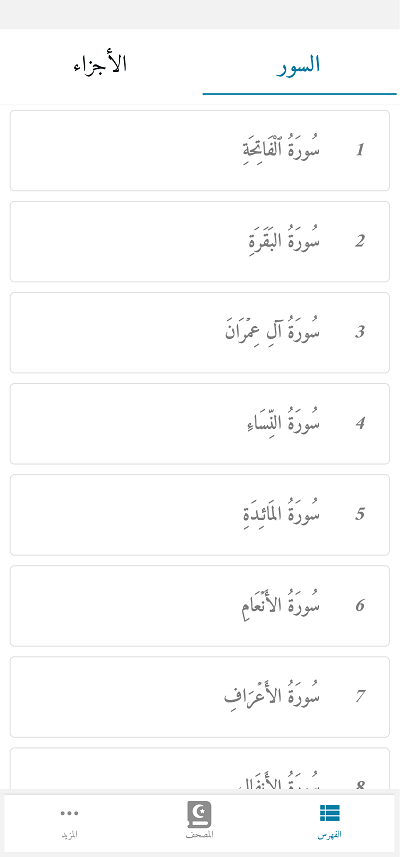
Quickly browse through all Suras in the Quran with an intuitive index.

Customize your app experience with an accessible and minimalist settings page.

Fast navigation makes switching between pages fast and easy.

Search for specific page, Ayas or Suras with advanced filters for better precision.