Manage your wealth like a boss.
Ghostfolio is a privacy-first, open source dashboard for your personal finances. Break down your asset allocation, know your net worth and make solid, data-driven investment decisions.
This app allows you to run Ghostfolio on your Home Assistant server based on the the official Ghostfolio docker image.


| Light Mode | Dark Mode |
|---|---|
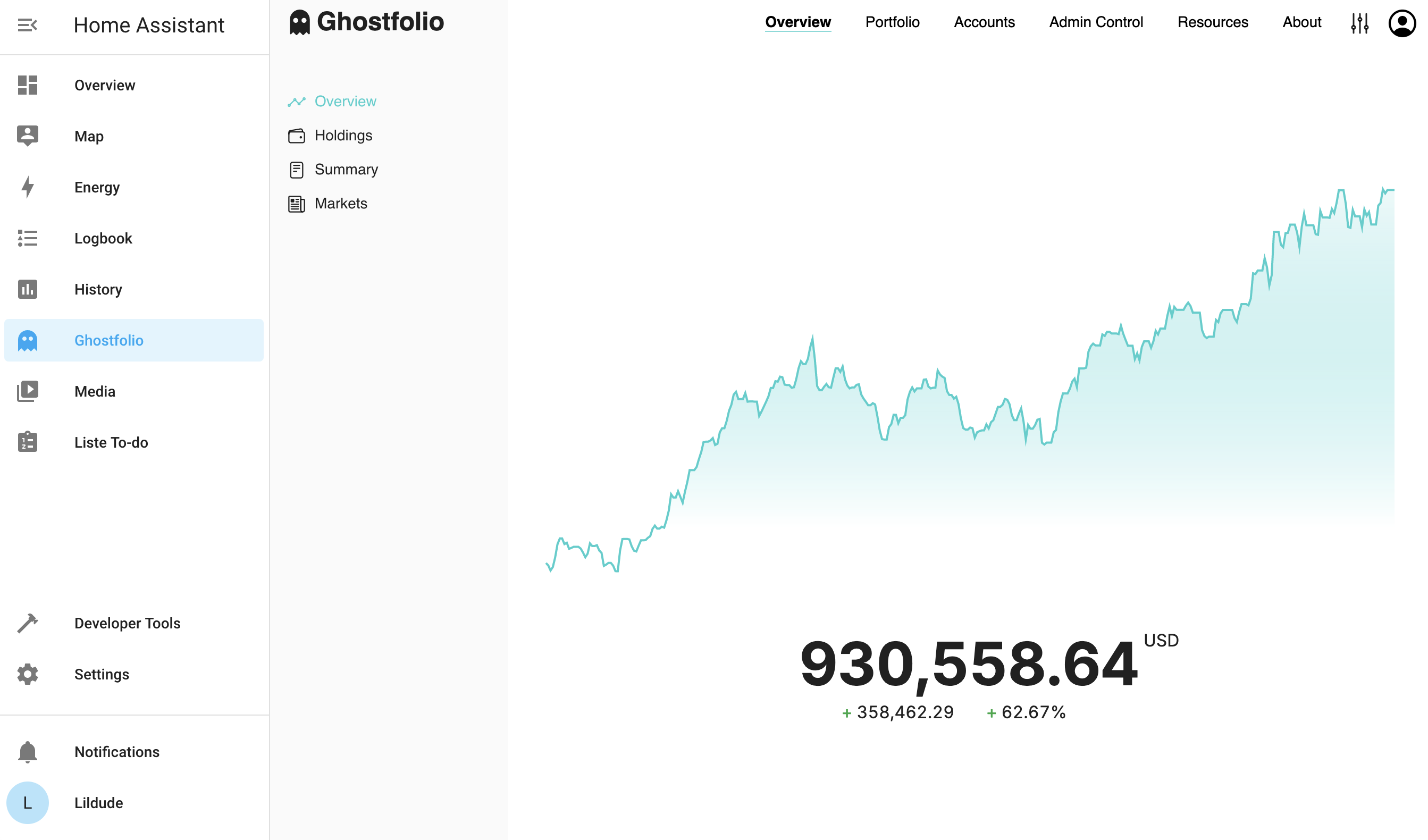 |
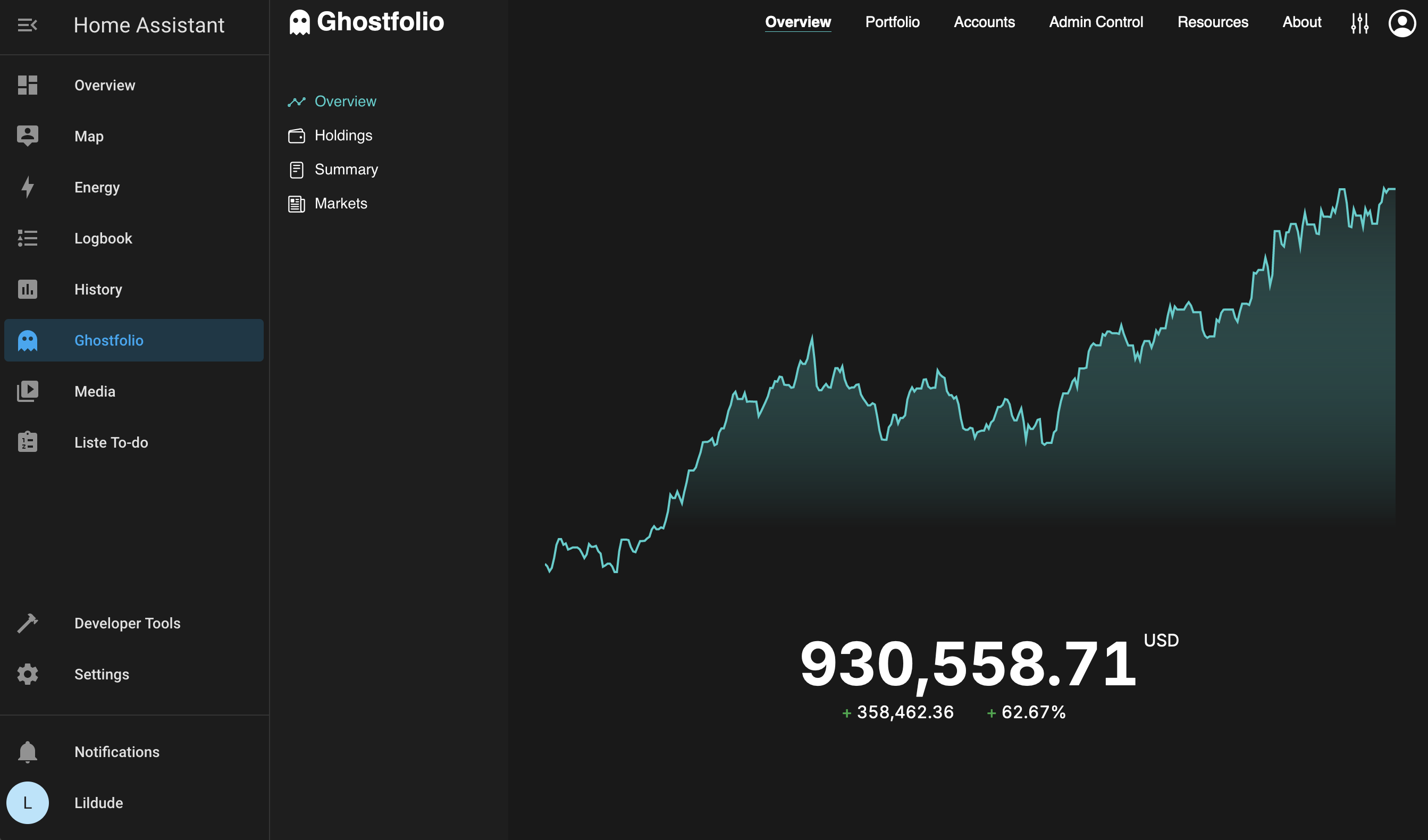 |
Ghostfolio needs a PostgreSQL database. I recommend using the PostgreSQL App from @alexbelgium's repository if you aren't already using Postgres.
The installation of this App is pretty straightforward and no different to installing any other Home Assistant app.
-
Add my app repository to Home Assistant or click the button below to open my app repository on your Home Assistant instance.
-
Install this app.
-
Install the PostgreSQL app and configure and start it, if you wish to use this app.
-
Enter your PostgreSQL configuration information.
-
Click the
Savebutton to store your configuration. -
Start the app.
-
Check the logs of the app to see if everything went well.
-
Click the
OPEN WEB UIbutton to open Ghostfolio.


To monitor your Ghostfolio portfolio performance directly within Home Assistant, use the companion Ghostfolio Home Assistant Integration.
This addon is maintained by @alfwro13. Originally based on the https://github.com/lildude/ha-addon-ghostfolio.