A repository for tools that generate 3-D models of aerodynamic elements for axial flow machines
This repository works with FreeCAD 0.18
Step 1: Clone the repostory to a directory of your choosing
Step 2: Open FreeCAD 0.18 and navigate to the Macros Window
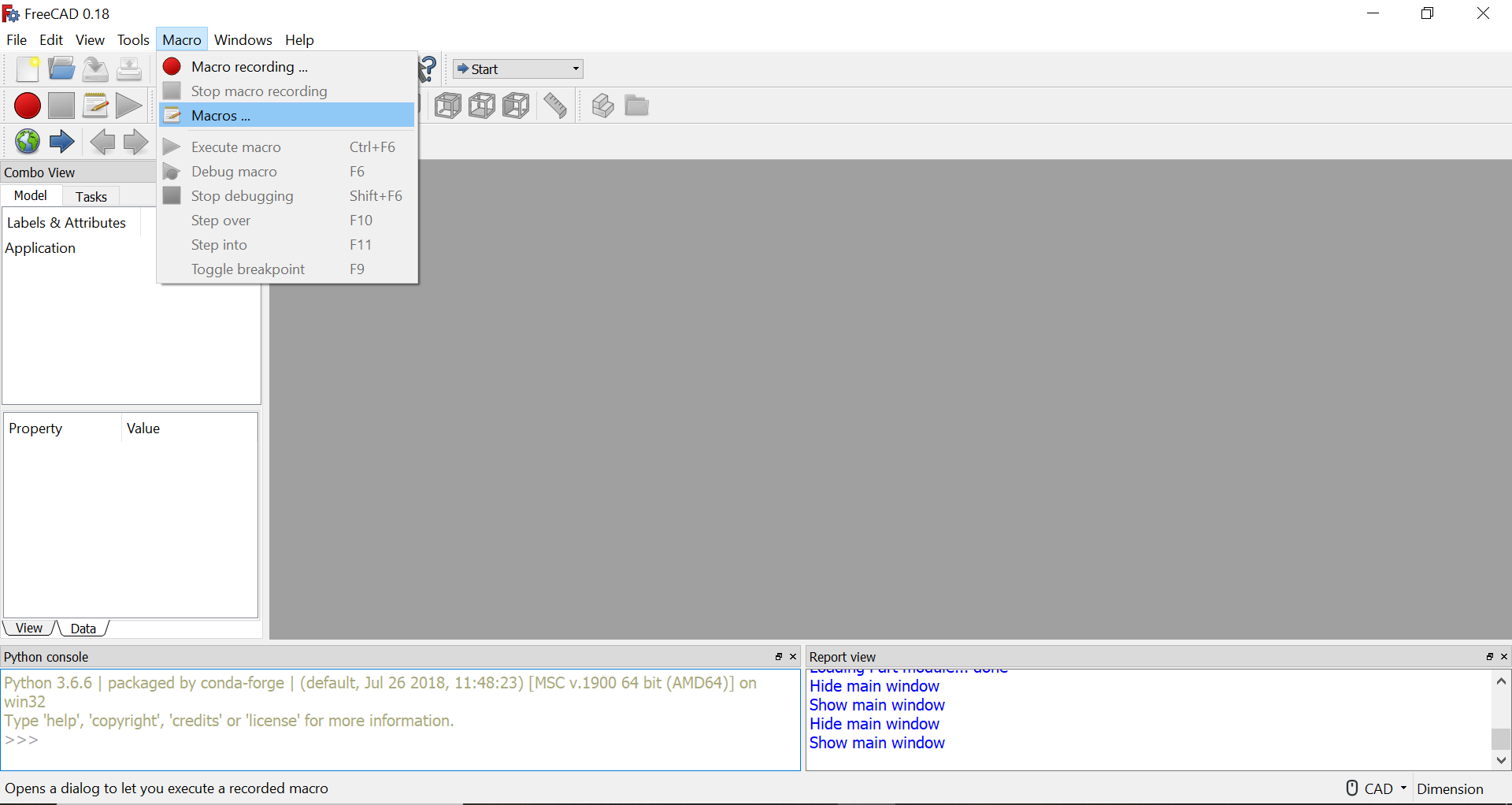
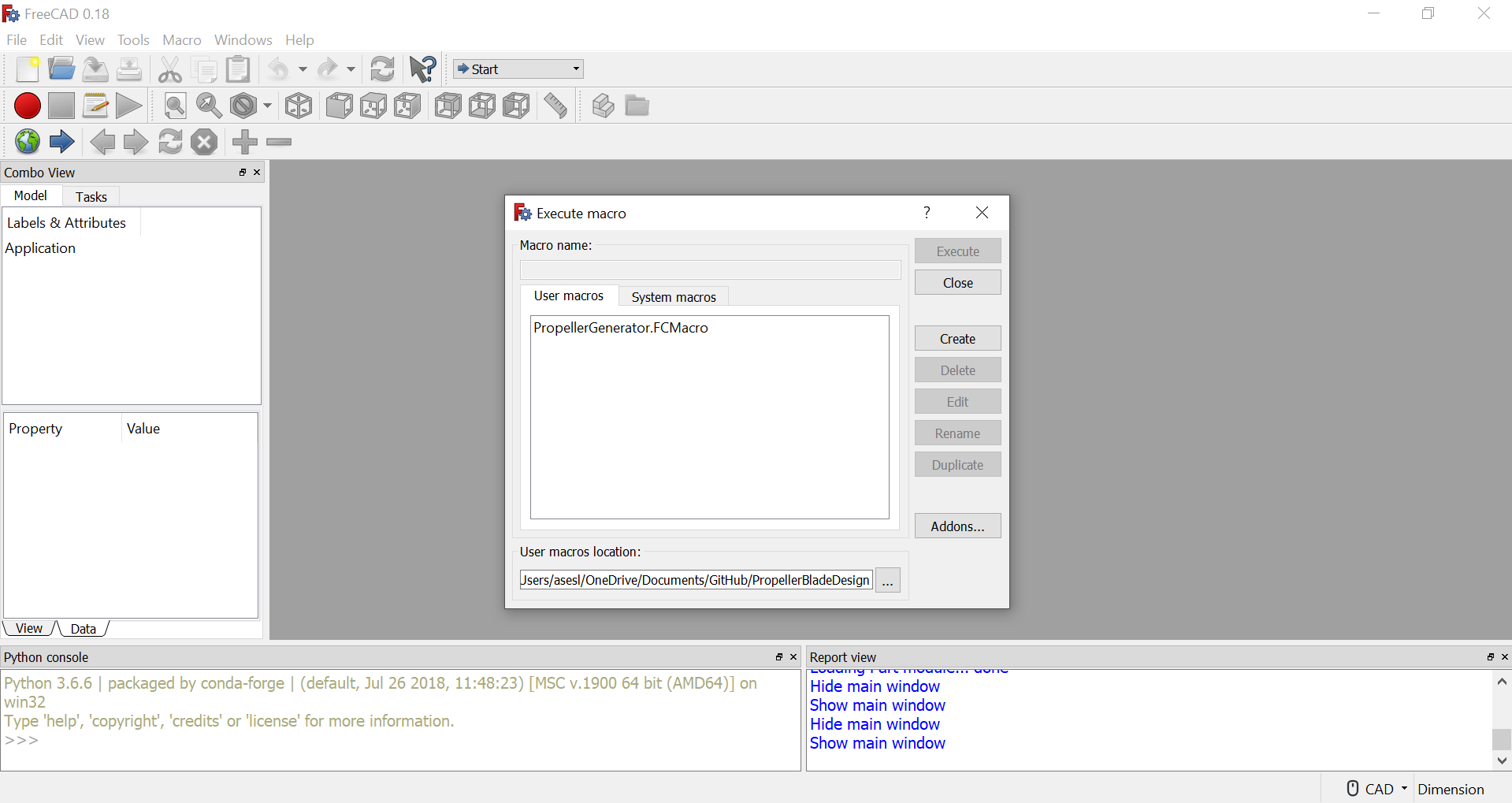
Step 3: Select the your newly cloned repository as the "User macros location"
Step 4: Select the PropellerGenerator.FCMacro file and select "Execute"
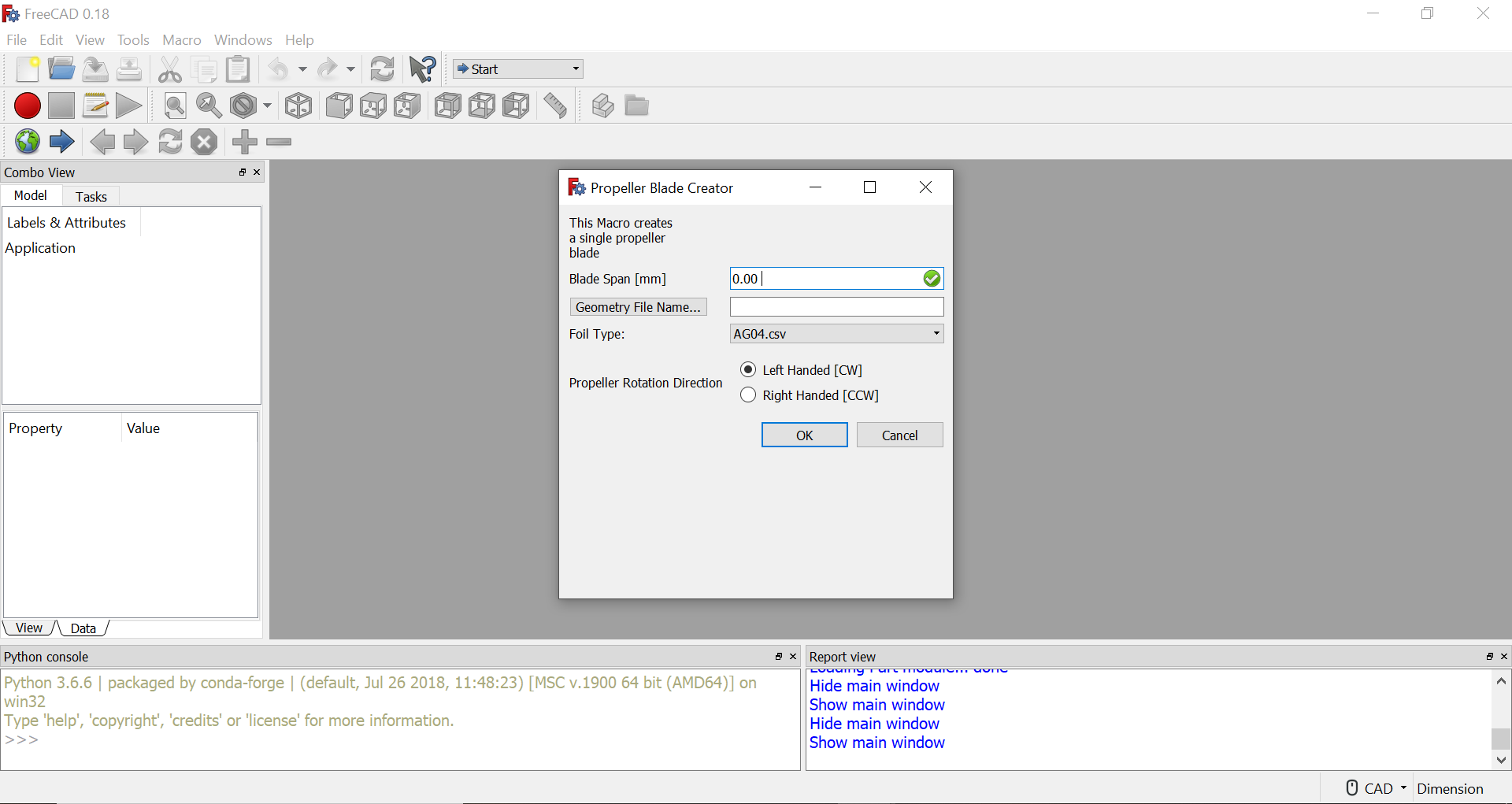
The gui is intended to make blades for propellers and fans. It will generate the base shape, but hub integration or multi-blade generation will need to be done manually with FreeCAD
A reference Geometry design CSV and FreeCAD hub integration template is provided in the mavic_pro_example folder. The expected span length is 105 mm. Below is an example set of inputs for the Macro:
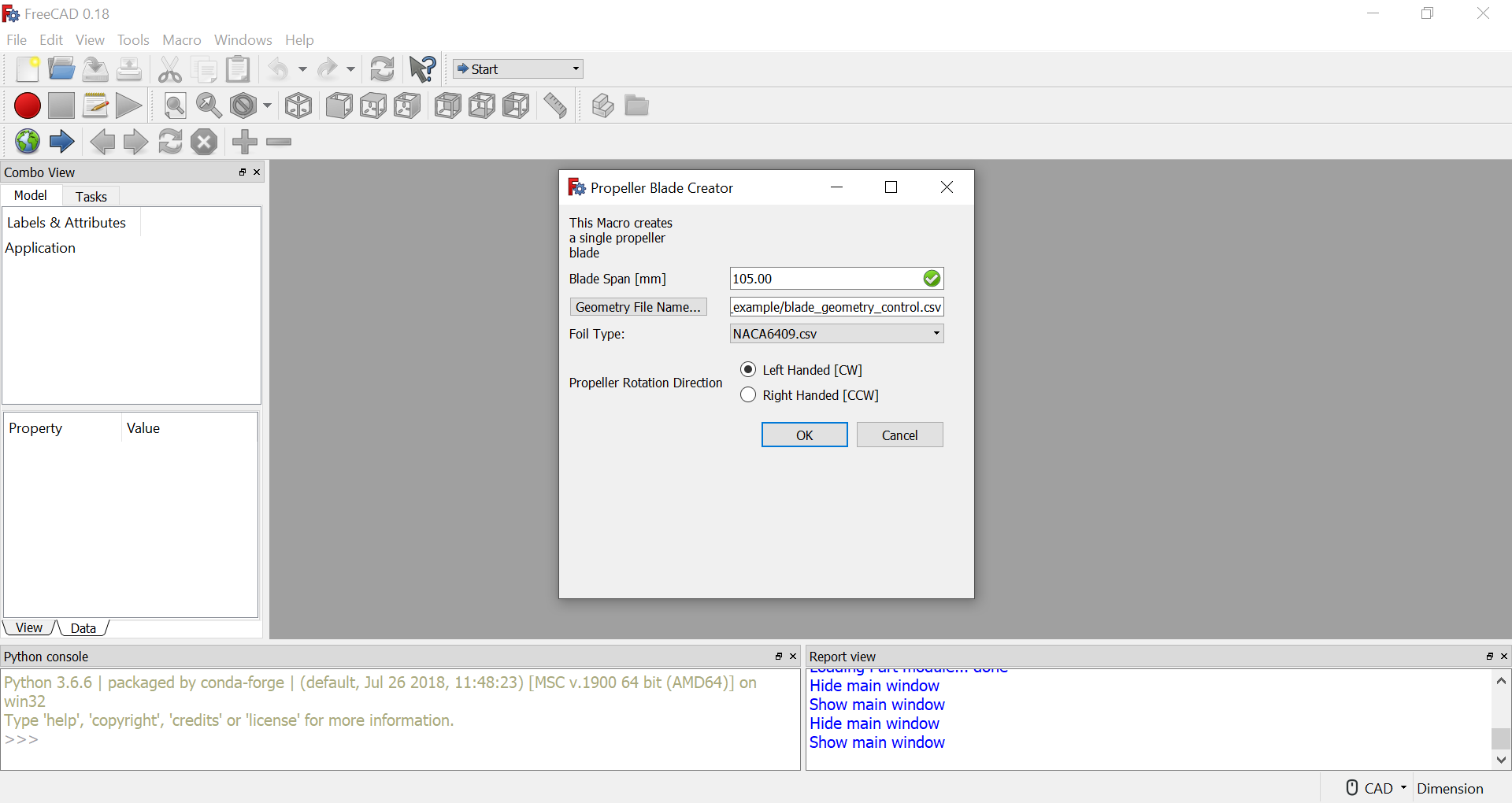
The blade generated by these inputs looks like this:
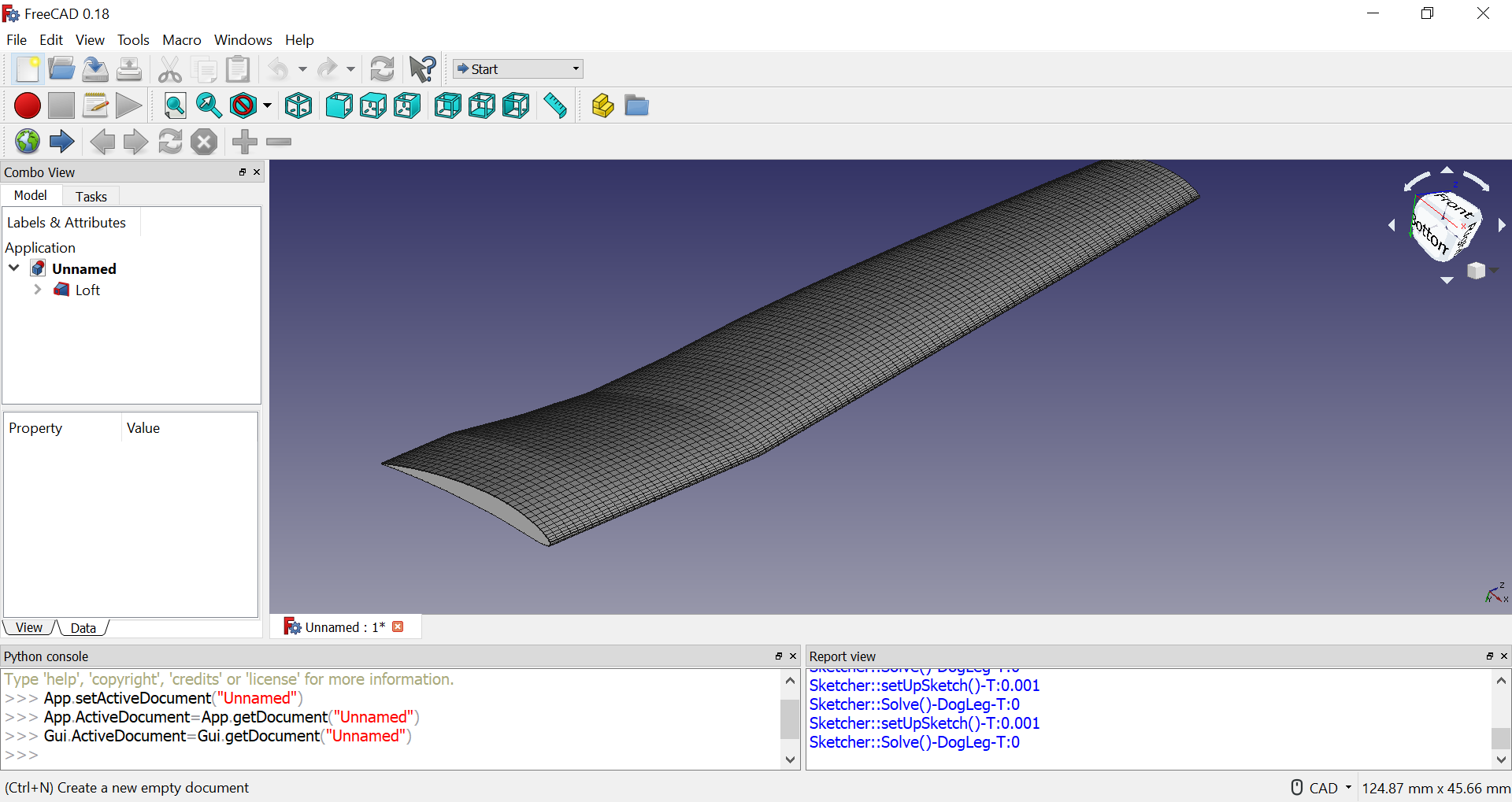
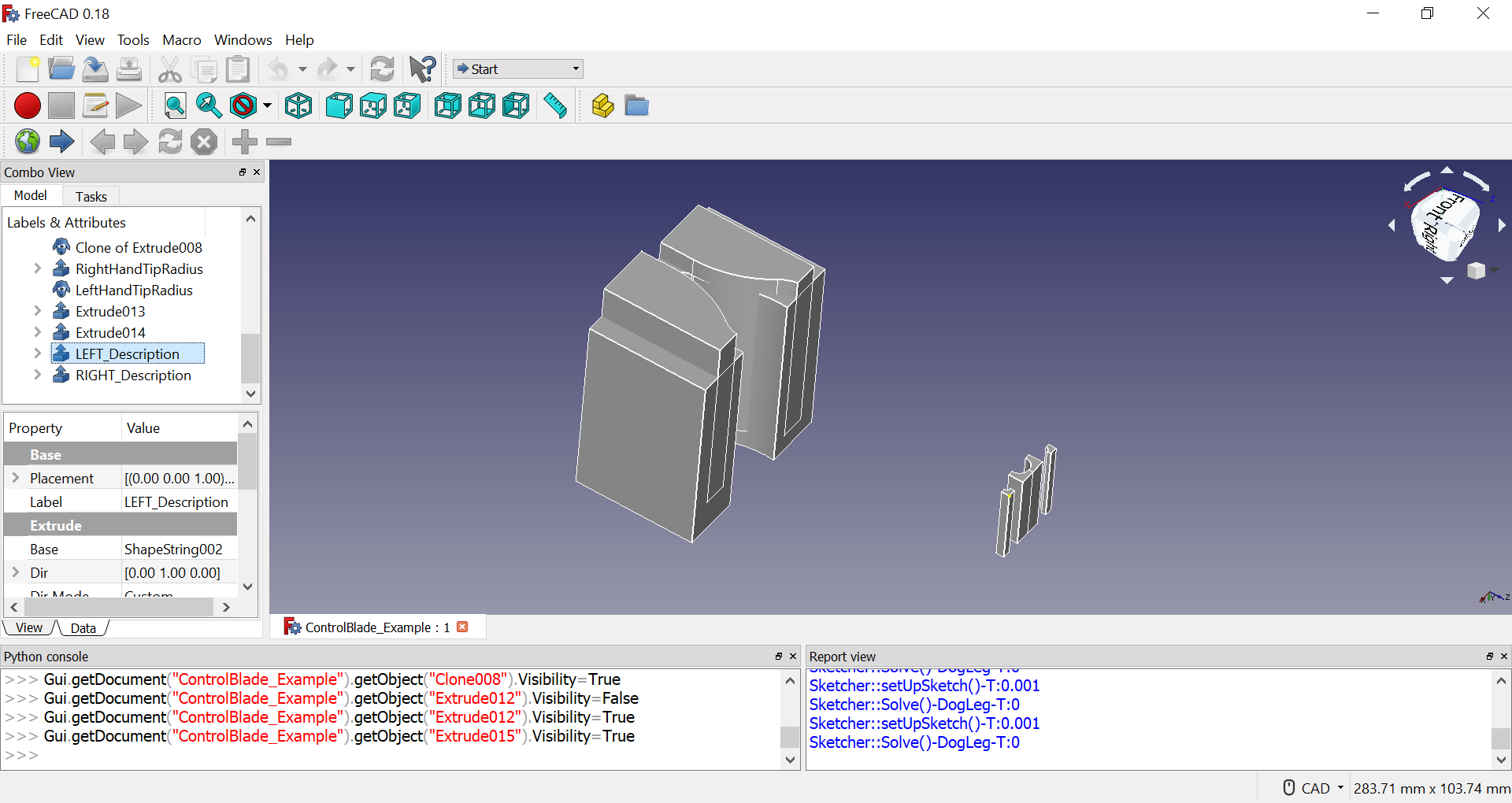
The mavic_pro_example file has a FCStd file with reference geometry that can be used to create a finalized version of a propeller
Below is an image of all reference CAD elements:
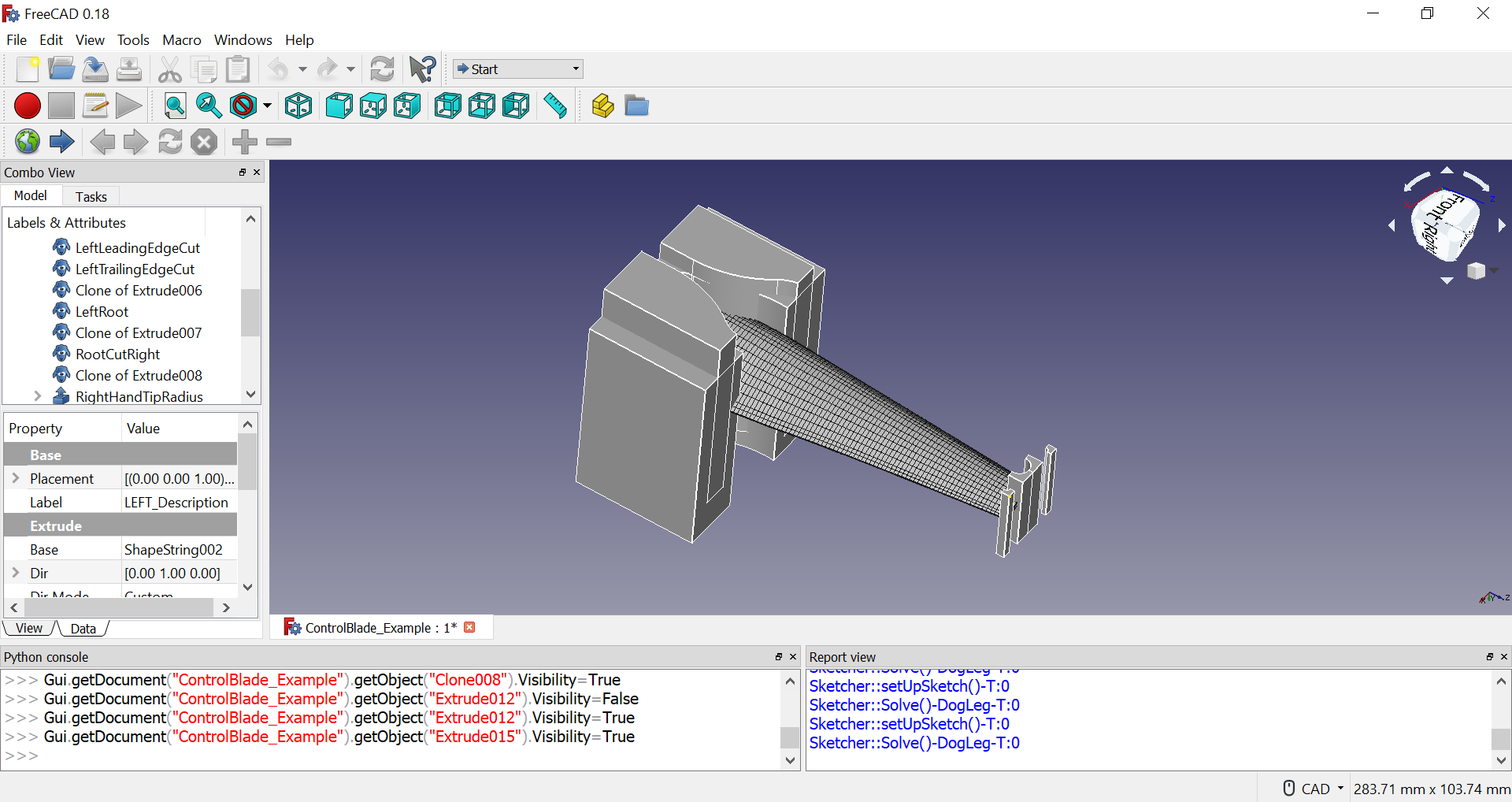
Copy the reference file, rename and open it to use with the Macro. After generating a blade, the FreeCAD file will look like this:
Using the Part workbench, a set of cuts and unions can be done to generate finalized geometry:
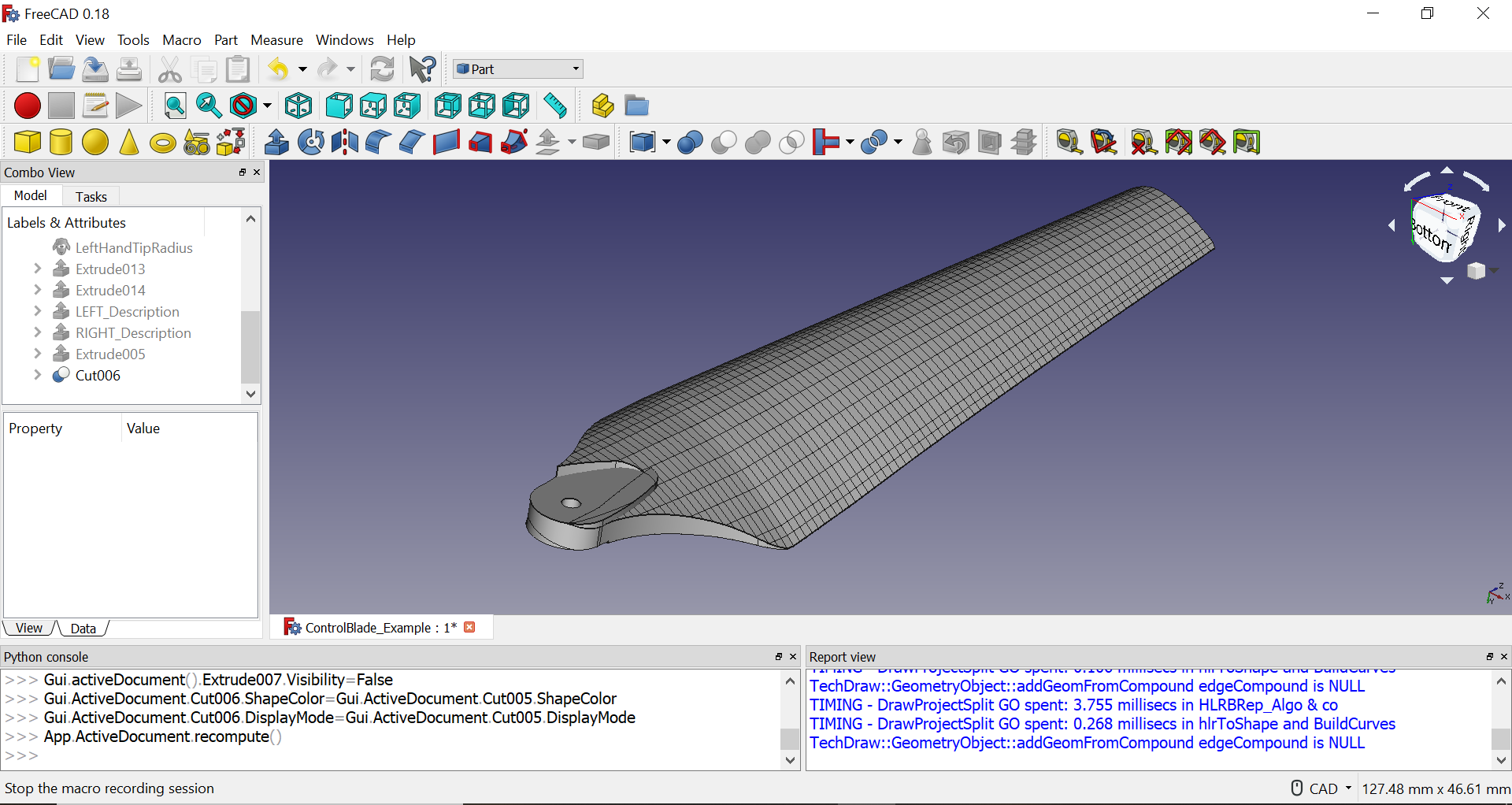
This file is available in the mavic_pro_example folder and is named ControlBlade_Example.FCStd
Experience has shown that generating 3D printable files can be tricky if not executed correctly. This section documents the only known method of consitently generating printable files
- Download OpenSCAD to your computer. This software is basically a precurser to FreeCAD that has good mesh generation algorithms
- Open the Mesh Design Workbench
- Select the freecad objects
- In the Meshes menu bar, go to "Create mesh from shape..."
- Select Standard Mesh and hit Okay
- If working with a multi-mesh part (like the fan) select the created meshes
- In the menu bar, navigate to and select "Meshes -> Boolean -> Union"
- On the newly create mesh, right click on the object, select "Export Mesh"
- Export as a .obj file