Akwa is a theme that uses the Arc styles paired together with the Adwaita colour scheme. This theme was created with the idea of using Arc's slim titlebars and clean lines but also theme it so the colours match the default Adwaita theme, specifically the shell theme. Only the selection colour is different because it just looks better.
It comes in two variants for now, dark and normal.
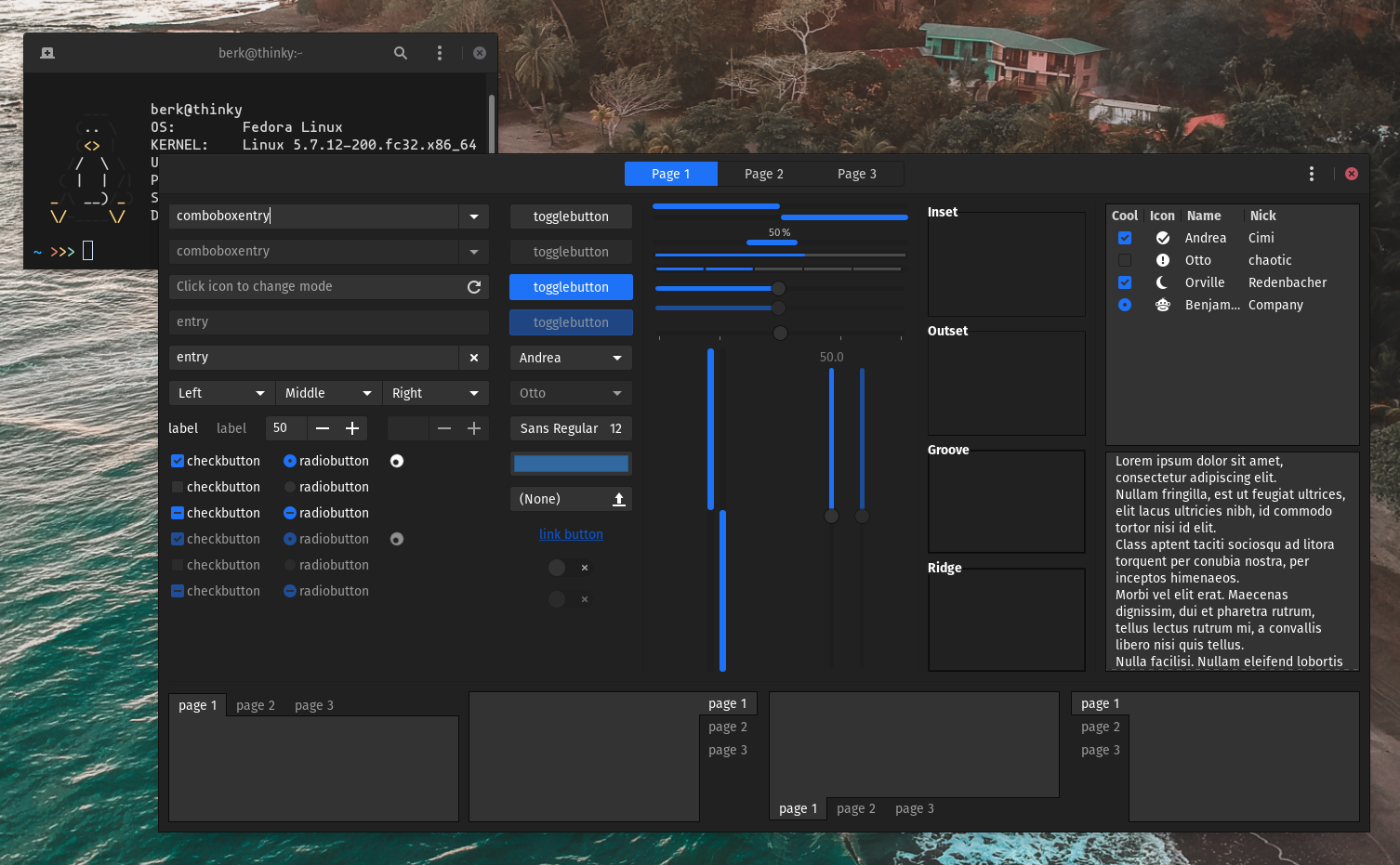
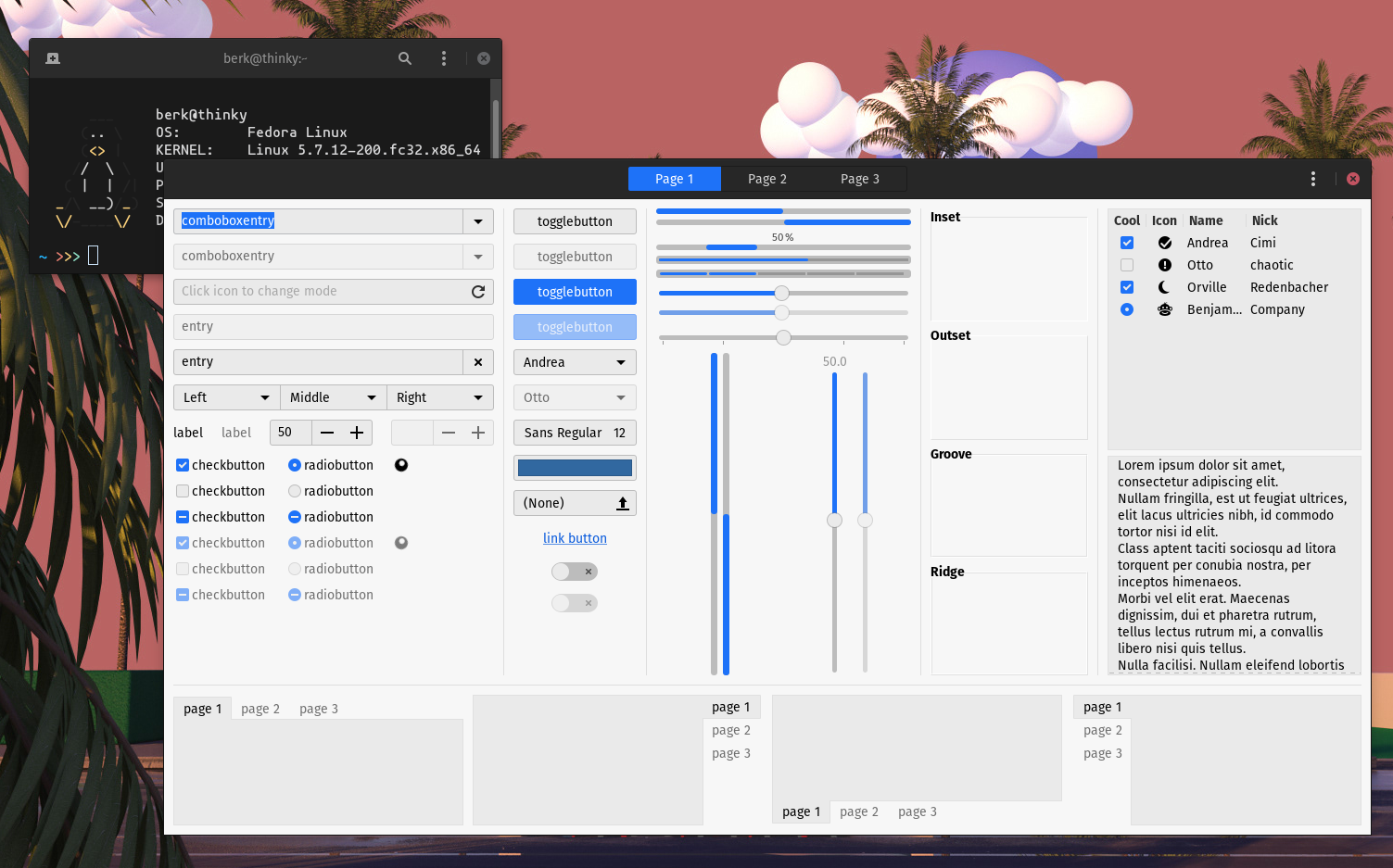
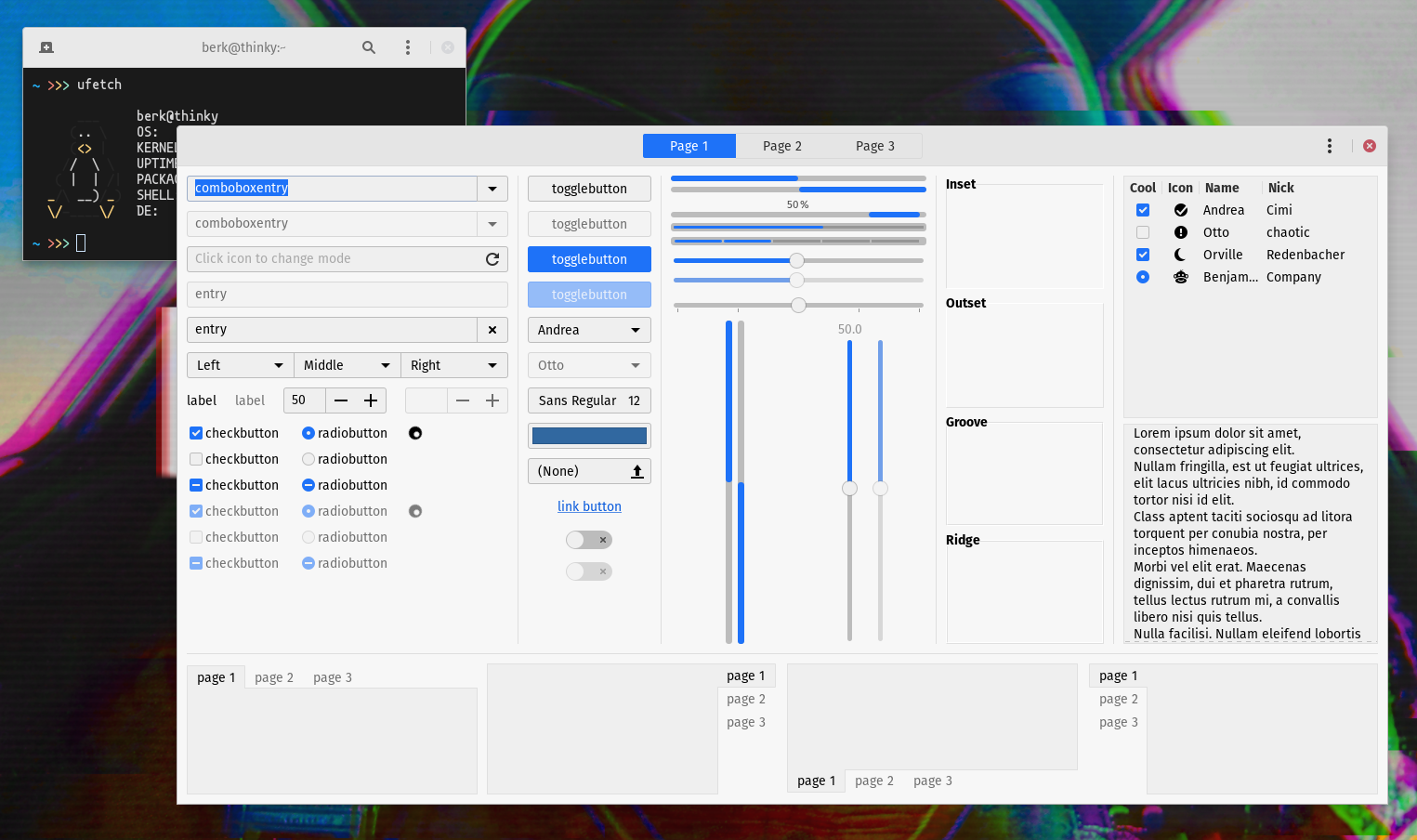
You can clone the repository and move or copy the Akwa and Akwa-dark themes into ~/.themes/ or /usr/share/themes/ .
Alternative, open a terminal and run the one-liner below. This will clone the repository to your /tmp folder, create a .themes folder if it already doesn't exist, then copy the theme to that directory.
cd /tmp/ && git clone https://github.com/berkiyo/akwa.git && cd akwa && mkdir -p ~/.themes && cp -r Akwa* ~/.themesAlternatively, you can replace ~/.themes with ~/.local/share/themes but you won't get GTK2 support.
Once installed, simply activate the theme in GNOME Tweak Tool.
If you want to theme Flatpak applications, you can install the Flatpak themes with the following command (make sure you have Flathub installed)
flatpak install org.gtk.Gtk3theme.Akwa org.gtk.Gtk3theme.Akwa-light org.gtk.Gtk3theme.Akwa-dark-
horst3180's Arc theme
-
GNOME's Adwaita theme
-
Themix Project's Oomox tool