Adroll plugin for Angulartics.

First make sure you've read installation and setup instructions for Angulartics.
Then you can install this package either with npm or with bower.
npm install angulartics-adrollThen add angulartics.adroll as a dependency for your app:
require('angulartics')

angular.module('myApp', [
  'angulartics',
  require('angulartics-adroll')
]);
Please note that core Angulartics doesn't export the name yet, but it will once we move it into the new organization.
bower install angulartics-adrollAdd the <script> to your index.html:
<script src="/bower_components/angulartics-adroll/dist/angulartics-adroll.min.js"></script>Then add angulartics.adroll as a dependency for your app:
angular.module('myApp', [
  'angulartics',
  'angulartics.adroll'
]);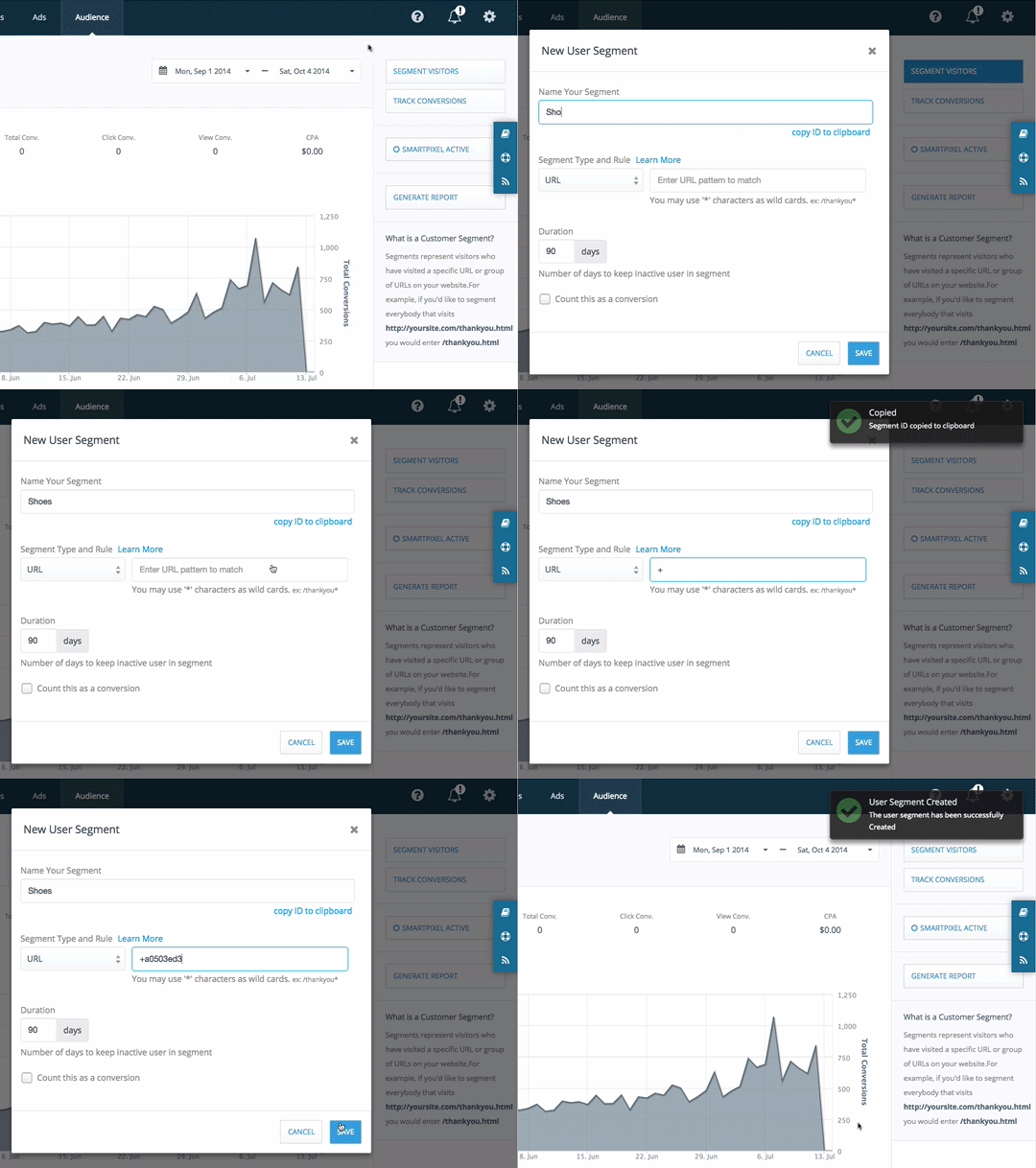
After creating Adroll segment, you will get its segmentId (e.g. 'd531a9dd').
Now you can track the event programmatically.
module.controller('SampleCtrl', function ($analytics) {
  $analytics.eventTrack(null, { segments: 'd531a9dd' });
});
Documentation is available on the Angulartics site.
npm run build