This application monitors an infant's baby formula intake throughout the day, then dynamically plotting information in real-time using HighCharts. The application can also keep track of solid foods that your child has consumed over a given duration, as well as their mood throughout the day.
After being exposed to newborns in my family and observing how they tracked food intake (with pen and paper!), I thought it would be a fun and useful to create a front-end application that would keep track of their child's baby formula intake. It also seemed very practical since this information is important to the child's doctor - to ensure the child is not consuming too little or too much food - and it also makes it very easy to share this information with the doctor.
The access can be accessed here: my-baby-eats.
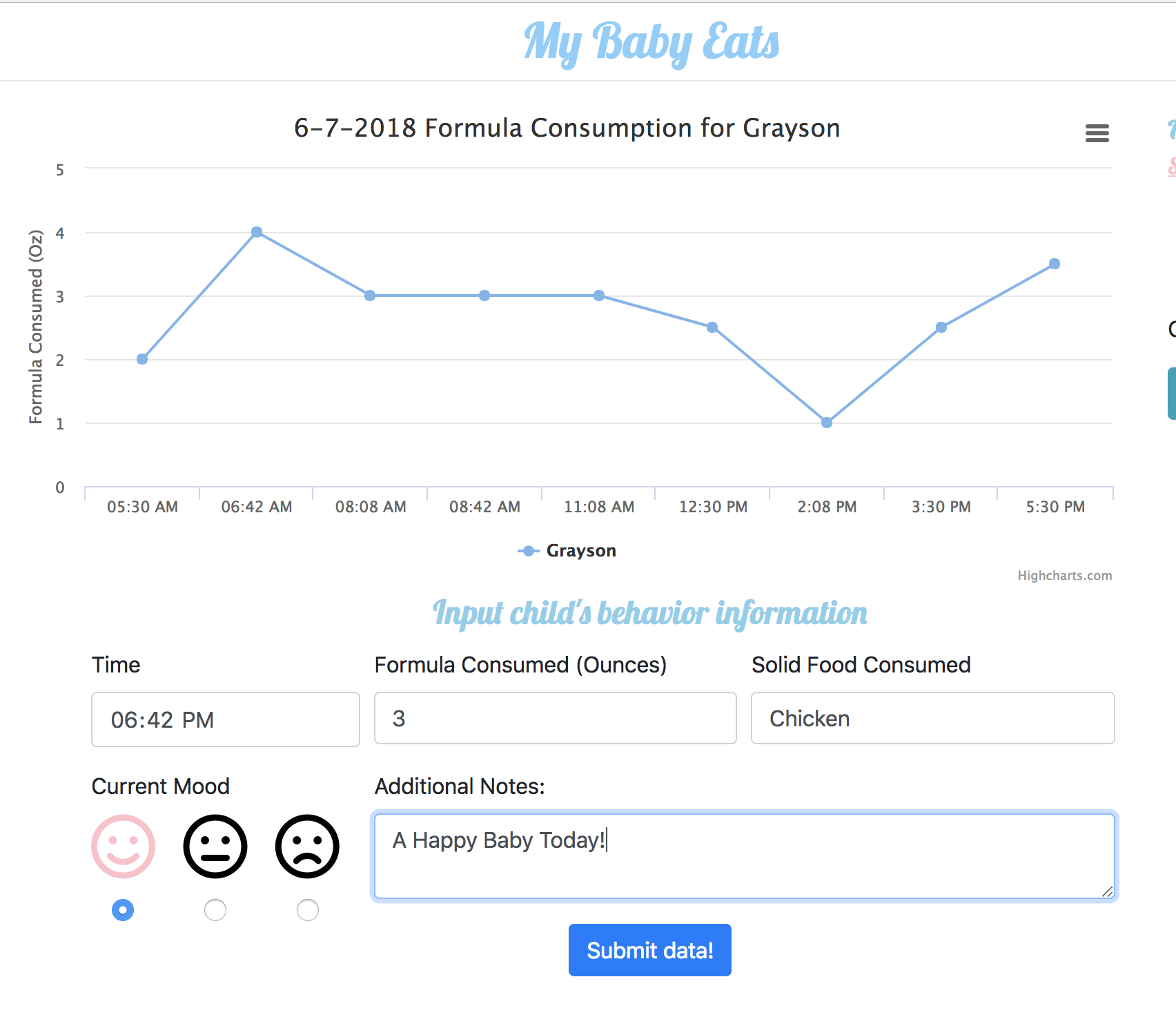
Upon accessing you can then begin entering data - note that for your first time entering there will not be a plot generated, since no data currently exists. After submitting one data point, the application will then render a plot with a single data point. After entering several data points a plot will be generated as seen below. Below the plot is where the user can enter information (I have entered in sample data in the form as an example)
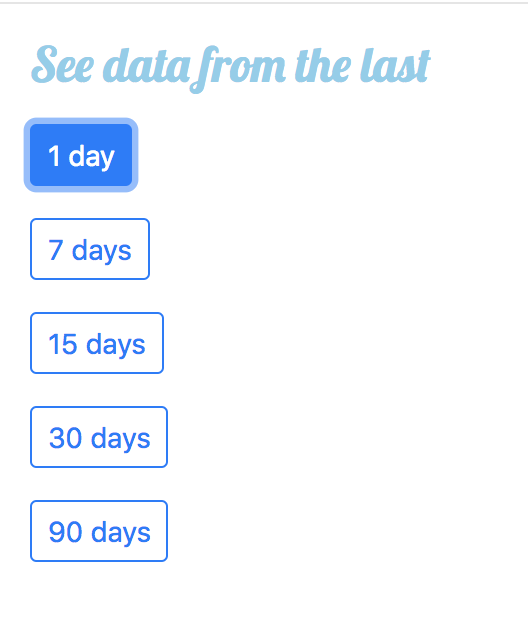
To the left of the plot you can control the date range; for example, you can look at data for today, or you can choose to look at data for the past 7, 15, 30, or 90 days.
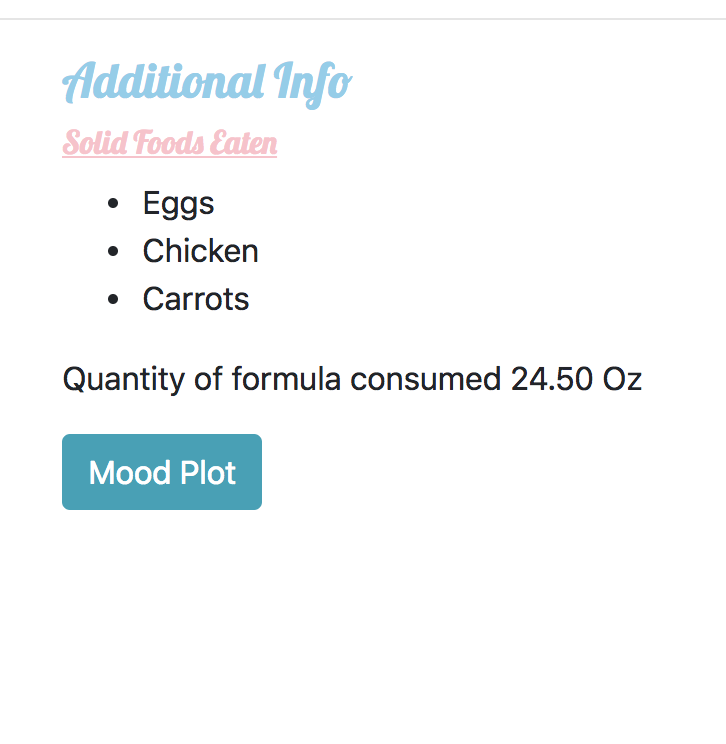
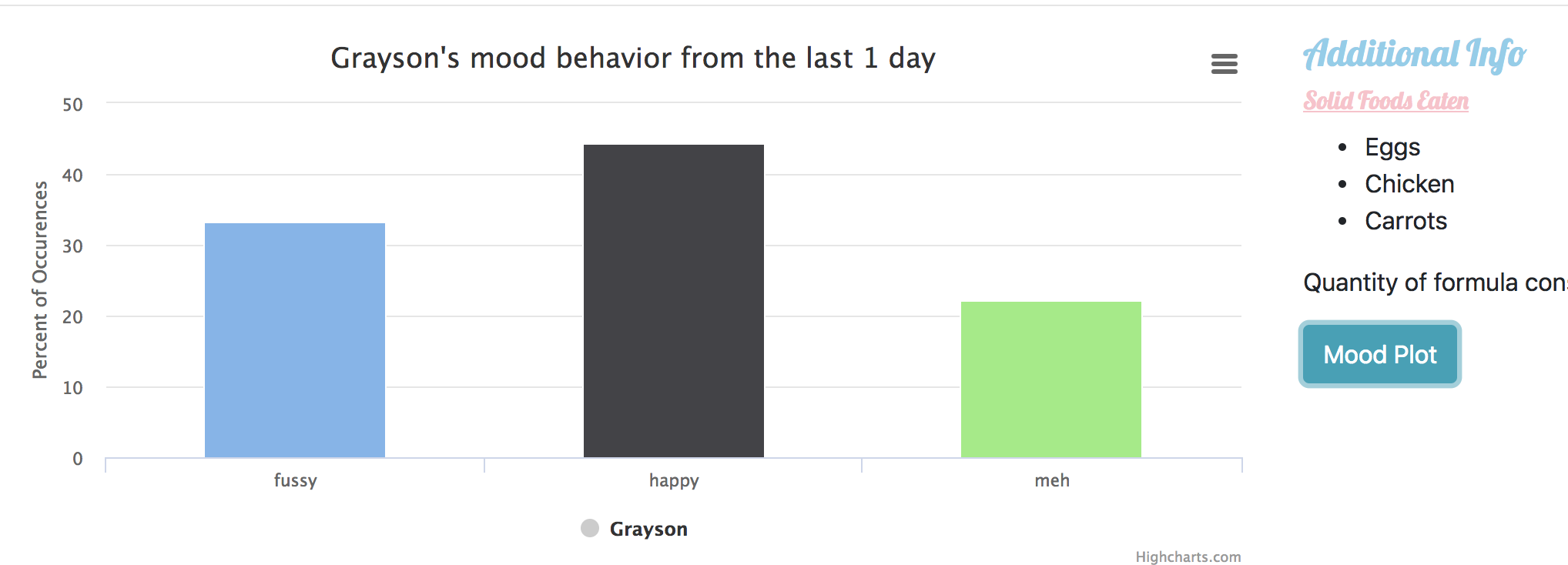
To the right of the plot, you can see a list of solid foods your child has consumed over given duration of dates, the total quantity of formula consumed for a single day (or the average consumed over a duration of dates), and lastly, there is a button to generate a mood plot that shows the percentage of occurrences of a given mood
Mood plot example:
To run this project locally or make modifications, fork project and follow the below instructions.
npm install
npm run build - will build bundle.js via browserify
npm run dev - will start watchify to rebuild bundle.js if any files are changed.
If everything worked successfully, should load a new tab in localhost:8080 with application running.