A production-ready headless commerce starter built with Shopify, Sanity, and Next.js — monorepo architecture with visual editing, type-safe data, and everything you need to ship fast.
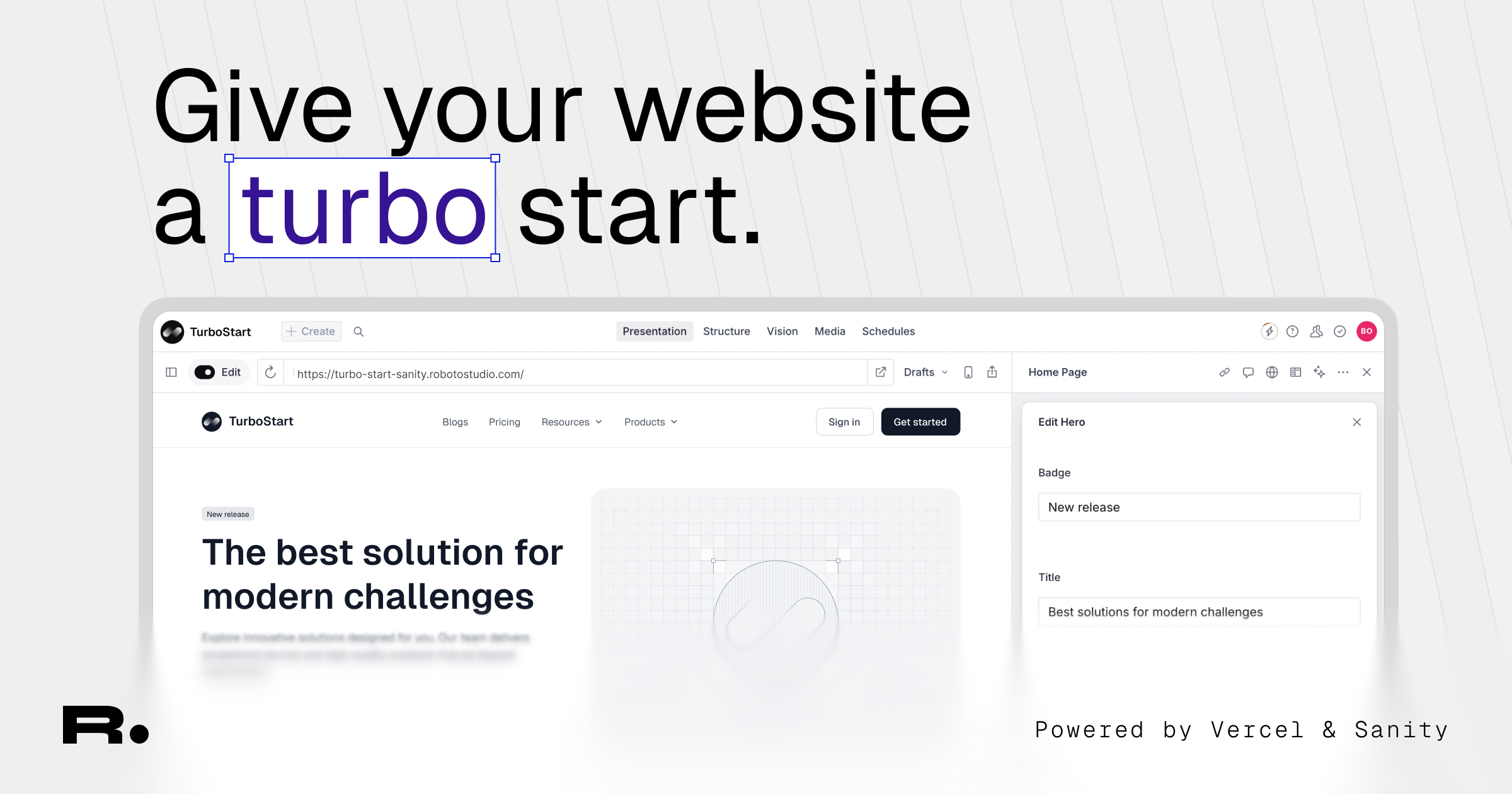





- Monorepo with Turborepo — shared packages, fast builds, one
pnpm devto run everything - Next.js 16 App Router — React Server Components, React Compiler, Turbopack, dynamic OG images
- Sanity Studio v5 — visual editing, live preview, page builder, auto-redirects on slug change
- Shopify Storefront API — products, collections, cart, checkout, search
- Type-safe end-to-end — auto-generated Sanity types, Zod env validation, strict TypeScript
- Tailwind CSS v4 — CSS-first config, OKLCH color tokens, dark mode, Shadcn components
- SEO optimized — dynamic metadata, OG images, sitemaps, JSON-LD structured data
Shopify (products, collections, cart)
    ↕ Storefront API
Next.js 16 (App Router, RSC)
    ↕ GROQ queries via sanityFetch()
Sanity CMS (pages, blog, navigation, SEO)
apps/
  web/              → Next.js 16 frontend
  studio/           → Sanity Studio v5

packages/
  env/              → T3 env validation (Zod)
  sanity/           → Client, GROQ queries, live preview, generated types
  ui/               → Shadcn + Tailwind v4 primitives
  logger/           → Structured logger
  typescript-config/ → Shared TypeScript presets
- Node.js >= 22
- pnpm 10.28+
- A Shopify Partner account with a development store
- A Sanity account
npx create-sanity@latest -- --template robotostudio/turbo-start-shopifyOr clone manually:
git clone https://github.com/robotostudio/turbo-start-shopify.git
cd turbo-start-shopify
pnpm install- Create a development store in your Shopify Partner dashboard
- In the store admin, go to Settings > Apps and sales channels > Develop apps
- Create a custom app with Storefront API access scopes
- Copy the Storefront access token and your store domain (e.g.
your-store.myshopify.com) - (Optional) Enable Admin API access if you plan to use the seed scripts
- Create a project at sanity.io/manage
- Note your project ID and dataset name (default:
production) - Under API > Tokens, create a read token and a write token
Copy the example files and fill in your values:
cp apps/web/.env.example apps/web/.env
cp apps/studio/.env.example apps/studio/.env
See the Environment Variables Reference below for all required values.
Import the included Sanity seed data:
cd apps/studio
npx sanity dataset import ./seed-data.tar.gz production --replace
Optionally seed Shopify with test products (requires Admin API token):
pnpm seed:shopify
pnpm verify:shopifypnpm devOpen http://localhost:3000 for the Next.js app and http://localhost:3333 for Sanity Studio.
| Variable | Required | Description |
|---|---|---|
NEXT_PUBLIC_SANITY_PROJECT_ID |
Yes | Your Sanity project ID |
NEXT_PUBLIC_SANITY_DATASET |
Yes | Sanity dataset name (e.g. production) |
NEXT_PUBLIC_SANITY_API_VERSION |
Yes | API version date (default: 2025-08-29) |
NEXT_PUBLIC_SANITY_STUDIO_URL |
Yes | Studio URL (http://localhost:3333 for dev) |
SANITY_API_READ_TOKEN |
Yes | Sanity API token with read access |
SANITY_API_WRITE_TOKEN |
Yes | Sanity API token with write access |
SHOPIFY_STORE_DOMAIN |
Yes | Your Shopify store domain (e.g. your-store.myshopify.com) |
SHOPIFY_STOREFRONT_ACCESS_TOKEN |
Yes | Shopify Storefront API public access token |
SHOPIFY_API_VERSION |
No | Storefront API version (default: 2025-01) |
| Variable | Required | Description |
|---|---|---|
SANITY_STUDIO_PROJECT_ID |
Yes | Same Sanity project ID as web |
SANITY_STUDIO_DATASET |
Yes | Same dataset name as web |
SANITY_STUDIO_TITLE |
Yes | Display title for the Studio |
SANITY_STUDIO_PRESENTATION_URL |
Prod | Frontend URL for live preview (auto-detects localhost:3000 in dev) |
SANITY_STUDIO_PRODUCTION_HOSTNAME |
Deploy | Hostname for deployed Studio (e.g. my-project → my-project.sanity.studio) |
SANITY_STUDIO_API_VERSION |
No | Sanity API version |
SHOPIFY_STORE_DOMAIN |
Seeds | Your Shopify store domain (for seed scripts) |
SHOPIFY_ADMIN_ACCESS_TOKEN |
Seeds | Shopify Admin API token (for seed scripts) |
| Command | Description |
|---|---|
pnpm dev |
Start all apps (web on :3000, studio on :3333) |
pnpm dev:web |
Start Next.js only |
pnpm dev:studio |
Start Sanity Studio only |
pnpm build |
Build all apps |
pnpm build:web |
Build Next.js only |
pnpm build:studio |
Build Sanity Studio only |
pnpm lint |
Lint with Biome |
pnpm format |
Format with Biome |
pnpm format:check |
Check formatting without writing |
pnpm check-types |
TypeScript type checking across all packages |
pnpm seed:shopify |
Seed Shopify with test products |
pnpm verify:shopify |
Print Shopify store health report |
- Push your repo to GitHub
- Create a new Vercel project and connect your repository
- Set the Root Directory to
apps/web - Add all required environment variables from the web app table above
- Deploy
Automatic (recommended): The included GitHub Actions workflow (.github/workflows/deploy-sanity.yml) deploys your Studio automatically when changes are pushed to apps/studio/.
Add these secrets to your GitHub repository settings:
| Secret | Description |
|---|---|
SANITY_DEPLOY_TOKEN |
Sanity deploy token |
SANITY_STUDIO_PROJECT_ID |
Sanity project ID |
SANITY_STUDIO_DATASET |
Dataset name |
SANITY_STUDIO_TITLE |
Studio display title |
SANITY_STUDIO_PRESENTATION_URL |
Your deployed frontend URL |
SANITY_STUDIO_PRODUCTION_HOSTNAME |
Studio hostname (e.g. my-project → my-project.sanity.studio) |
PR preview builds are created automatically — each PR gets its own Studio at <branch-name>-<hostname>.sanity.studio.
Note: When initializing with the Sanity CLI, the
.githubfolder may not be included. If missing, copy the workflows from the template repository.
Manual:
cd apps/studio
npx sanity deployEnsure your Storefront API custom app has the necessary access scopes for products, collections, and cart operations.
- Create a Sanity schema in
apps/studio/schemaTypes/blocks/ - Register it in
apps/studio/schemaTypes/blocks/index.ts - Add a GROQ fragment in
packages/sanity/src/query.tsand include it inpageBuilderFragment - Regenerate types:
pnpm --filter studio type - Create a React component in
apps/web/src/components/sections/ - Register it in
BLOCK_COMPONENTSinapps/web/src/components/pagebuilder.tsx - Add the type to
PageBuilderBlockTypesinapps/web/src/types.ts
- Document types:
apps/studio/schemaTypes/documents/ - Object types:
apps/studio/schemaTypes/objects/ - Register new types in
apps/studio/schemaTypes/index.ts - Always run
pnpm --filter studio typeafter schema changes to regenerate types
Components live in packages/ui/src/components/. Follow the existing Radix + CVA pattern and import via @workspace/ui/components/<component-name>.
pnpm seed:shopify                  # Append 10 test products
pnpm seed:shopify -- --batch=50    # Append 50 test products
pnpm seed:shopify -- --clean       # Remove all test products
pnpm verify:shopify # Print store health report| Problem | Solution |
|---|---|
| "Module not found" errors | Run pnpm install from the project root. Check path aliases in tsconfig.json. |
| Sanity types out of date | Run pnpm --filter studio type to regenerate. |
| Visual editing not working | Enable third-party cookies in your browser. Verify SANITY_STUDIO_PRESENTATION_URL is set. |
| Shopify products not loading | Verify SHOPIFY_STORE_DOMAIN and SHOPIFY_STOREFRONT_ACCESS_TOKEN are correct. |
| Seed script fails | Check that SHOPIFY_ADMIN_ACCESS_TOKEN has the required Admin API scopes. |
| Build fails on Vercel | Ensure all env vars are set and the root directory is apps/web. |
| Draft mode / live preview issues | Confirm SANITY_API_READ_TOKEN is set with correct permissions. |
| Tailwind styles not applying | Ensure @import "tailwindcss" is in your CSS entry point. Check @workspace/ui transpile config. |
| Redirects not working | Redirects are fetched from Sanity at build time. Redeploy after creating new redirects. |
| Technology | Version | Purpose |
|---|---|---|
| Next.js | 16 | React framework (App Router, RSC, Turbopack) |
| React | 19 | UI library |
| Sanity | 5 | Headless CMS with visual editing |
| Shopify Storefront API | 2025-01 | Commerce engine |
| Turborepo | 2 | Monorepo build orchestration |
| Tailwind CSS | 4 | Utility-first CSS framework |
| Shadcn UI | — | Accessible component primitives |
| Biome | 2 | Linter and formatter |
| TypeScript | 5 | Type safety |
| Zod | 4 | Runtime env validation |
| pnpm | 10 | Package manager |
See CONTRIBUTING.md for guidelines on how to contribute to this project.