Install OSP
You should not use the master branch version of the Open-Science-Paper. It will contain the latest version of the Open-Science-Paper and represents the tip of the development tree. This is why it can happen that it is in an unstable state with a n ew feature not fully finished which renders the document unusable. So check for the latest stable version first. You can do this by checking the branch dropdown on the top left corner of the repository (see picture below).
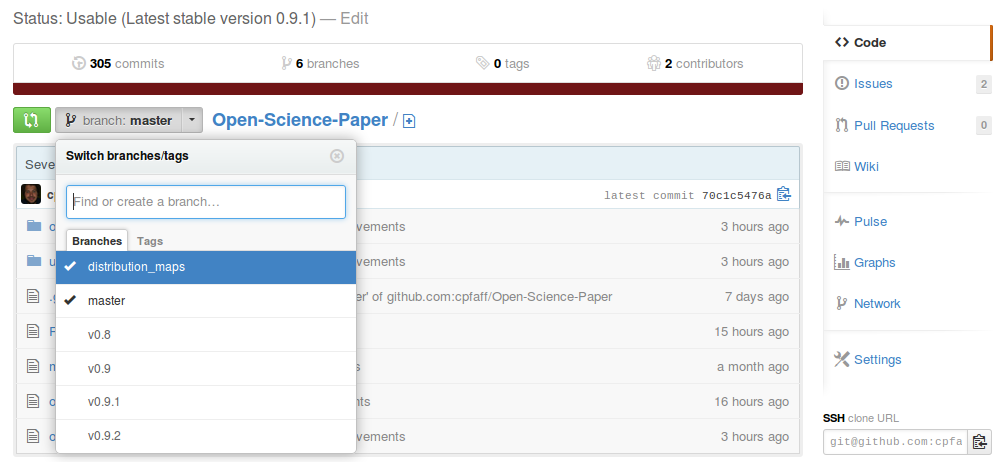
The stable version branches are named starting with a v followed by a
version number. The highest number is the latest stable version which you
schould use for your new paper. To get the paper locally you can issue the git clone command. As this command by default checks out all branches you need to
change to the stable branch in the repository afterwards. You can just checkout
the repository and then swith to the stable version by issuing the commands
below. Just replace the vX.X.X with the version number you like to use.
git clone https://github.com/cpfaff/Open-Science-Paper.git
cd Open-Science-Paper
git checkout vX.X.X