Resetting Passwords (admin & user)
If you've forgotten the password for your admin account, follow the steps below:
-
Use the following command to access the bash terminal of your CWA container:
docker exec -it <name-of-your-cwa-container> bash
-
Then run the following command to reset the password for the admin account:
python3 /app/calibre-web-automated/cps.py -p /config/app.db -s admin:<your-new-password>
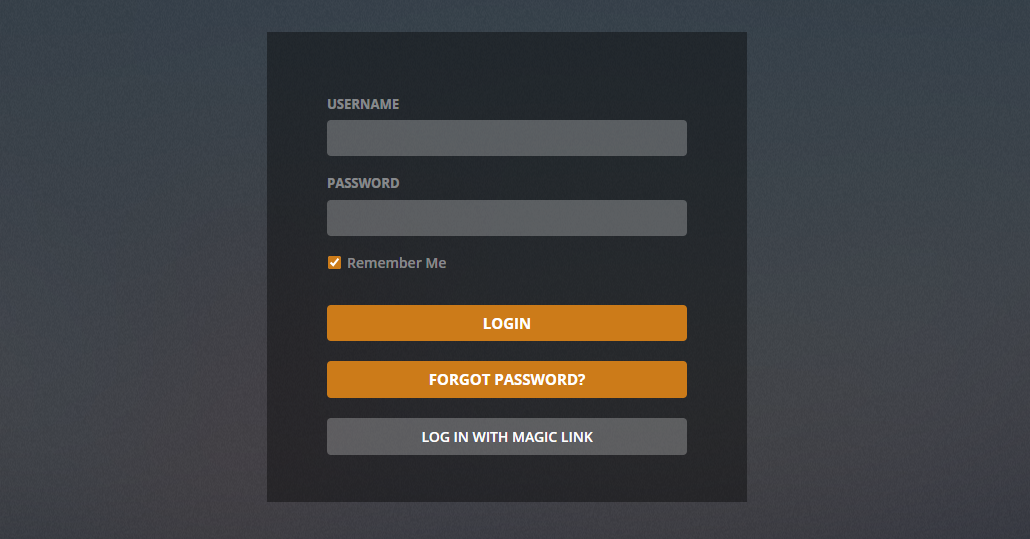
Users who have forgotten their passwords can use the "Forgot Password" button on the login screen to have a temporary password sent to the email address associated with the account that can then be used to login and change your forgotten password.
-
Navigate to the following page:
- Settings / Admin Page -> Edit Users
-
From here, click the Edit User button next to the desired user
-
Now either:
- Press Reset User Password have CWA send the user an email with a temporary password
- OR, use the Password field to simply enter a new password on their behalf then press Save at the bottom of the page
If you're an admin and you need to reset the password of a user, follow the steps for resetting the admin password above however in the last command, swap out admin in the last command with the desired user's username like so:
python3 /app/calibre-web-automated/cps.py -p /config/app.db -s <users-username>:<their-new-password>