A powerful n8n community node for text find and replace operations with support for simple replacements, multiple replacement pairs, and regular expressions.
 Simple Replace: "Hello" → "Hi" transforms the input text
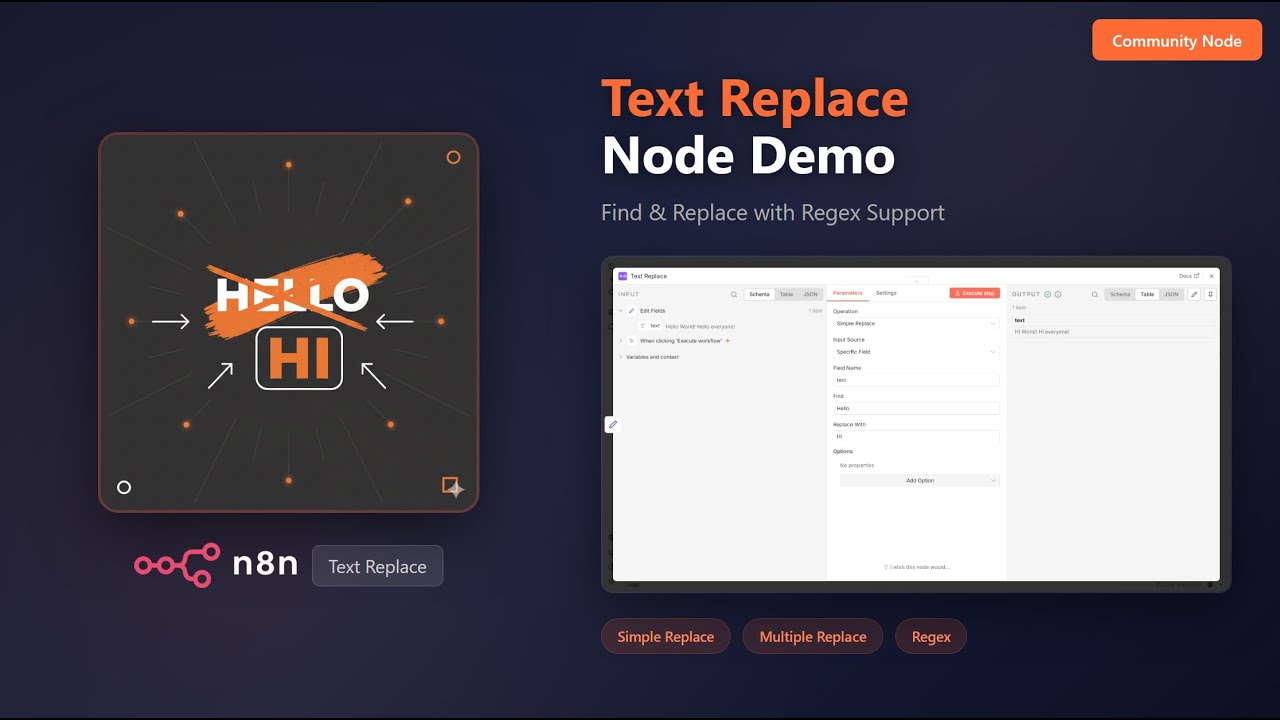
Watch the full demo on YouTube
- Simple Replace: Find and replace a single string
- Multiple Replace: Apply multiple find/replace pairs in sequence
- Regex Replace: Use regular expressions for advanced pattern matching
- Flexible Input Sources: Work with specific fields, all string fields, or custom text
- Options: Case sensitivity control, replace all or first occurrence only
- Go to Settings > Community Nodes
- Select Install
- Enter
n8n-nodes-text-replaceand click Install
npm install n8n-nodes-text-replaceFind and replace a single string in your text.
Replacing "Hello" with "Hi" in the input text
Parameters:
- Field Name: The field containing text to process
- Find: The string to search for
- Replace With: The replacement string
Example:
- Input:
Hello World! Hello everyone! - Find:
Hello - Replace With:
Hi - Output:
Hi World! Hi everyone!
Apply multiple find/replace pairs in sequence. Each replacement is applied to the result of the previous one.
 Applying multiple replacements: "Hello" → "Hi" and "World" → "Universe"
Parameters:
- Field Name: The field containing text to process
- Replacement Pairs: A list of find/replace pairs to apply in order
Example:
- Input:
Hello World! Hello everyone! - Pairs:
Hello->Hi,World->Universe - Output:
Hi Universe! Hi everyone!
Use regular expressions for advanced pattern matching and replacement.
 Using capture groups to swap words: "Hello World!" → "World Hello!"
Parameters:
- Field Name: The field containing text to process
- Regex Pattern: The regular expression pattern to match
- Replace With: The replacement string (supports capture groups like
$1,$2) - Regex Flags: Optional flags (g = global, i = case-insensitive, m = multiline)
Example:
- Input:
Hello World! - Pattern:
(\w+) (\w+)! - Replace With:
$2 $1! - Output:
World Hello!
The node supports three input sources:
| Source | Description |
|---|---|
| Specific Field | Process a single named field from the input |
| All String Fields | Process all string fields in the input item |
| Custom Text | Process custom text (can use expressions) |
Controls whether matching is case-sensitive (enabled by default). The screenshot below shows Case Sensitive OFF, allowing hello to match Hello:
 Case Sensitive OFF: "hello" matches "Hello" in the input
Controls whether all matches are replaced (enabled by default). The screenshot below shows Replace All OFF, replacing only the first occurrence:
 Replace All OFF: Only the first "Hello" is replaced
When processing all string fields, this option includes fields in nested objects and arrays.
Instead of modifying the original field, output the result to a new field with a custom name.
An example workflow is included in the package. Import example-workflow.json to see the node in action with all three operations demonstrated.
- Data Cleaning: Standardize text formats, remove unwanted characters
- Template Processing: Replace placeholders with actual values
- Content Transformation: Convert formats, update terminology
- Batch Text Processing: Apply consistent changes across multiple items
- Log Processing: Extract or transform patterns in log data
- Requires n8n version 1.0.0 or later
- Node.js 18.0.0 or later
Created by Toufik
If you find this node helpful, consider supporting its development:

Contributions are welcome! Please feel free to submit issues or pull requests on GitHub.
- Initial release
- Simple Replace operation
- Multiple Replace operation
- Regex Replace operation
- Support for multiple input sources
- Configurable options (case sensitivity, replace all, nested fields)