
Helpful Design Tools for Figma
No accounts. No subscriptions.


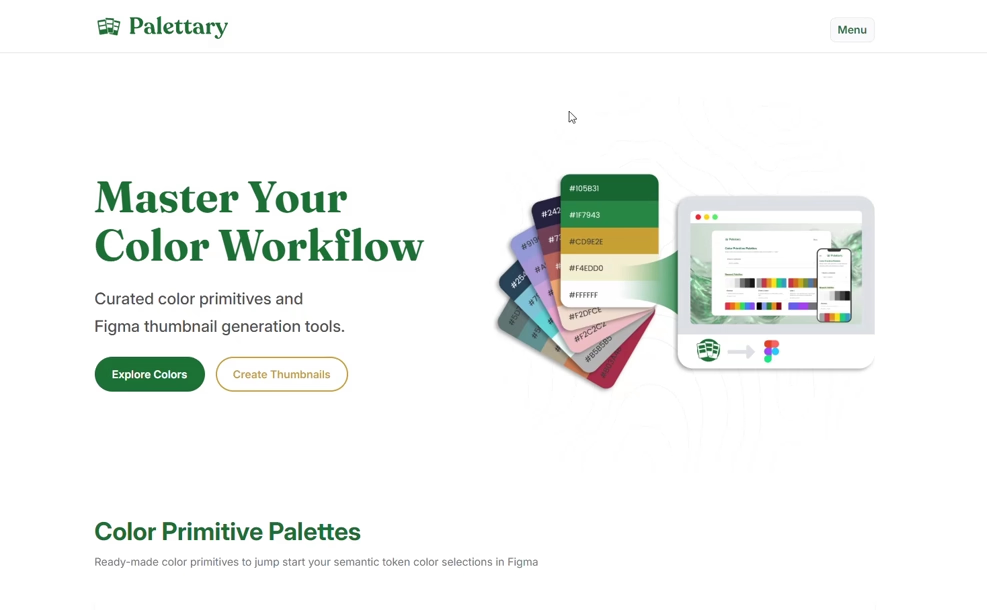
Browse, preview, and export curated color palette collections directly to Figma. Perfect for setting up your design system's foundation.


- Browse palettes with evocative names
- One-click hex copy
- Export to Figma JSON, TXT, or MD
Create professional file cover thumbnails for your Figma projects in seconds. Keep your team organized with consistent visuals.


- Customizable project status & types
- Toggle platform icons (iOS, Android, etc.)
- Export as PNG or SVG
Color primitives are the raw color values in your design system (e.g., blue-500: #2563EB). They describe what a color is.

Figure 1: Figma variables panel showing color primitives.
Semantic tokens, on the other hand, describe a color's purpose (e.g., color-text-primary). By referencing primitives, you create a flexible abstraction layer.
Primitive:        blue-600 → #2563EB
                      ↑
Semantic token:   color-link-default → blue-600
- Start with Primitives: Use a palette from Palettary as your foundation.
- Mix & Match: Once ported into Figma, alter colors as you see fit.
- Create Semantics: Create semantic tokens and map them to the corresponding primitives.
This article on Medium is a terrific resource from which to learn more.
Figma's file browser can quickly become cluttered. Thumbnails give your team a visual system to scan and identify files instantly.
With Palettary's thumbnail generator, you can:
- See status at a glance: Know immediately if a file is
WIP,In Review, orReady for Devwithout opening it. - Quickly know categorization: Distinguish between
Design,Prototypes, andSpecswith color-coded covers. - Understand project context: Ensure every file clearly states which project or design system it belongs to.
I want these tools to be helpful to as many as possible. If you'd like to submit a palette, or an idea, use this Google Form. For bug reports, submit to this repository.