




-
Find workspaces -
.code-workspacefiles in any location -
Group workspaces
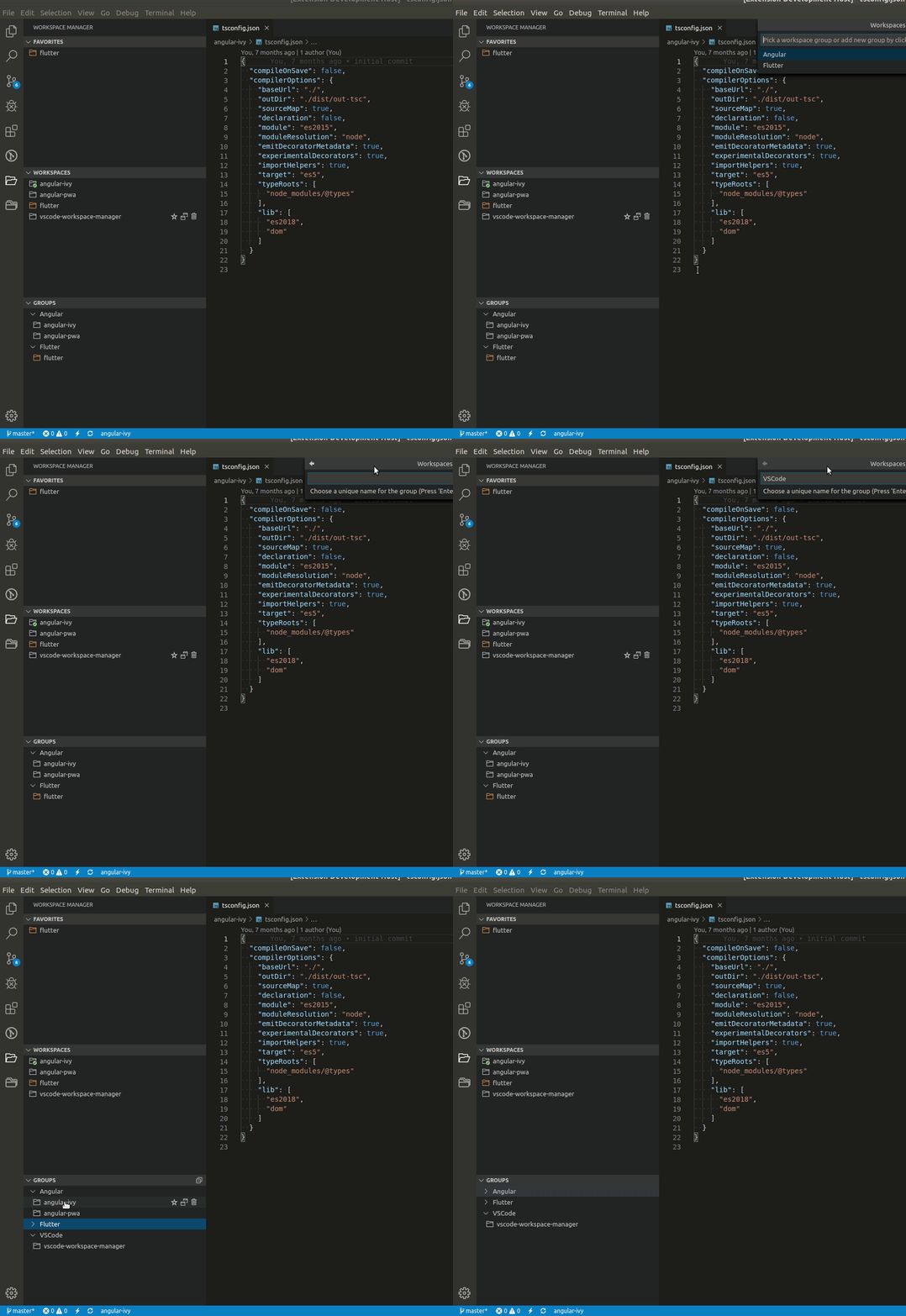
-
Add workspace to Favorite
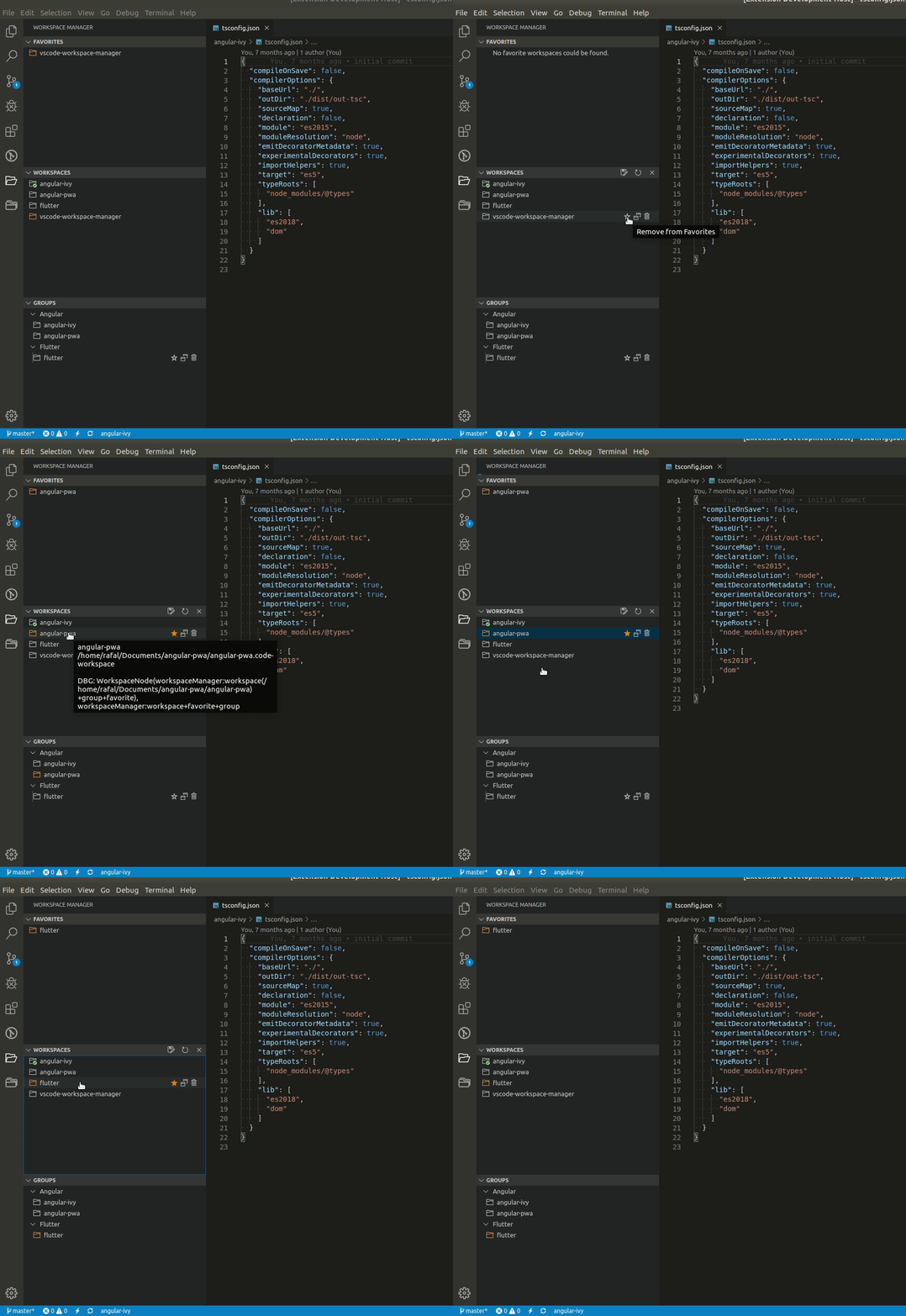
-
Open workspace in the same or new window
-
Open workpsace settings file
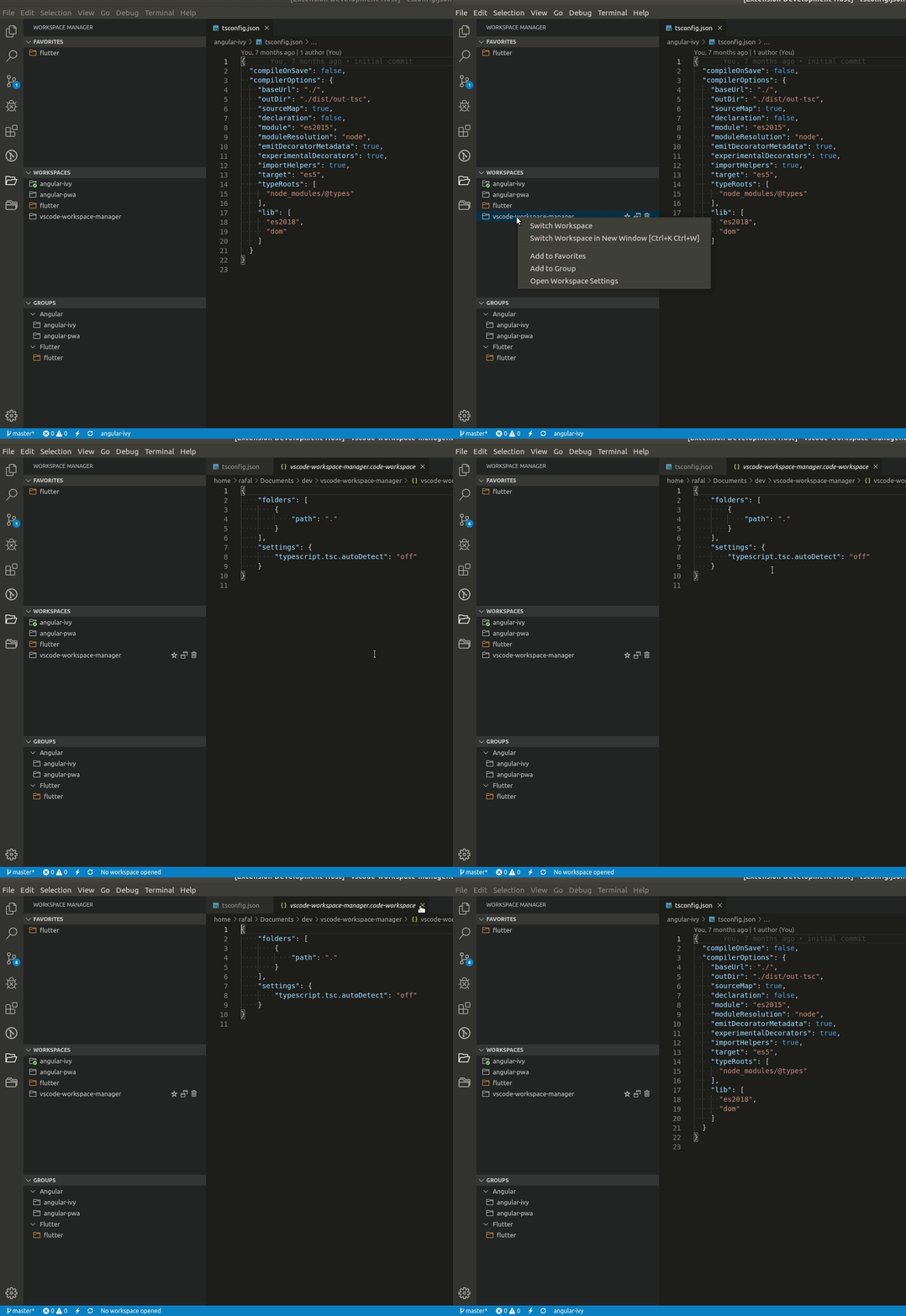
-
Identify the current project in Status Bar
-
A dedicated Side Bar
- Open Extensions side bar panel in Visual Studio Code and choose the menu options for View → Extensions.
- Search for
Workspace Manager. - Click Install.
- Click Reload, if required.
MIT © DESIGN4 ᴾ ᴿ ᴼ